YOLOv8
此文档讲解如何在安装了瑞莎智核 AX-M1 的 host 设备上运行 YOLOv8 示例应用。
提示
可执行程序的编译方法请参考 AXCL-Samples 编译示例。Python 推理依赖 PyAXEngine。
预编译模型量化方式:w8a16
创建虚拟环境
Host
python3 -m venv .venv && source .venv/bin/activate
下载示例应用仓库
只下载 AX-M1 需要的三核模型和推理脚本:
Host
pip3 install -U "huggingface_hub"
hf download AXERA-TECH/YOLOv8 \
  AX650/yolov8s_640x640_npu3.axmodel \
  ax_infer.py \
  bus.jpg \
  --local-dir ./YOLOv8
cd YOLOv8
示例使用
安装 Python 依赖
Host
pip3 install opencv-python-headless
pip3 install https://github.com/AXERA-TECH/pyaxengine/releases/download/0.1.3.rc3/axengine-0.1.3-py3-none-any.whl
模型推理
瑞莎智核 AX-M1 是 M.2 算力卡,需要指定 AXCLRTExecutionProvider。
Host
python3 ax_infer.py --model-path AX650/yolov8s_640x640_npu3.axmodel --test-img bus.jpg --providers AXCLRTExecutionProvider
[YOLOv8-Det] [10:51:29.884] [DEBUG] Load model time = 590.74 ms
[YOLOv8-Det] [10:51:29.916] [DEBUG] Pre-process time = 4.71 ms
[YOLOv8-Det] [10:51:29.939] [DEBUG] Forward time = 22.50 ms
[YOLOv8-Det] [10:51:29.943] [DEBUG] Post-process time = 3.68 ms
[YOLOv8-Det] [10:51:29.944] [INFO] Draw Results (5 objects):
[YOLOv8-Det] [10:51:29.944] [INFO] (14, 227, 807, 746) -> bus: 0.93
[YOLOv8-Det] [10:51:29.983] [INFO] (668, 393, 810, 881) -> person: 0.88
[YOLOv8-Det] [10:51:29.984] [INFO] (50, 399, 243, 903) -> person: 0.88
[YOLOv8-Det] [10:51:29.984] [INFO] (222, 408, 345, 860) -> person: 0.88
[YOLOv8-Det] [10:51:29.984] [INFO] (0, 550, 70, 867) -> person: 0.63
[YOLOv8-Det] [10:51:29.994] [INFO] Saved to result_yolov8_det.jpg
[INFO] Available providers:  ['AXCLRTExecutionProvider']
[INFO] Using provider: AXCLRTExecutionProvider
[INFO] SOC Name: AX650N
[INFO] VNPU type: VNPUType.DISABLED
[INFO] Compiler version: 6.0-dirty a498e20d-dirty
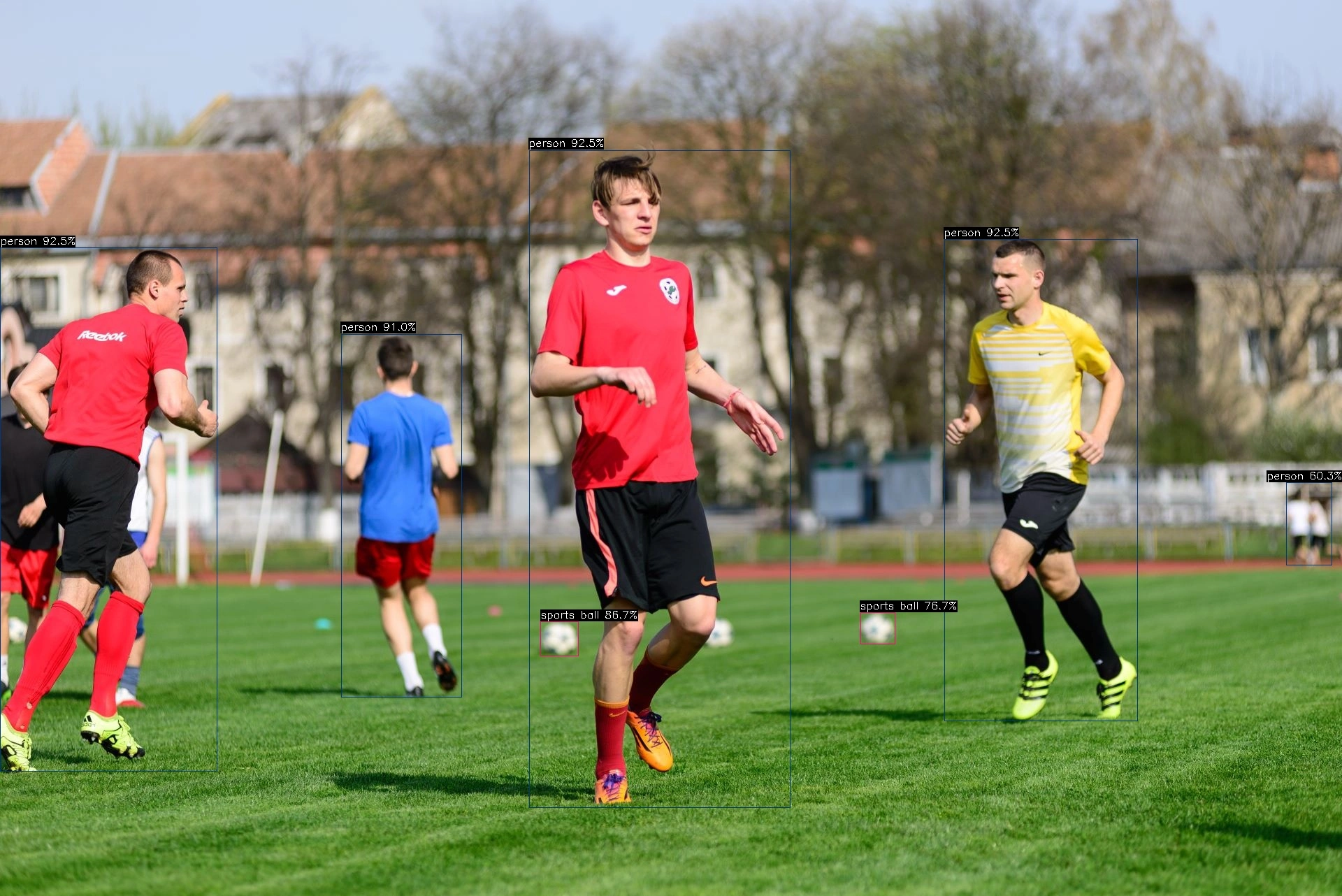
yolov8 demo output