Radxa Heatsink 6530B
Product Introduction
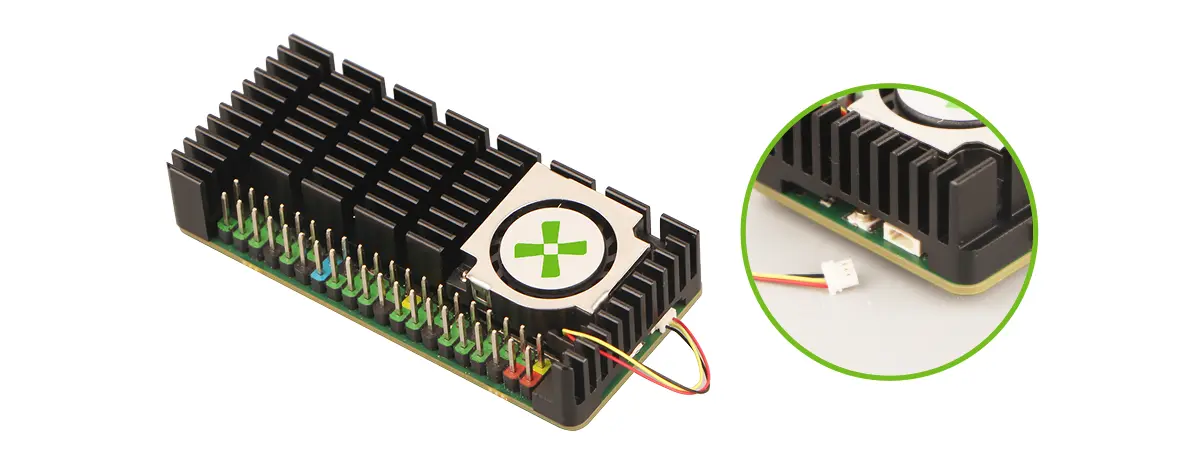
The Radxa Heatsink 6530B is an aluminum active heatsink designed to provide more stable cooling performance for the board.
- High-efficiency cooling design
- Aluminum alloy with excellent thermal conductivity
- 3D fin structure to effectively increase the heat dissipation area
- Smart PWM speed control
- Adjusts fan speed in real time
- Improves airflow efficiency and balances cooling performance with operating noise
Specifications
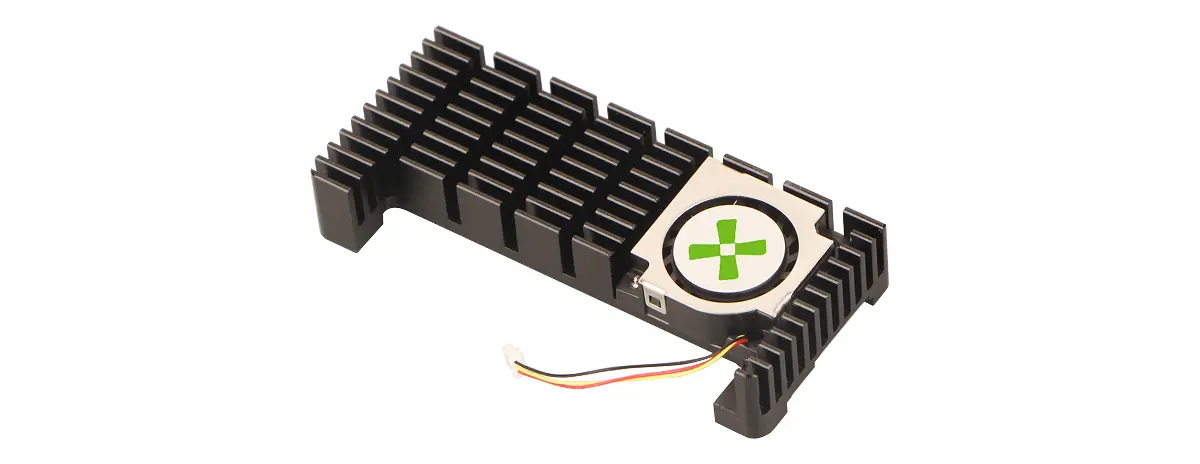
- Material: Aluminum alloy
- Dimensions: 65 × 30 × 11.5 mm
- Compatible with:
- Radxa Cubie A7Z
Installation Guide
This guide uses Radxa Cubie A7Z as an example for installing the 6530B heatsink.
Notes
- Power off the device before installation, and avoid plugging/unplugging the fan connector while the board is powered.
- Tighten the screws gradually in a diagonal pattern to avoid uneven pressure that can cause poor contact with the SoC.
- If the thermal pad has protective films, remove the films on both sides before applying the pad.
- Tighten the screws until they are secure. Avoid overtightening to prevent stripped threads or board damage.
Package Contents
- 1× Heatsink
- 2× Thermal pads
- 4× Screws (CM2 × 4 × 4 mm)
Note: One of the thermal pads is a spare and can be used as needed.
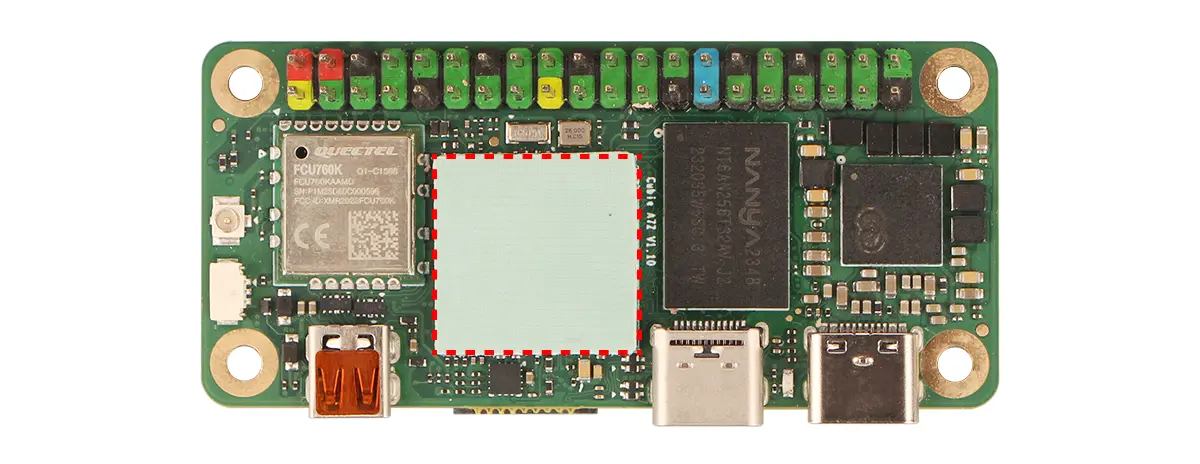
Place the Thermal Pad
Align the thermal pad to the SoC coverage area and apply it flat onto the SoC.
Place the Heatsink
Align the heatsink with the mounting holes and place it onto the board, ensuring the heatsink base fully contacts the thermal pad.
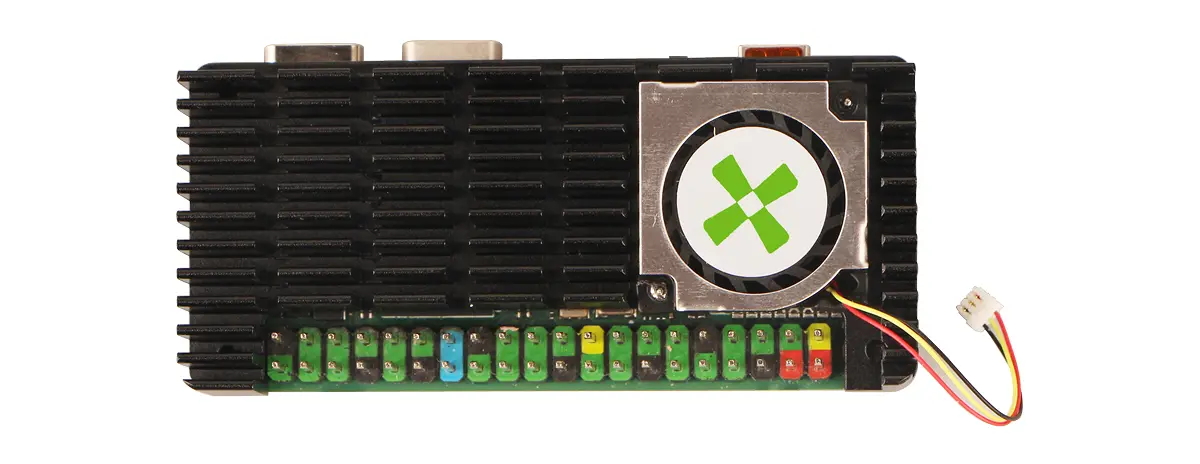
Secure the Heatsink
Secure the heatsink to the board using the four screws. It is recommended to tighten them gradually in a diagonal pattern to ensure even pressure.
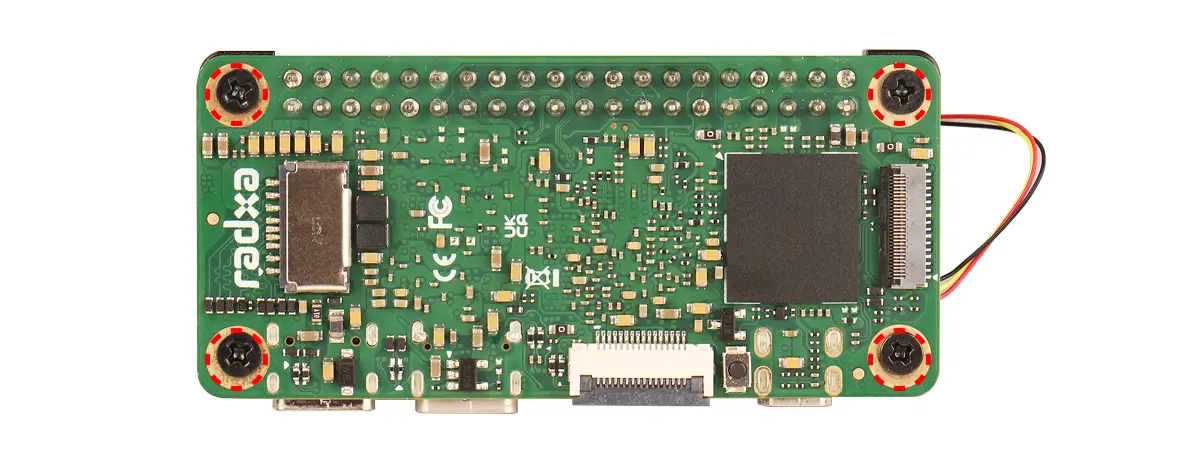
Connect the Fan
Connect the fan cable to the board's fan header, and make sure the connector orientation is correct and firmly seated.