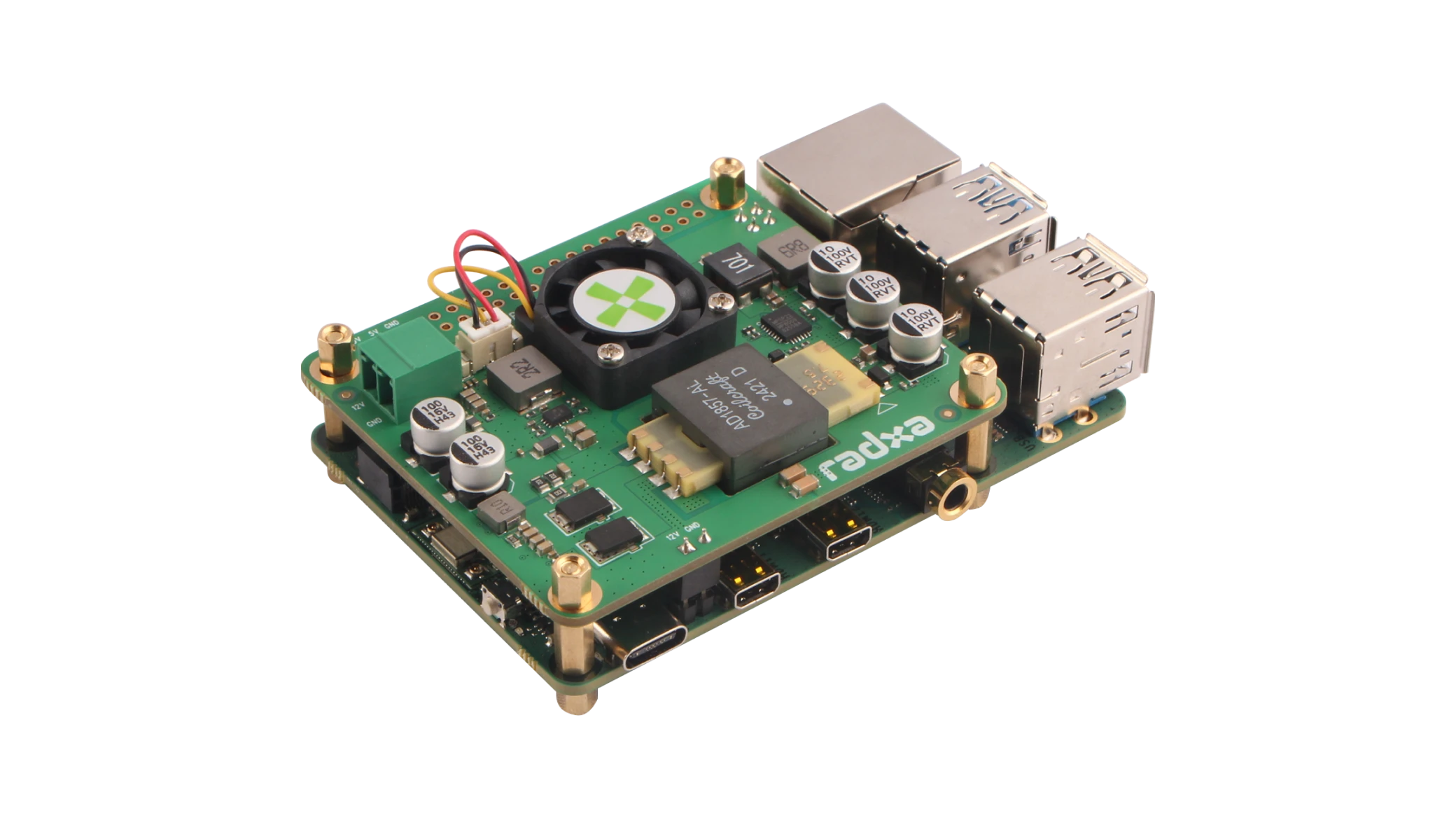
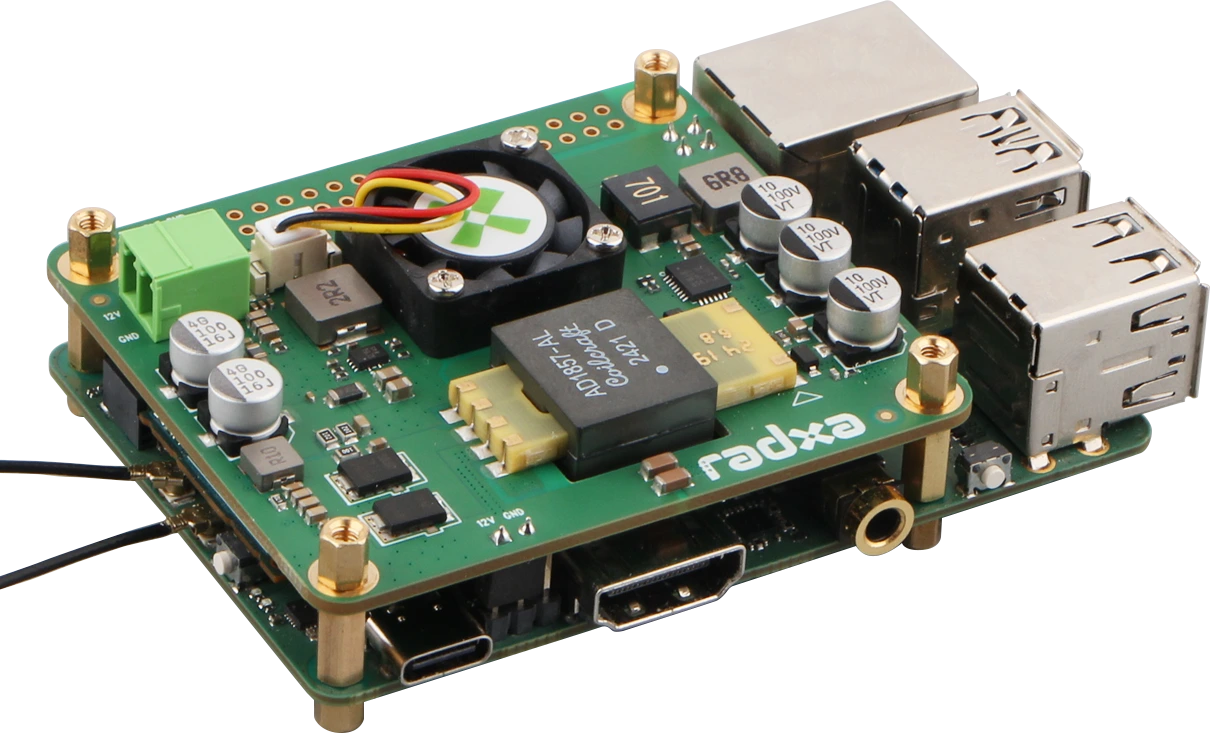
Radxa 25W PoE+ HAT for X4
The Radxa 25W PoE+ HAT for X4 is specifically designed for Radxa X4, providing Power over Ethernet (PoE+) functionality that enables both data communication and power transmission through a single network cable.
Requires the use of a compatible Power over Ethernet device.
Compatibility
Radxa 25W PoE+ HAT for X4 is designed for the following products:
- Radxa X4
- Radxa Dragon Q6A
Features
- Compliant with IEEE 802.3at standards
- Wide input voltage range: 37V ~ 57V
- Output: 5V/4.8A, 12V/2.1A
- When only a 5V load is connected, the PoE output is up to 5V DC / 4.8A
- When only a 12V load is connected, the PoE output is up to 12V DC / 2.1A
- Features a programmable temperature sensor
- Equipped with a customizable Cooling Fan delivering 1.45CFM for processor cooling
- Size: 20 x 20 mm
- Speed: 15000 ± 15%RPM
- 12V DC Output
- 1x 2-Pin 3.5mm Plug-in PCB Terminal Block
- Operating Temperature Range: 0°C to +50°C
Interface
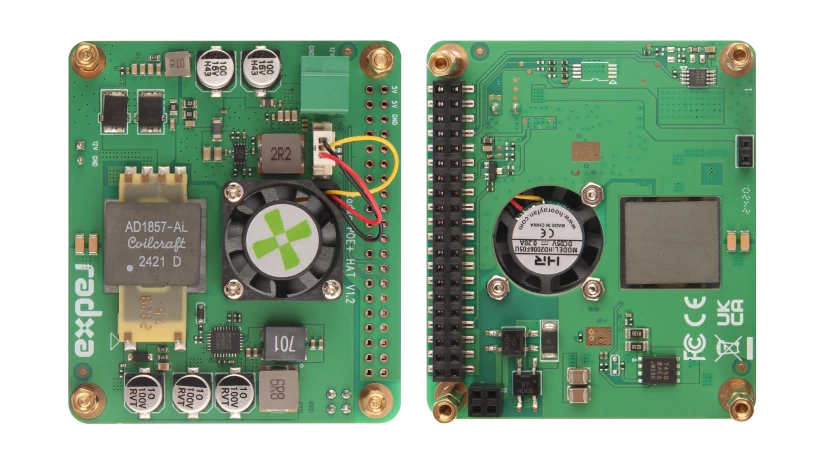
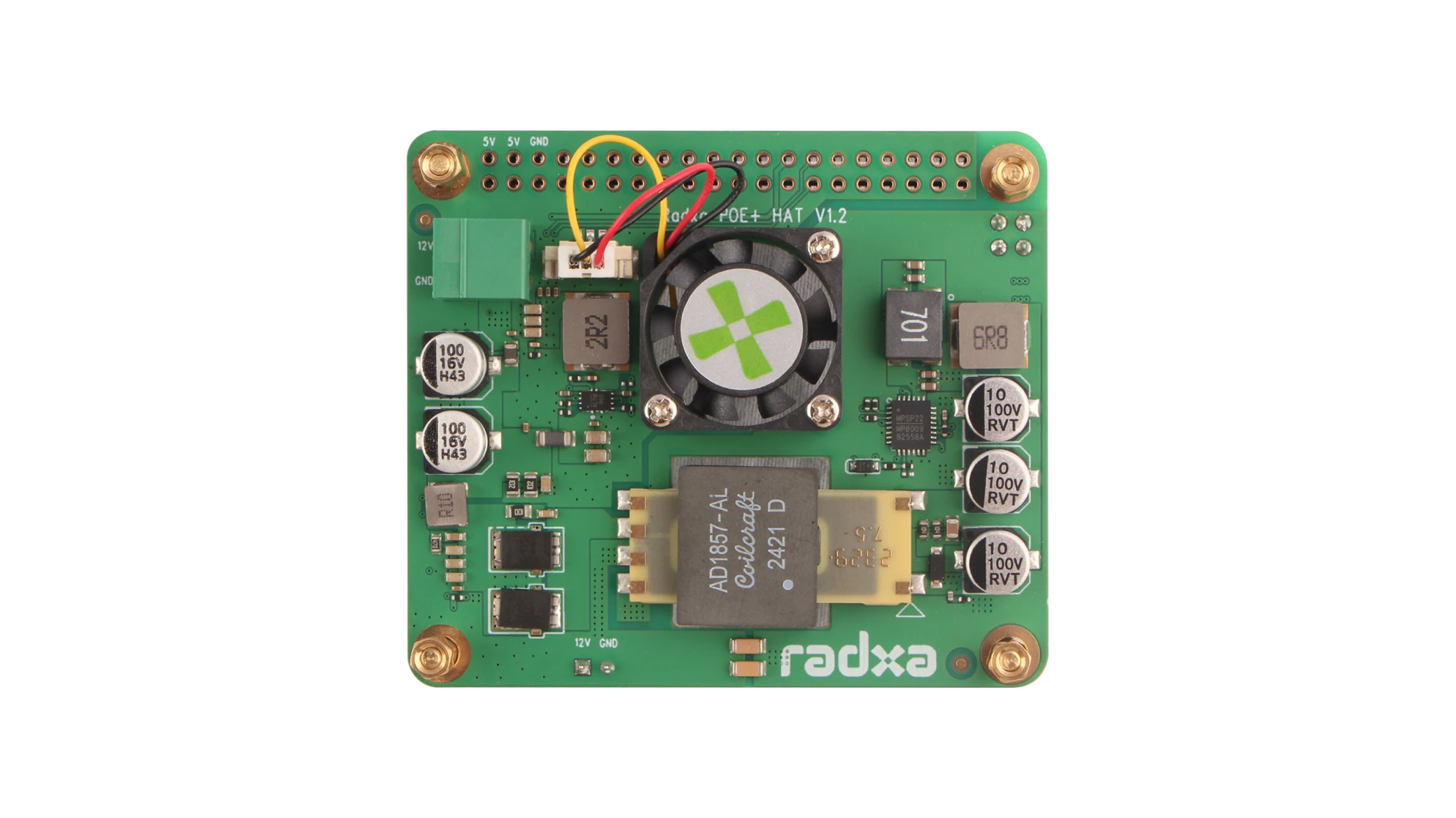
- ①: 12V DC Output
- 1x 2-Pin 3.5mm Plug-in PCB Terminal Block
- ②: PoE Header
- ③: 40-Pin GPIO Header
Usage
The package list of Radxa 25W PoE+ HAT for X4 is as follows:
- Radxa 25W PoE+ HAT for X4
- 4x M2.5x9+6 Copper Pillars
- 4x M2.5x4+6 Copper Pillars
- 4x M2.5x5 Copper Pillars
If you want to use it together with Radxa Heatsink for X4, then you only need to replace the M2.5x9 + 6 copper pillar with the M2.5x9 + 3 copper pillar.
Installation Steps
-
Pass four M2.5x9+6 Copper Pillars or M2.5x9+3 Copper Pillars (if using heatsink) through the four positioning holes of the SBC, and secure them from the bottom.
-
Align the Radxa 25W PoE+ HAT for X4 with the PoE interface and the 40-Pin interface, ensuring the 12V power interface is aligned, and insert it carefully, ensuring that it passes through the four Copper Pillars.
-
On top of the Radxa 25W PoE+ HAT for X4, use M2.5x4+6 Copper Pillars or M2.5x5 Copper Pillars to secure it in place.
-
Connect an Ethernet cable to the PoE interface, ensuring the other end is connected to a PoE+ compatible switch.
- Radxa X4
- Dragon Q6A