DX-Tron
DX-Tron (DXNN model viewer) is a structure viewer for DXNN models. It is developed based on Netron and supports Windows and Linux on the x86 platform.
Installation
Download DX-Tron from the DX-M1 / DX-M1M SDK Downloads page.
Linux
Install dependencies
X86 PC
sudo apt update
sudo apt install -y libfuse2 libxss1 libxtst6 libappindicator1 libgconf-2-4 libnss3
Add execute permission
X86 PC
chmod +x DXTron-2.0.0.AppImage
Launch DX-Tron
X86 PC
./DXTron-2.0.0.AppImage
Windows
Double-click DXTron Setup 2.0.0.exe in File Explorer and follow the installation wizard.
Usage
In the GUI, click Open Model to open a DXNN model file and view its structure.
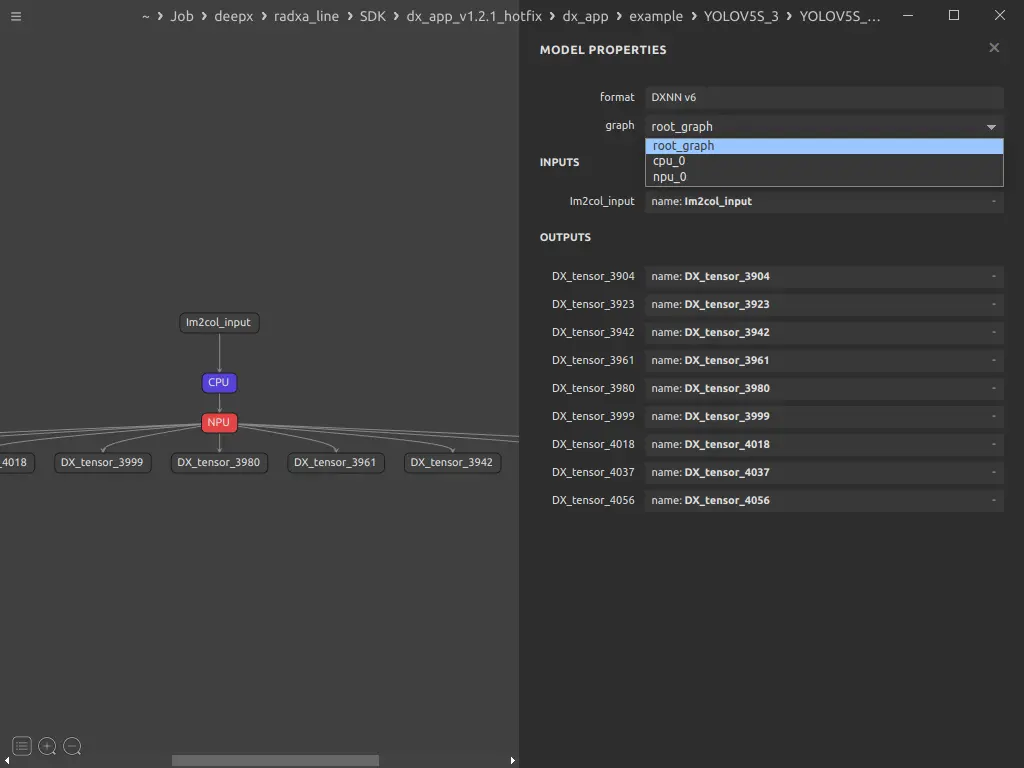
In the panel on the right, you can switch between the full model graph, the NPU graph, and the CPU graph.