Using Etcher
Balena Etcher is an open-source image flashing tool that is simple to use and powerful. It supports Windows, Mac, and Linux operating systems.
Downloading Etcher
Visit the Balena Etcher official website to download Balena Etcher.
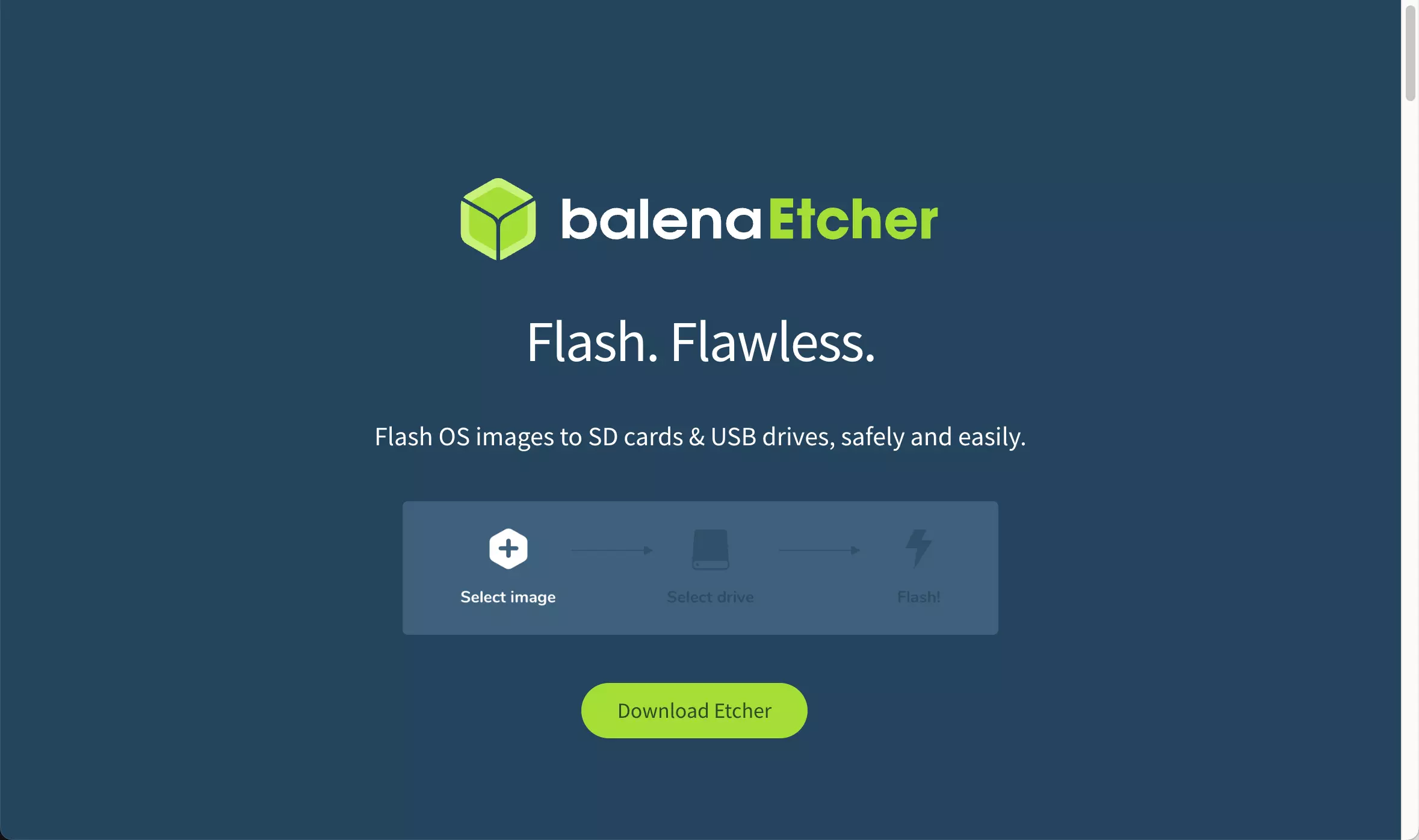
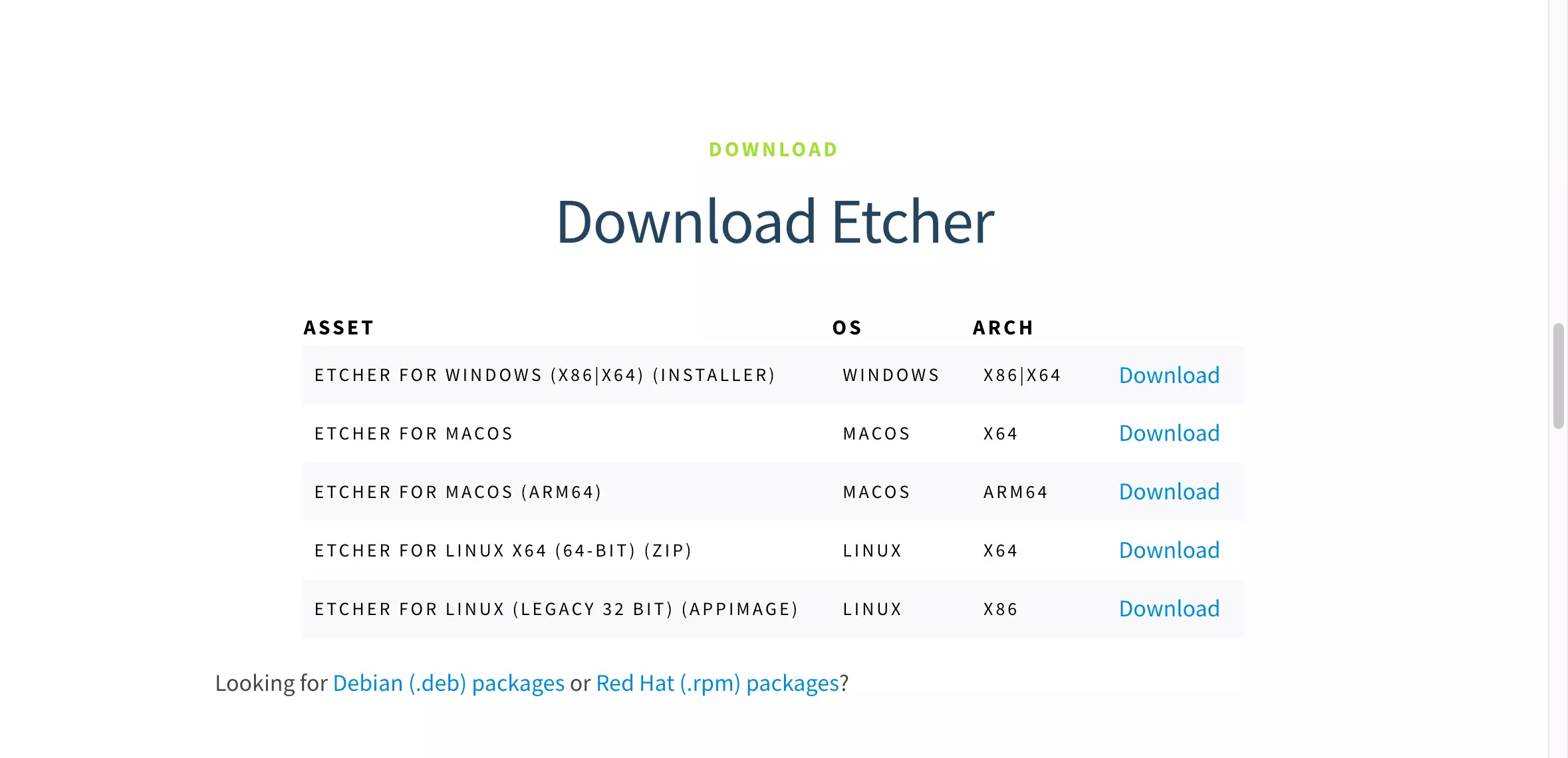
Download the appropriate software package for your system platform and architecture.
If you cannot download from the official website or if the download fails, you can visit Balena Etcher GitHub to download it.
Installing Etcher
- Windows
- Linux
- MacOS
The downloaded balenaEtcher installer is an *.exe file. Simply double-click to run it.
The downloaded balenaEtcher package is a *.zip file. After extraction, locate the balenaEtcher file and double-click to run it.
The downloaded balenaEtcher package is a *.dmg file. Double-clicking it will open the installation interface.
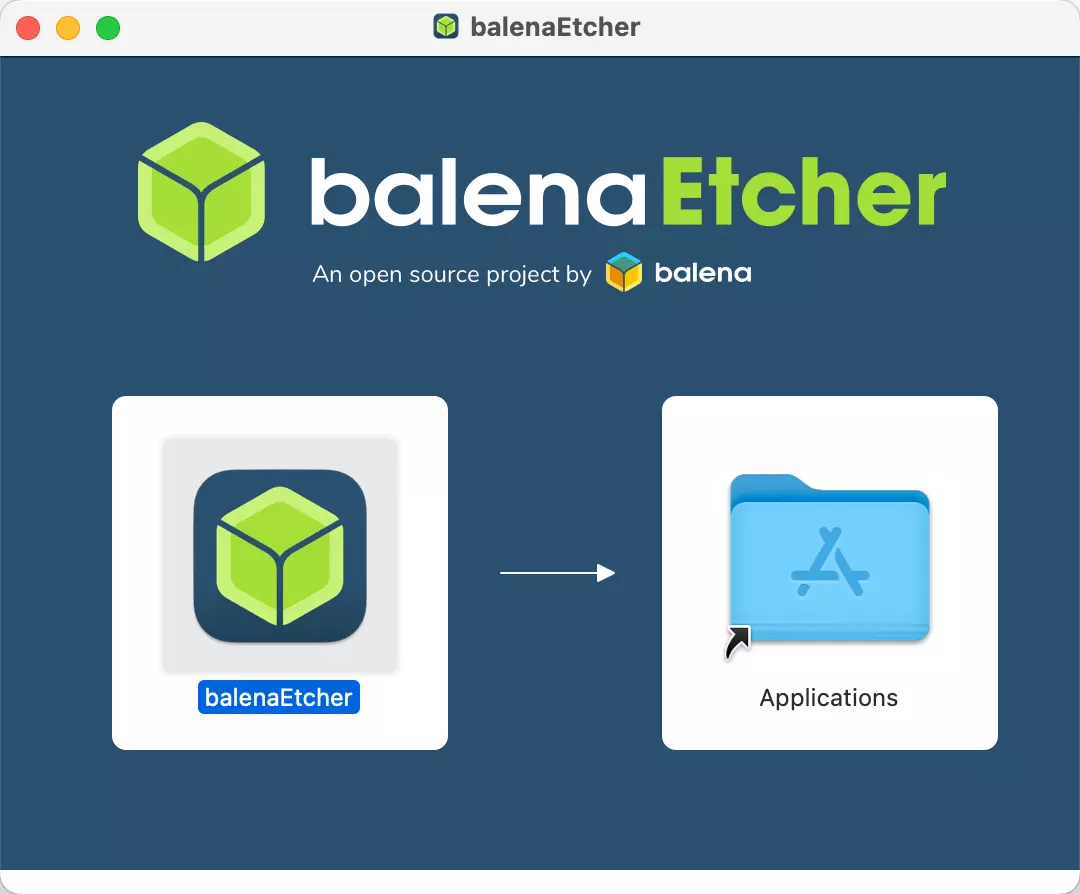
Drag the balenaEtcher application to your Applications folder to install it.
Using Etcher
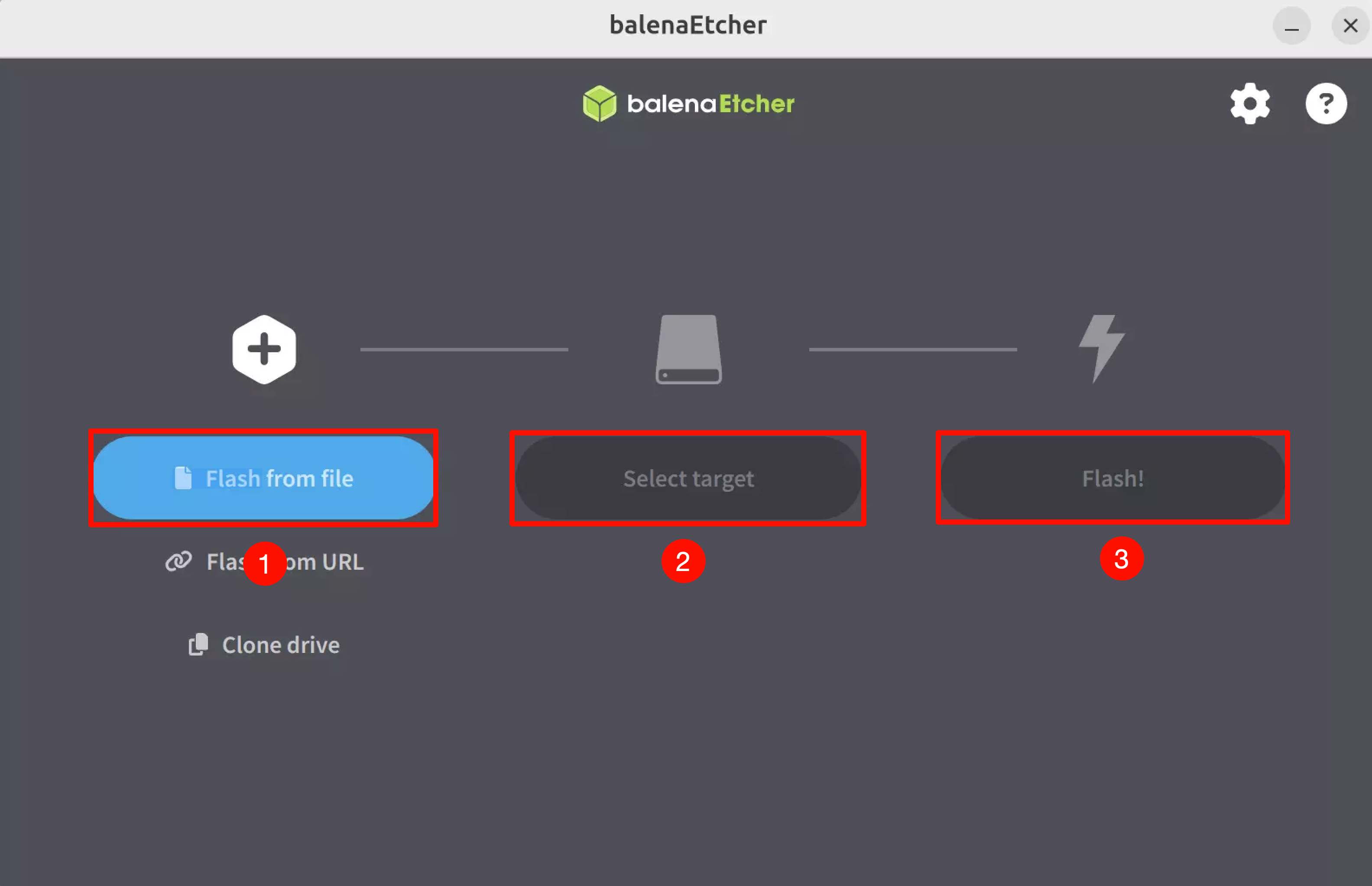
When you open the Etcher software, you will see the following interface. The numbers correspond to the software's functional options:
①. Select the image file to flash
②. Choose the target removable storage device
③. Start the flashing process
Be extremely careful to select the correct removable storage device for flashing. Selecting the wrong device may result in data loss!