Application Usage
This guide explains how to install and use applications on your device using the dpkg and apt commands.
- dpkg command
Primarily used for installing local .deb packages.
- apt command
Mainly used for installing packages from software repositories.
Social Applications
QQ
About QQ
QQ is an instant messaging application developed by Tencent, supporting various communication methods including text, images, voice, and video.
Installing QQ
Download the ARM64 .deb package from the Tencent QQ Official Website, then install it using dpkg.
You can check your system's architecture using the uname -a command.
Replace the package name in the command with the actual downloaded .deb file.
sudo dpkg -i QQ_xxx_arm64.deb
Using QQ
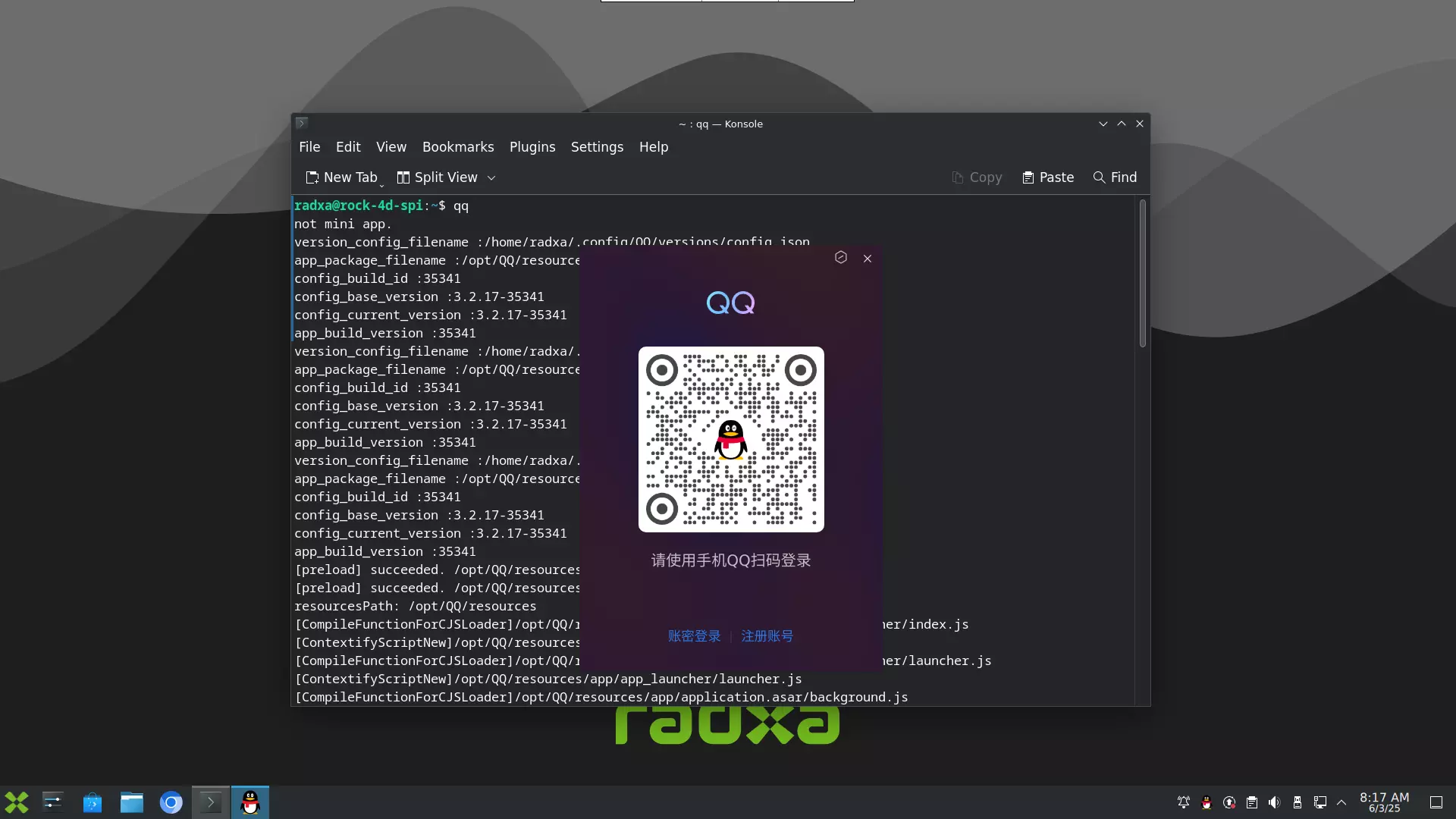
Double-click the QQ icon or run the following command in the terminal to launch.
qq
Office Applications
LibreOffice
About LibreOffice
LibreOffice is a free and open-source cross-platform office suite developed by The Document Foundation. It supports various office needs including word processing, spreadsheets, presentations, vector graphics, database management, and formula editing. It is compatible with Microsoft Office formats.
Installing LibreOffice
Install LibreOffice using apt.
sudo apt update && sudo apt install libreoffice -y
Using LibreOffice
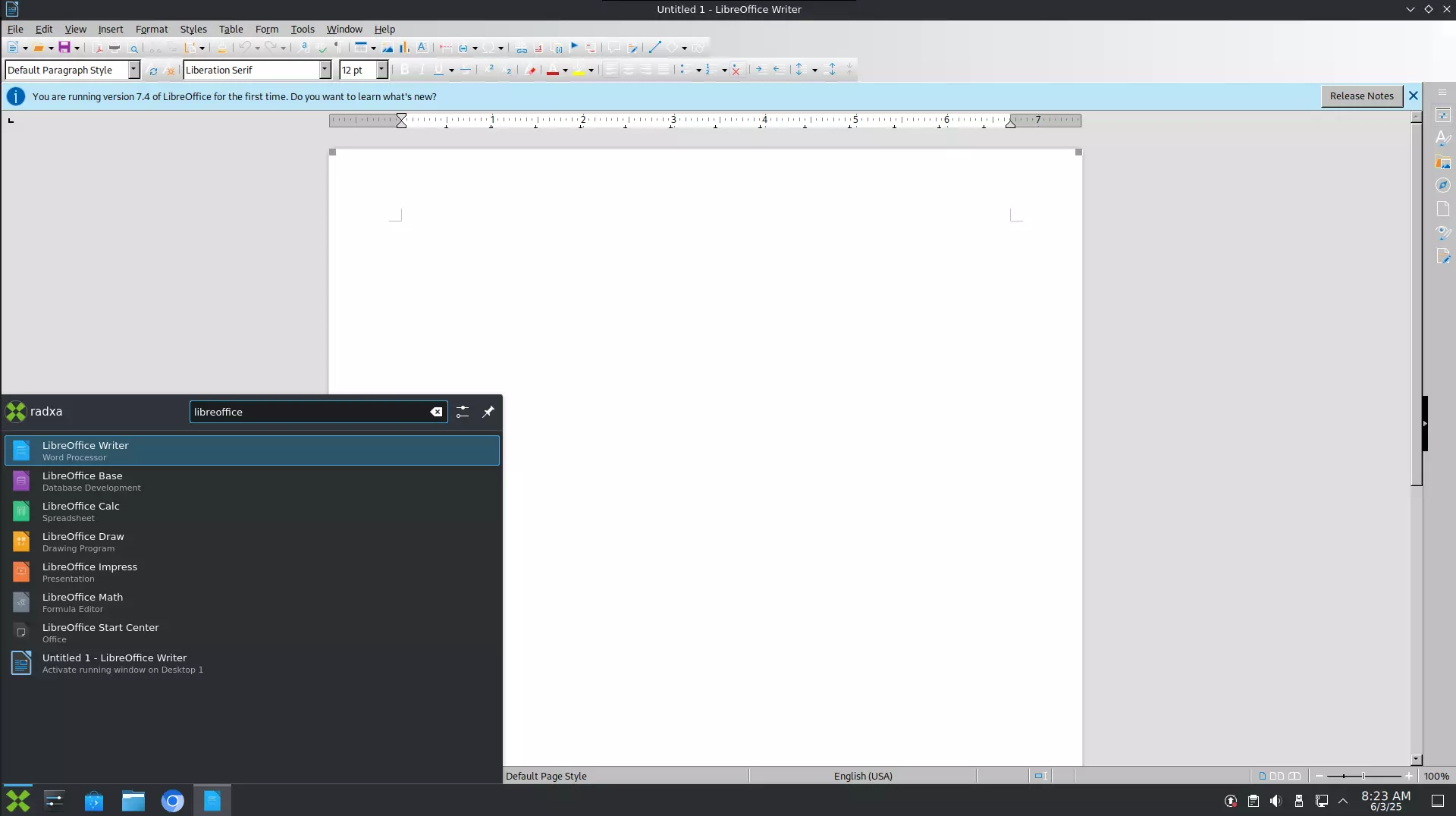
Type LibreOffice in the application search bar, then select the corresponding application to launch.