Radxa 10-inch Display
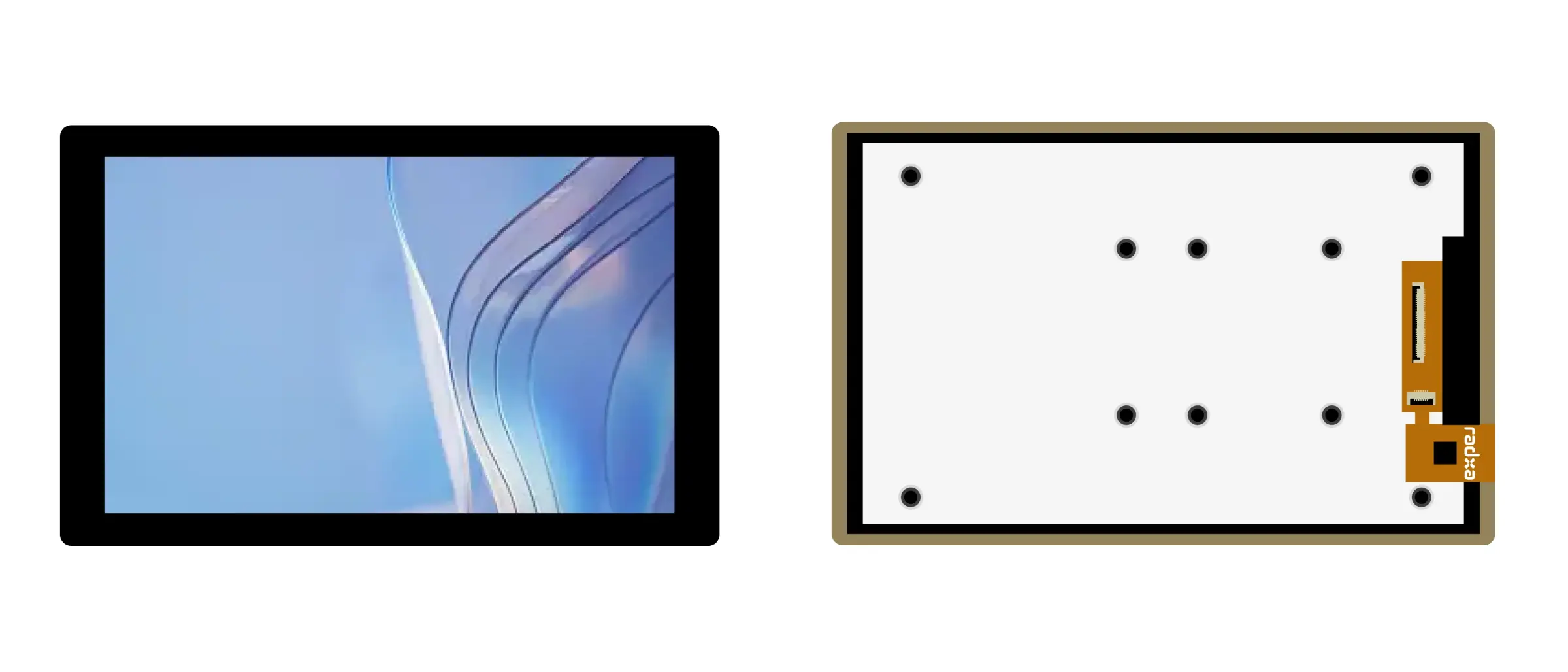
Radxa Cubie A5E's onboard MIPI DSI interface can be used to connect the Radxa 10-inch Display for video output.
Interface Specifications
Display Interface
The Radxa 10-inch Display interface specifications are as follows:
- Interface type: 40-Pin 0.5 mm pitch SMD horizontal FPC connector
- Connection method: Flip-lock, bottom contact
Board MIPI DSI Interface
Radxa Cubie A5E's board MIPI DSI interface specifications are as follows:
- Interface type: 39-Pin 0.3 mm pitch SMD horizontal FPC connector
- Connection method: Flip-lock, bottom contact
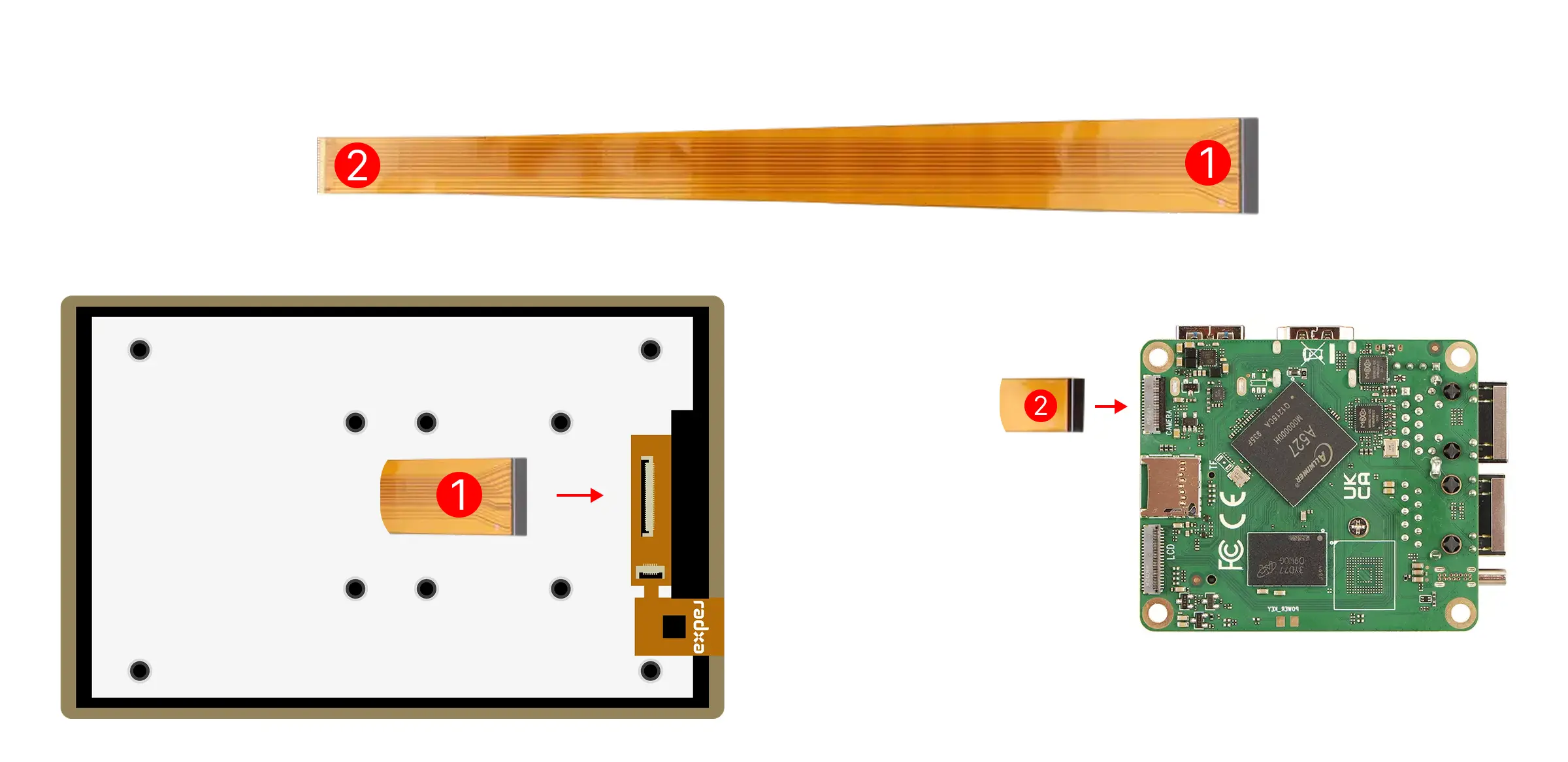
Display FPC Cable
Uses a 40-Pin 0.5 mm pitch to 39-Pin 0.3mm pitchopposite side FPC cable
Hardware Connection
Insert the 40-Pin metal contact end of the FPC cable into the display interface, and insert the 39-Pin metal contact end of the FPC cable into the board's MIPI DSI interface.
Precautions
- Ensure both cable edges are flush with the socket edges, with no skew or partially exposed contacts
- Confirm the cable has no creases, is not loose, and the lock is in the closed position
Software Enable
Use the Rsetup tool included with the Radxa system to enable the Radxa 10-inch Display.
Rsetup Usage Guide
- Select option: Corresponding option will be highlighted
- Confirm selection: Press
Enter - Cancel selection: Press
ESC - Switch options: Use
Up,Down,Left,Rightkeys to navigate - Multi-select interface: Press
Spaceto select, pressEnterto confirm selection; when a function is selected, an*will appear in the corresponding option box indicating the option is enabled
Run the rsetup command in the terminal to launch the Rsetup tool:
radxa@cubie-a5e$
rsetup
In the Rsetup tool, navigate to Overlays -> Manage overlays.
- Use arrow keys to locate the [ ] Enable Radxa Display 10FHD option
- Press
Spaceto show [*] Enable Radxa Display 10FHD, indicating the feature is selected - Press
Enterto confirm and save the settings, enabling the display - Restart the system to apply the configuration