microSD Slot
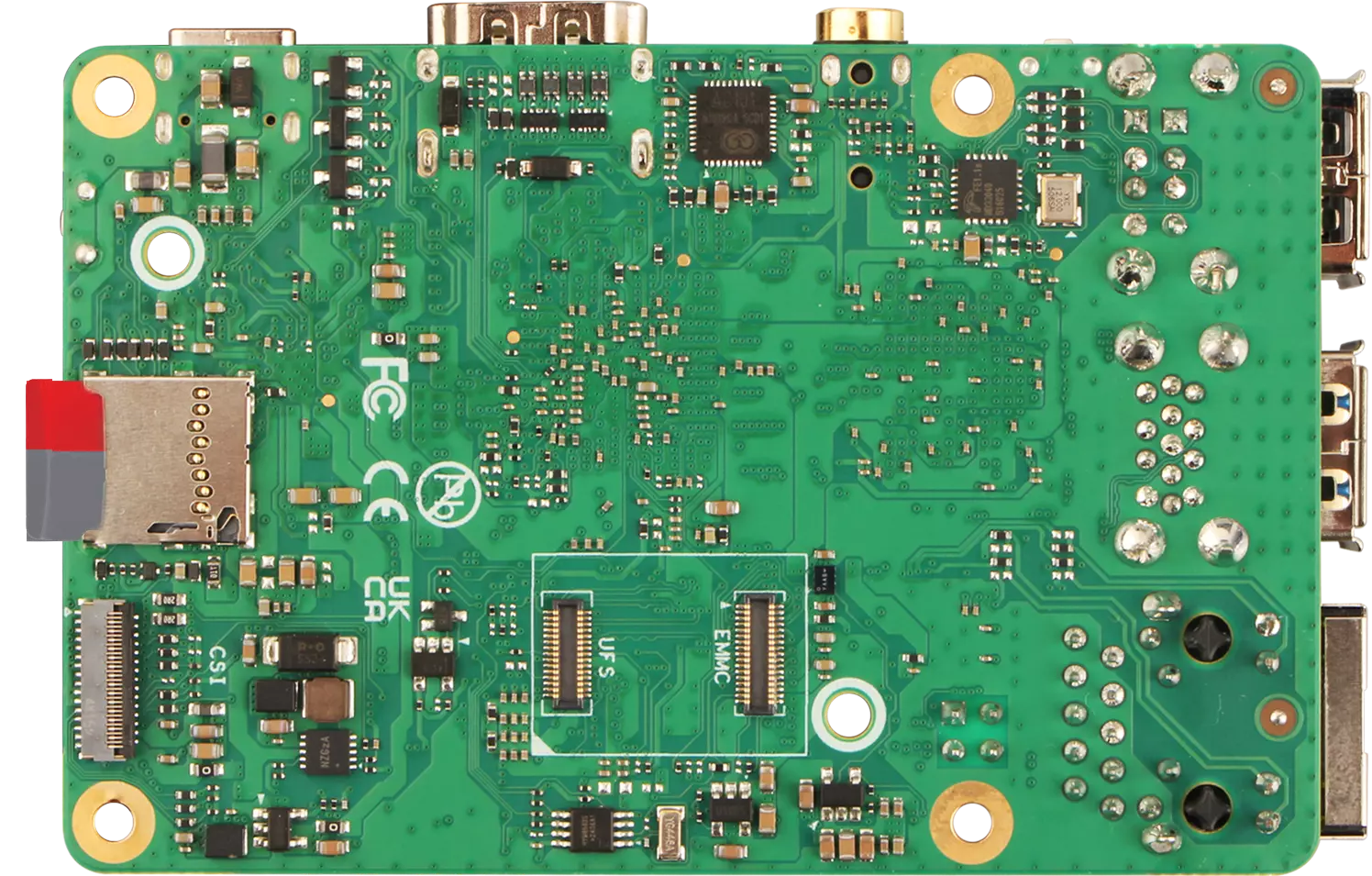
Radxa Cubie A7A features a standard onboard microSD slot, compatible with microSD / microSDHC / microSDXC cards, mainly used as a system boot disk or for expanded storage.
It is recommended to use a microSD card with a capacity of 32GB or above for better storage space.
For the exact location of the microSD slot, please refer to the interface description section in the Hardware Interfaces guide!
Usage Guide
You can refer to the Quick Start or Install System to microSD Card tutorial to install the system image onto a microSD card, then insert the microSD card into the microSD card slot to test if the system boots normally.
- microSD Card
Insert the microSD card into the microSD slot of the Cubie A7A.
Port Specifications
For complete technical specifications and pin definitions, please refer to the Hardware Design: Schematic document in the download section.