System Update
We use the Rsetup tool to update the system.
tip
Using the Rsetup tool provides a safer way to update your system.
Using the sudo apt update && sudo apt upgrade command to upgrade the system may result in incomplete updates or system abnormalities.
For more information on using the Rsetup tool, please refer to:
Rsetup Tool
Open the terminal and enter the sudo rsetup command to launch the Rsetup tool:
radxa@device$
sudo rsetup
System Update
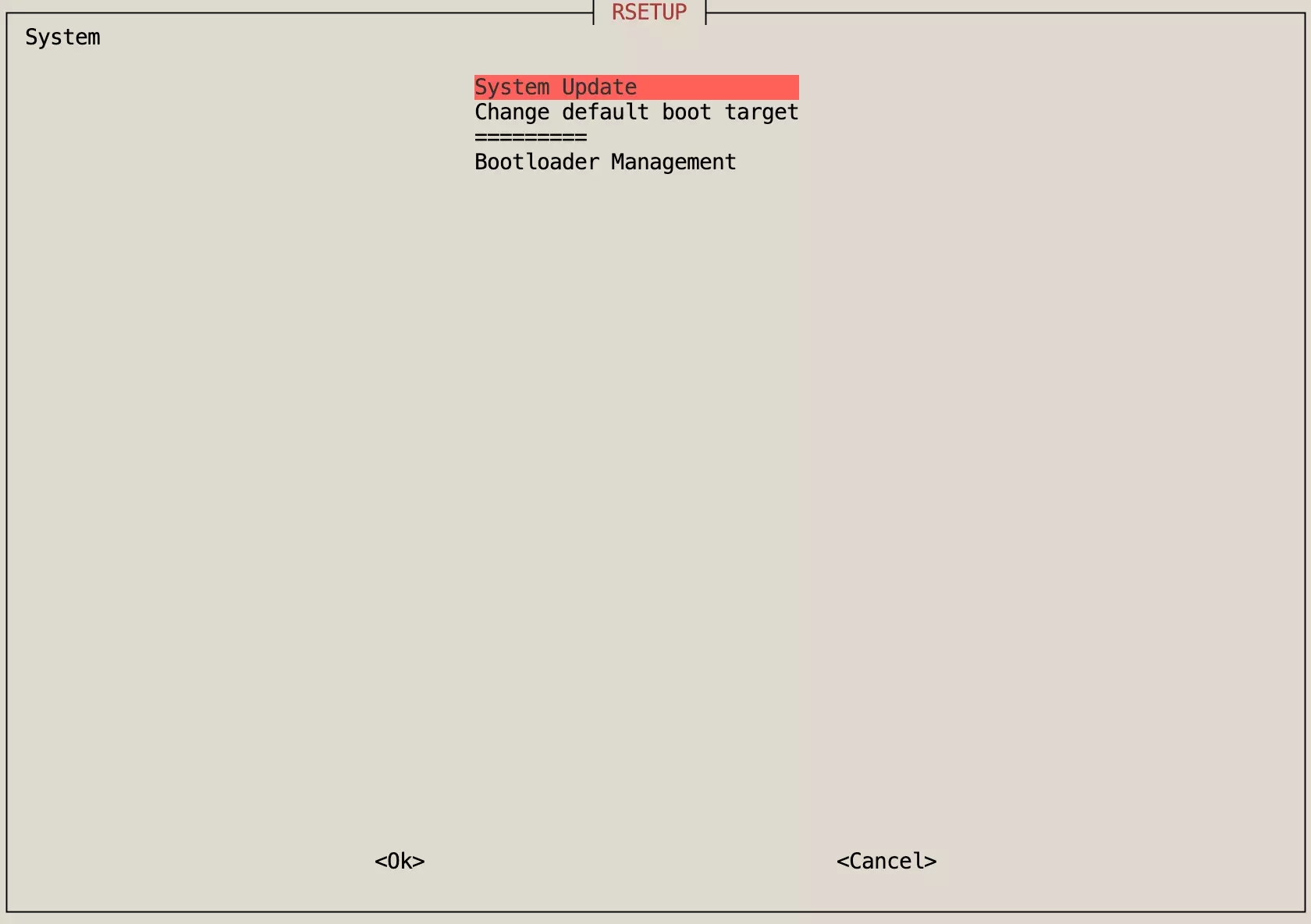
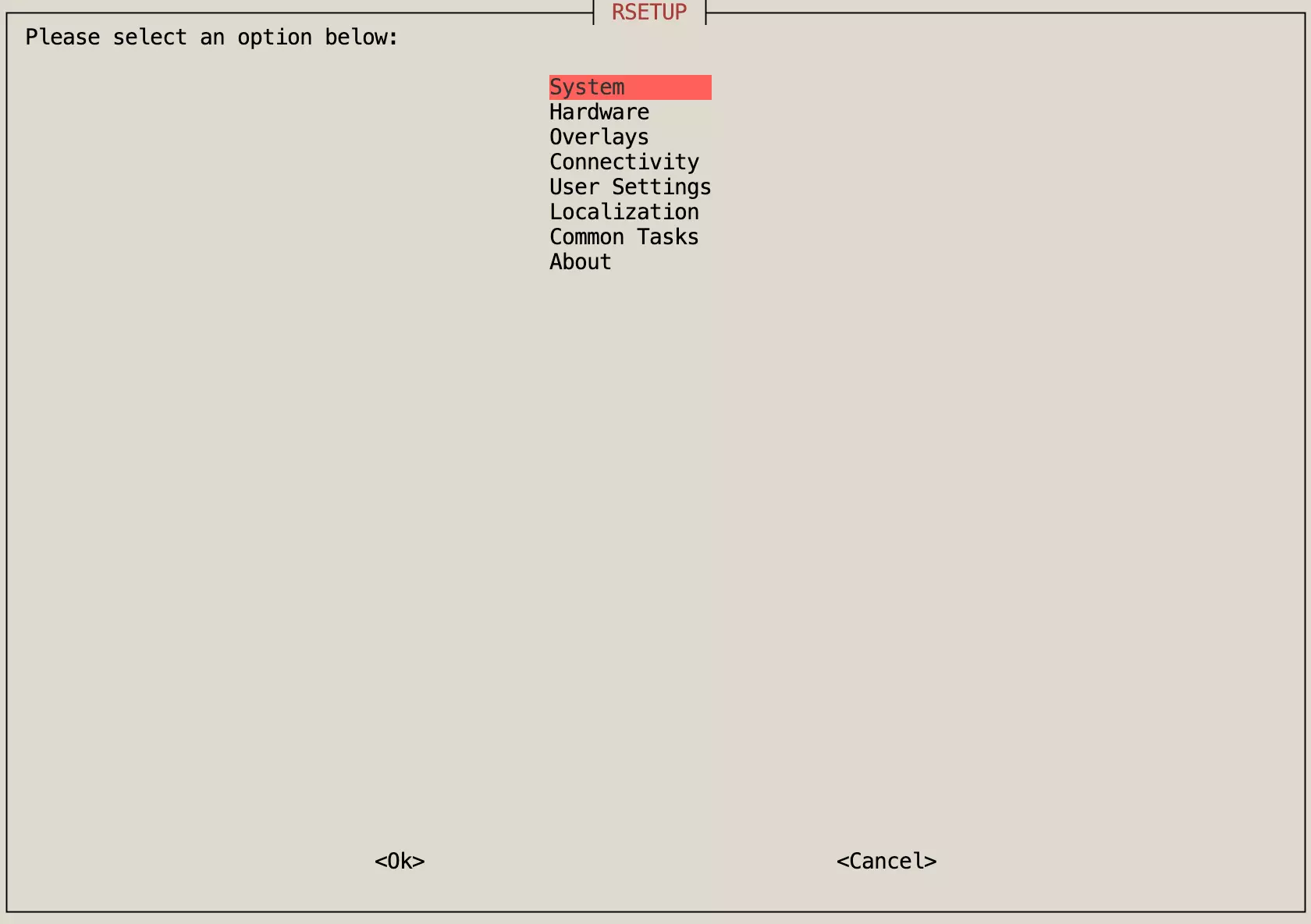
After entering the Rsetup tool, select System -> System Update option, then follow the Rsetup tool prompts to complete the system update.