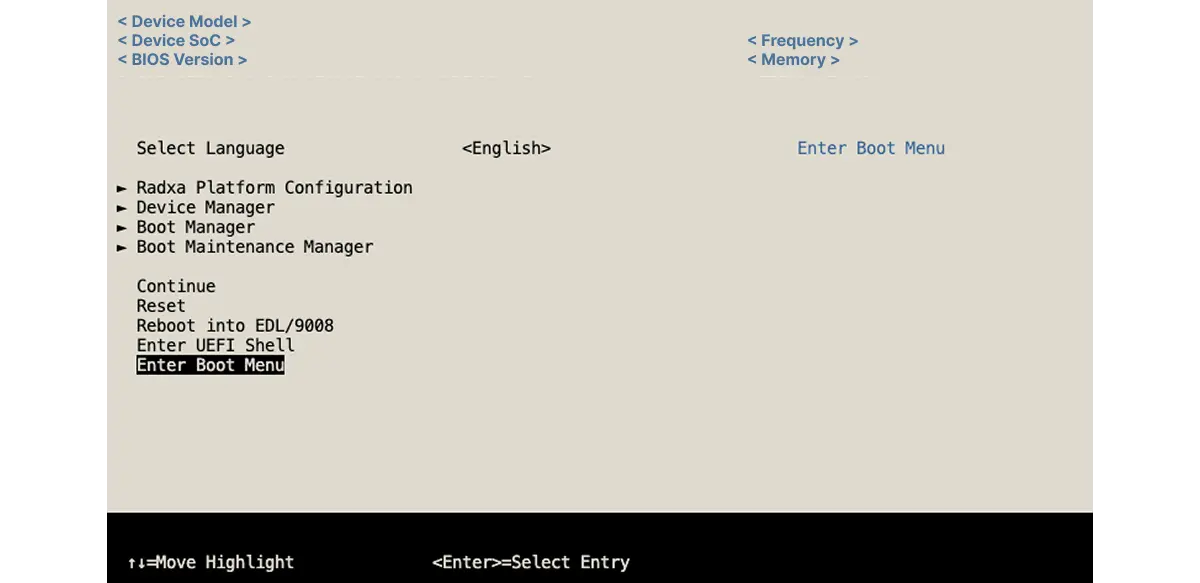
BIOS Introduction
BIOS (Basic Input/Output System) is the motherboard firmware that runs first when the board powers on. It wakes hardware, performs self-tests, and then boots the operating system. In other words, BIOS acts as a “bridge” between hardware and the OS.
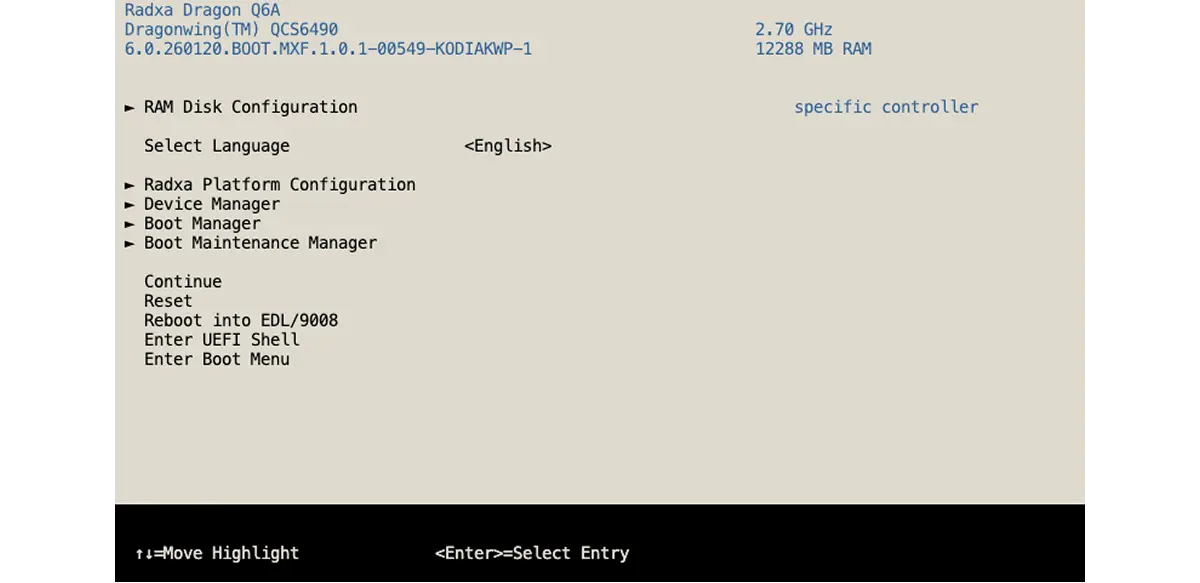
BIOS Overview
- Arrow keys: Move between menu items
- Enter: Open or confirm the current option
- ESC: Go back one level or exit the setup screen
Knowing these shortcuts makes it easier to navigate through the BIOS pages.
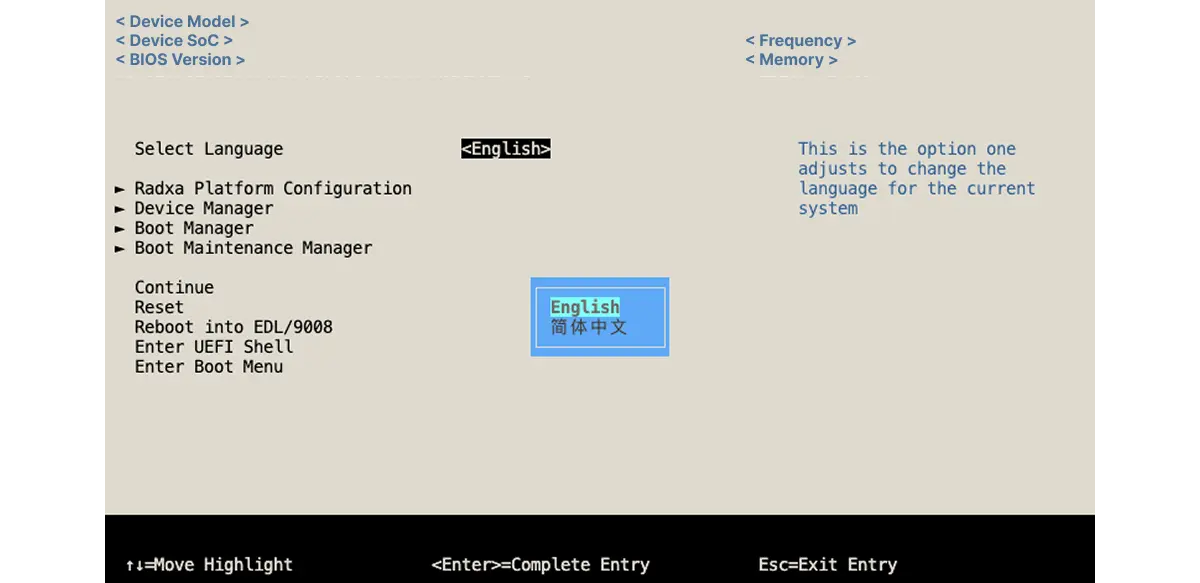
BIOS Language
In the "Language" tab, you can switch the BIOS display language. Common options include Chinese and English.
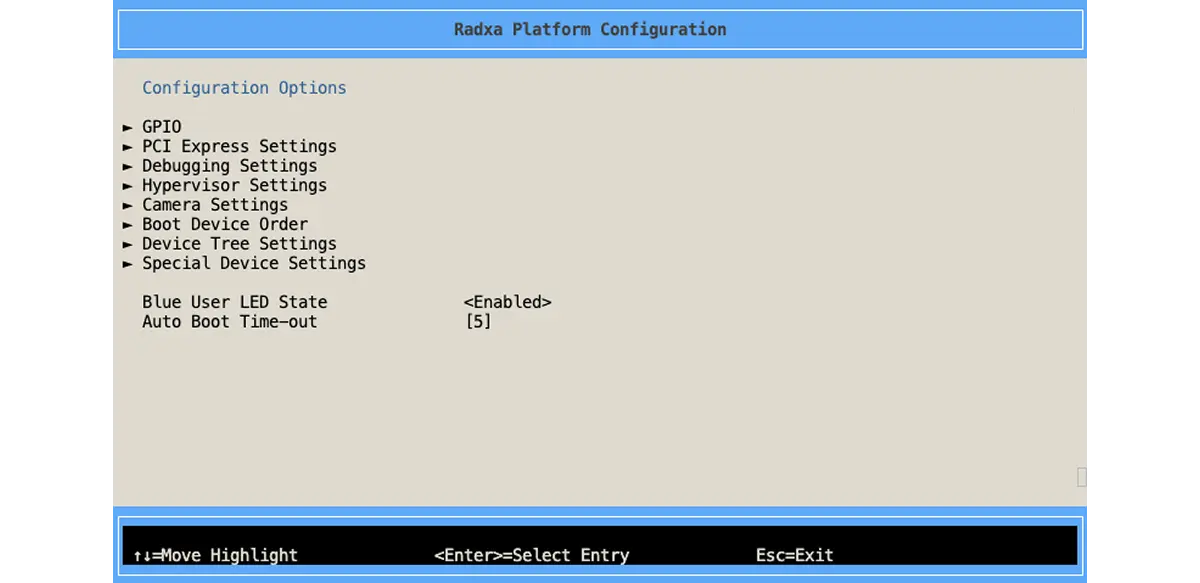
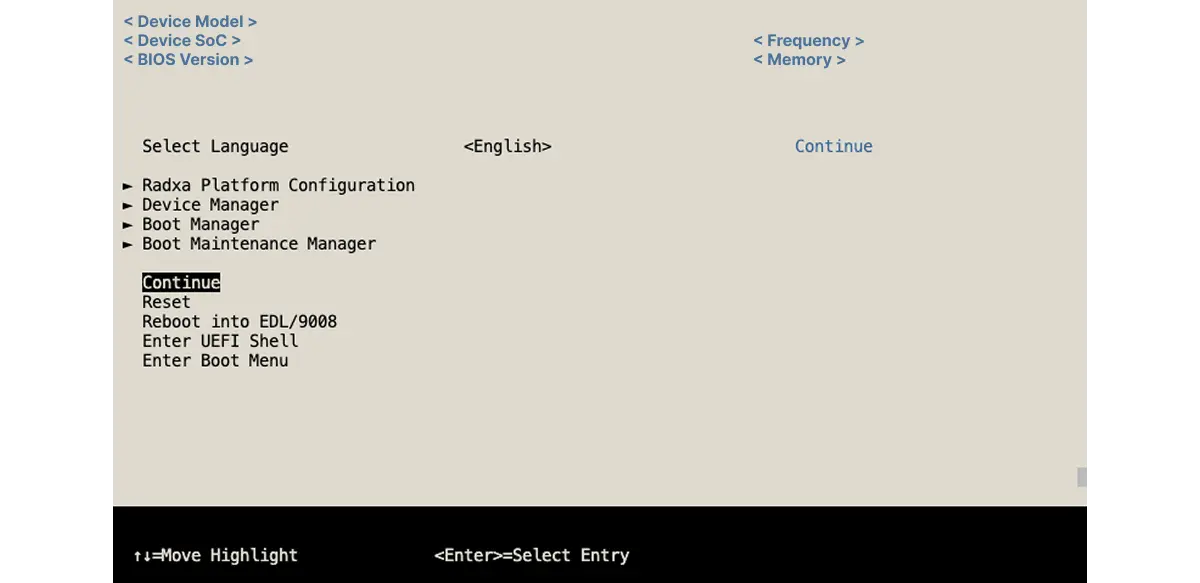
Radxa Platform Configuration
"Radxa Platform Configuration" is used to configure Radxa board features such as GPIO, cameras, and more.
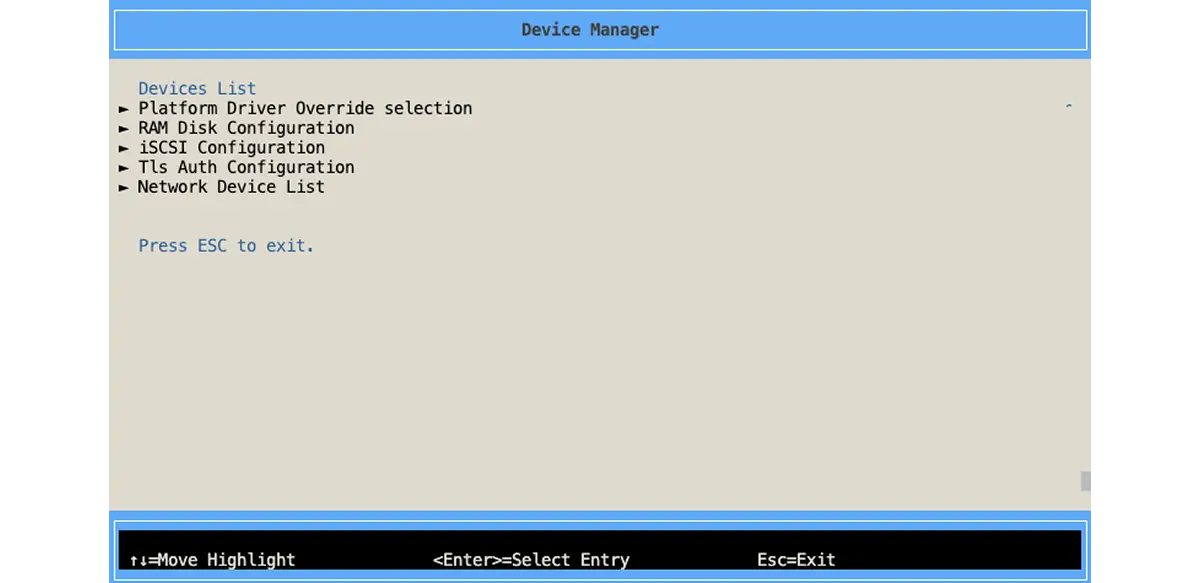
Device Manager
"Device Manager" is used to view and configure hardware such as CPU, memory, storage, and peripherals. You can enable/disable devices or check their status here.
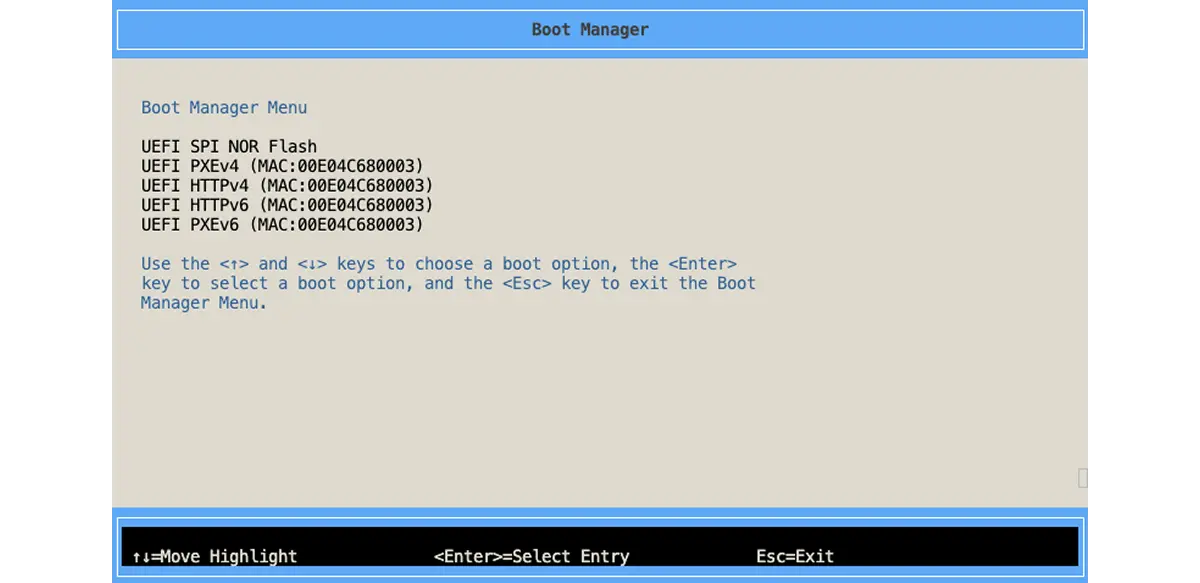
Boot Manager
In "Boot Manager", you can temporarily change the boot order. This is useful when you need to boot from USB, the network, or other media.
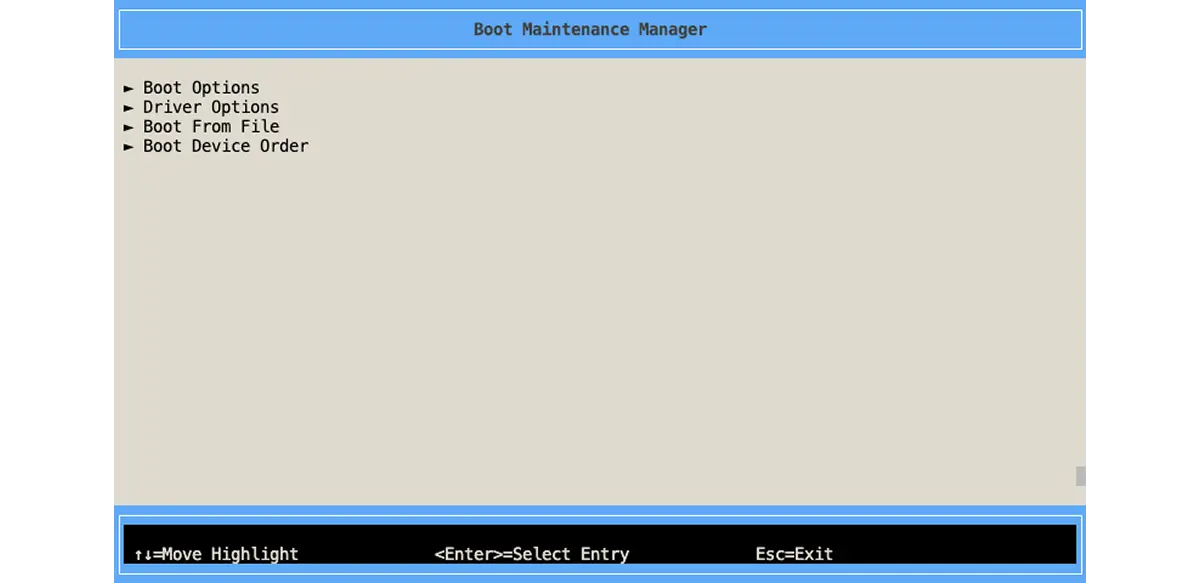
Boot Maintenance Manager
"Boot Maintenance Manager" provides more advanced boot entry management. You can create, modify, and delete custom boot entries, and also control driver and console behavior.
Continue
"Continue" saves the current settings and exits BIOS, then continues the boot process.
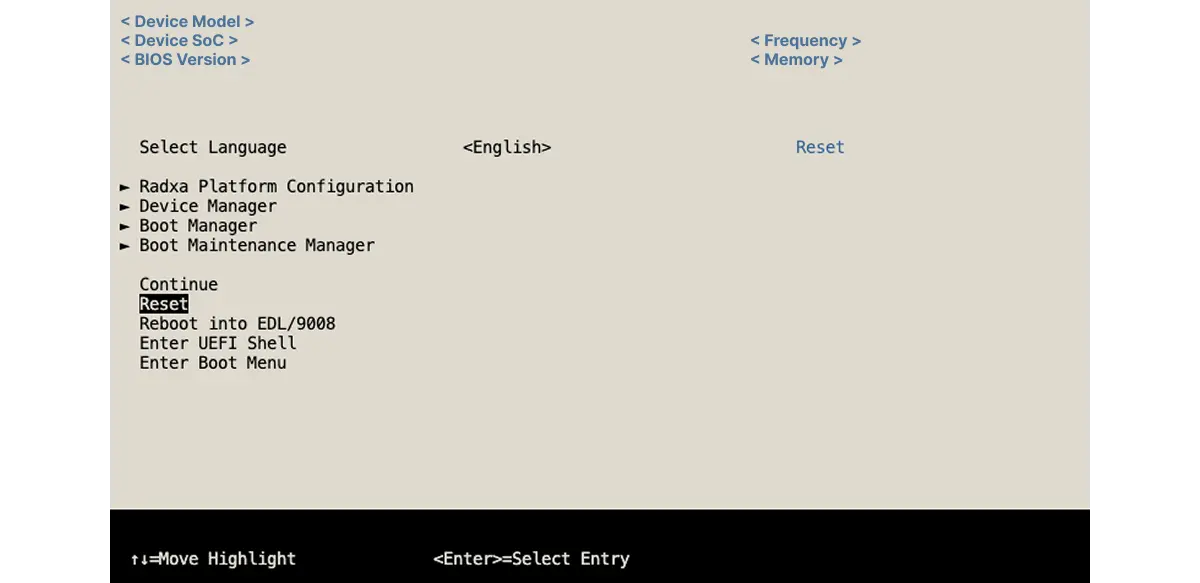
Reset
"Reset" restarts the system.
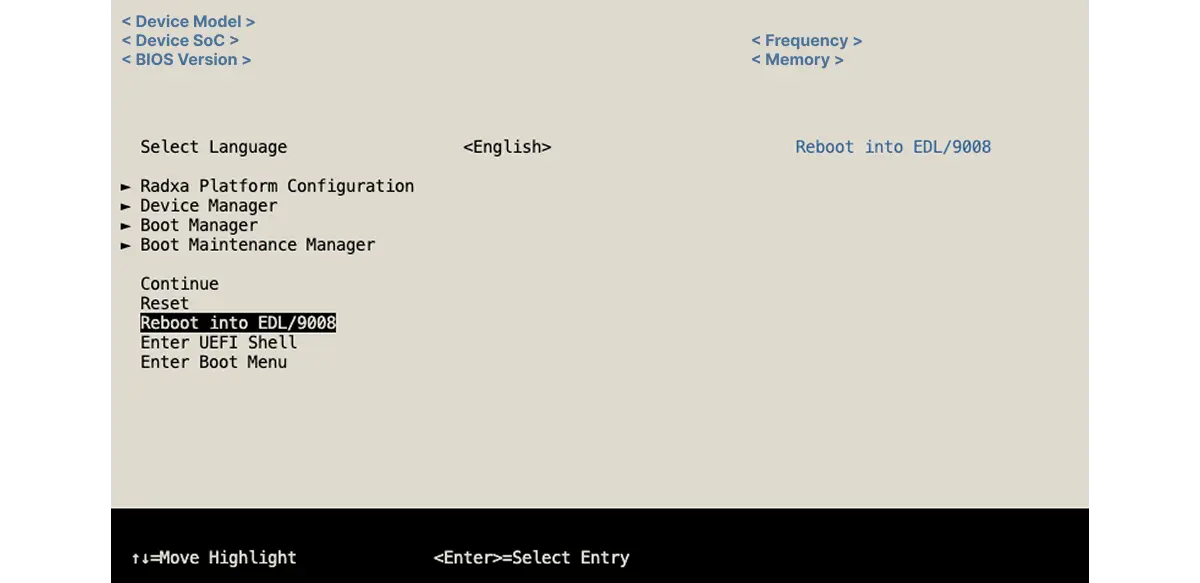
Enter EDL Mode
"Reboot into EDL / 9008" enters EDL mode, which is commonly used for flashing.
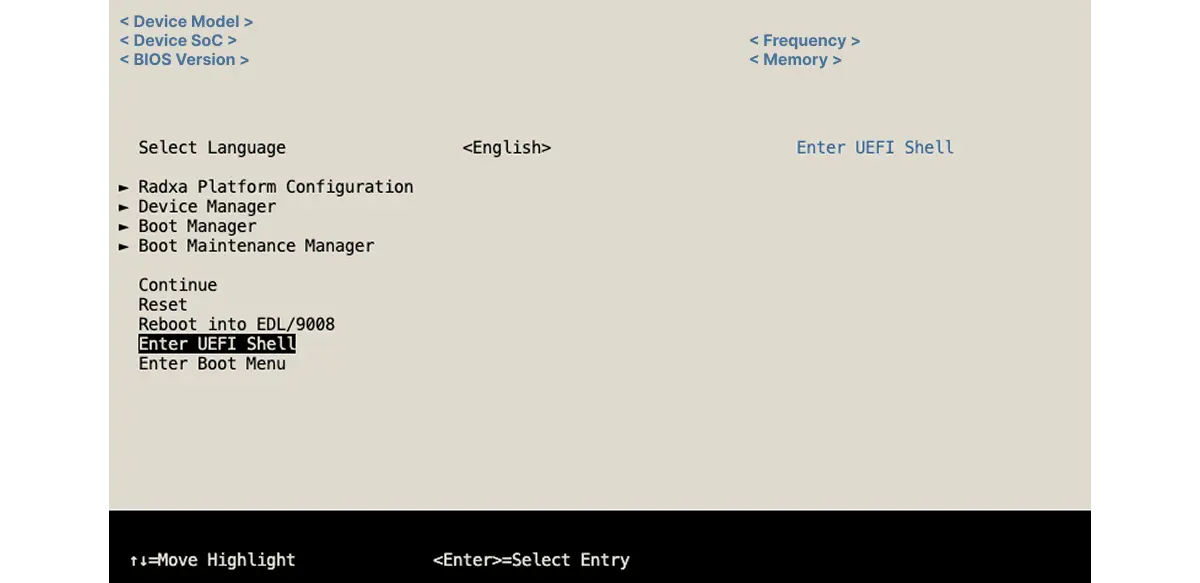
Enter UEFI Shell
"Enter UEFI Shell" enters the UEFI Shell.
Enter Boot Menu
"Enter Boot Menu" opens the boot menu.