Entering EDL Mode
Follow the steps below to enter EDL mode.
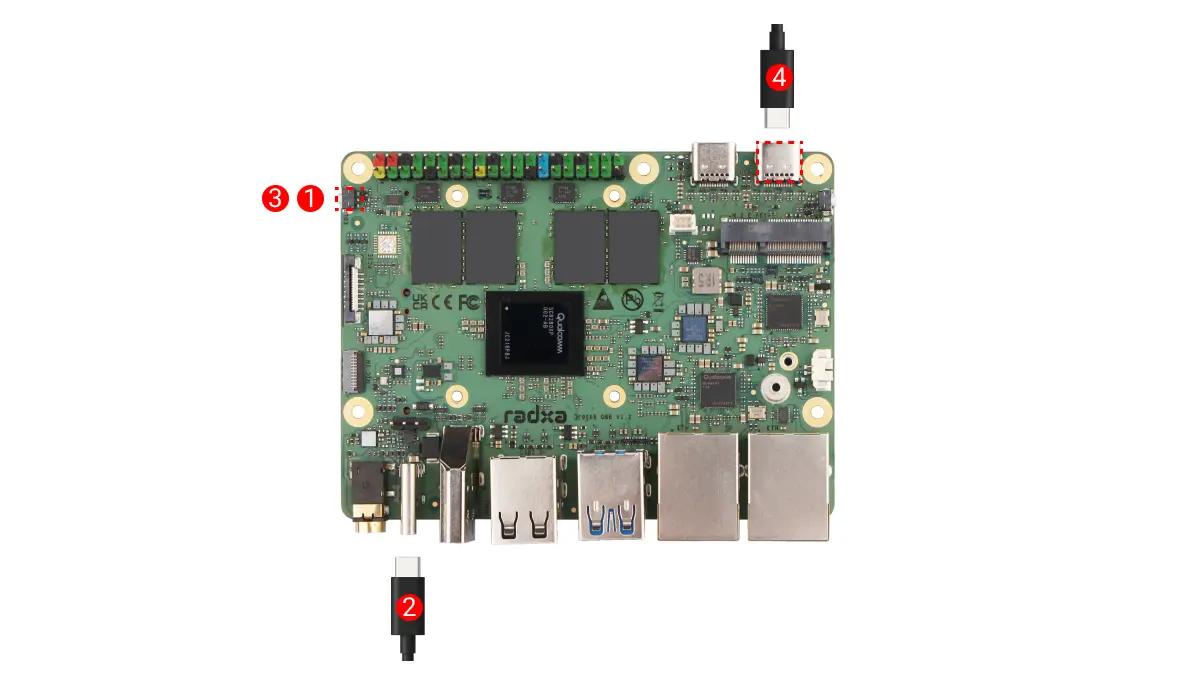
-
Hold the
EDLbutton on the board -
Connect the Dragon Q8B USB-C port to a computer USB port using a USB Type-C cable (the power LED normally stays green)
-
Release the
EDLbutton on the board -
Connect a 20V Type-C power adapter (PD compatible)