Maskrom Mode
The Radxa E24C board has an onboard Maskrom button, which is used to put the board into Maskrom mode.
Enter Maskrom Mode
When the board detects that the Maskrom button is pressed during power-on, it will automatically enter Maskrom mode.
Detailed steps:
- Connect the board and PC using a Type-C data cable
- Press and hold the Maskrom button with a pin or toothpick
- Power the board using a power adapter
- Release the Maskrom button

Verify Device Mode
You can use the RKDevTool utility to verify whether the device has entered Maskrom mode.
Normally, the RKDevTool software will automatically detect the current mode of the board. If no device is detected, you can repeat the above steps.
- Windows
- Linux/MacOS
Open the RKDevTool software and check the detected device information:
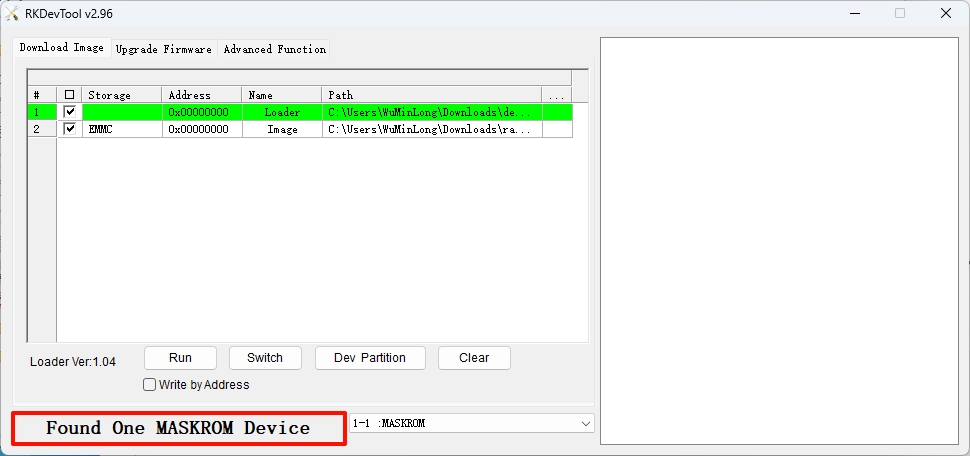
Use the rkdeveloptool ld command to check the detected device information:
Linux/MacOS-Host$
sudo rkdeveloptool ld
Output similar to the following indicates that a Maskrom device has been detected:
DevNo=1 Vid=0x2207,Pid=0x350e,LocationID=109 Maskrom