Simulated Remote Assistant
Simulate an AMR remote assistant task in a Gazebo office scene. The robot maps and relocalizes with Cartographer, navigates to a specified room with Nav2, and uses YOLOv8 to detect target objects, completing the end-to-end "go to office to check person" workflow.
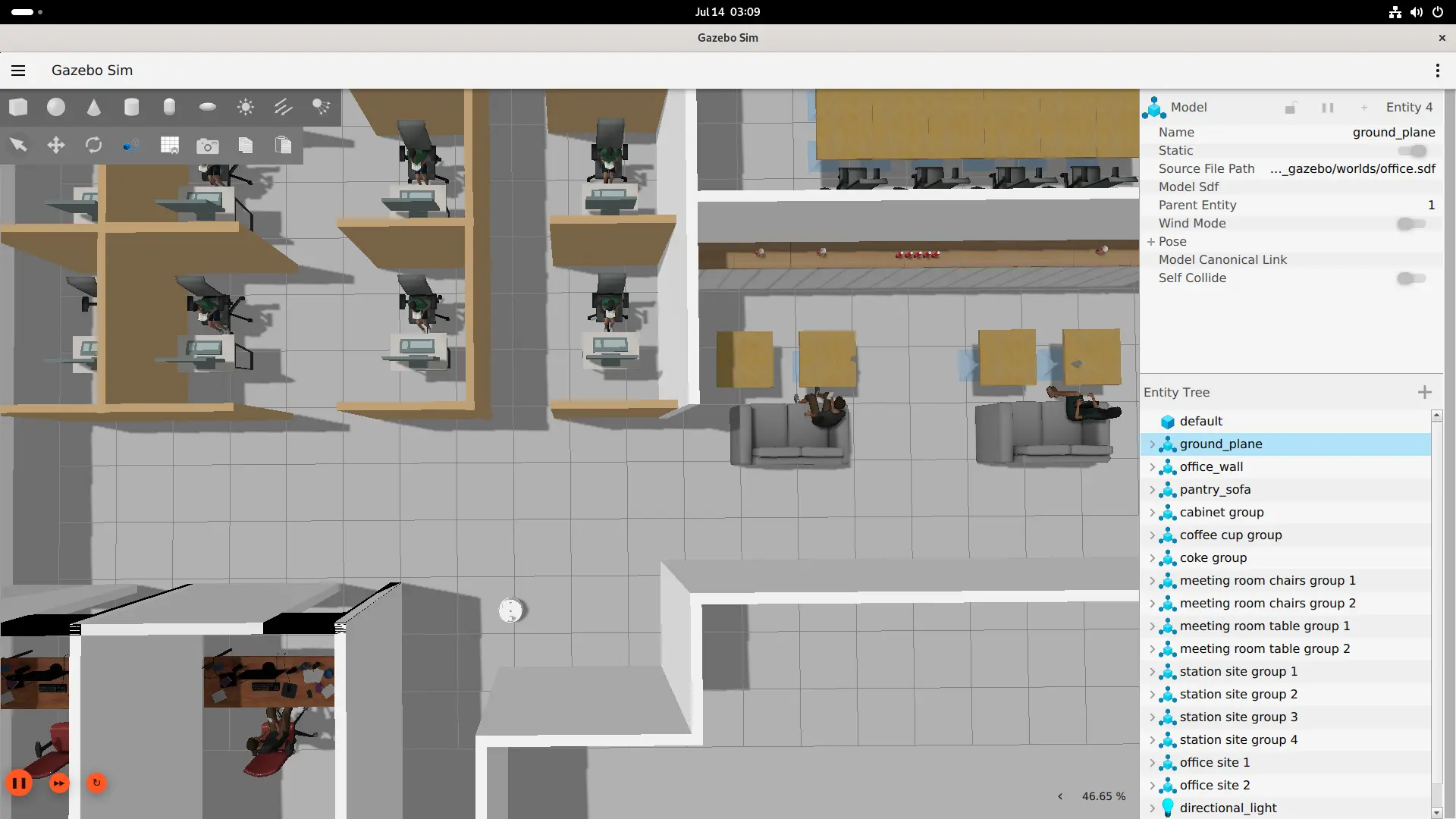
Prerequisites
- QIR SDK installed
- Display connected (GUI mode)
Build from Source
Step 1: Clone Repositories
# Simulation environment (skip if already built)
git clone https://github.com/qualcomm-qrb-ros/qrb_ros_simulation.git

# Remote assistant sample
git clone -b jazzy-rel https://github.com/qualcomm-qrb-ros/qrb_ros_samples.git
Step 2: Build
# Build simulation environment
cd qrb_ros_simulation
source /opt/ros/jazzy/setup.bash
colcon build

# Build remote assistant sample
cd ../qrb_ros_samples/robotics/simulation_remote_assistant
source install/setup.bash
colcon build
Model Preparation
Export a YOLOv8 float TFLite model through QAI Hub.
Step 1: Install QAI Hub Models
python -m venv ~/venv_qaihub
source ~/venv_qaihub/bin/activate
pip install qai-hub-models
Step 2: Configure QAI Hub
Obtain an API token from the account settings page in Qualcomm AI Hub:
source ~/venv_qaihub/bin/activate
qai-hub configure --api_token <your-api-token>
Step 3: Export the TFLite Model
source ~/venv_qaihub/bin/activate
python -m qai_hub_models.models.yolov8_det.export \
  --precision=float \
  --target-runtime=tflite \
  --device "Dragonwing IQ-9075 EVK"
Step 4: Transfer the Model to the Device
scp yolov8_det.tflite <device-user>@<device-ip>:<your_model_path>/yolov8_det.tflite
Tensor specification:
| Tensor | Type | Shape |
|---|---|---|
| Input | float32 | [1, 640, 640, 3] |
| boxes | float32 | [1, 8400, 4] |
| scores | float32 | [1, 8400] |
| class_idx | uint8 | [1, 8400] |
Run
Use the same environment in all terminals:
source /opt/ros/jazzy/setup.bash
export ROS_DOMAIN_ID=78
export ROS_LOCALHOST_ONLY=1
source qrb_ros_simulation/install/setup.bash
source qrb_ros_samples/robotics/simulation_remote_assistant/install/setup.bash
Terminal 1: Start Gazebo Office Scene
Run from the desktop terminal:
ros2 launch qrb_ros_sim_gazebo gazebo_robot_base_mini.launch.py \
  world_model:=office \
  initial_x:=1.0 \
  initial_y:=6.0 \
  enable_depth_camera:=false
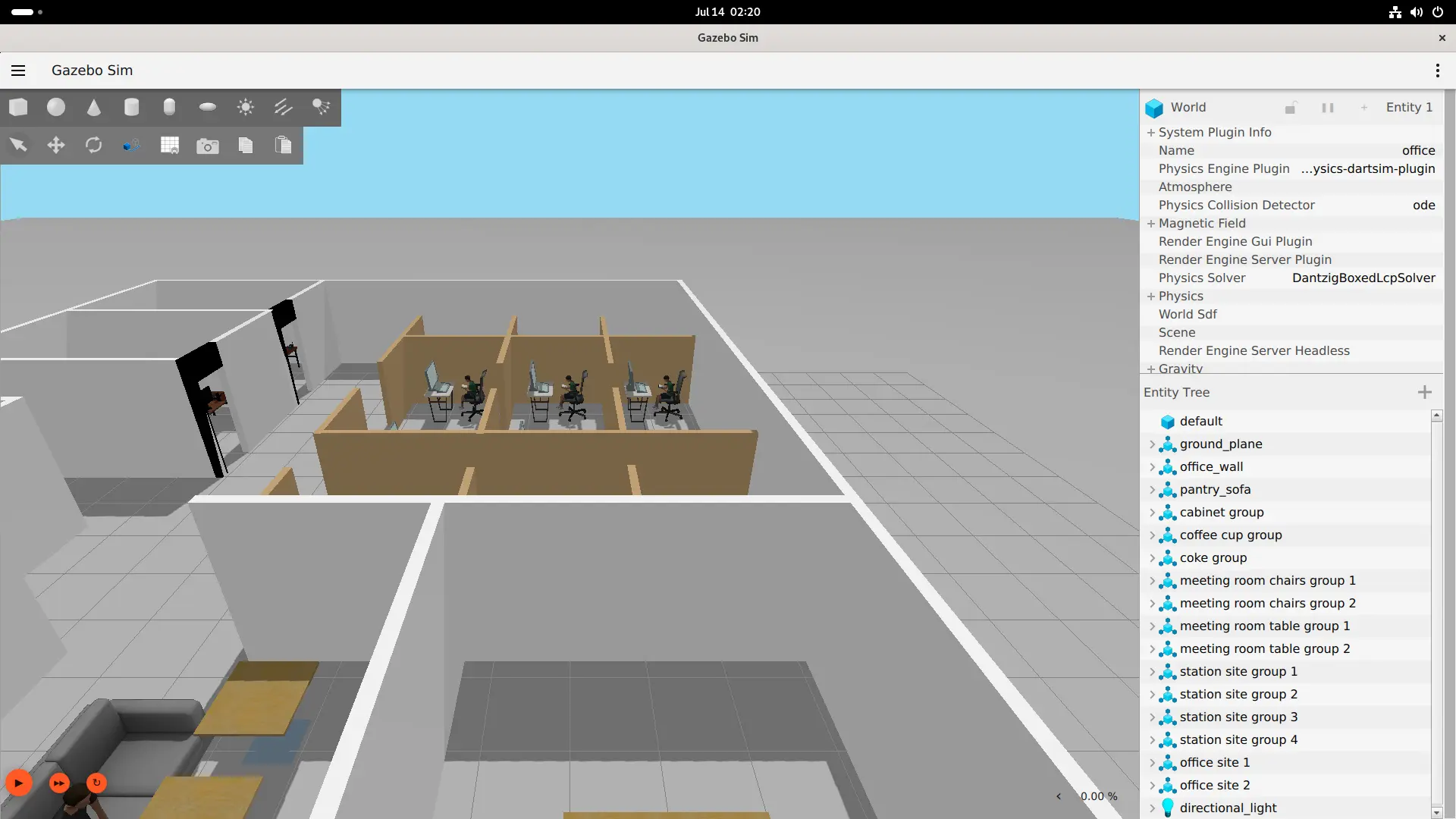
Gazebo starts in a paused state. Click the play button at the bottom-left to start the simulation clock before continuing.
Terminal 2: Mapping, Relocalization, and Navigation
ros2 launch simulation_remote_assistant map_nav_setup.launch.py
This launch file orchestrates: Cartographer mapping → trajectory completion → pbstream save → relocalization → Nav2 bringup. The /navigate_to_pose action becomes available when complete.
Terminal 3: YOLO Object Detection
ros2 launch simulation_remote_assistant yolo_detectcion.launch.py \
  model:=<your_model_path>/yolov8_det.tflite \
  label_file:=<your_path>/coco80_labels.yaml \
  score_thres:=0.3
coco80_labels.yaml is a COCO 80-class label file not included in the repository. Create it:
cat > coco80_labels.yaml << 'EOF'
names:
  0: person
  1: bicycle
  2: car
  3: motorcycle
  4: airplane
  5: bus
  6: train
  7: truck
  8: boat
  9: traffic light
  10: fire hydrant
  11: stop sign
  12: parking meter
  13: bench
  14: bird
  15: cat
  16: dog
  17: horse
  18: sheep
  19: cow
  20: elephant
  21: bear
  22: zebra
  23: giraffe
  24: backpack
  25: umbrella
  26: handbag
  27: tie
  28: suitcase
  29: frisbee
  30: skis
  31: snowboard
  32: sports ball
  33: kite
  34: baseball bat
  35: baseball glove
  36: skateboard
  37: surfboard
  38: tennis racket
  39: bottle
  40: wine glass
  41: cup
  42: fork
  43: knife
  44: spoon
  45: bowl
  46: banana
  47: apple
  48: sandwich
  49: orange
  50: broccoli
  51: carrot
  52: hot dog
  53: pizza
  54: donut
  55: cake
  56: chair
  57: couch
  58: potted plant
  59: bed
  60: dining table
  61: toilet
  62: tv
  63: laptop
  64: mouse
  65: remote
  66: keyboard
  67: cell phone
  68: microwave
  69: oven
  70: toaster
  71: sink
  72: refrigerator
  73: book
  74: clock
  75: vase
  76: scissors
  77: teddy bear
  78: hair drier
  79: toothbrush
EOF
Detection results are published to /yolo_detect_result.
Terminal 4: Execute Task
ros2 launch simulation_remote_assistant task_manager_node.launch.py
Enter the task command:
go to office to check person
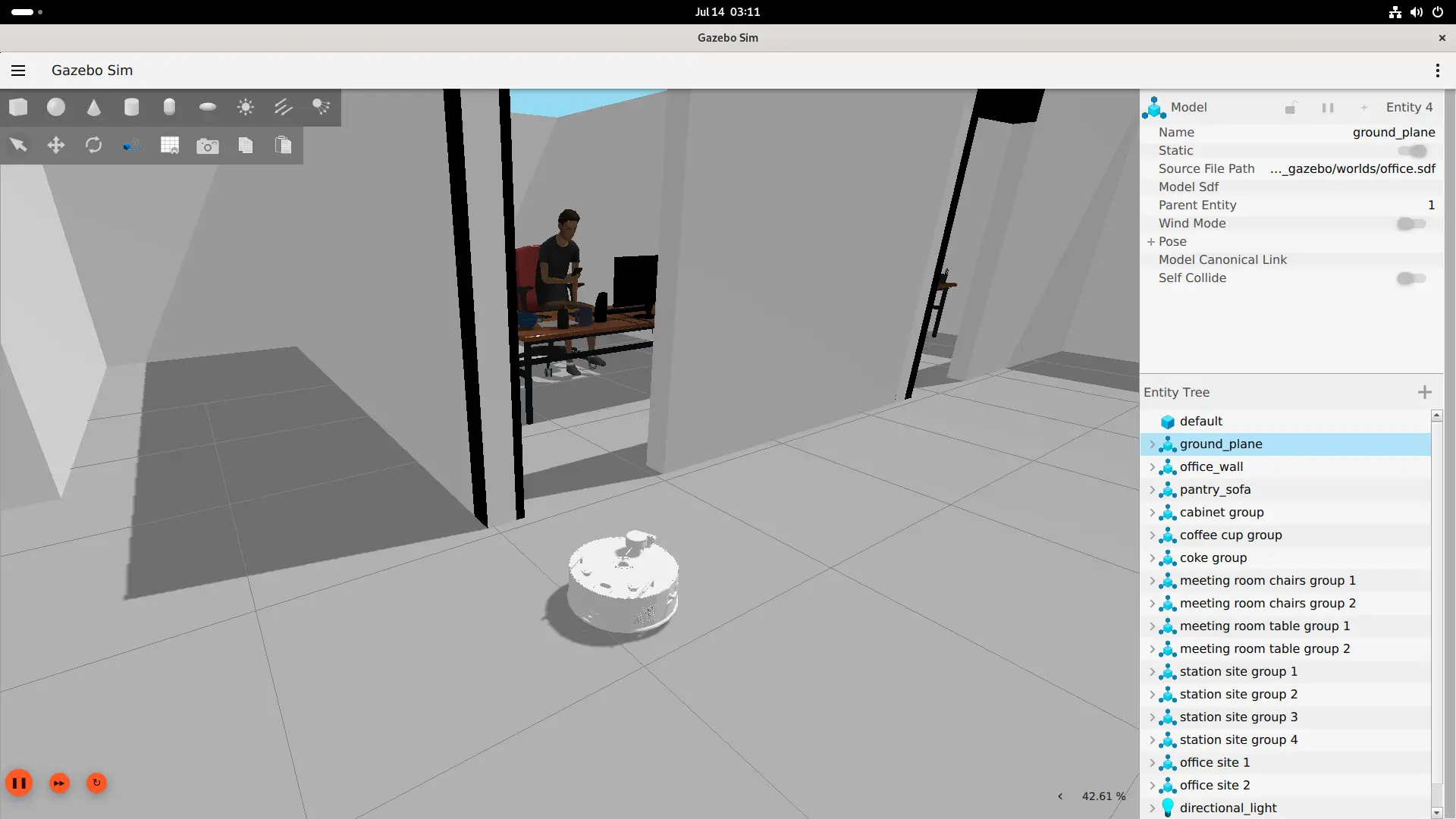
Data Flow
office Gazebo AMR
  → /scan + /odom + /tf
  → Cartographer mapping → save pbstream → relocalize
  → Nav2 /navigate_to_pose → office goal (3.087, 0.108)

/camera/color/image_raw
  → 640×640 preprocessing
  → qrb_ros_nn_inference (TFLite float)
  → YOLO postprocessing → /yolo_detect_result
  → task_manager result output
Expected Output
Terminal 4 outputs:
Navigating to office: (3.087, 0.108)
Navigation target reached, starting detection
Found person at office.
Task finished.
YOLO detects person with a confidence score of approximately 0.52, above the default threshold.
Limitations
- The task manager uses YAML keyword matching and does not depend on an LLM or general natural-language understanding.
- Only pre-configured keywords (
office,person) are supported. - The default detection threshold of
0.5may miss persons in some scenes; lowering to0.3improves recall but may increase false positives. - The simulation is visual and kinematic only. Real sensor accuracy, navigation safety, and occlusion handling are not verified.