Install CasaOS
Docker must be installed before installing CasaOS.
CasaOS Features
CasaOS is a lightweight cloud operating system designed specifically for home users, featuring ease of use, security, reliability, and strong scalability.
- User-Friendly
CasaOS features an intuitive web interface that allows for easy file and photo uploads, downloads, and backups through simple drag-and-drop operations. No complex configuration is required, making it accessible even for non-technical users.
- Secure and Reliable
Multiple encryption and protection measures are implemented for data transmission and storage to ensure user data security. It also supports snapshot functionality, allowing quick recovery to a previous state in case of unexpected issues, giving users full control over their data and preventing data leaks.
- Highly Extensible
Supports various common storage devices and services, such as USB flash drives, SD cards, hard drives, and various cloud storage services. Users can flexibly expand their storage space according to their needs.
- Rich Application Ecosystem
Comes with a built-in app store offering selected applications like Nextcloud, HomeAssistant, and AdGuard. Supports one-click installation of Docker container applications, making it easy to install and manage apps for various scenarios including media management, smart home, and network optimization.
- Highly Customizable
Users can customize the desktop theme according to their preferences and even develop personalized plugins through the API interface to create a smart home management system that meets their specific needs.
Installing CasaOS
Enter the following command in the terminal to install CasaOS:
curl -fsSL https://get.casaos.io | sudo bash
   _____                 ____   _____
  / ____|               / __ \ / ____|
 | |     __ _ ___  __ _| |  | | (___
 | |    / _` / __|/ _` | |  | |\___ \
 | |___| (_| \__ \ (_| | |__| |____) |
  \_____\__,_|___/\__,_|\____/|_____/

   --- Made by IceWhale with YOU ---

[  OK  ] Your hardware architecture is : aarch64
[  OK  ] Your System is : Linux
[  OK  ] Your Linux Distribution is : ubuntu
[  OK  ] Memory capacity check passed.
[  OK  ] Disk capacity check passed.
[ INFO ] Updating package manager...
[  OK  ] Update package manager complete.
[ INFO ] Install the necessary dependencies: smartmontools
···
[  OK  ] rclone.service is running.
[ INFO ] Checking casaos.service...
[  OK  ] casaos.service is running.
 ─────────────────────────────────────────────────────
 CasaOS v0.4.15 is running at:
 ─────────────────────────────────────────────────────
 - http://192.168.xx.xx
 Open your browser and visit the above address.
 ─────────────────────────────────────────────────────

 CasaOS Project  : https://github.com/IceWhaleTech/CasaOS
 CasaOS Team     : https://github.com/IceWhaleTech/CasaOS#maintainers
 CasaOS Discord  : https://discord.gg/knqAbbBbeX
 Website         : https://www.casaos.io
 Online Demo     : http://demo.casaos.io

 Uninstall       : casaos-uninstall
Accessing CasaOS
Open your web browser and navigate to your board's IP address to access CasaOS.
First-time users need to register an account before they can access the CasaOS interface.
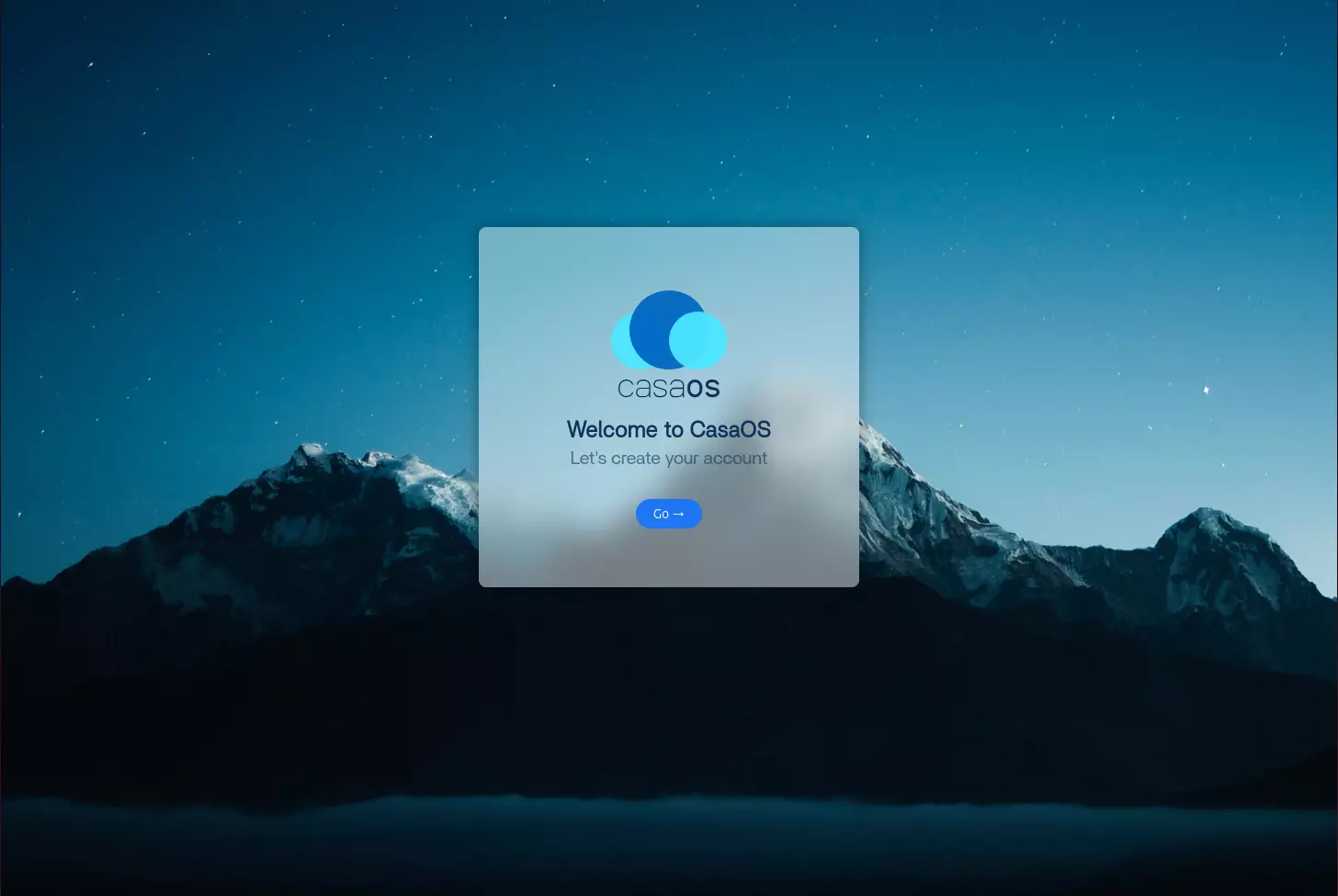
- Welcome Screen
Click the Go option to proceed to the account creation page.
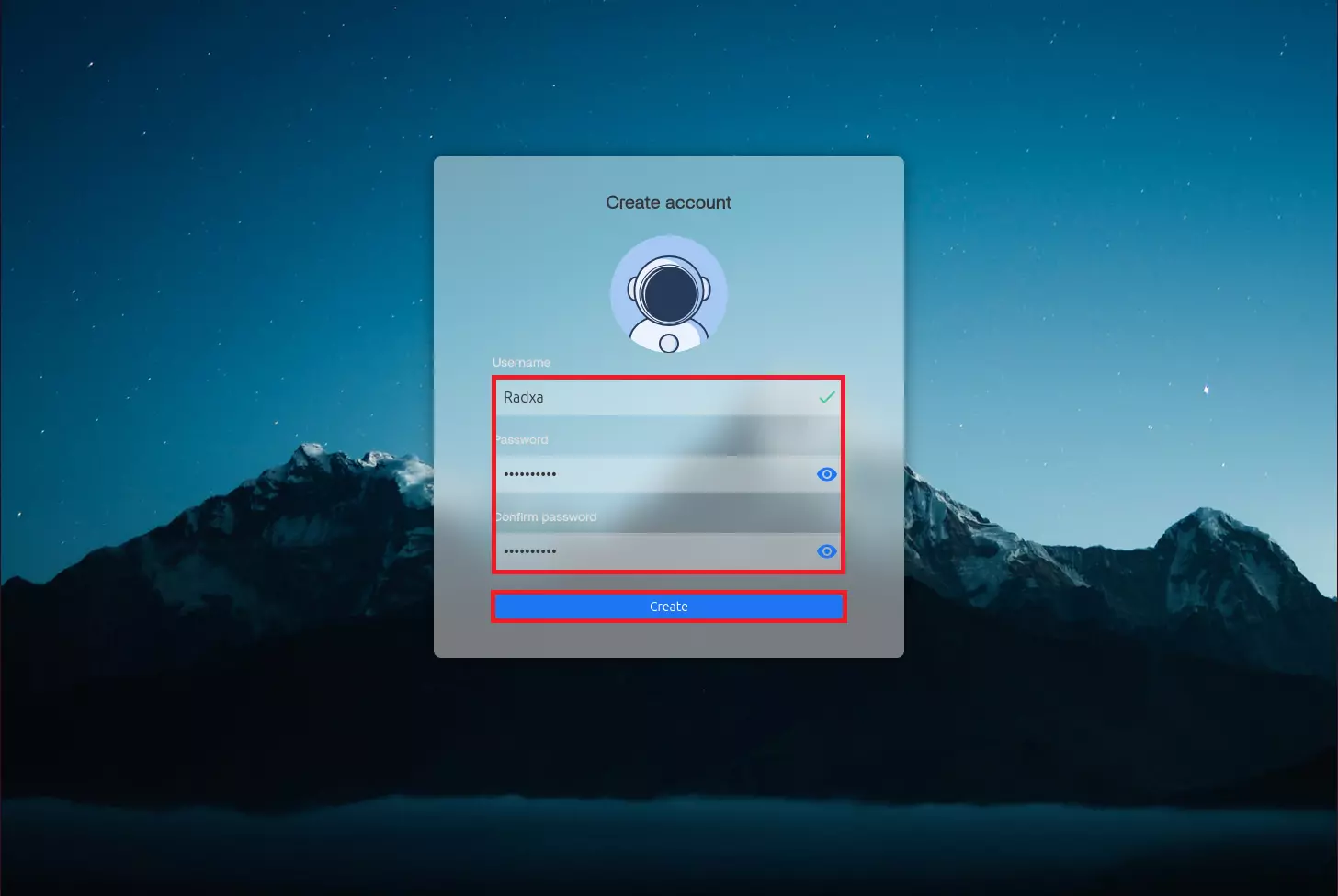
- Create Account
Fill in your username and password, then click the Create option.
- CasaOS Interface
After successfully creating an account, you will enter the CasaOS interface.

Uninstalling CasaOS
Enter the following command in the terminal to uninstall CasaOS:
casaos-uninstall