MiDas
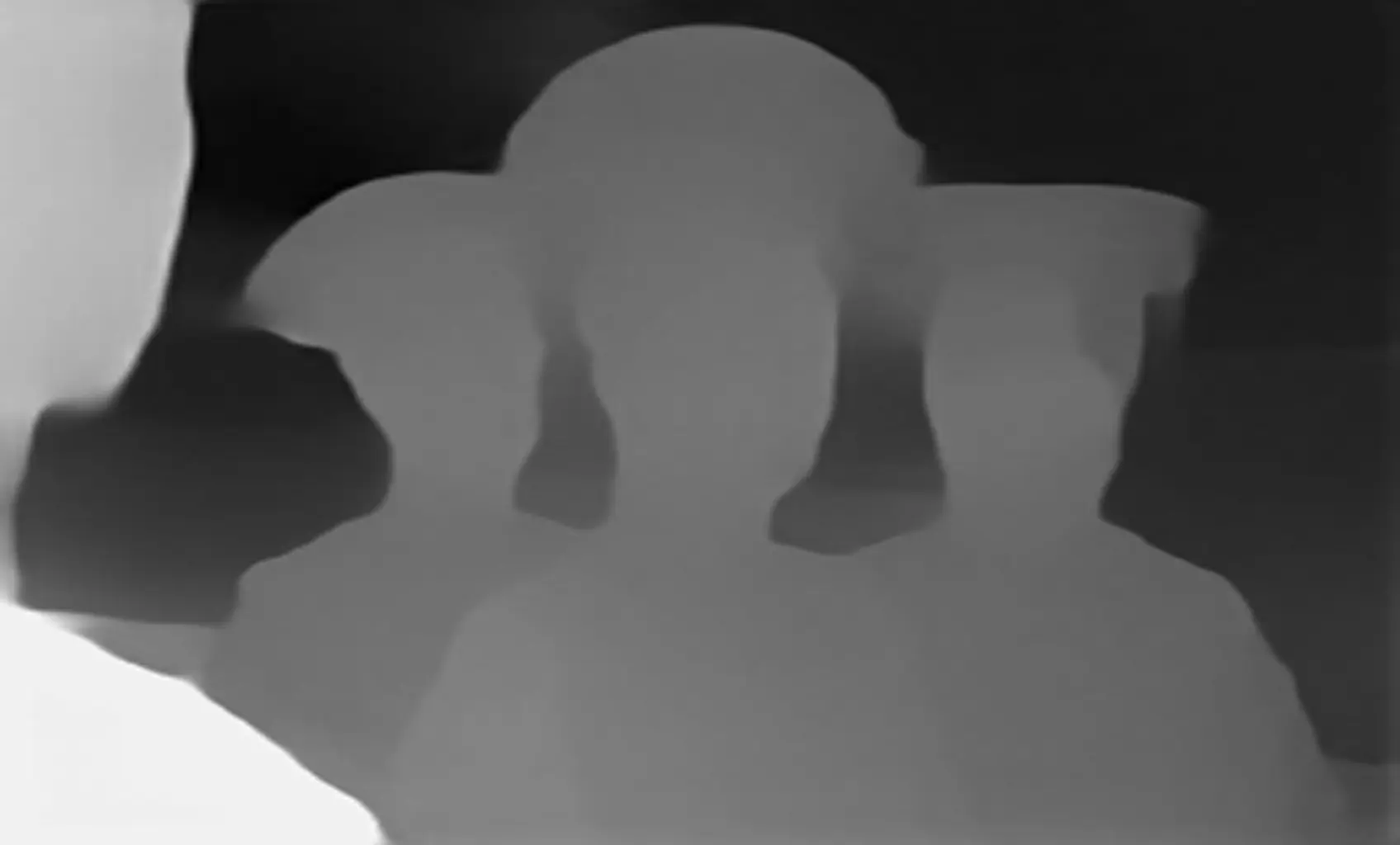
MiDaS is an advanced deep learning model focused on monocular depth estimation. It removes the reliance on stereo cameras or infrared sensors and can infer relative depth from a single RGB image, effectively turning a 2D image into a depth map with spatial layering.
- Key features: Excellent zero-shot generalization that can handle unseen complex indoor and outdoor environments. It produces depth maps with clear object boundaries and smooth depth transitions, and is widely used in AR, background blur, robot obstacle avoidance, and 3D scene reconstruction.
- Version notes: This example uses MiDaS v2. As a mature classic version in the series, it addresses common scene limitations in monocular depth estimation through pre-training on large mixed datasets. While maintaining mainstream inference speed, it provides stable depth predictions with high spatial fidelity, making it a balanced choice for low-cost, high-quality spatial perception tasks.
Environment setup
You need to set up the environment in advance.
Quick start
Download model files
O6 / O6N
cd ai_model_hub_25_Q3/models/ComputeVision/Depth_Estimation/onnx_MiDaS_v2
wget https://www.modelscope.cn/models/cix/ai_model_hub_25_Q3/resolve/master/models/ComputeVision/Depth_Estimation/onnx_MiDaS_v2/MiDaS_v2.cix
Test the model
info
Activate the virtual environment before running.
O6 / O6N
python3 inference_npu.py
Full conversion workflow
Download model files
Linux PC
cd ai_model_hub_25_Q3/models/ComputeVision/Depth_Estimation/onnx_MiDaS_v2/model
wget https://www.modelscope.cn/models/cix/ai_model_hub_25_Q3/resolve/master/models/ComputeVision/Depth_Estimation/onnx_MiDaS_v2/model/MiDaS_v2.onnx
Project structure
├── cfg
├── datasets
├── inference_npu.py
├── inference_onnx.py
├── model
├── README.md
├── test_data
└── MiDaS_v2.cix
Quantize and convert the model
Linux PC
cd ..
cixbuild cfg/onnx_MiDasV2build.cfg
Copy to device
After conversion, copy the .cix model files to the device.
Test inference on the host
Run the inference script
Linux PC
python3 inference_onnx.py
Inference output
Linux PC
$ python3 inference_onnx.py
initialize
loading model...
  processing ./test_data/1.jpg
Inference time: 18.44 ms
  processing ./test_data/2.jpg
Inference time: 16.14 ms
  processing ./test_data/3.jpg
Inference time: 15.61 ms
Finished



Deploy on NPU
Run the inference script
O6 / O6N
python3 inference_npu.py
Inference output
O6 / O6N
$ python3 inference_npu.py
initialize
loading model...
npu: noe_init_context success
npu: noe_load_graph success
Input tensor count is 1.
Output tensor count is 1.
npu: noe_create_job success
  processing ./test_data/3.jpg
Inference time: 4.72 ms
  processing ./test_data/2.jpg
Inference time: 6.10 ms
  processing ./test_data/1.jpg
Inference time: 6.42 ms
npu: noe_clean_job success
npu: noe_unload_graph success
npu: noe_deinit_context success
finished
Inference output