Install System to USB Drive
This guide explains how to install the system to a USB drive.
Installing the system will format the USB drive. Please back up any important data in advance!
Prerequisites
Hardware Requirements
You need to prepare the following hardware device:
- USB drive
Hardware Connection
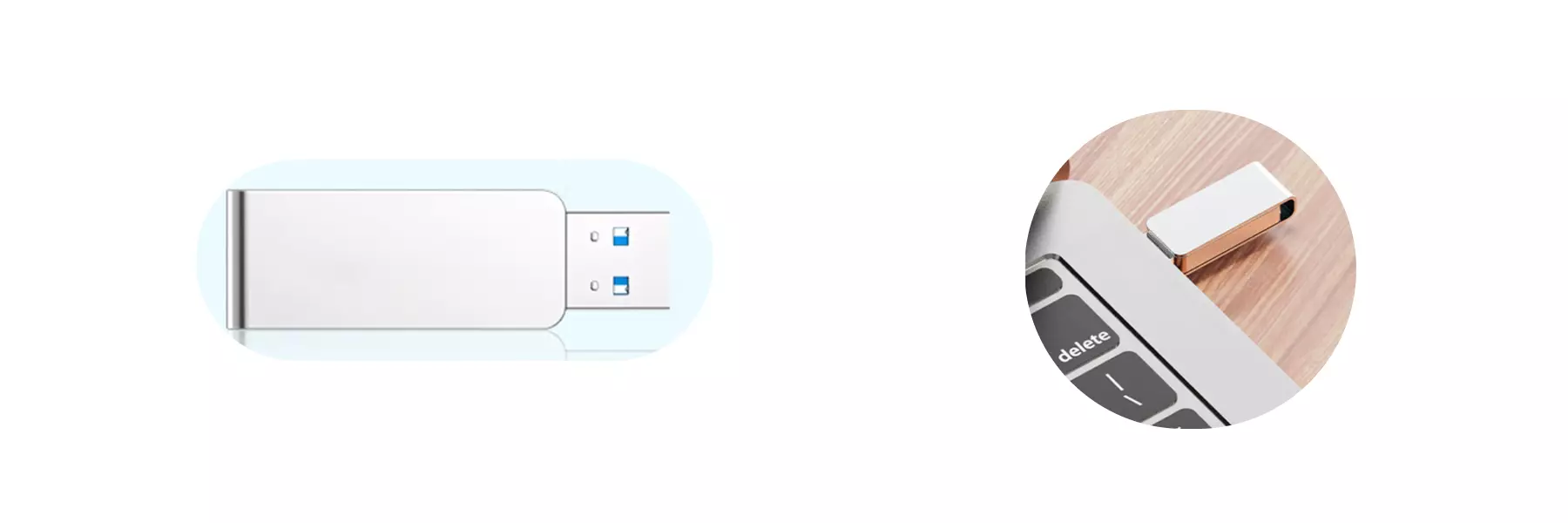
Insert the USB drive into your computer's USB port.
System Installation
Download System Image
Use a PC to access the Downloads page and download the system image file to your local machine.
The downloaded system image is a compressed file that needs to be extracted before use!
Install System Image
Use Balena Etcher software to install the system image to the USB drive.
For installation and usage of Balena Etcher, please refer to the Etcher Guide tutorial.
Select System Image
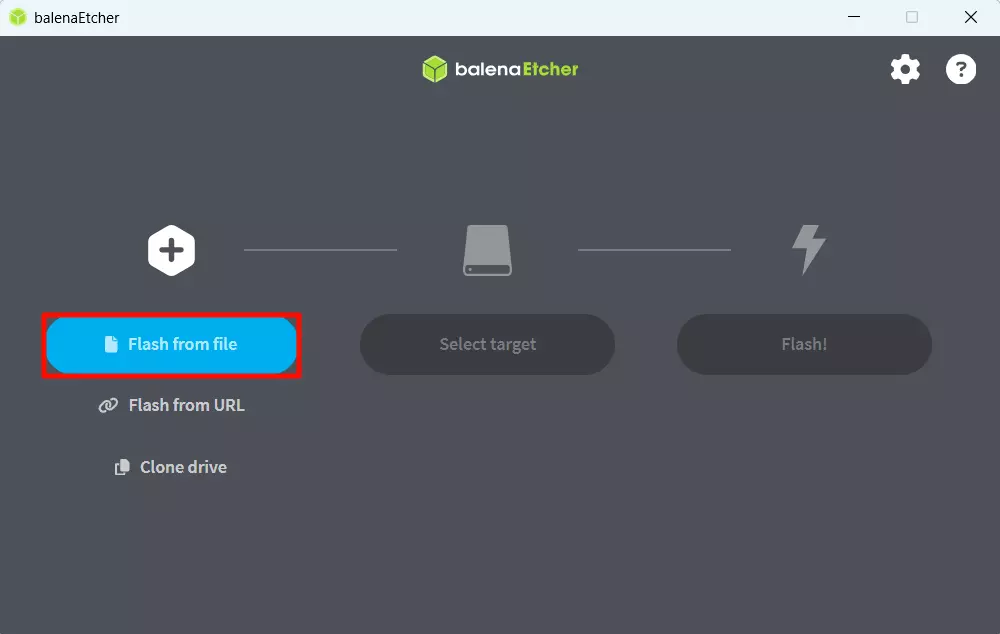
Click the from file option and select the system image file you downloaded and extracted earlier.
Select Storage Device
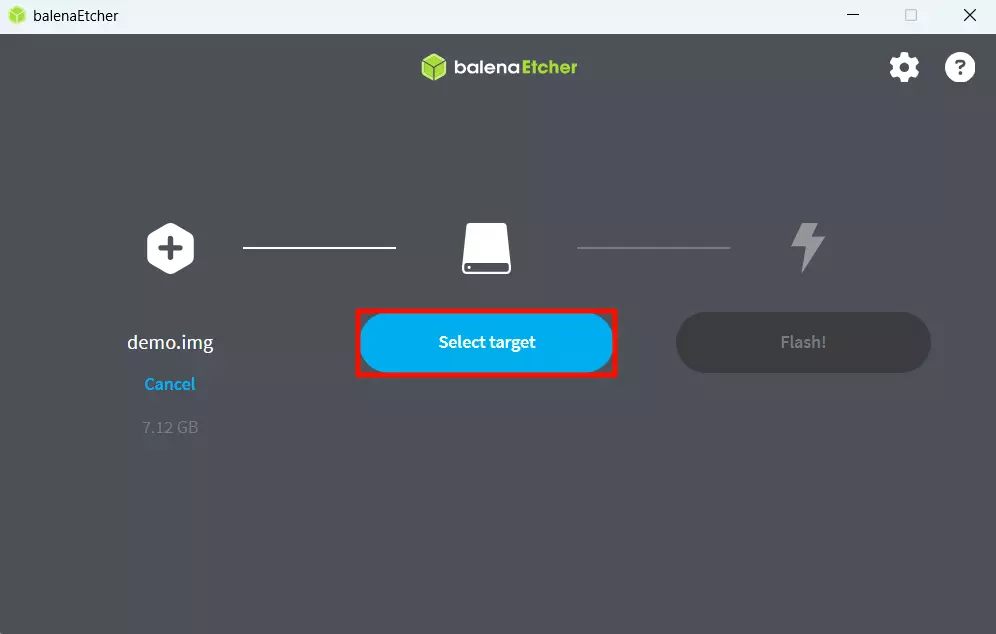
Click the Select target option and choose the USB drive device.
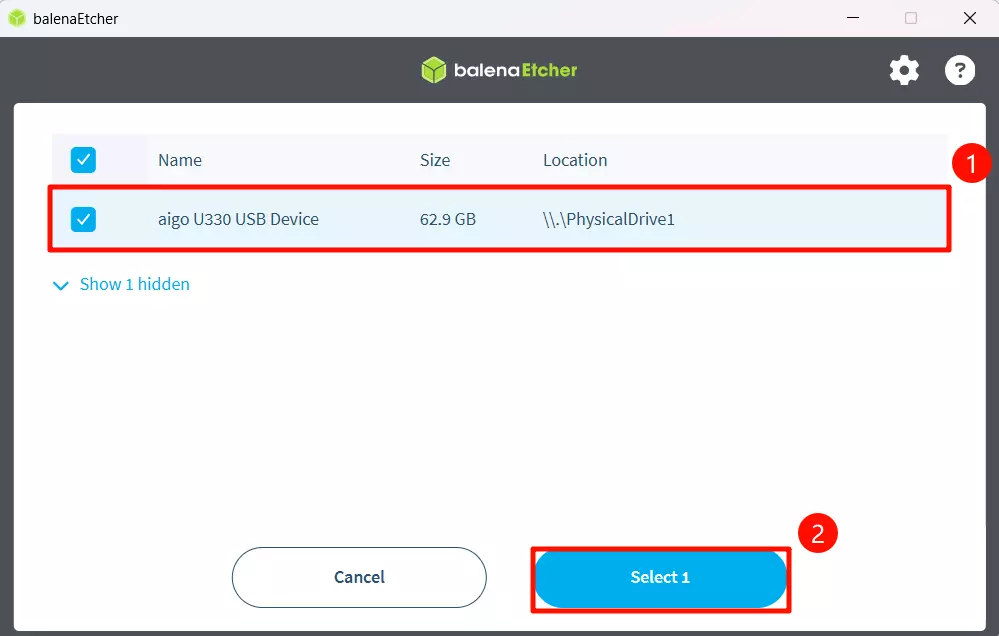
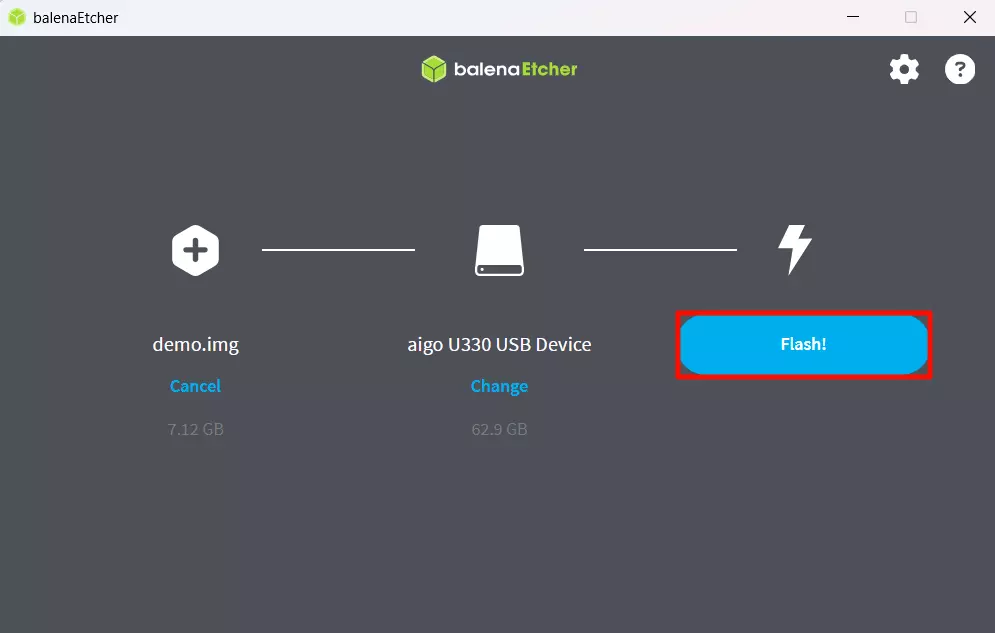
Start Flashing
Click the Flash! option to start flashing the system image to the USB drive.
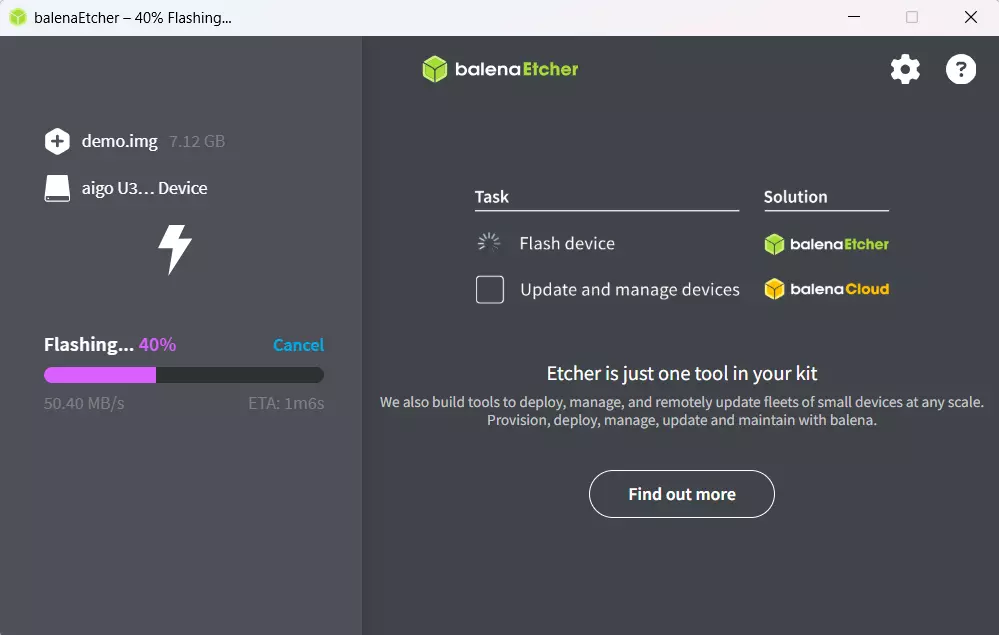
Waiting for system installation to complete
Waiting for system verification to complete
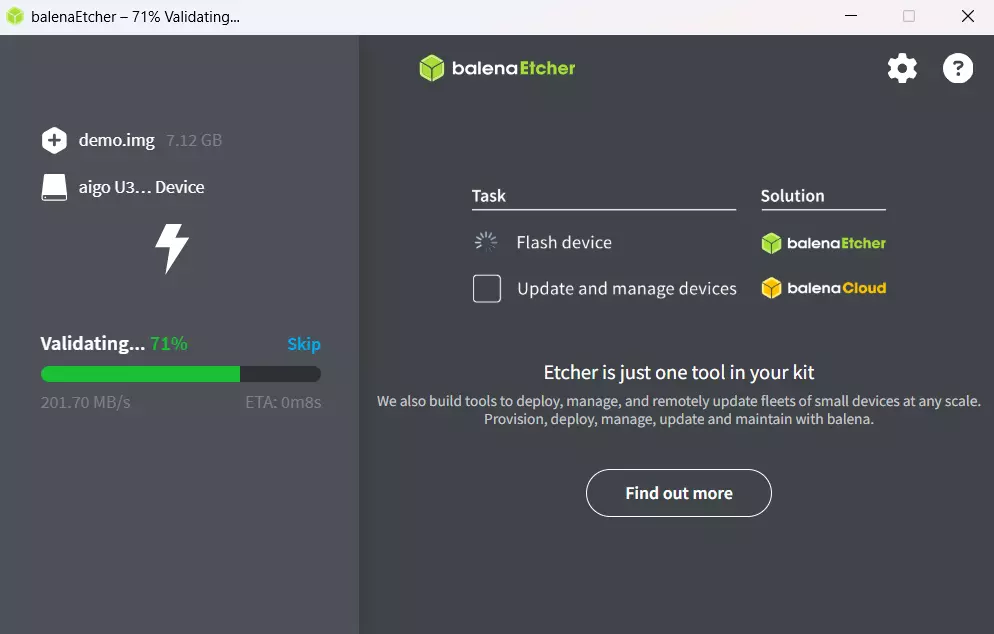
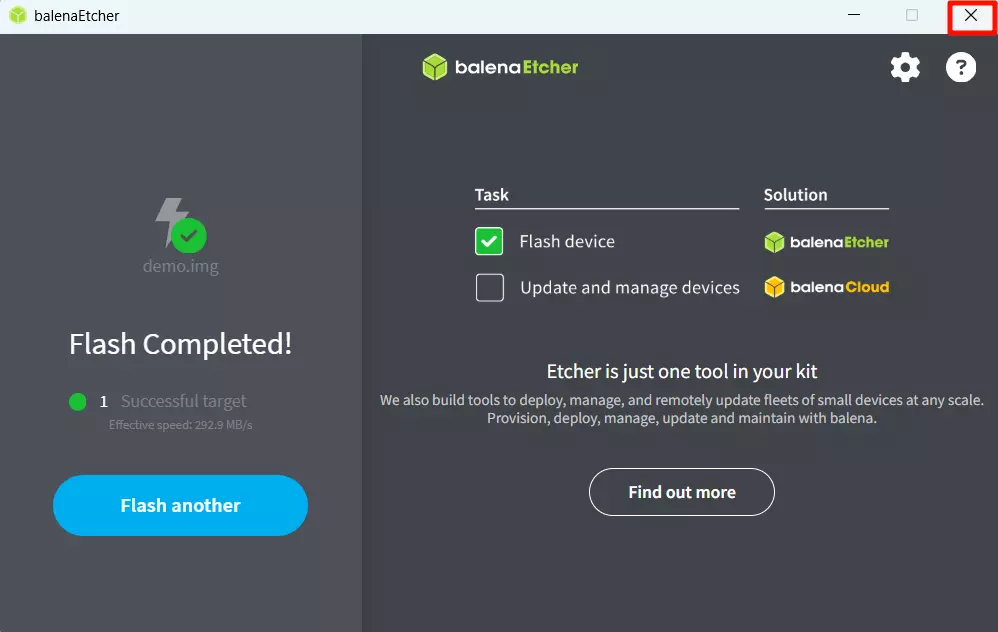
After successfully installing the system image, close the Etcher software!
Booting the System
After completing the system installation, insert the USB drive into the Radxa Orion O6's USB port, then power on the Radxa Orion O6 using a 20V Type-C power adapter to boot the system.
Detailed steps:
-
Connect the USB drive
-
Connect the monitor to the motherboard using an HDMI/DP cable
-
Power on the Radxa Orion O6 with a 20V Type-C power adapter
When the system boots normally, the power indicator will light up green and the status indicator will flash blue.
Logging into the System
When you start the system for the first time, you need to log in using the default username and password.
The default credentials for Radxa OS are as follows:
| Item | Content |
|---|---|
| Username | radxa |
| Password | radxa |
Using the System
After successfully logging in, you can proceed with system configuration and development on your Radxa Orion O6.