BIOS Introduction
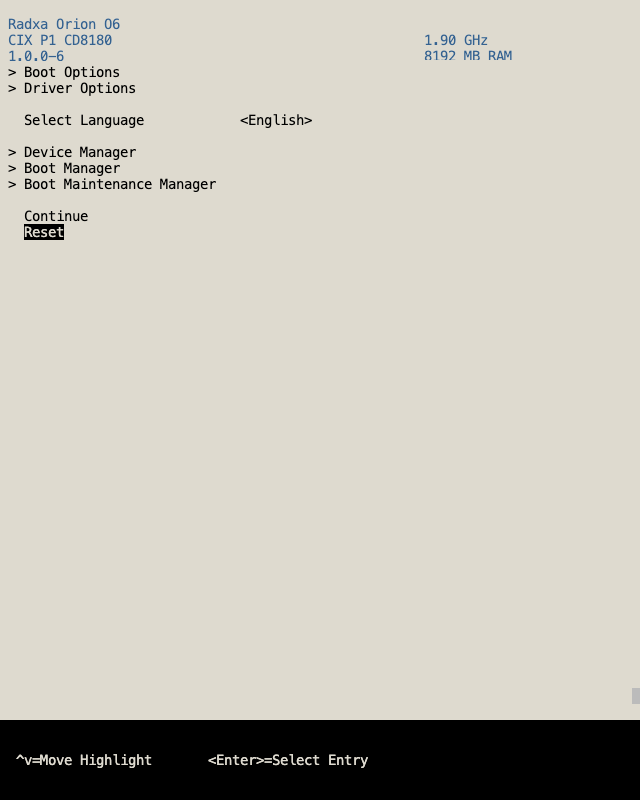
BIOS (UEFI firmware) is the firmware program on the computer board. It is the first piece of code that runs after power-on, used to wake up hardware, complete self-test, and boot the operating system. In other words, the BIOS is the "bridge" between hardware and the operating system.
BIOS Overview
- Arrow keys: Move between menu items.
- Enter: Enter or confirm the current option.
- ESC: Go back to the previous level or exit the setup interface.
Mastering the above shortcut keys will help you quickly navigate the functional pages in the following sections.
BIOS Language
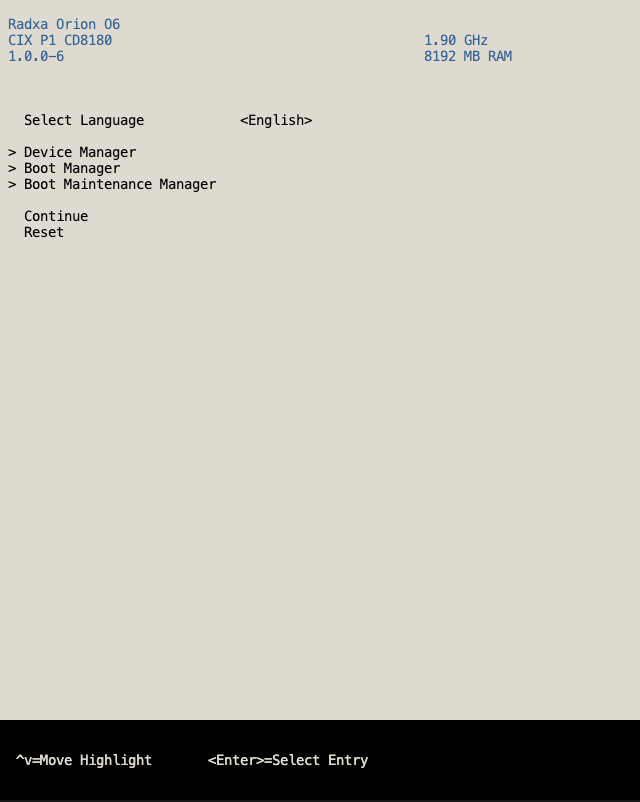
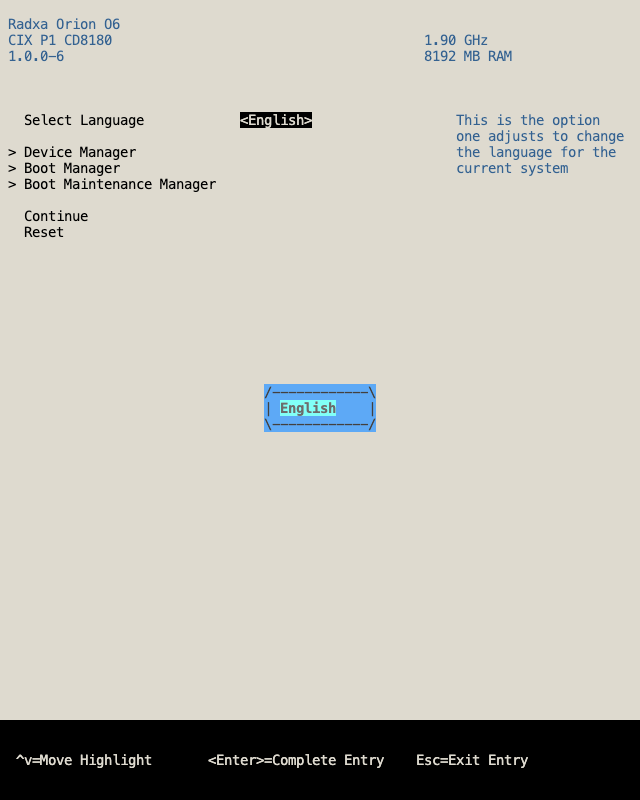
In the "BIOS Language" option you can switch the display language of the BIOS interface to make it easier for different users to read.
Device Manager
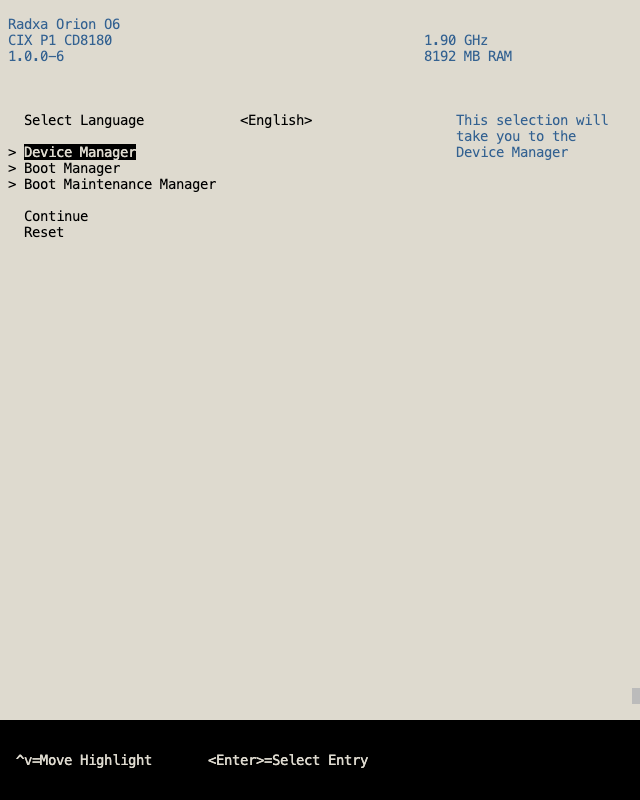
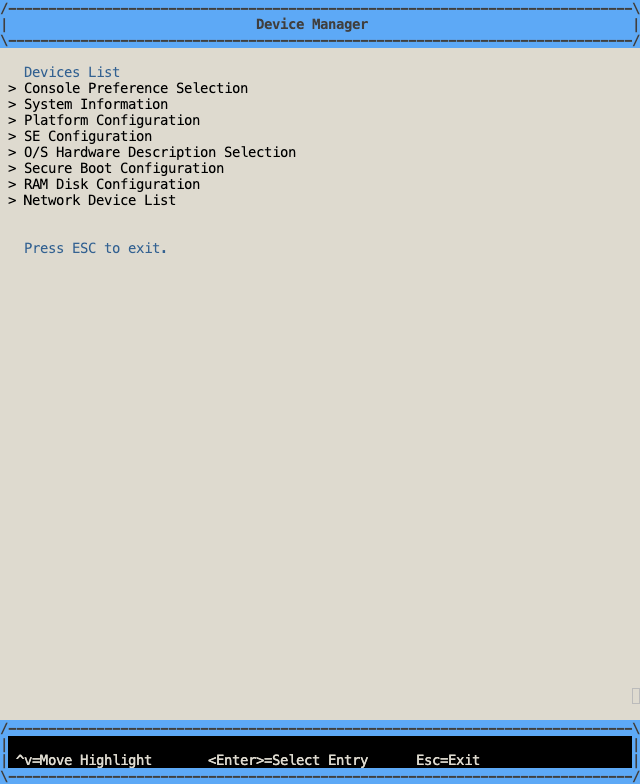
In the "Device Manager" option you can view and configure various hardware such as CPU, memory, storage, and peripherals. You can enable/disable devices or view their status here.
- Console Preference Selection: Console preference settings.
- System Information: System information.
- SE Configuration: SE configuration.
- O/S Hardware Description Selection: Operating system hardware description selection.
- Secure Boot Configuration: Secure boot configuration.
- RAM Disk Configuration: RAM disk configuration.
- Network Device List: Network device list.
Boot Manager
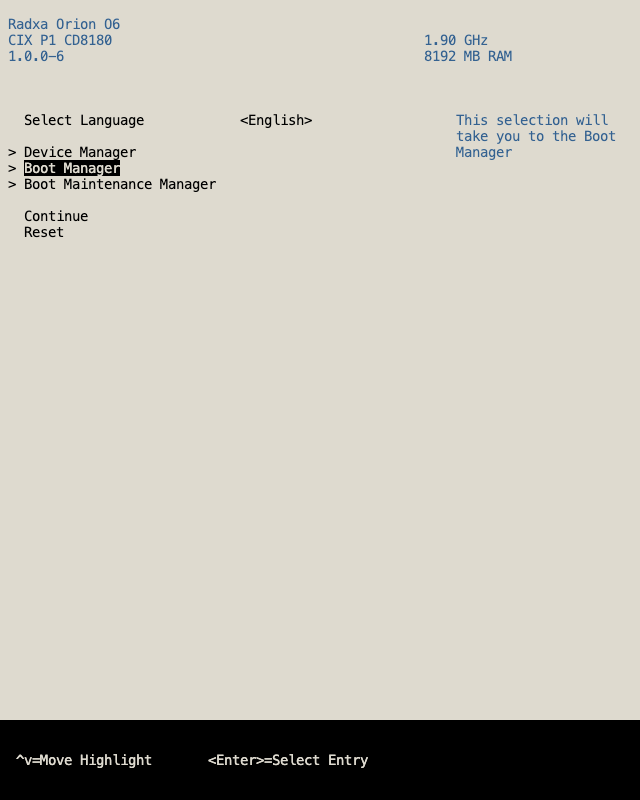
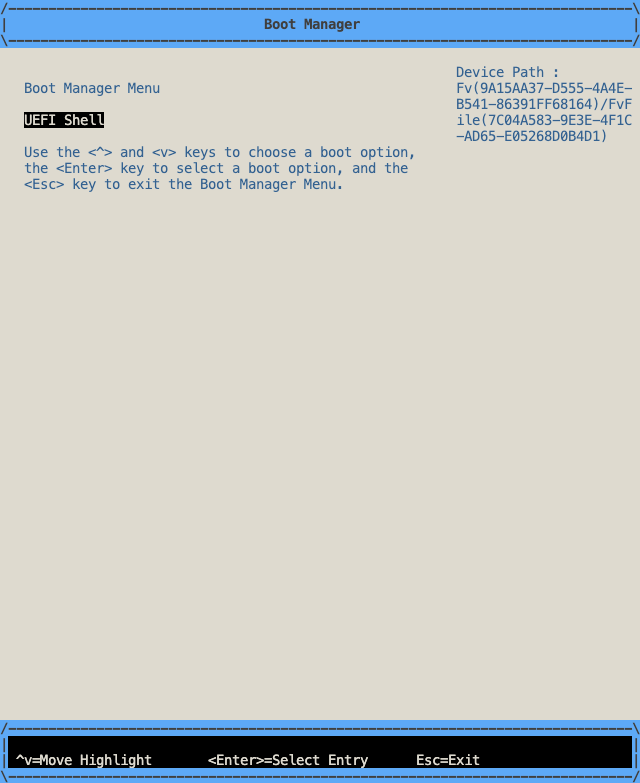
In "Boot Manager" you can temporarily adjust the boot order, which is suitable for scenarios where you need to boot the system from USB, network, or other media.
Boot Maintenance Manager
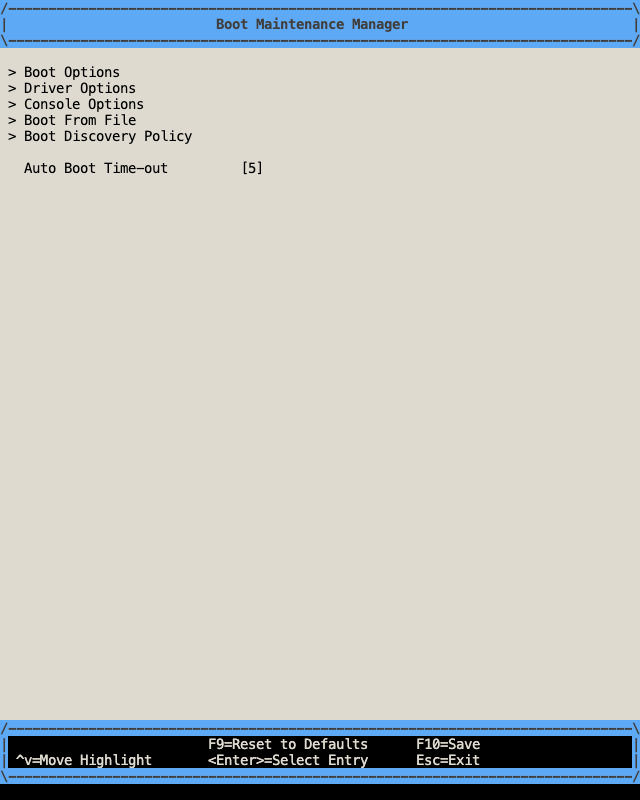
This module provides more fine-grained boot entry management. You can create, modify and delete custom boot entries, and control driver and console behavior.
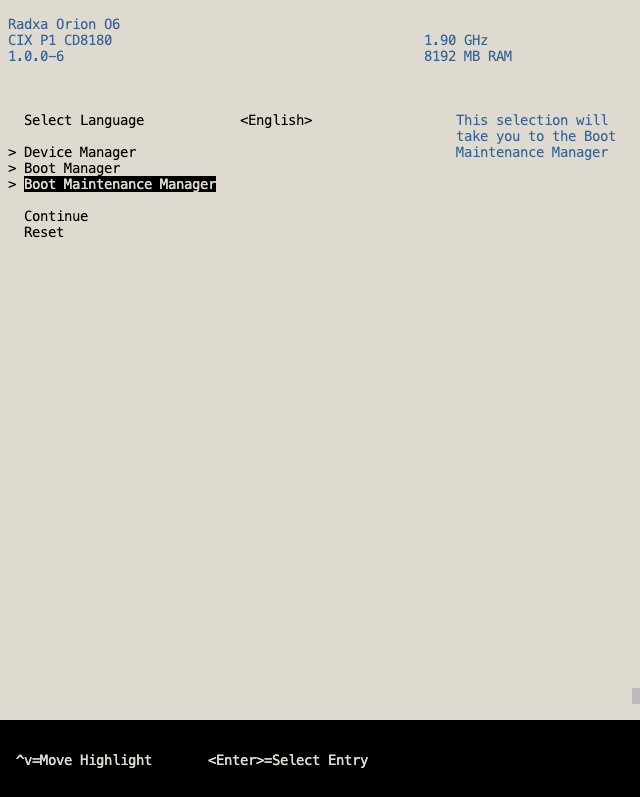
- Boot Options: Manage boot options.
- Driver Options: Manage driver options.
- Console Options: Manage console options.
- Boot From File: Manually select and boot a specific EFI executable file.
- Boot Discovery Policy: Boot discovery policy.
- Auto Boot Time-out: Configure automatic boot timeout.
Continue
Save the current settings and exit the BIOS to continue the subsequent boot process.
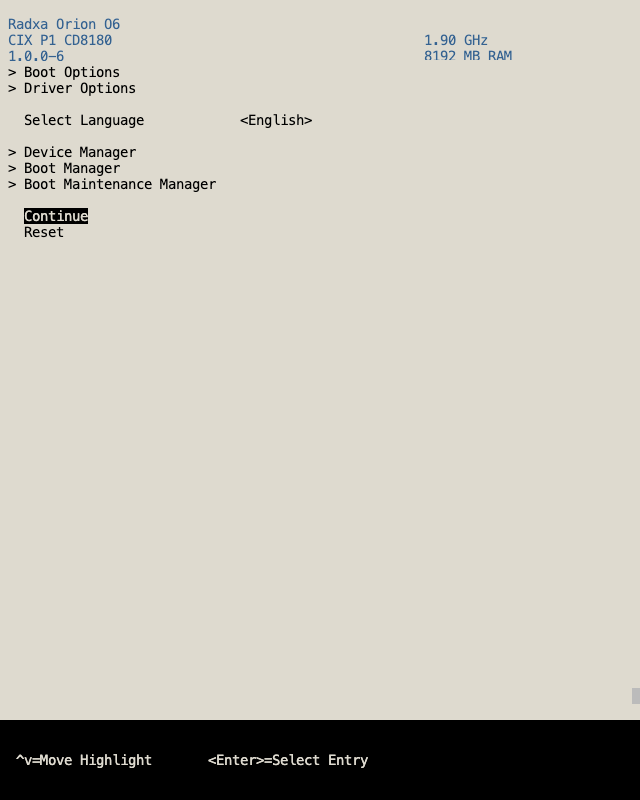
Reset
Restore default settings or restart the BIOS configuration process, which is useful for troubleshooting problems caused by incorrect settings.