Quick Start
Package Contents
- ROCK 4A
- ROCK 4B
- ROCK 4A+
- ROCK 4B+
- ROCK 4SE
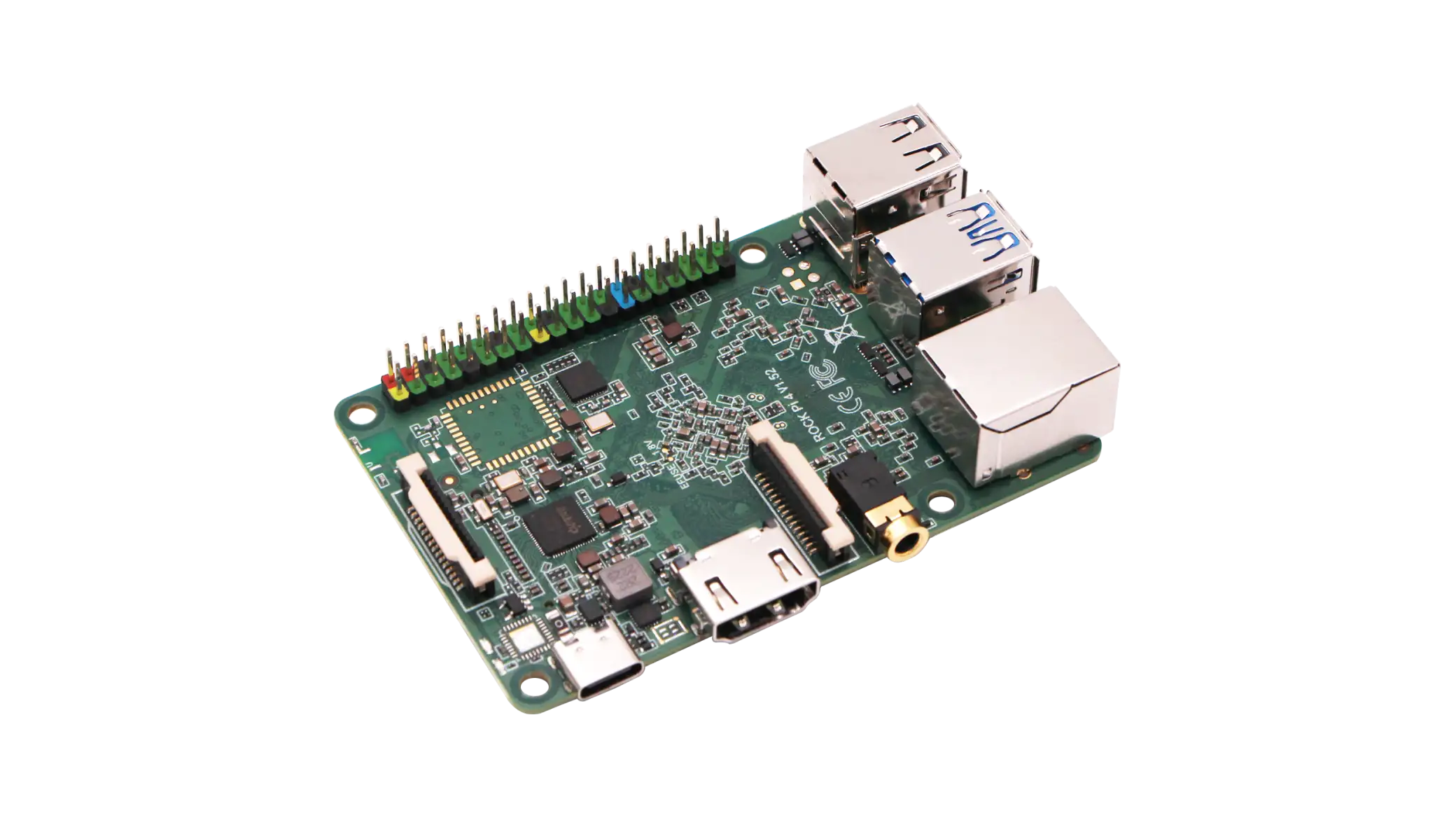
Standard package for ROCK 4A includes the following items:
- ROCK 4A mainboard
- Anti-static bag
- PP plastic case
- Toothpaste box
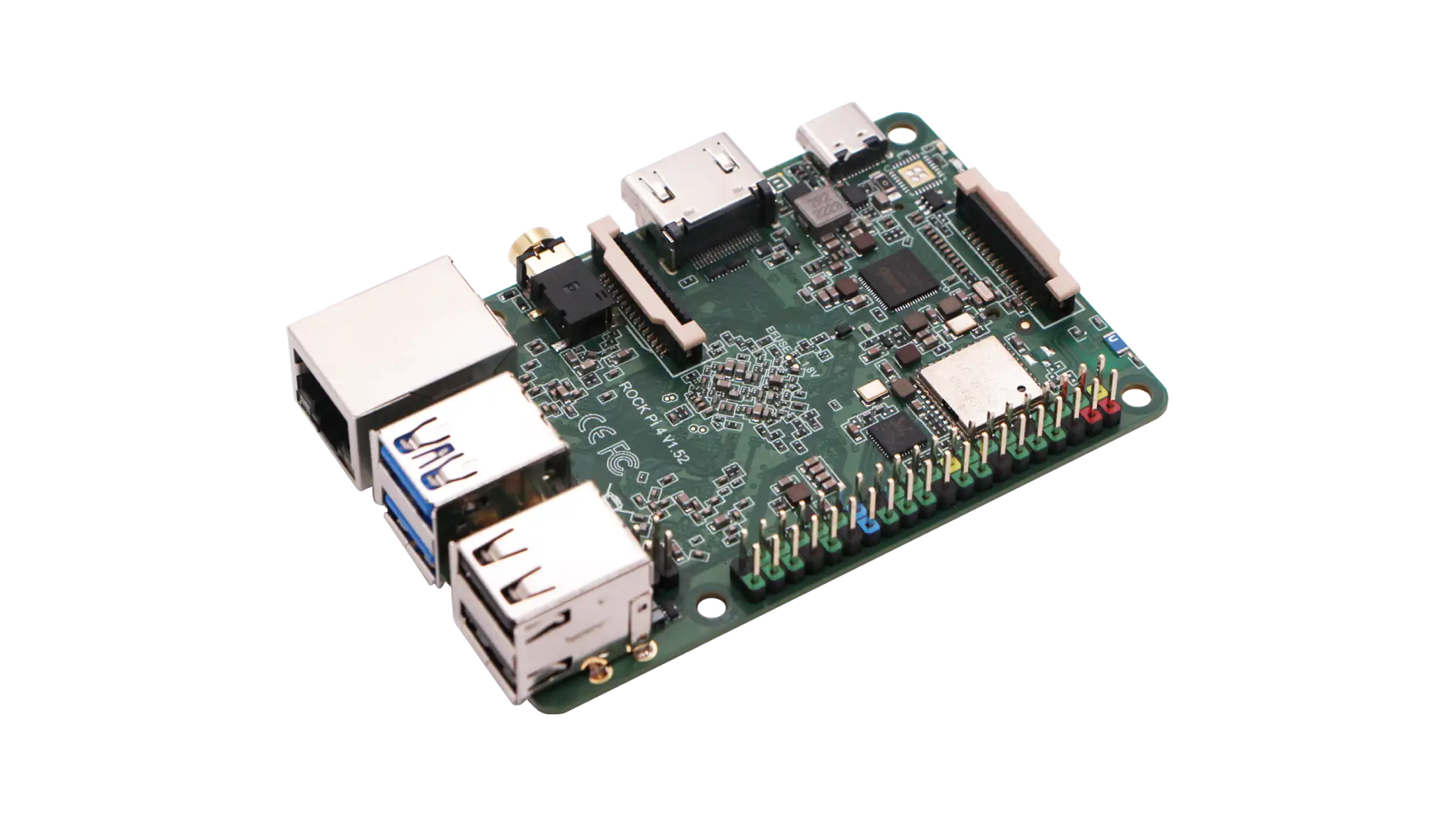
Standard package for ROCK 4B includes the following items:
- ROCK 4B mainboard
- Anti-static bag
- PP plastic case
- Toothpaste box
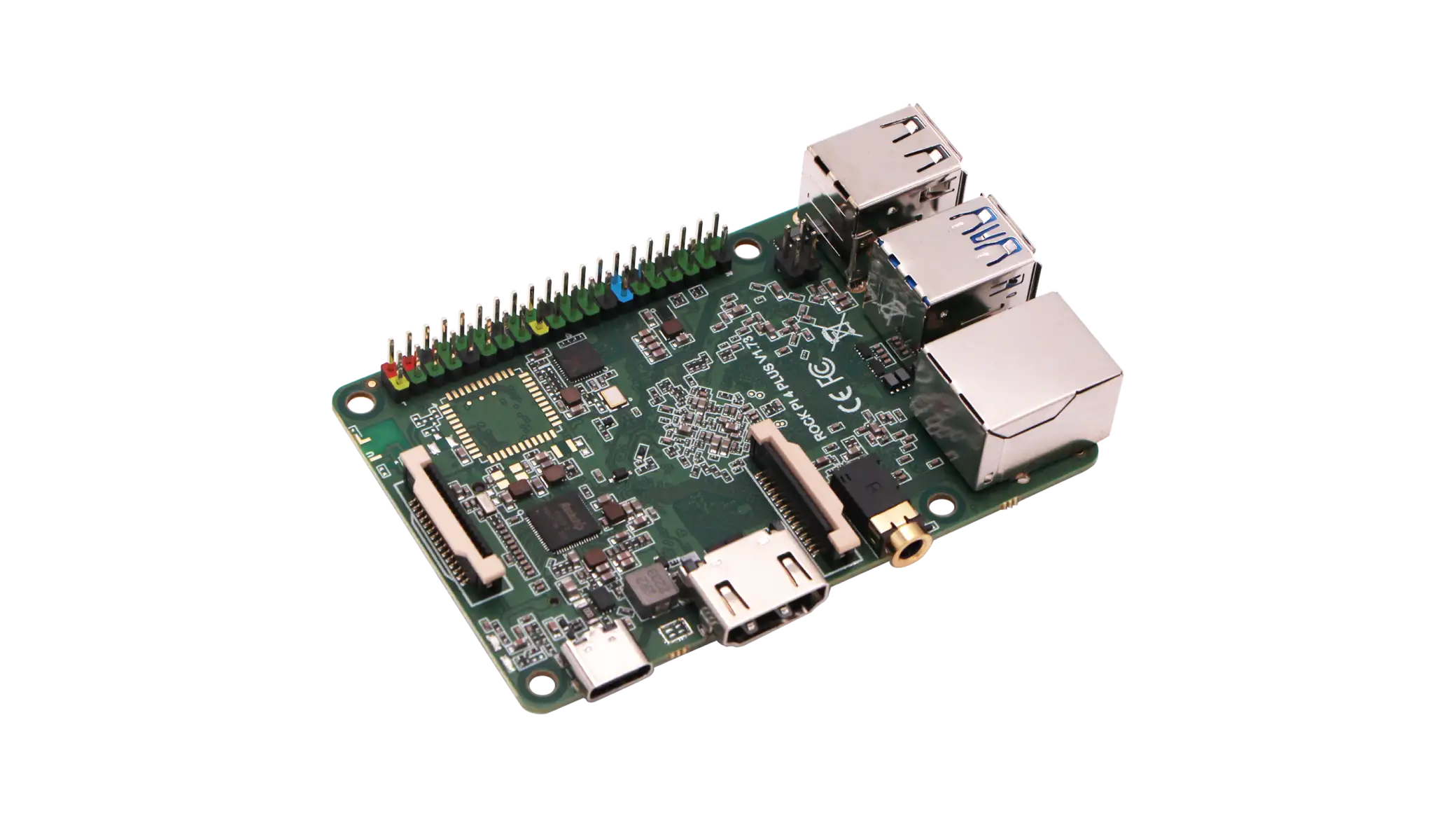
Standard package for ROCK 4A+ includes the following items:
- ROCK 4A+ mainboard
- Anti-static bag
- PP plastic case
- Toothpaste box
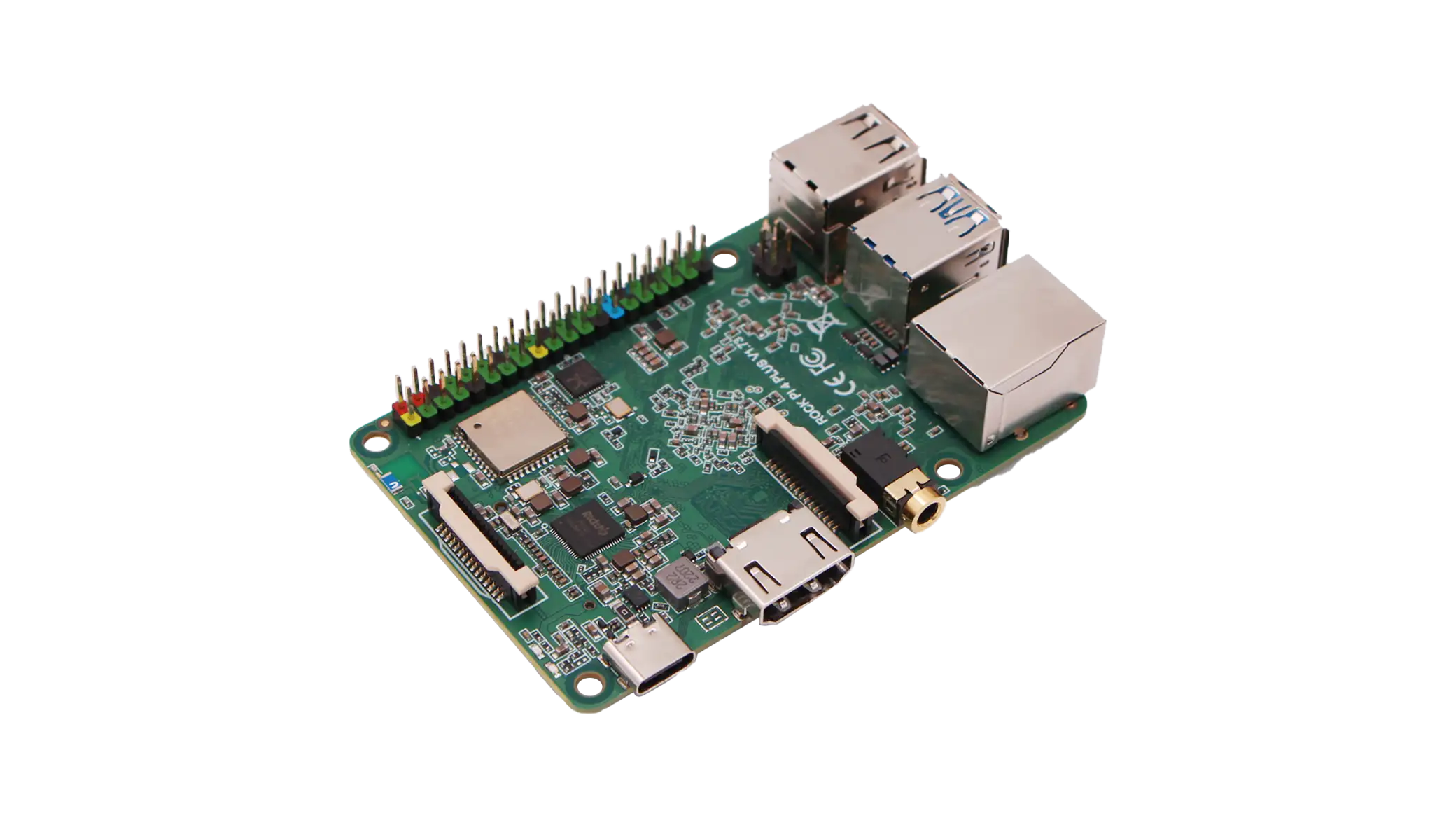
Standard package for ROCK 4B+ includes the following items:
- ROCK 4B+ mainboard
- Anti-static bag
- PP plastic case
- Toothpaste box
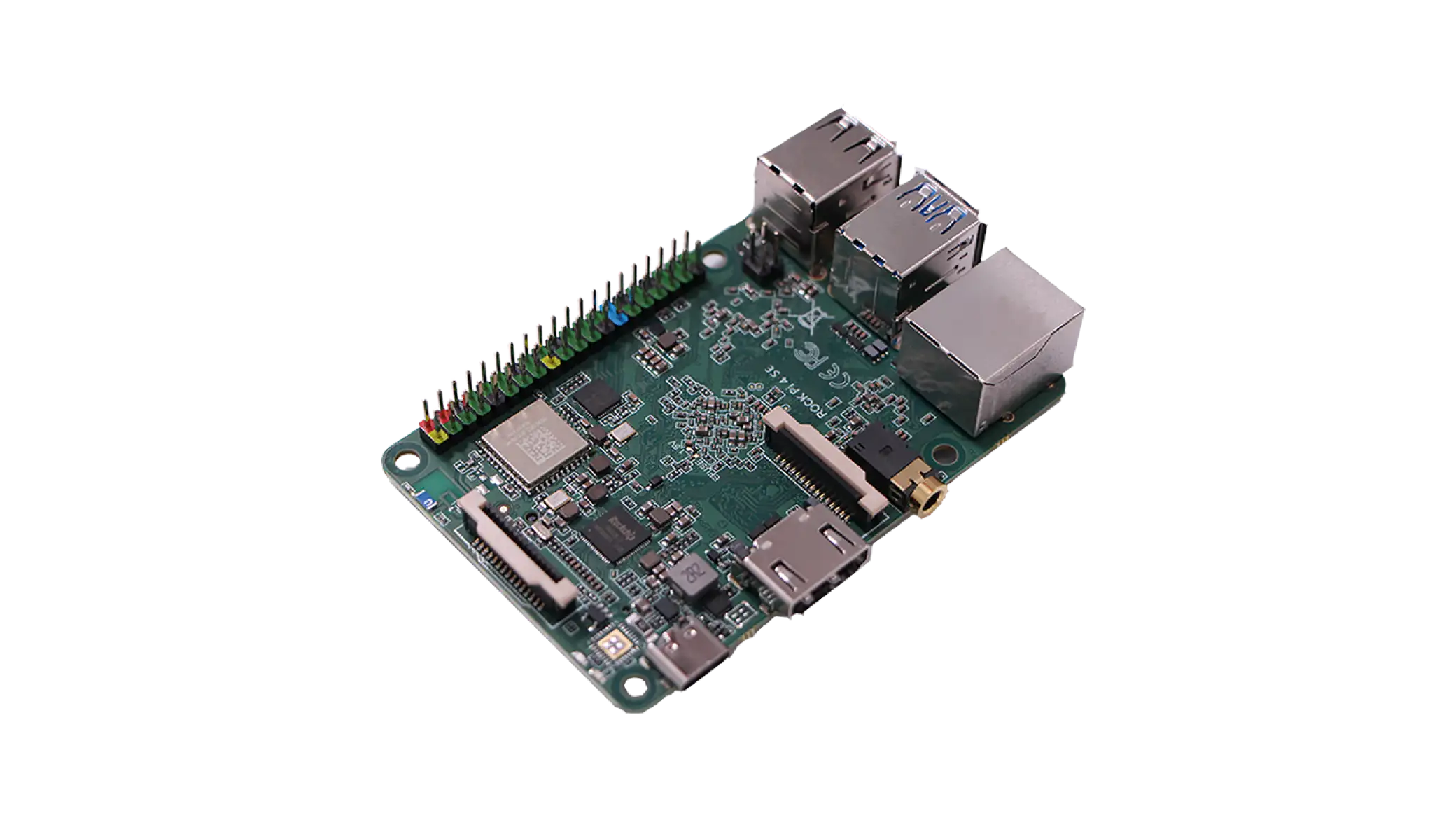
Standard package for ROCK 4SE includes the following items:
- ROCK 4SE mainboard
- Anti-static bag
- PP plastic case
- Toothpaste box
To get started with ROCK 4A/4B/4A+/4B+/4SE, you will also need the following equipment:
-
A 12V/2A or higher power PD adapter. ROCK 4B/4B+/4SE also support PoE power supply. For more power supply details, please refer to Power Supply Options.
-
An HDMI cable and an HDMI-compatible display, recommended resolution of 1080P or higher, with 4K display providing the best experience.
-
A USB mouse and keyboard set. Common USB input devices support plug-and-play.
-
An Ethernet cable is required for system updates.
It is recommended to use the official Radxa PD30W Adapter.
Optional peripherals that can enhance the basic functionality of ROCK 4A/4B/4A+/4B+/4SE:
-
Heat sink
-
M.2 NVMe SSD. It is recommended to install the operating system on an M.2 NVMe SSD.
Installing the Operating System
Refer to the Installation Guide section to install the operating system.
Wiring and Power On
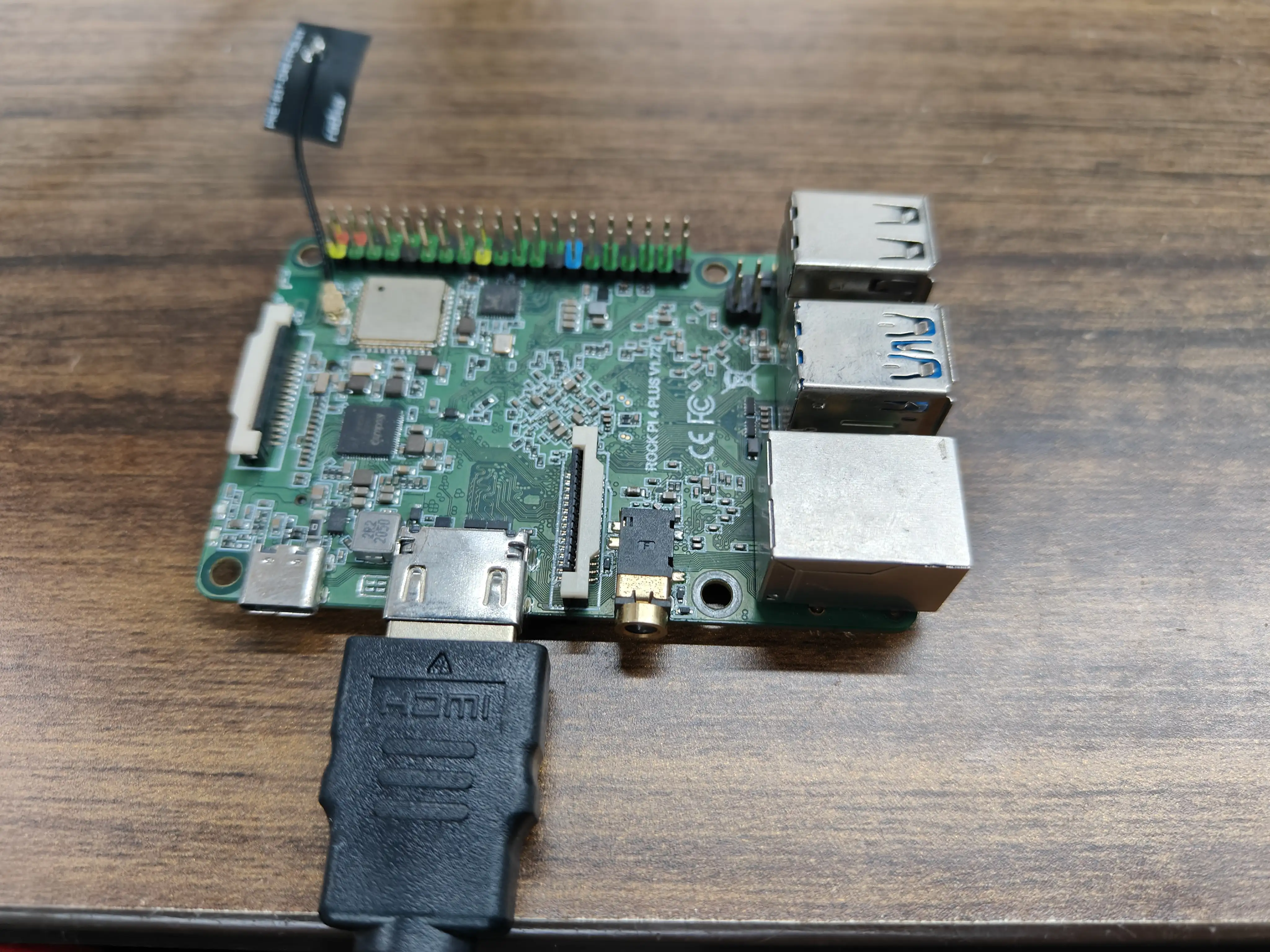
- Connect any HDMI output port of ROCK 4A/4B/4A+/4B+/4SE to an HDMI display using an HDMI cable.
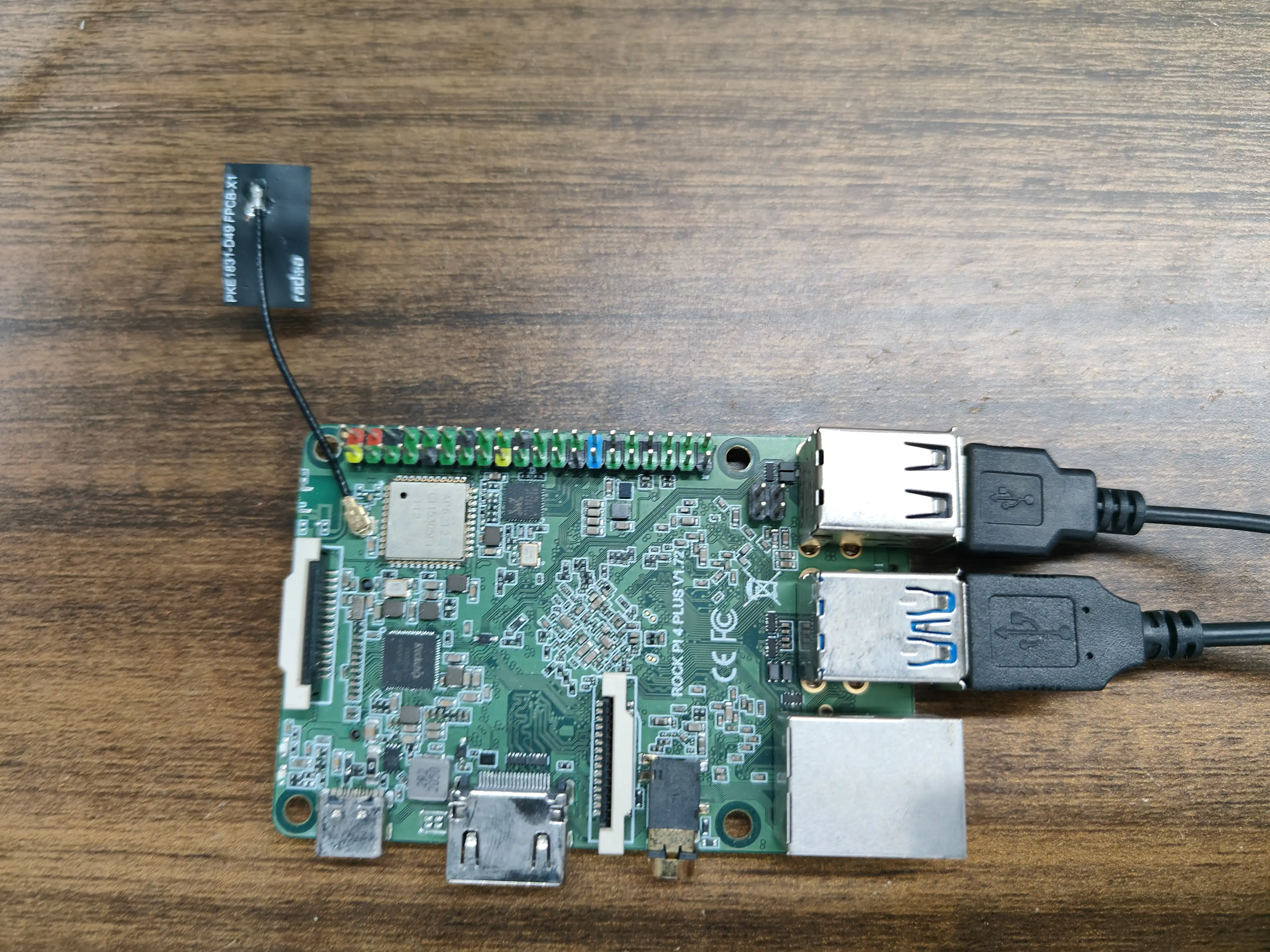
- Connect the USB mouse and keyboard to any USB 2.0 or 3.0 port on the ROCK 4A/4B/4A+/4B+/4SE.
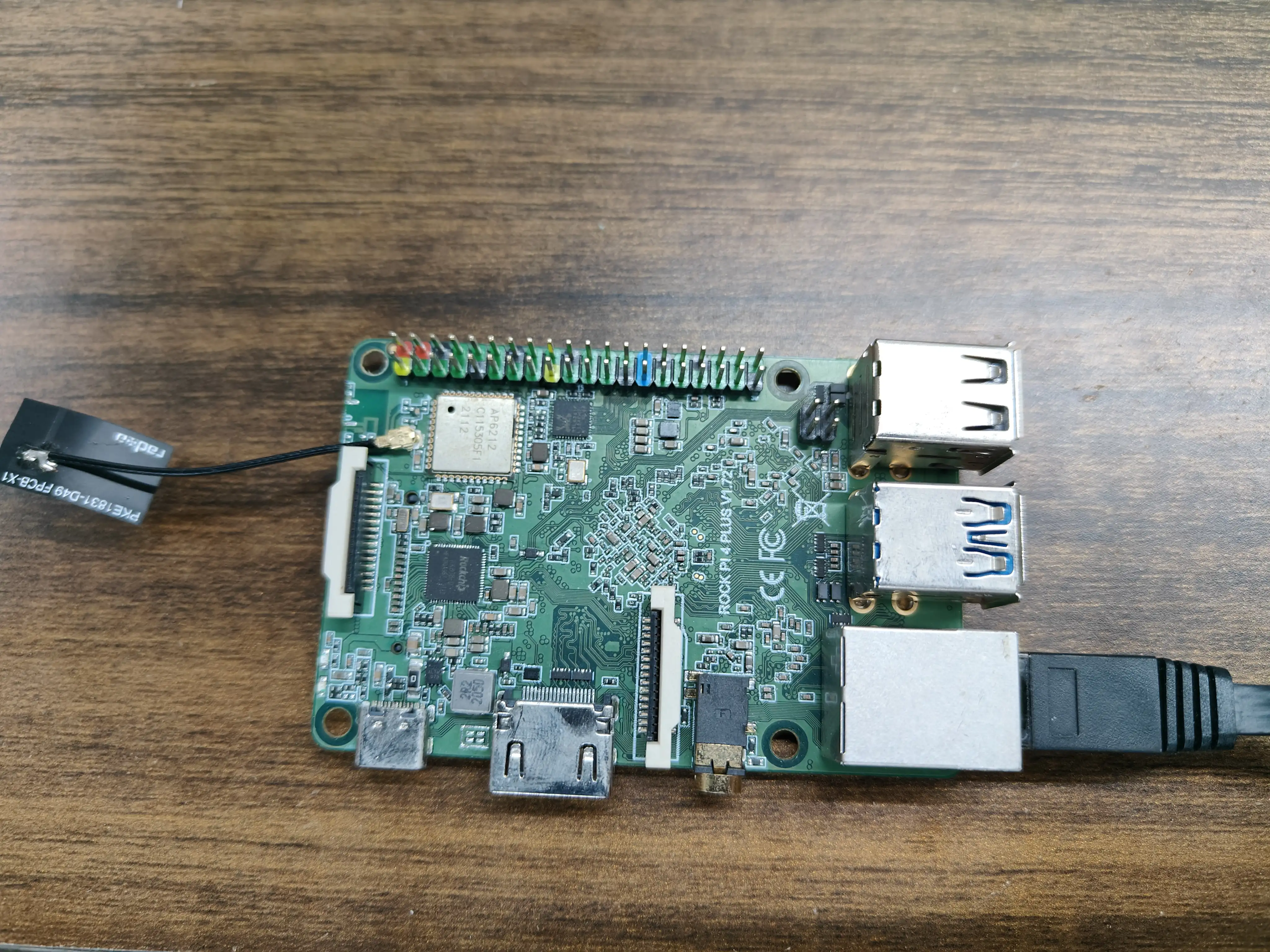
- Connect an Ethernet cable to the Ethernet port.
-
If you have an M.2 Wi-Fi module or SSD, install and secure it using the provided M.2 screws.
-
Plug the power adapter into the power port of the ROCK 4A/4B/4A+/4B+/4SE. The device will power on, and the power indicator light will turn on.
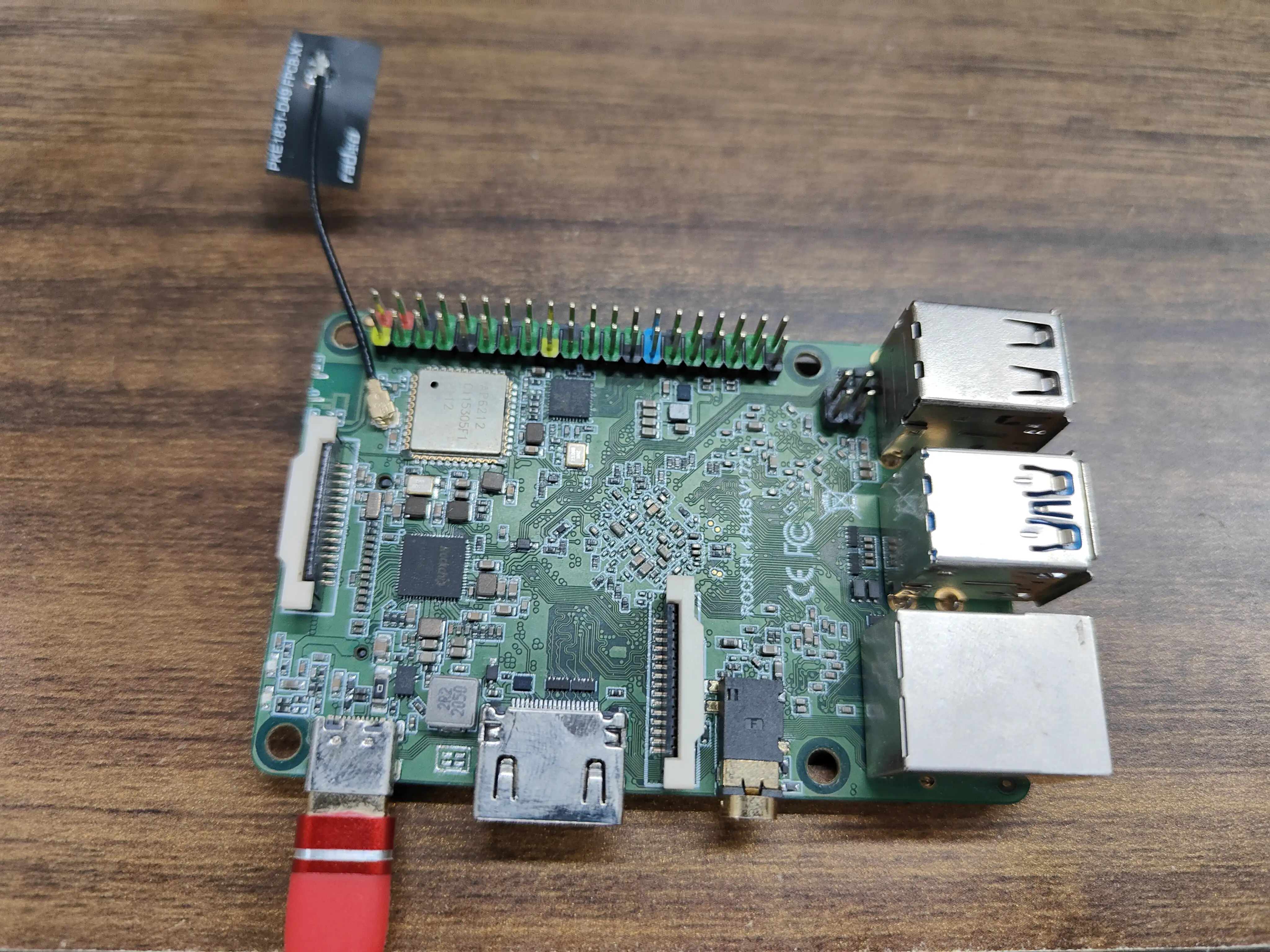
The entire boot process from power-on to system startup takes about 40 seconds, after which you'll see the desktop interface.