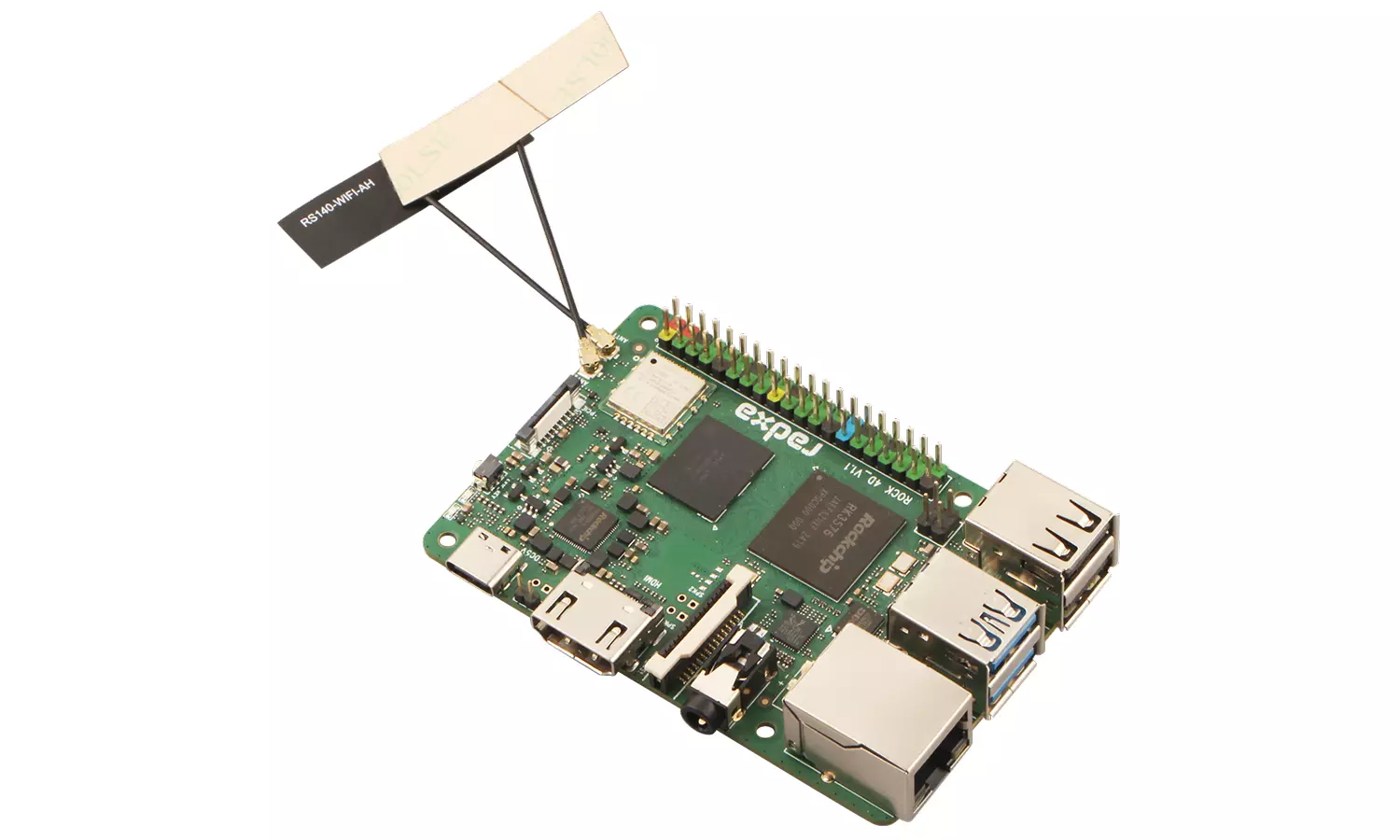
Antenna Interface
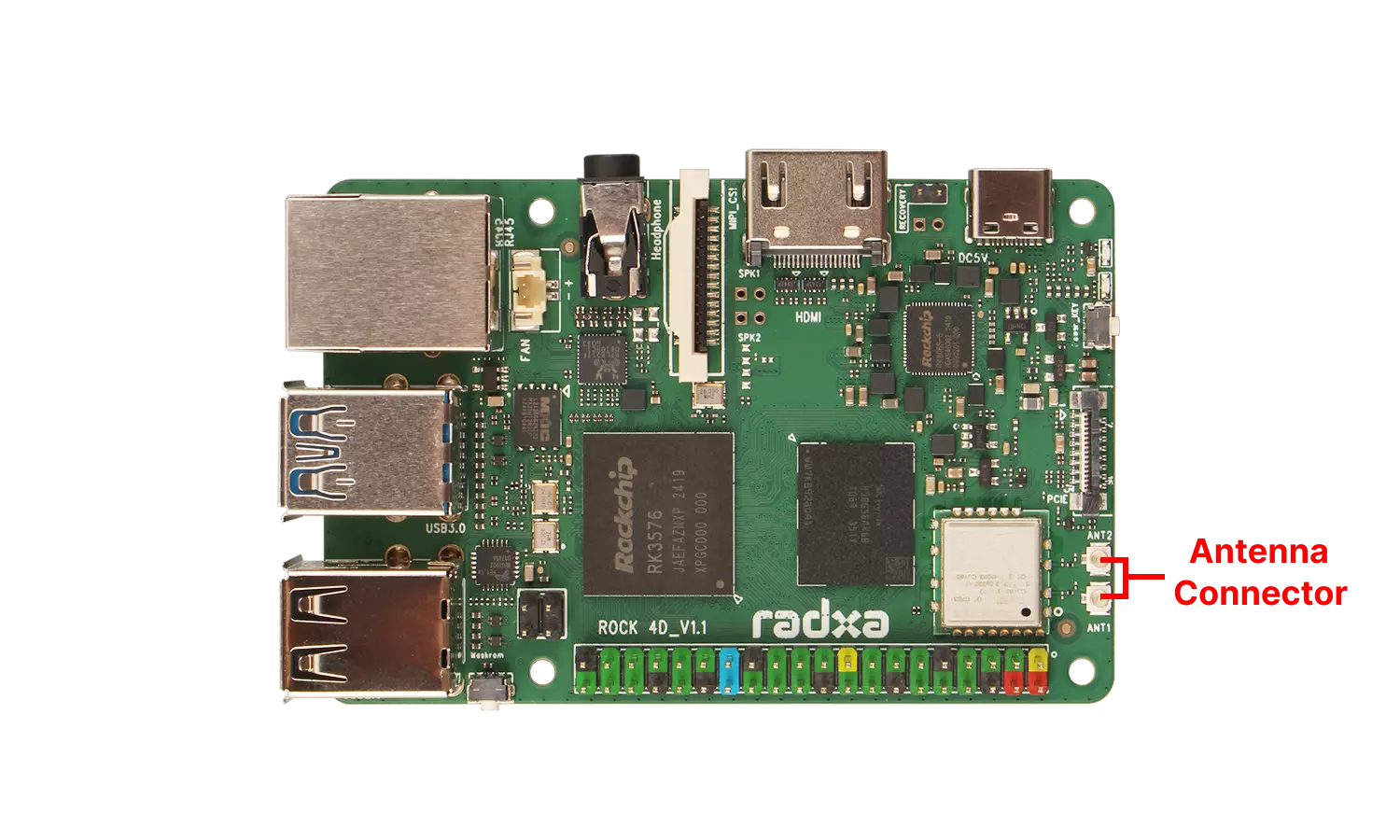
The Radxa ROCK 4D comes with an onboard WiFi 6 and Bluetooth 5.4 chipset, featuring 2 antenna connectors for enhanced signal strength.
User Guide
Connect the two antennas to their corresponding antenna interfaces. The antenna interface uses 1st generation IPEX connectors.
After successfully booting the system, you can check the WiFi signal strength using the following command:
radxa@radxa-4d$
sudo nmcli device wifi list