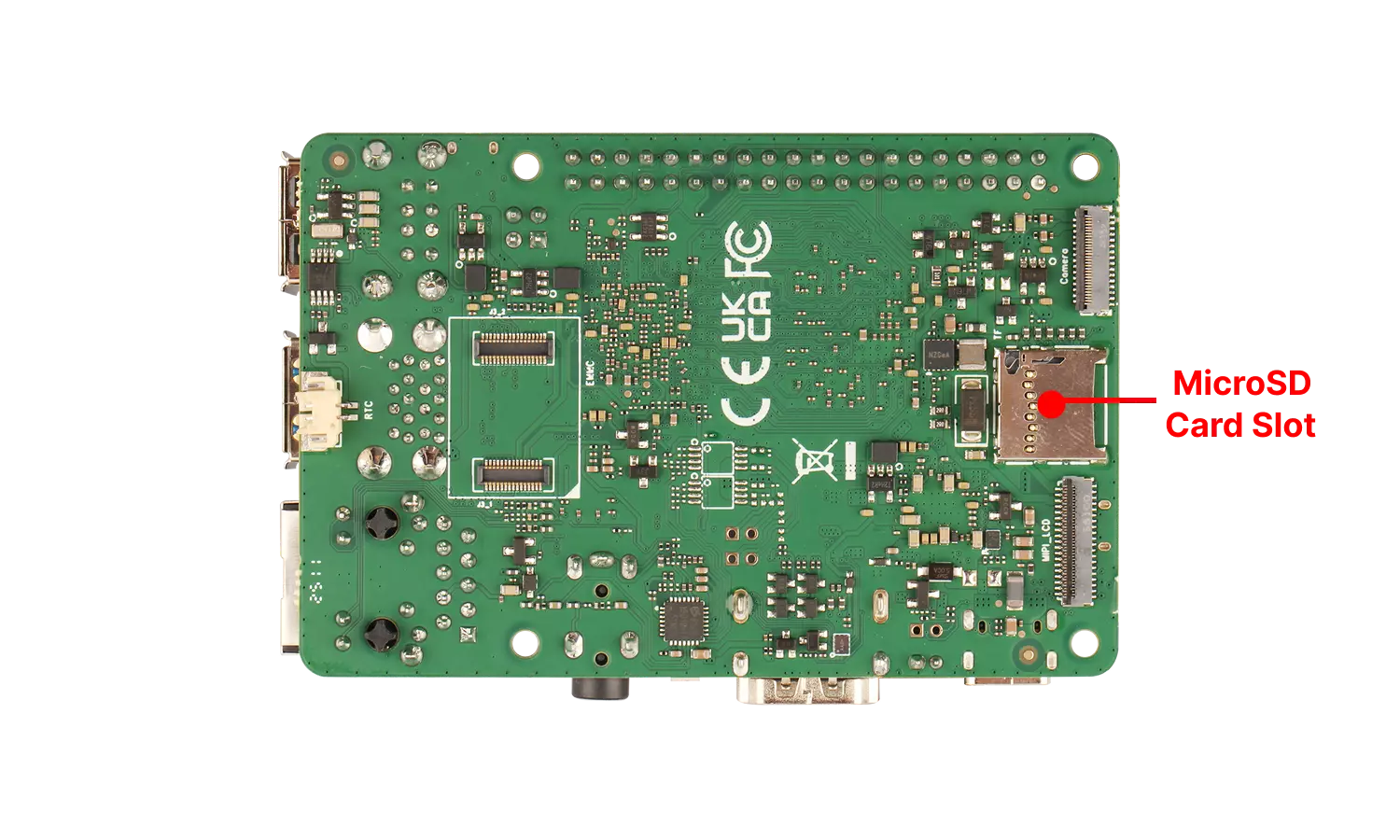
microSD Card Slot
The Radxa ROCK 4D features a standard onboard microSD card slot, compatible with microSD / microSDHC / microSDXC cards, primarily used as a system boot drive or for expanding storage capacity.
For optimal performance, it's recommended to use a microSD card with a capacity of 32GB or larger.
User Guide
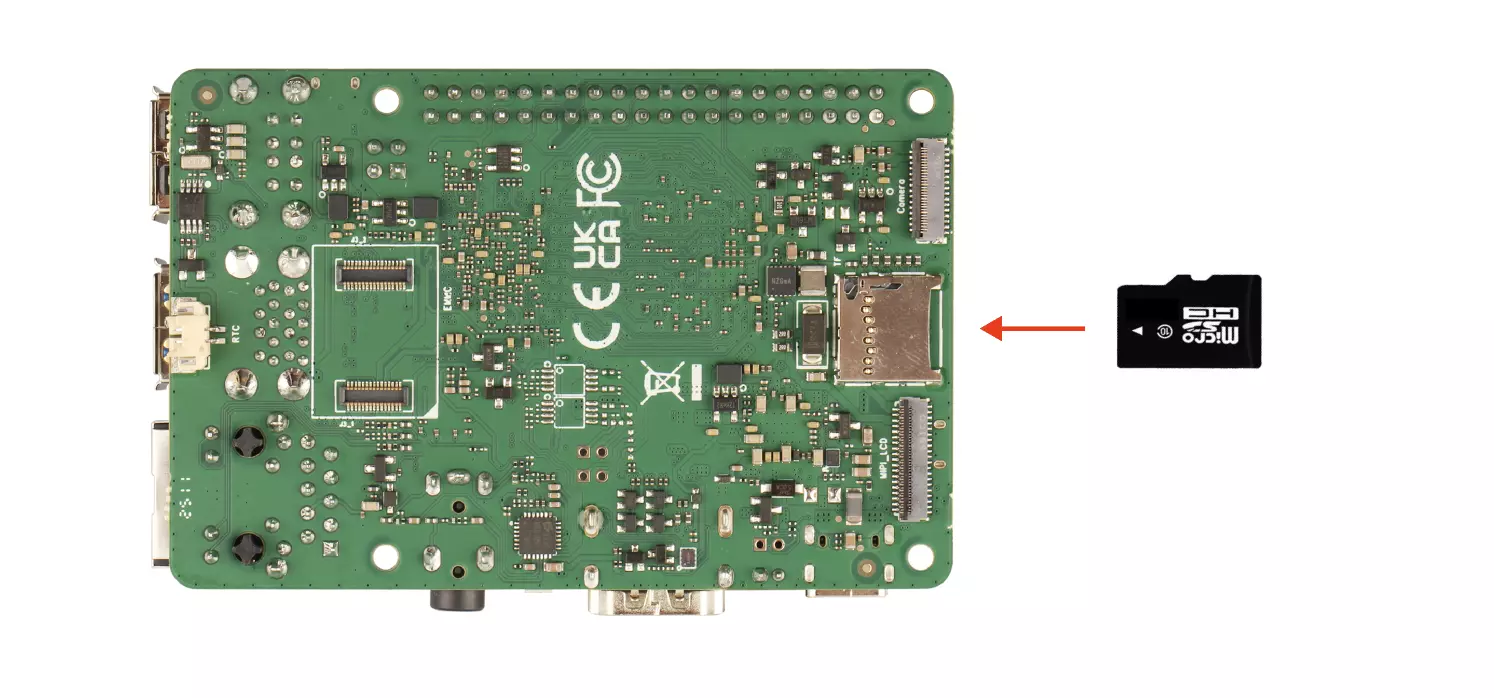
You can refer to the Quick Start or Install System to microSD Card tutorials to install the system image onto a microSD card. After installation, insert the microSD card into the card slot and test if the system boots normally.
Interface Specifications
tip
For detailed interface specifications, please refer to the Hardware Design: Schematics in the download section.
| Pin# | Name | Pin# | Name | Pin# | Name |
|---|---|---|---|---|---|
| 1 | SDMMC0_D2/JTAG_TCK_M0 | 7 | SDMMC0_D0 | 13 | GND |
| 2 | SDMMC0_D3/JTAG_TMS_M0 | 8 | SDMMC0_D1 | 14 | GND |
| 3 | SDMMC0_CMD | 9 | SDMMC0_DET_L | 15 | GND |
| 4 | VCC_3V3_S3 | 10 | GND | 16 | GND |
| 5 | SDMMC0_CLK | 11 | GND | 17 | GND |
| 6 | GND | 12 | GND | 18 | GND |