Quick Start
This tutorial is designed to help you quickly get started with the Android system on the Radxa ROCK 4D.
Product Overview
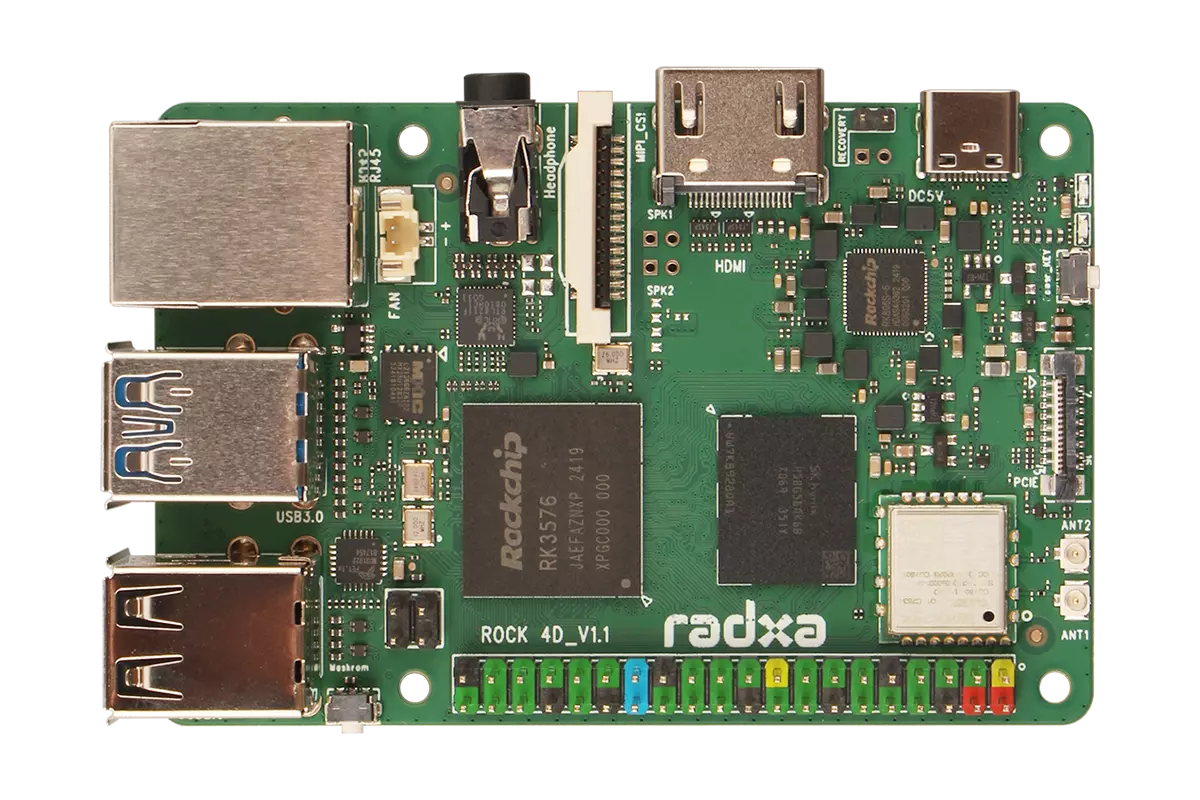
ROCK 4D Front View
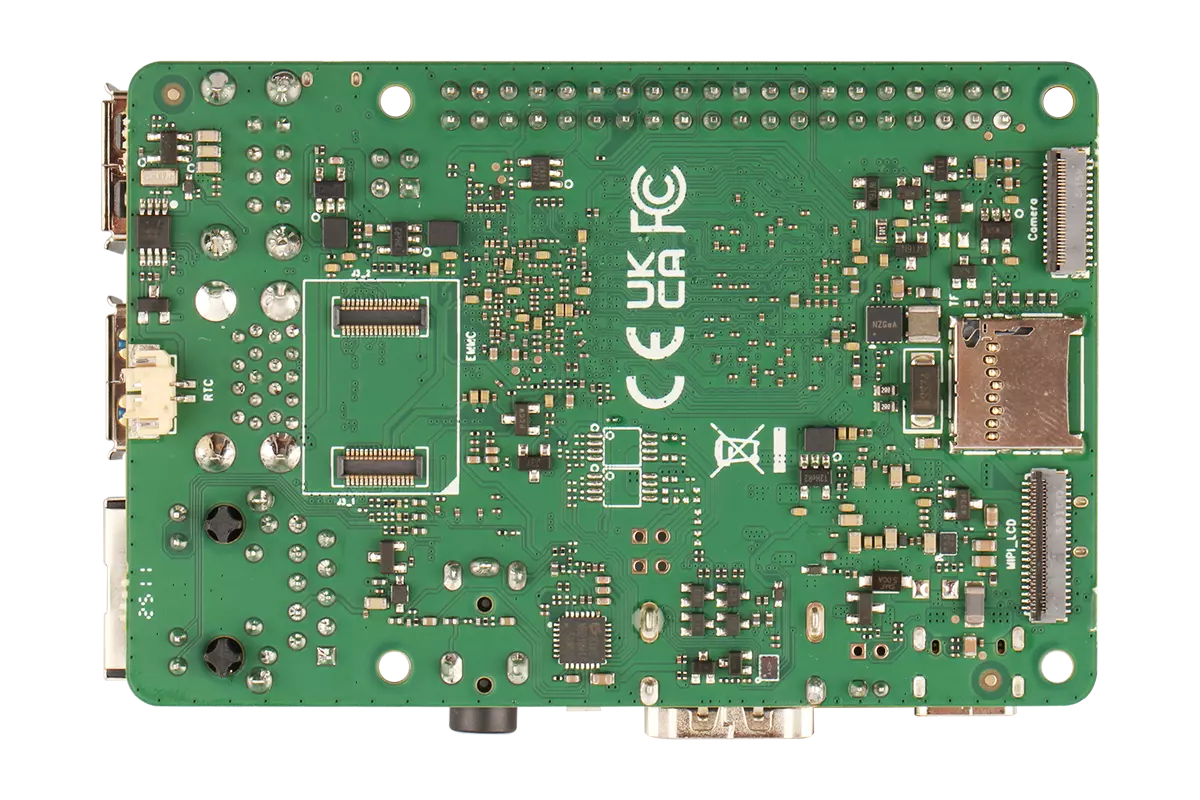
ROCK 4D Back View
Prerequisites
You will need the following hardware:
- Board: Radxa ROCK 4D
- Boot media: microSD card
- Power supply: 5V Type-C power adapter
- Display: Monitor and HDMI cable
- Input devices: Keyboard and mouse (for GUI operation)
- Debugging tool: USB-to-TTL serial cable (for serial console access)
- Radxa PD 30W Power Adapter (Recommended)
- Standard Type-C power adapter (5V input, PD protocol supported, recommended current ≥3A)
System Installation
This section explains how to install the system on a microSD card.
Installing the system will completely format your microSD card, and all data will be permanently deleted!
Before proceeding, please ensure:
- There is no important data on the microSD card or you have backed up all important data
- You have selected the correct storage device to avoid formatting the wrong disk
Hardware Connection
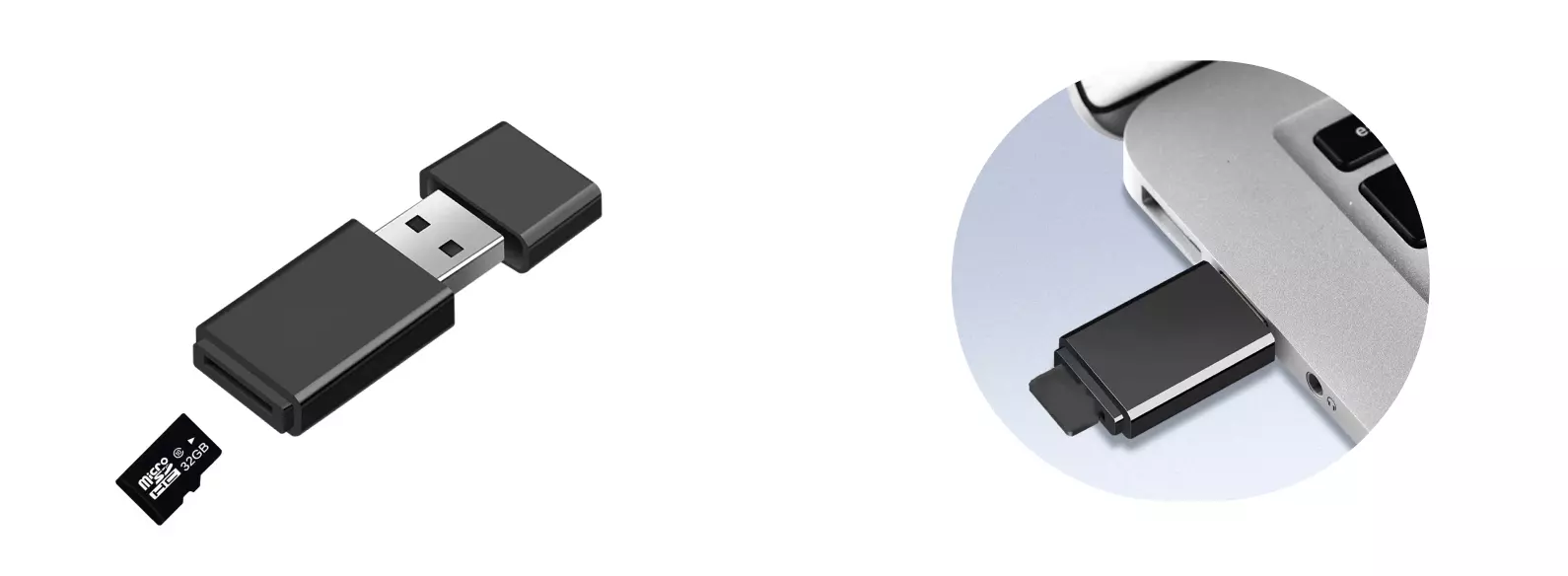
Insert the microSD card into a card reader, then connect the card reader to your computer.
Download System Image
Visit the Downloads page to download the system image.
The downloaded file is in .img.xz compressed format. You need to extract it first to get the .img image file before use.
Write System Image
Use Balena Etcher to write the system image to the microSD card.
For installation and usage of Balena Etcher, please refer to the Etcher Guide.
Select System Image
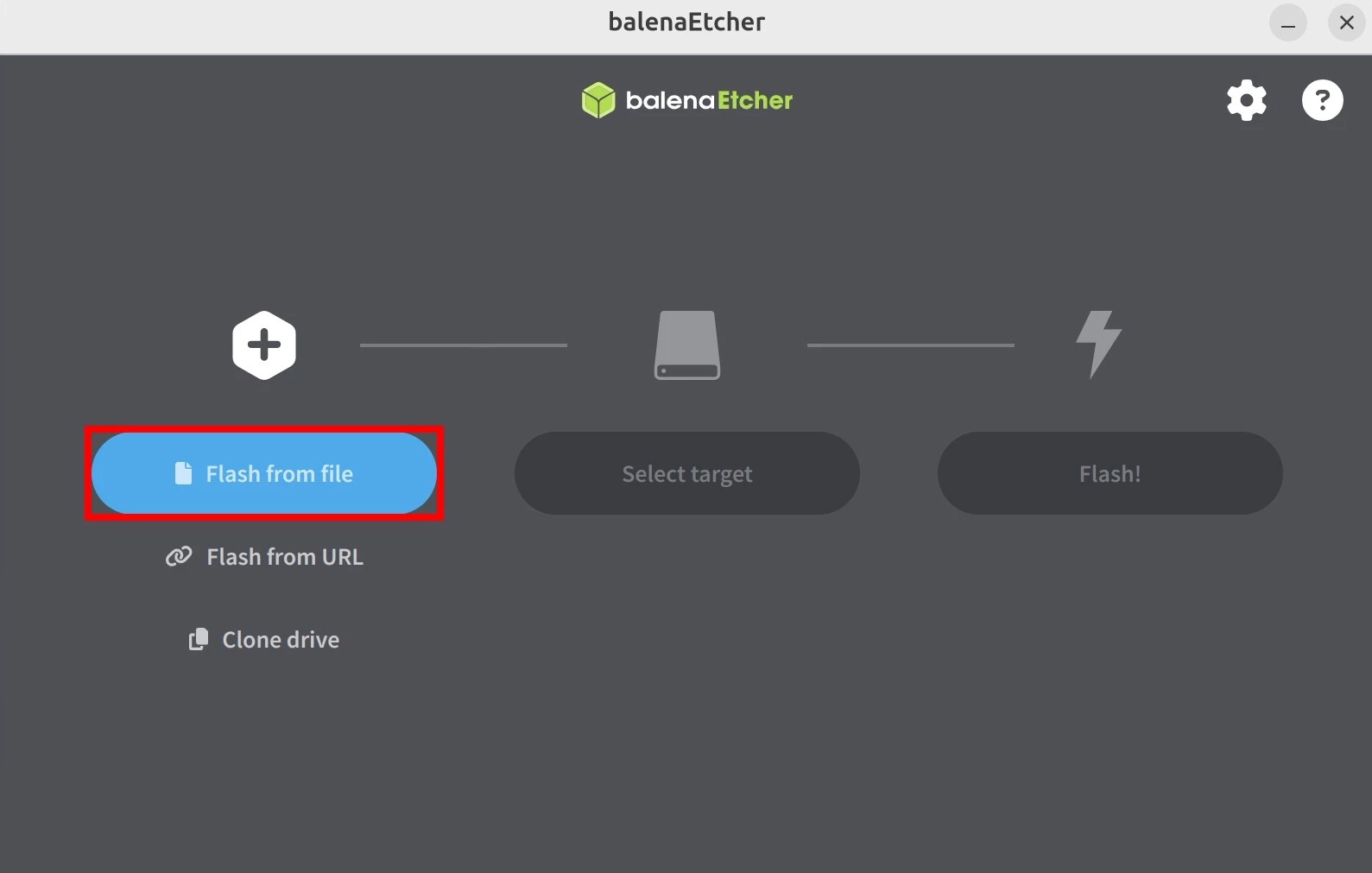
Click the Flash from file button and select the downloaded and extracted system image file.
Select Storage Device
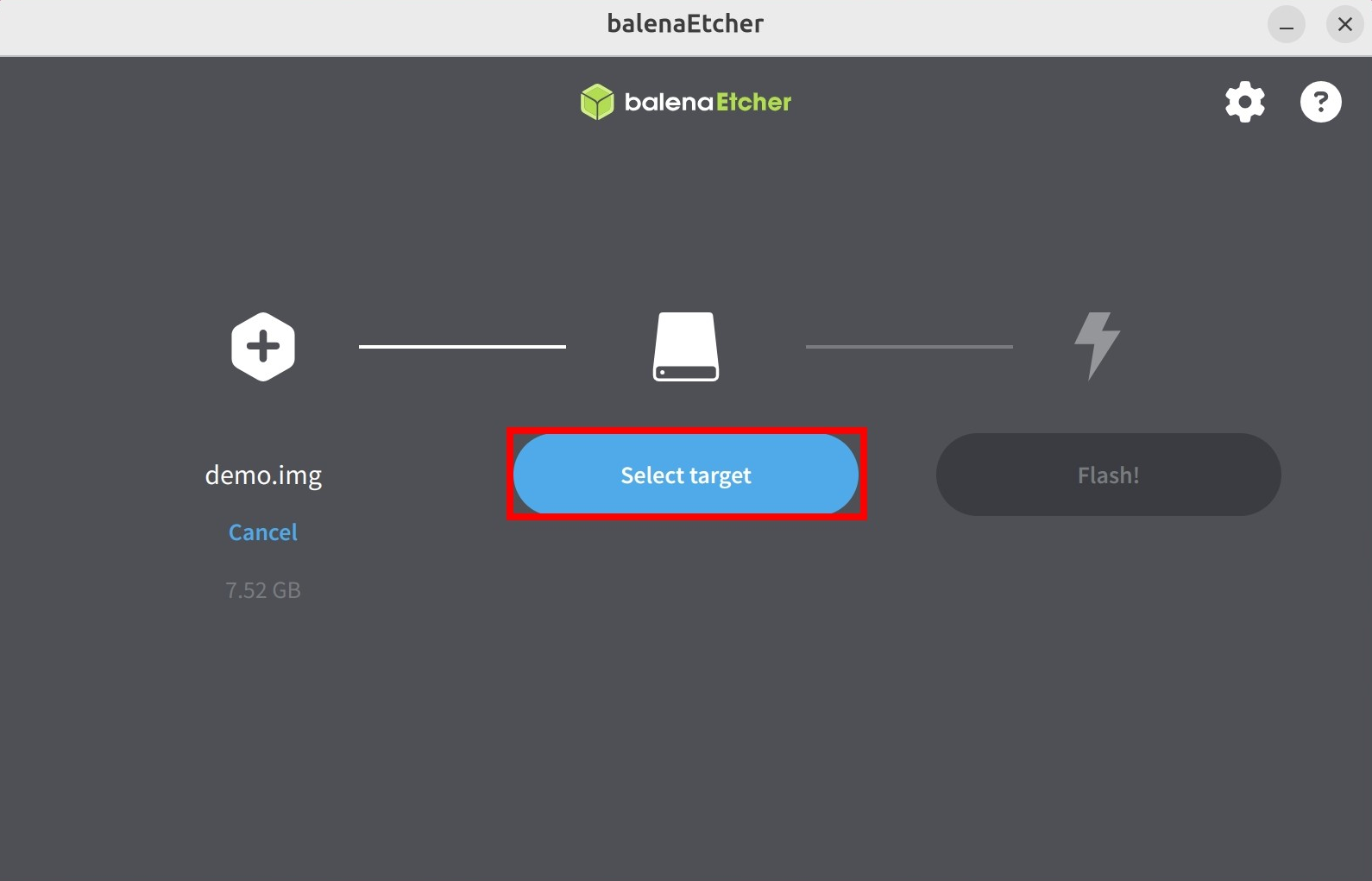
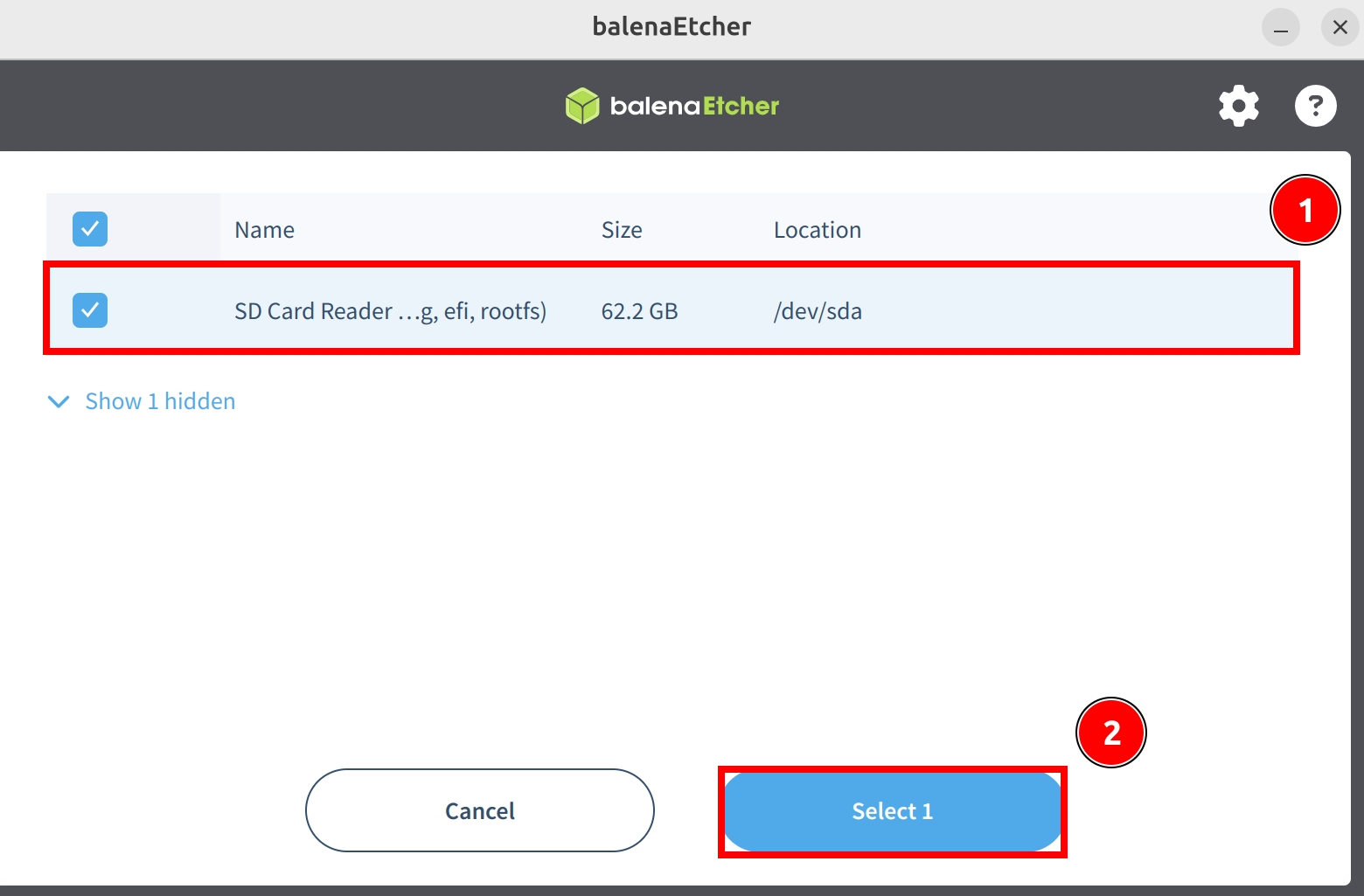
Click Select target and choose your microSD card.
Start Flashing
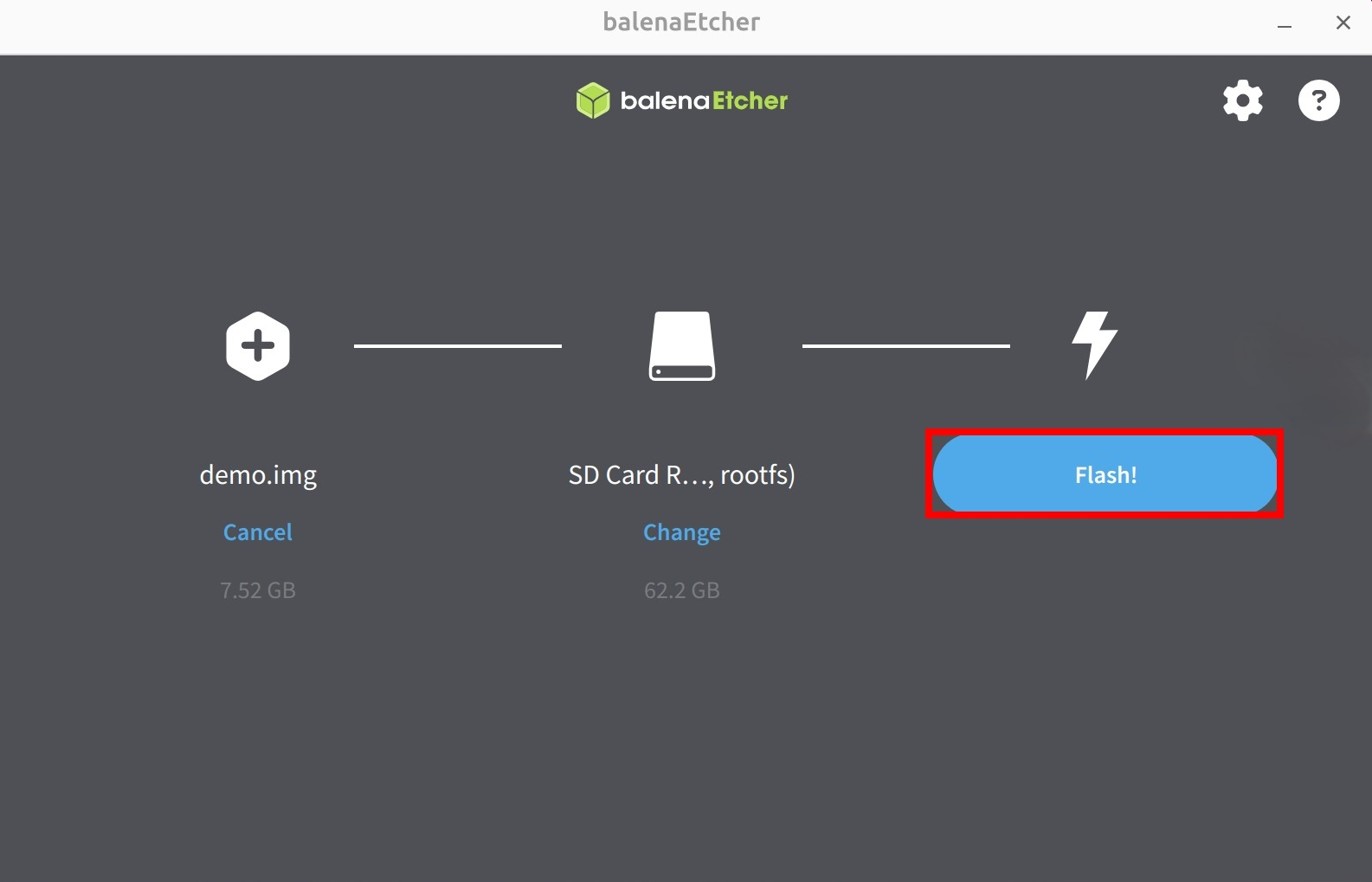
Click the Flash! button to begin writing the system image to the microSD card.
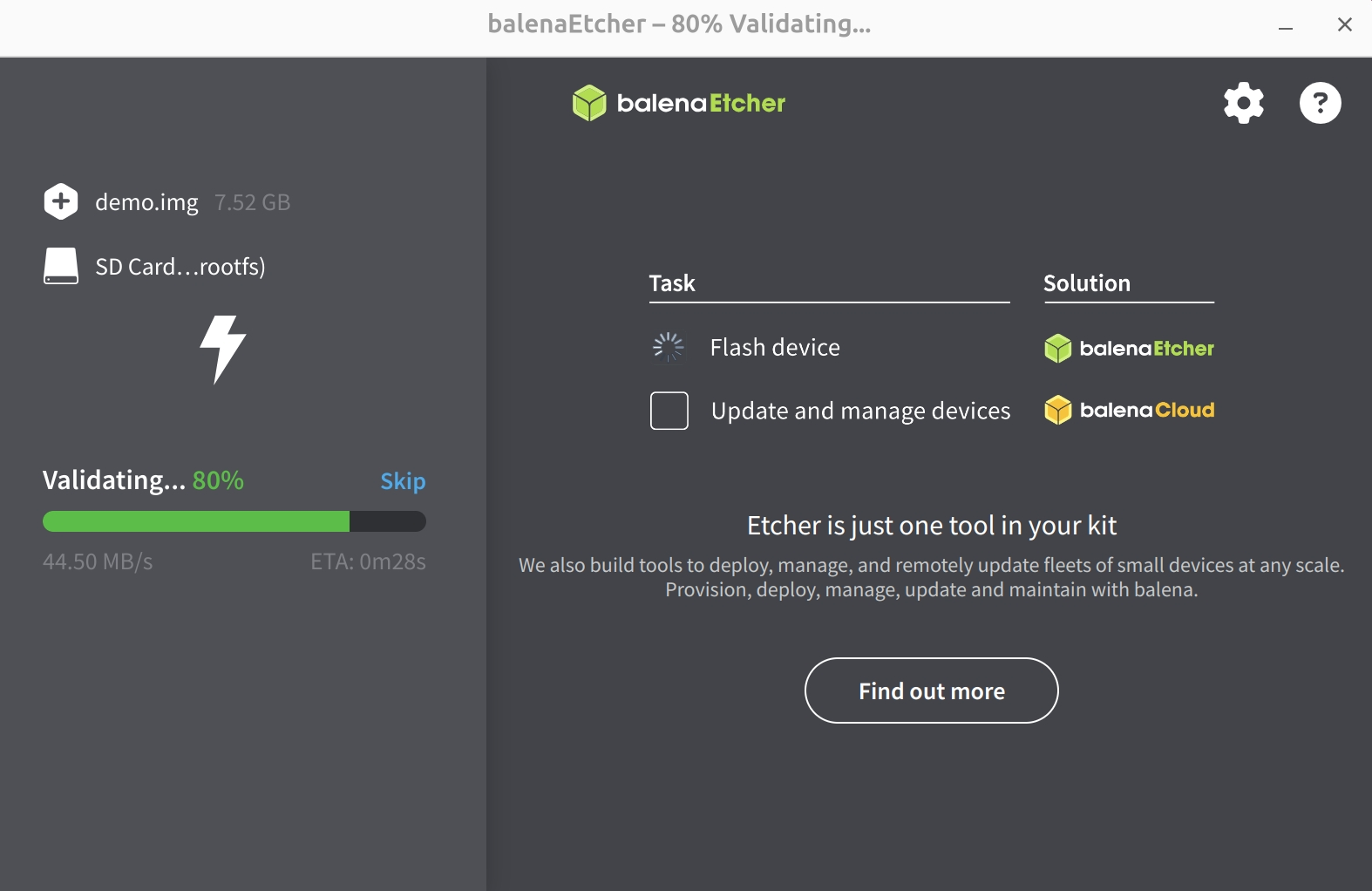
Wait for the system installation to complete
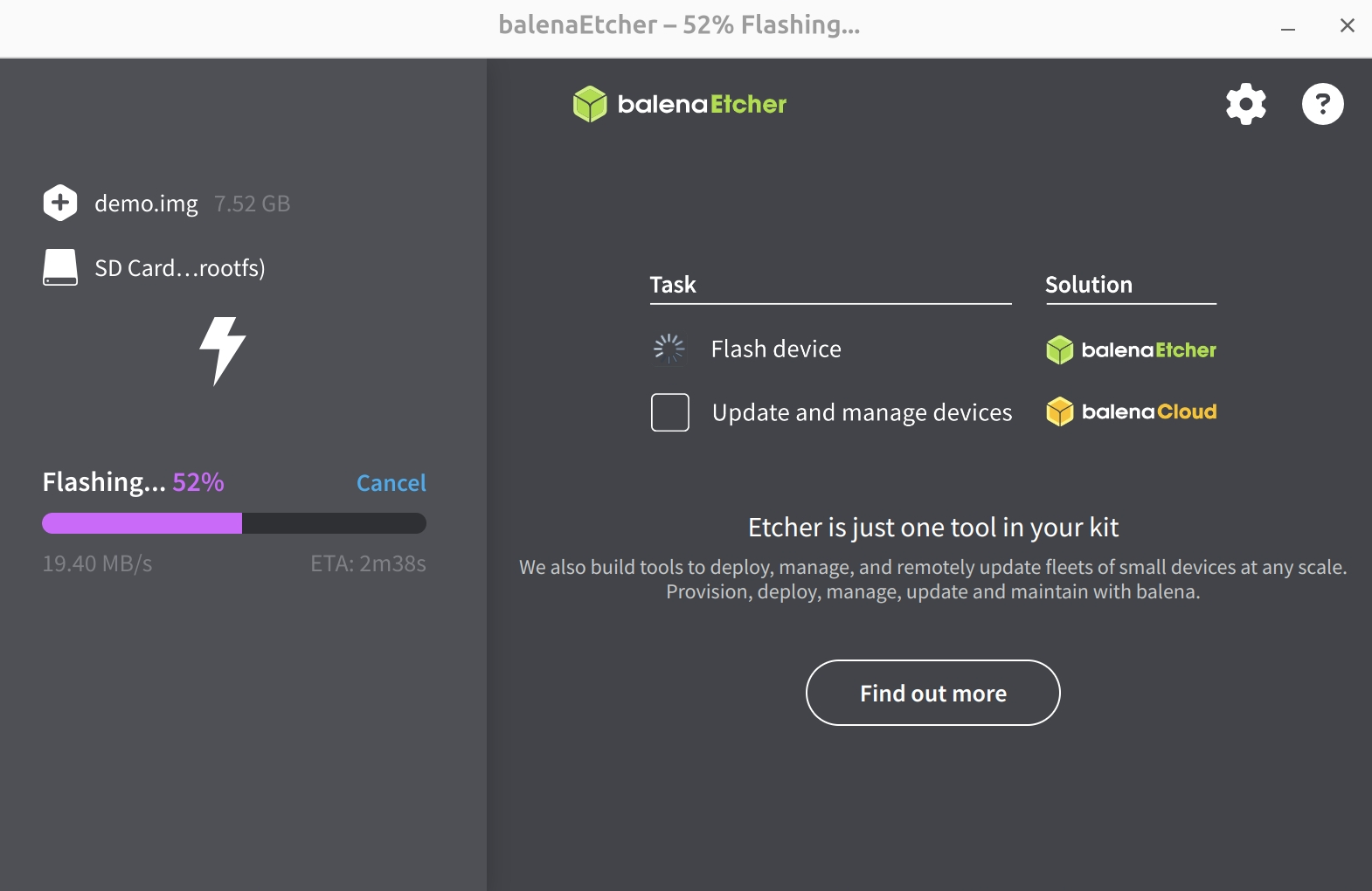
Wait for system verification to complete
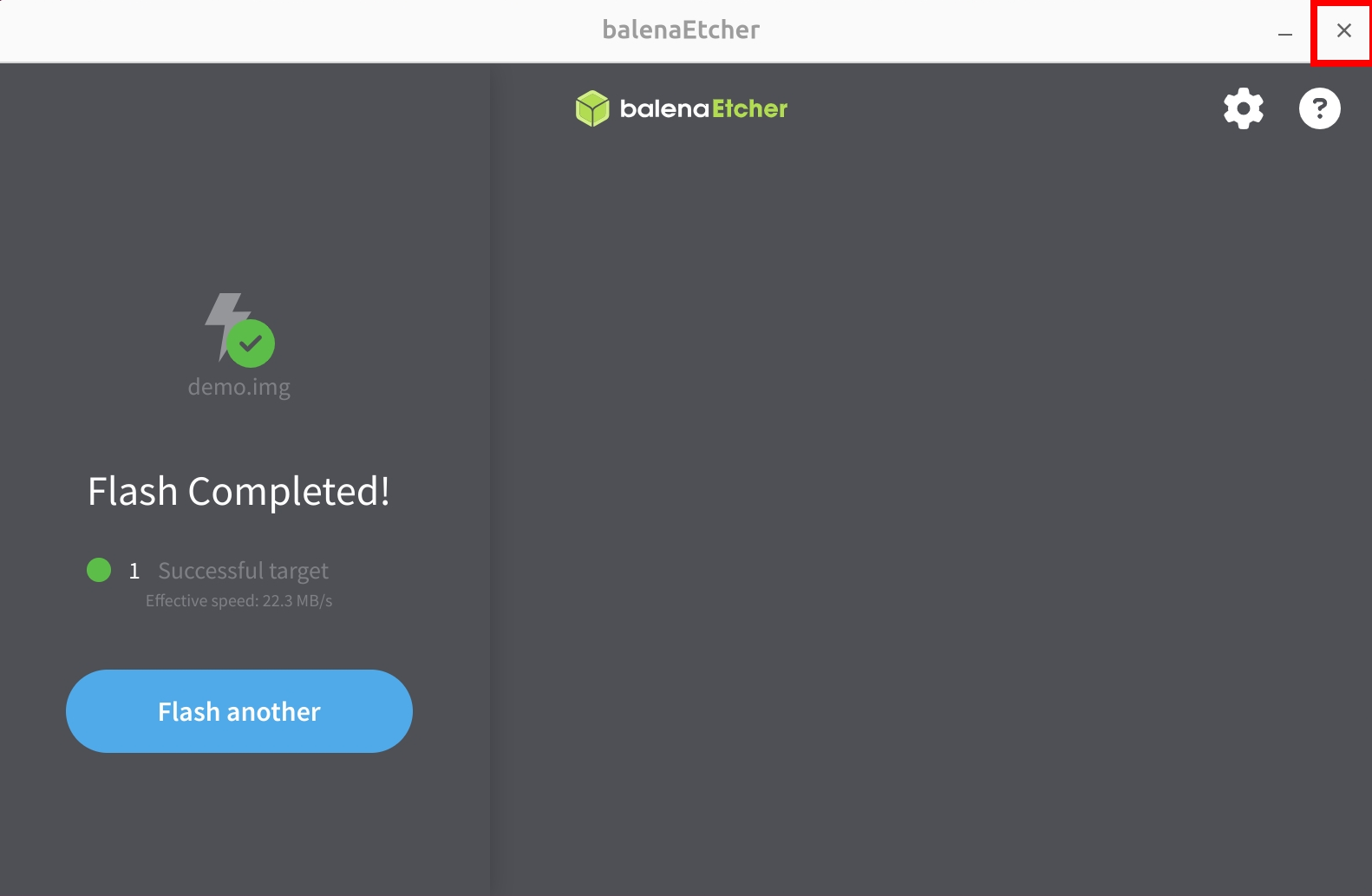
After successfully installing the system image, close the Etcher software!
Booting the System
After completing the system write, insert the microSD card into the ROCK 4D's microSD card slot, then power on the ROCK 4D using a 5V Type-C power adapter to boot the system.