Application Usage
This guide explains how to install and use applications on the Radxa ROCK 4D using the dpkg and apt commands.
-
dpkg command
Primarily used for installing local .deb packages.
-
apt command
Primarily used for installing packages from software repositories.
Social Applications
QQ
About QQ
QQ is an instant messaging software developed by Tencent, supporting various communication methods including text, images, voice, and video.
Installing QQ
Download the arm64 architecture deb package from the Tencent QQ official website, then install it using dpkg.
You can check your system's architecture using the uname -a command.
ROCK 4D's architecture is aarch64 (arm64).
Replace the actual downloaded deb package name in the command.
sudo dpkg -i QQ_xxx_arm64.deb
Using QQ
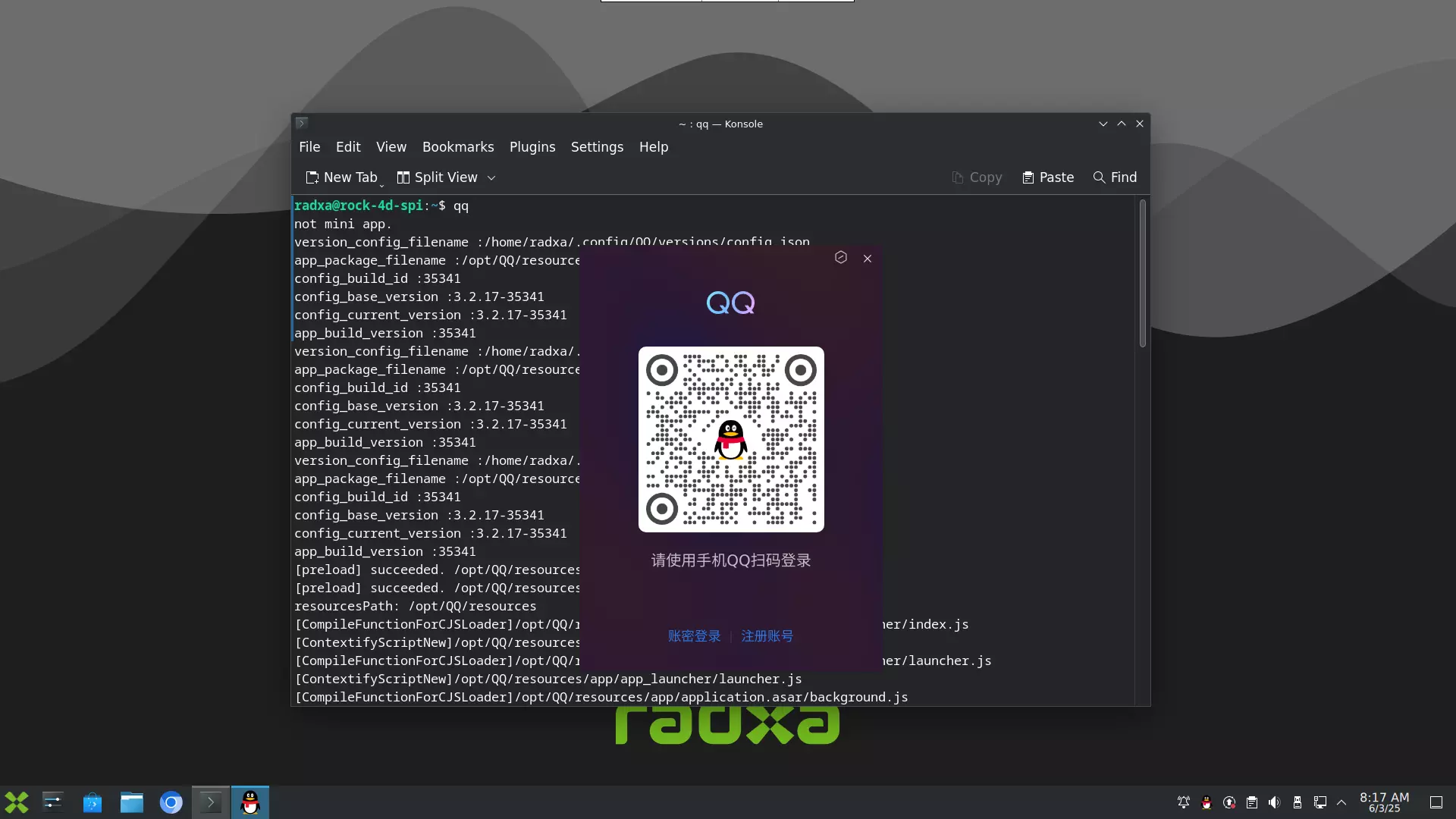
Double-click the QQ icon or run the following command in the terminal to start.
qq
Office Applications
LibreOffice
About LibreOffice
LibreOffice is a free, open-source, cross-platform office suite developed by The Document Foundation. It supports various office needs including word processing, spreadsheets, presentations, vector graphics, database management, and formula editing. It is compatible with Microsoft Office formats.
Installing LibreOffice
Install LibreOffice using apt.
sudo apt update
sudo apt install libreoffice
Using LibreOffice
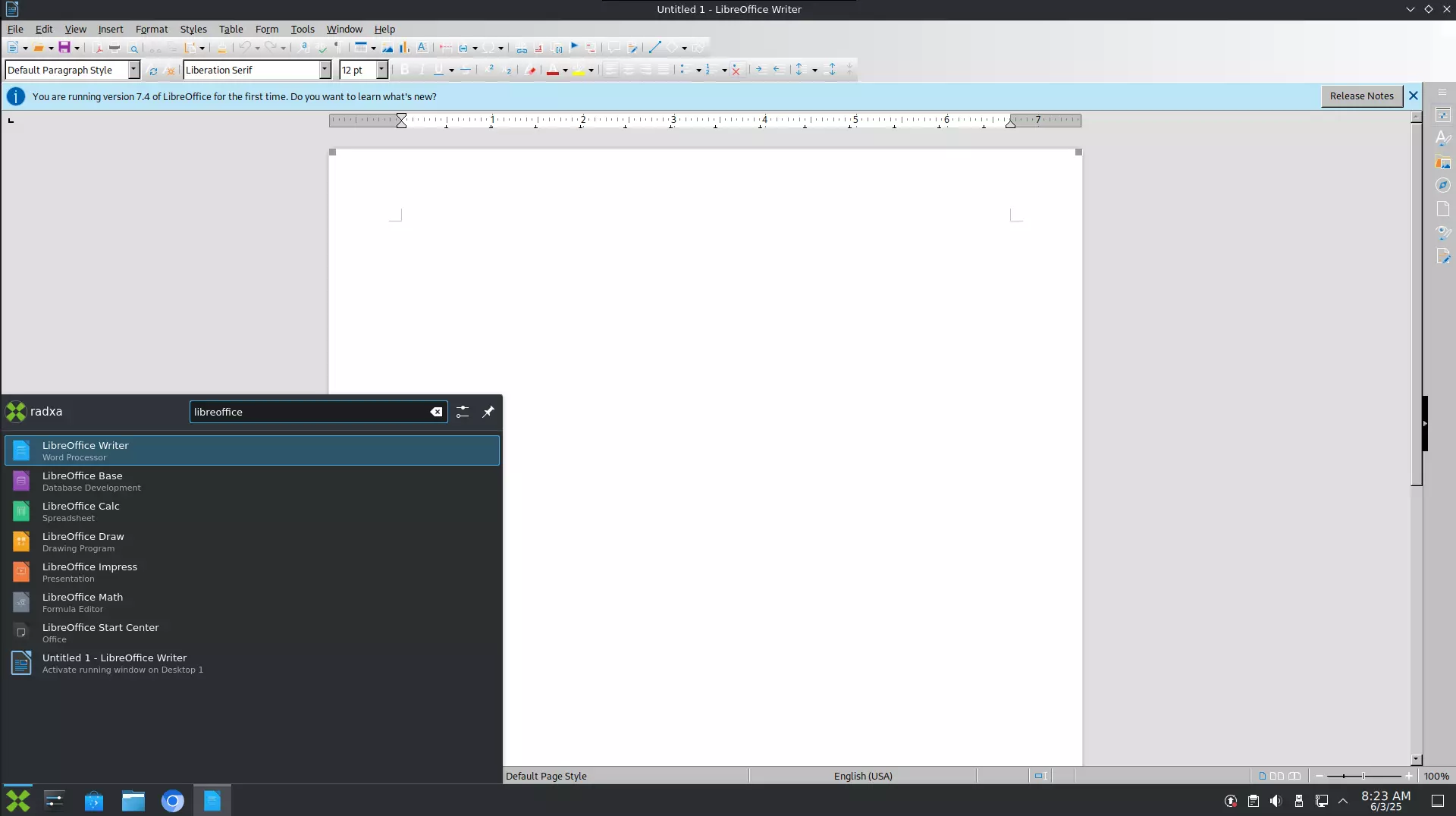
Type LibreOffice in the application search bar, then select the corresponding application to launch it.