Headless Mode
Headless Mode refers to using the Radxa ROCK 4D without a display, controlling the board through Serial/UART, SSH, or VNC. This mode is suitable for users with some development experience.
Control Method: Obtain the ROCK 4D's IP address via serial debugging, then configure the corresponding SSH and VNC environments to remotely control the ROCK 4D through SSH or VNC.
- Serial Debugging: Refer to the Serial Debugging tutorial for detailed steps
- SSH Remote Login: Refer to the Remote Login tutorial for detailed steps
- VNC Remote Login: Refer to the VNC Remote Login tutorial for detailed steps
Prerequisites
You can follow the Serial Debugging and Remote Login tutorials to connect to the ROCK 4D.
Control Interface
In headless mode, Serial/SSH control uses command-line interface, while VNC control provides a graphical interface.
Command Line Mode
Serial control requires a physical cable connection, while SSH control only requires both devices to be on the same local network.
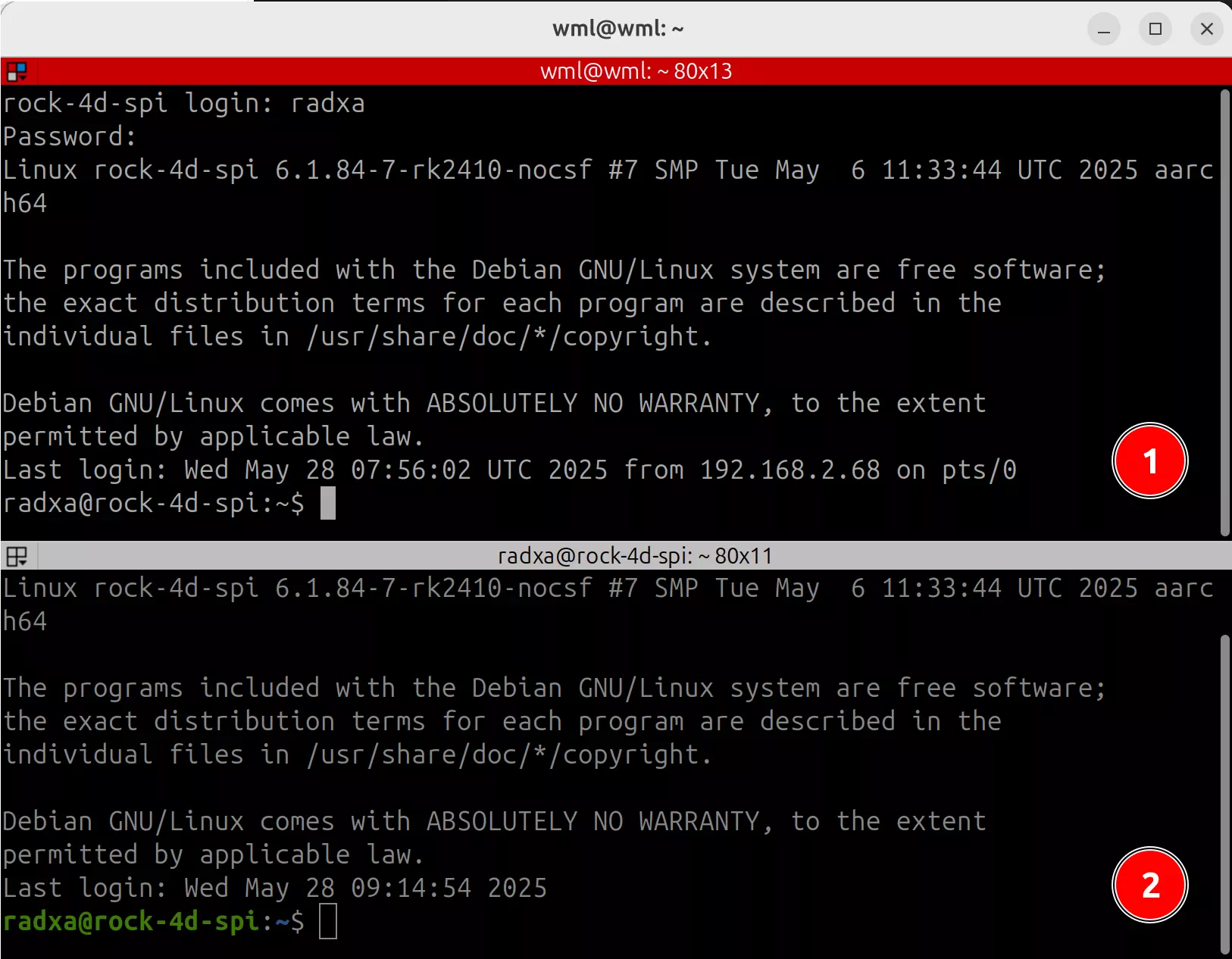
① : Open a Linux terminal and log in to ROCK 4D via Serial
② : Open a Linux terminal and log in to ROCK 4D via SSH
Graphical Interface Mode
VNC control requires both the controlling and controlled devices to be on the same local network.
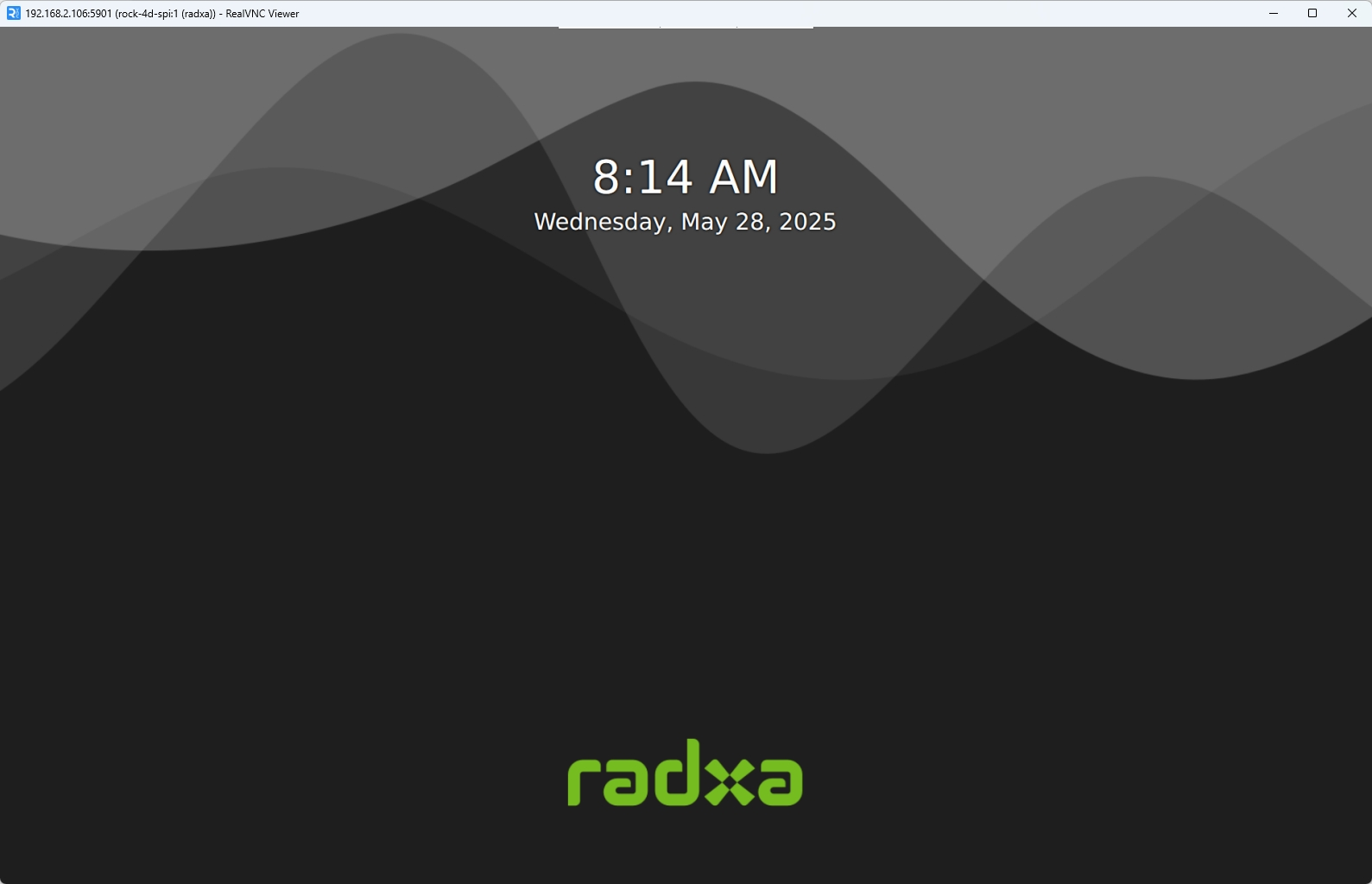
VNC Remote Login Successful