Rsetup Tool
Rsetup is a system configuration tool for Radxa OS that helps users easily configure various system settings, including system preferences, hardware settings, software configuration, network setup, user accounts, language settings, and more.
Using Rsetup
Launch the Rsetup tool by running the rsetup command in the terminal.
Rsetup Usage Guide:
- Select an option: The corresponding option will be highlighted
- Confirm selection: Press
Enter - Cancel selection: Press
ESC - Navigate options: Use
Up,Down,Left, andRightarrow keys - Multiple selection interface: Press
Spaceto select, thenEnterto confirm; a*will appear next to enabled options
sudo rsetup
Rsetup Options
After launching Rsetup, you'll see a list of options similar to the following. Note that the interface may vary slightly between versions.
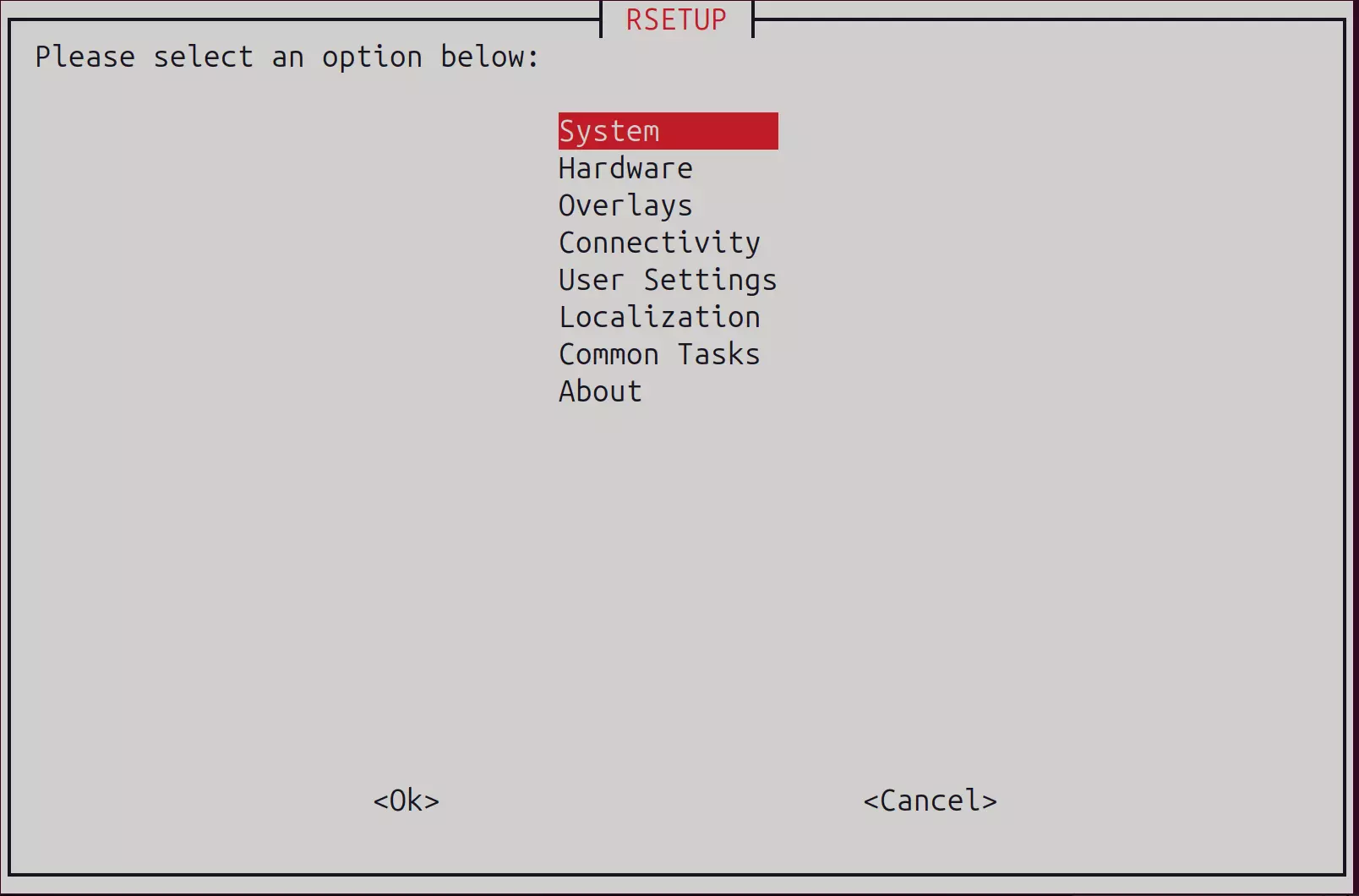
System
The System option is used for system upgrades, modifying boot methods, and configuring the Bootloader.
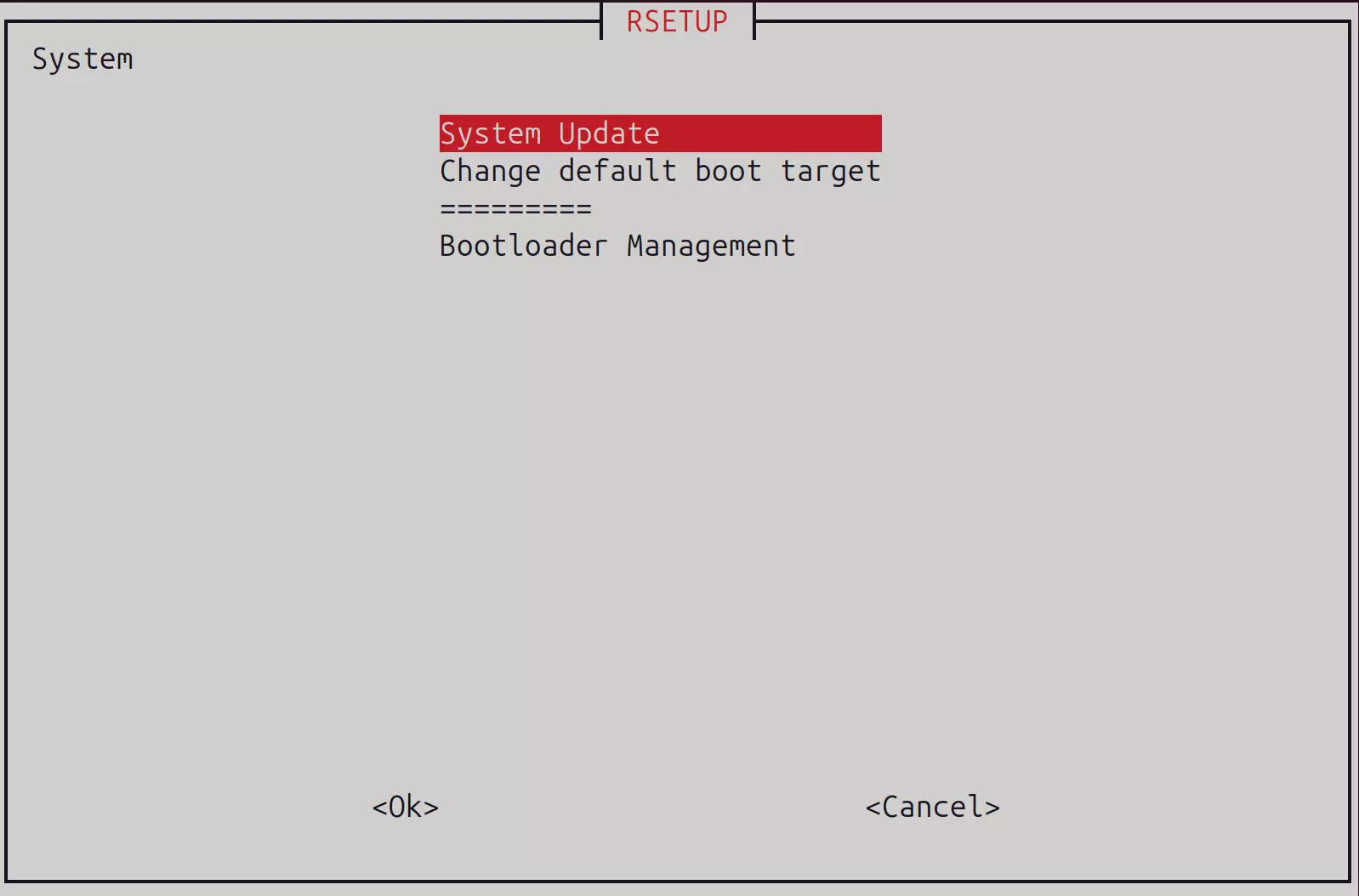
We recommend using the System Update option to upgrade your system, ensuring you have the latest version.
Using the sudo apt update && sudo apt upgrade command for system upgrades may result in incomplete updates or system instability.
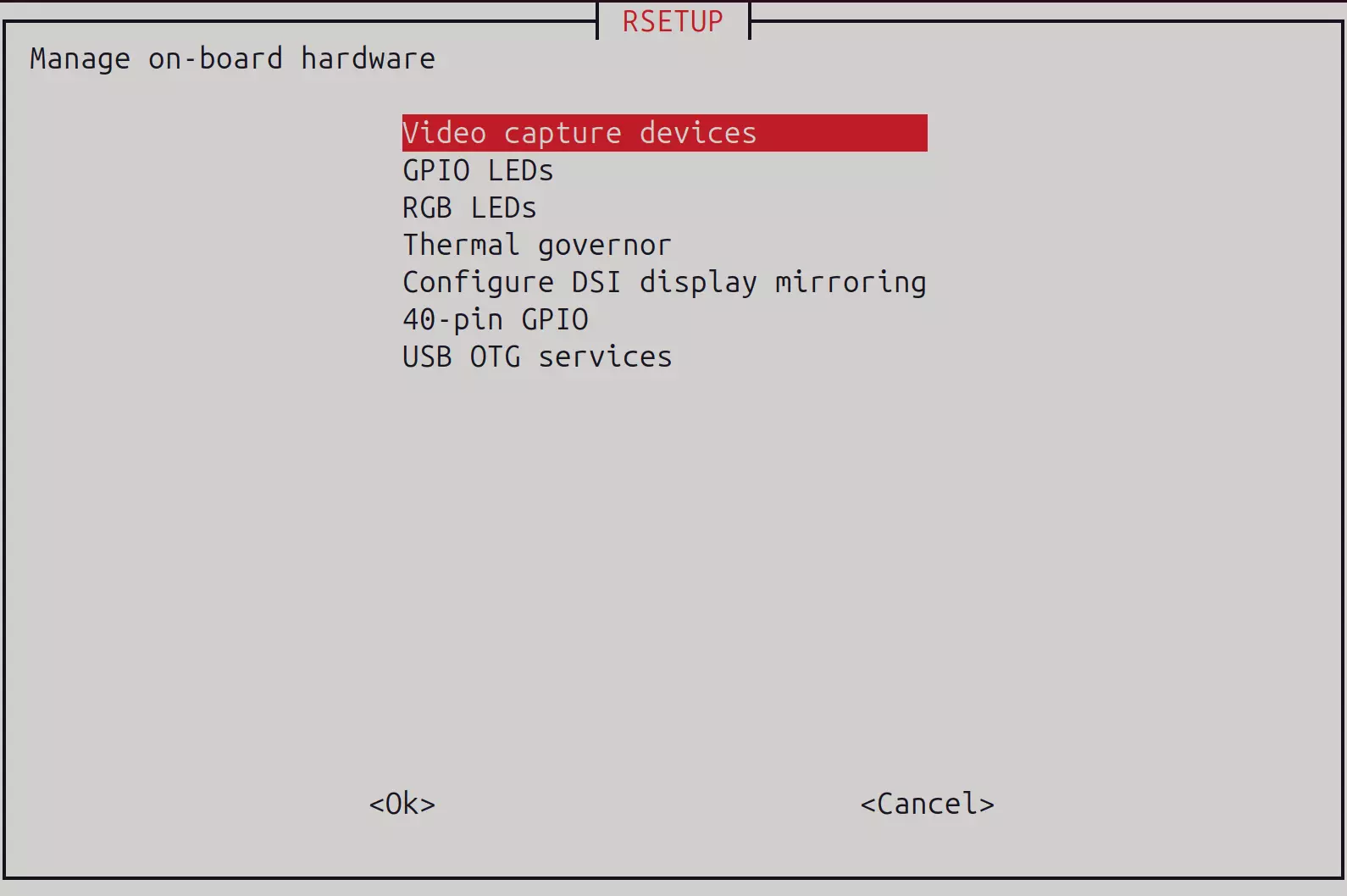
Hardware
The Hardware option manages onboard hardware, including video capture devices, LED controls, GPIO controls, and more.
Overlays
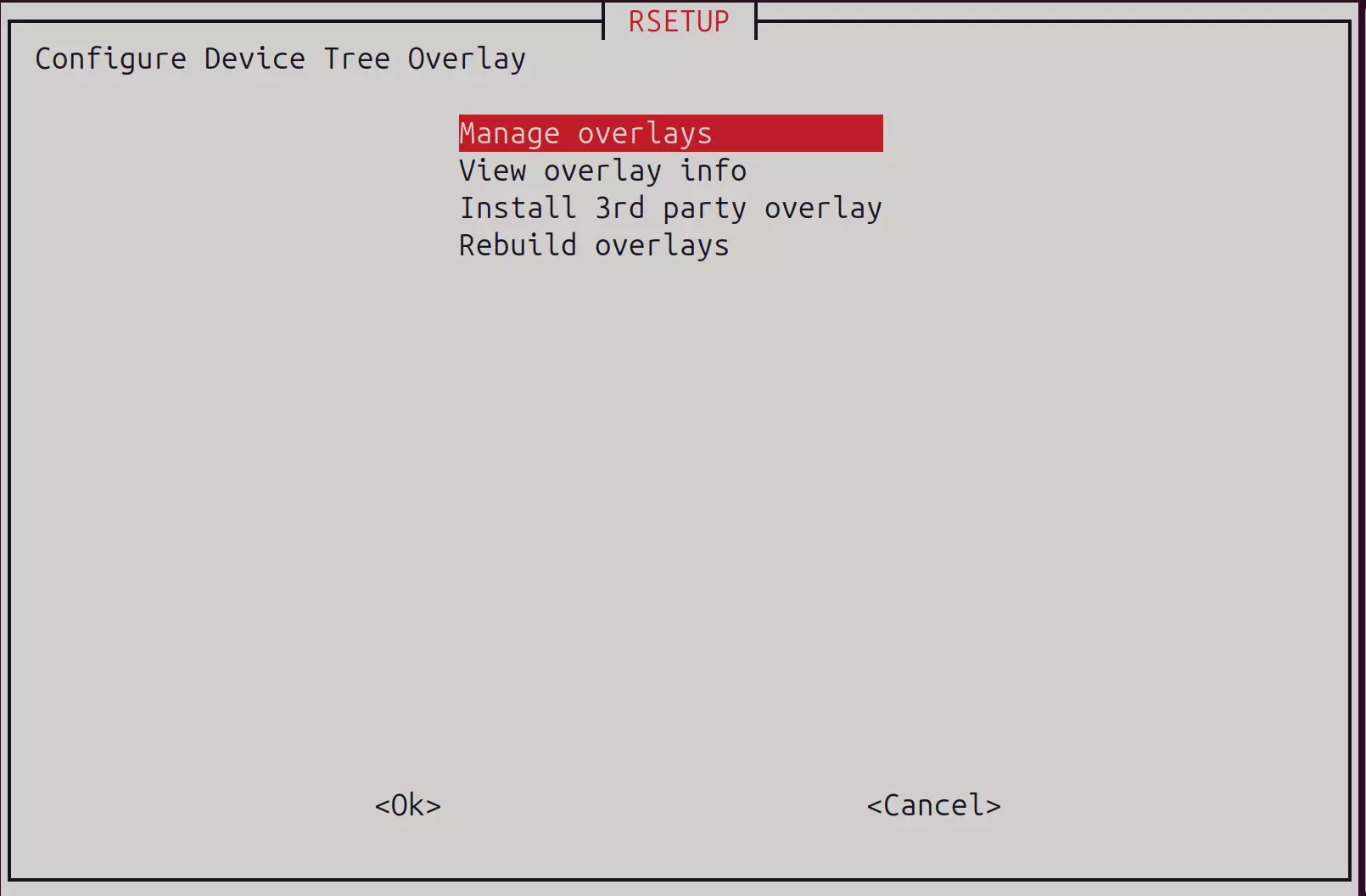
The Overlays option manages Device Tree Overlays, allowing you to enable or disable specific hardware features.
Connectivity
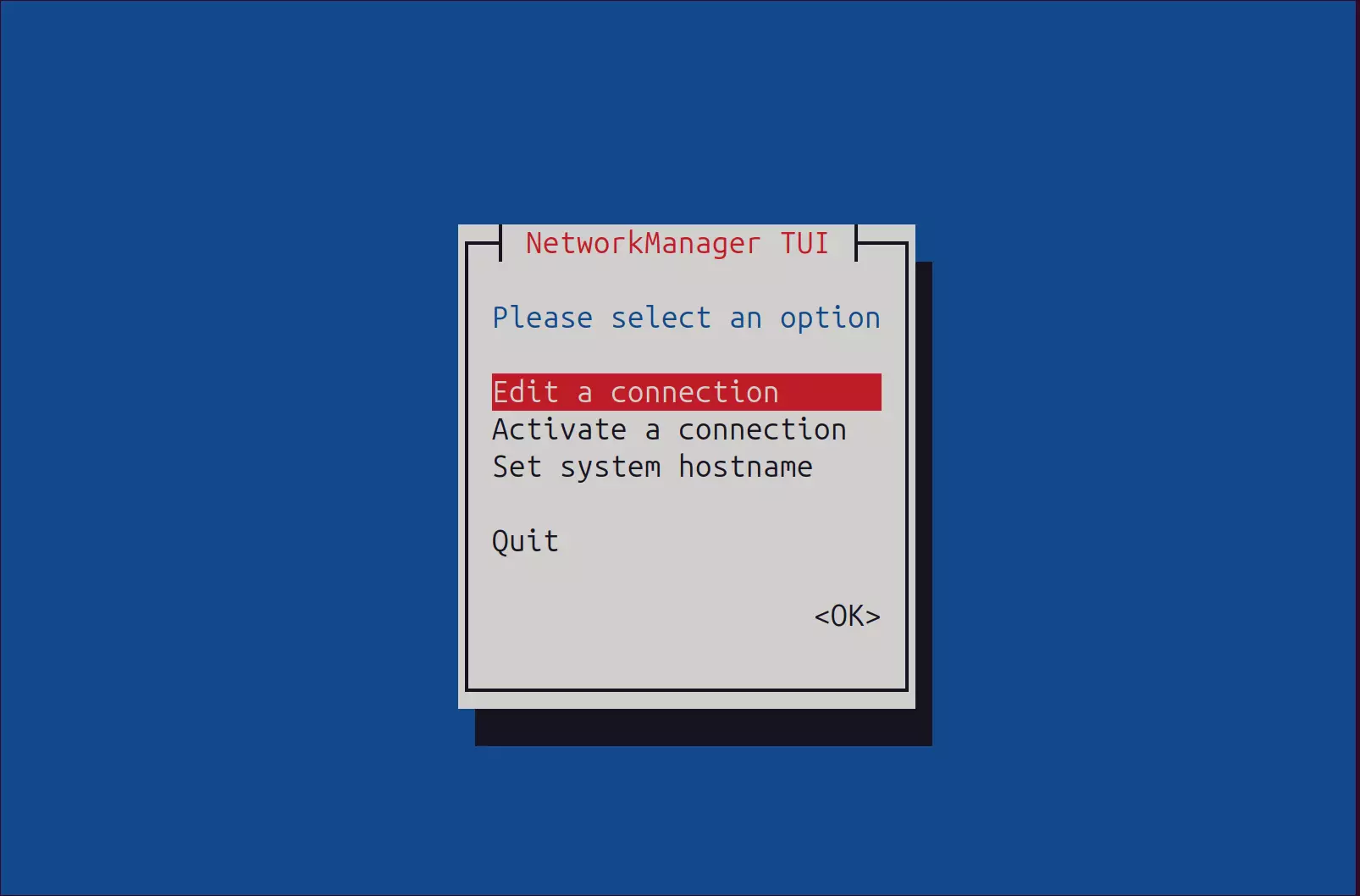
The Connectivity option manages network connections, including both wired and wireless network settings.
User Settings
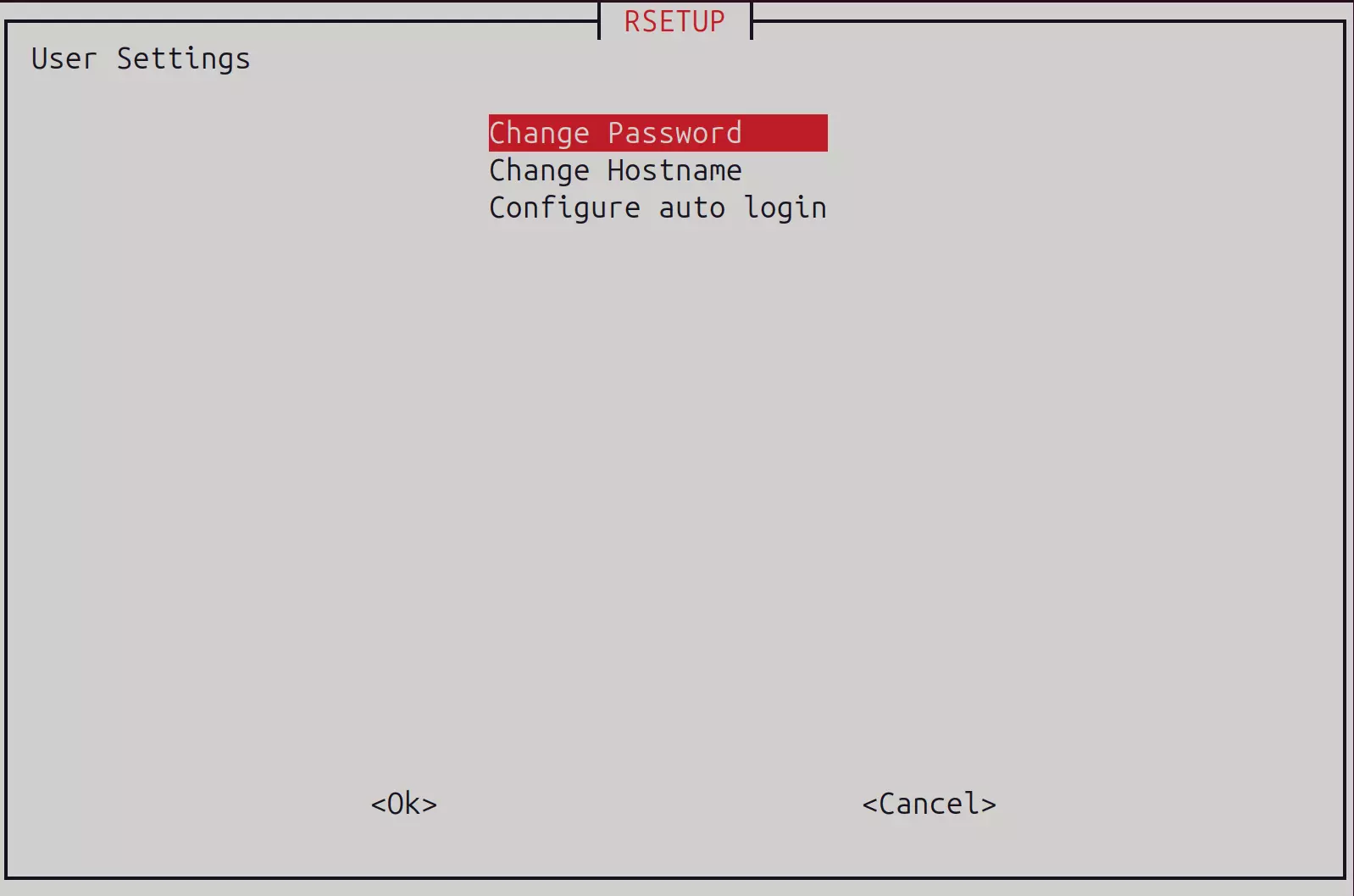
The User Settings option manages system usernames, passwords, and auto-login configurations.
Localization
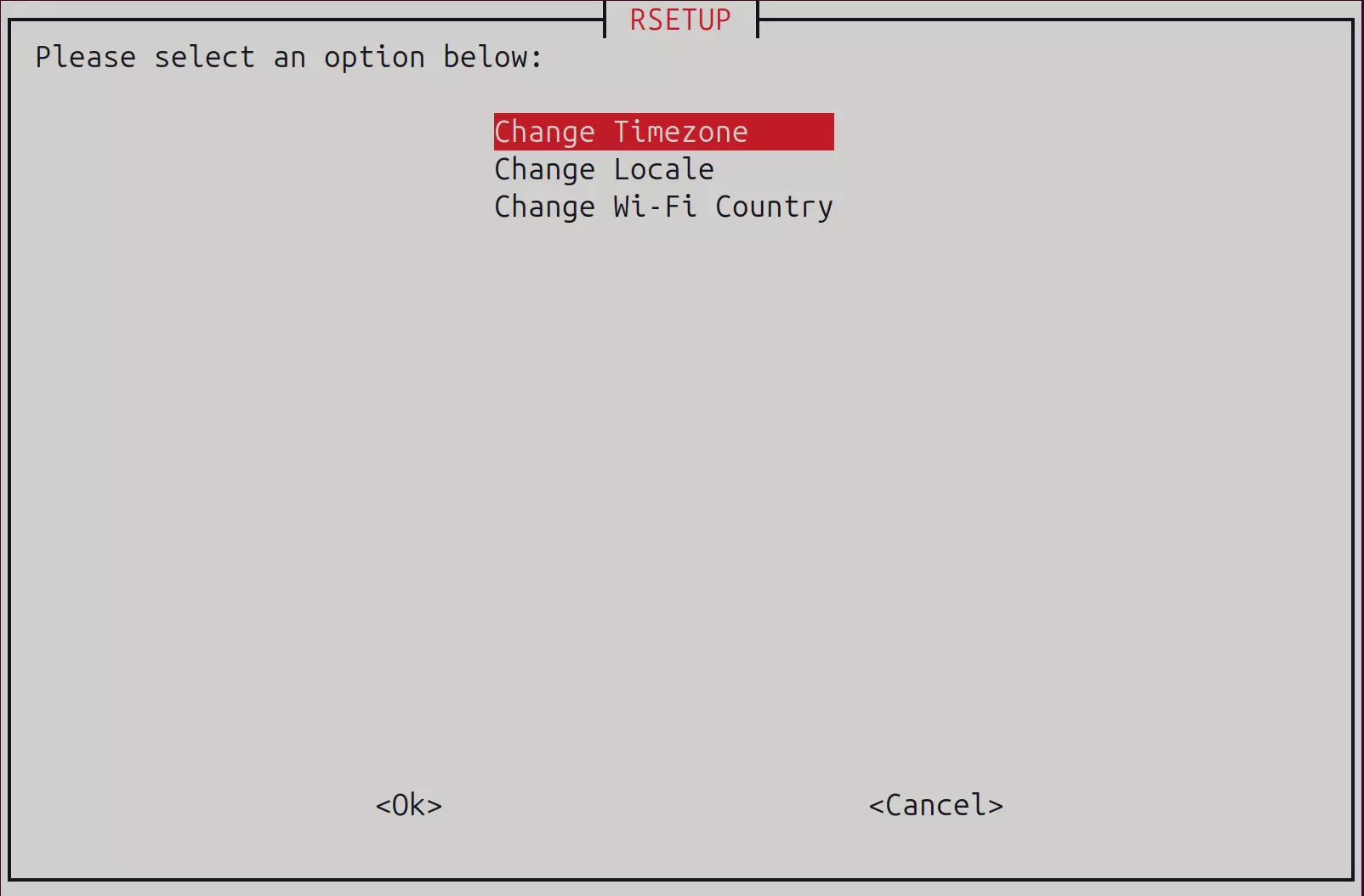
The Localization option sets the system timezone, locale, and WiFi country code.
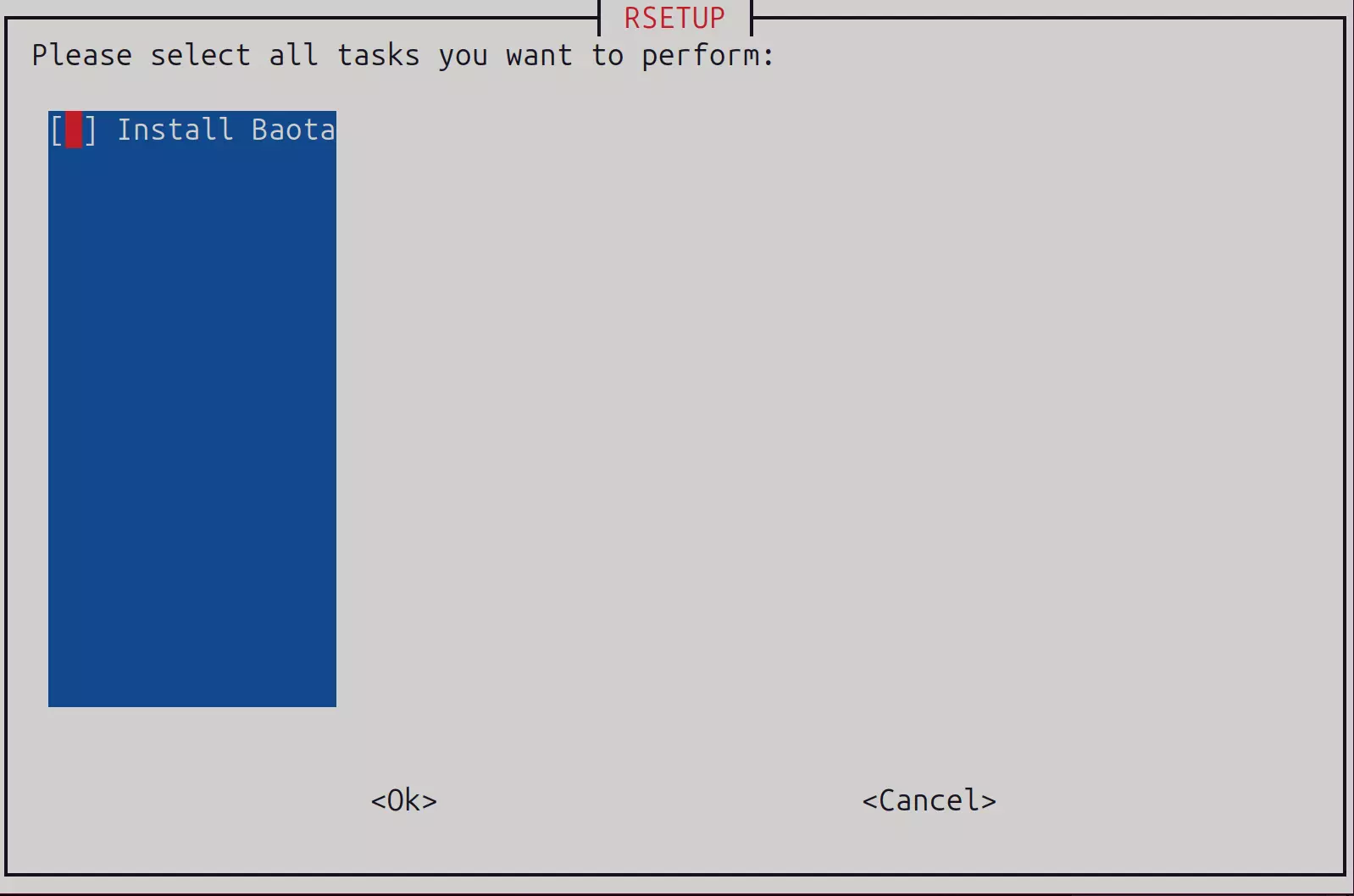
Common Tasks
The Common Tasks option performs various system maintenance tasks.
About
The About option displays information about the Rsetup tool.