OpenClaw
OpenClaw is an open-source AI agent project developed by Peter Steinberger. It can be deployed on any device and any OS as a personal AI assistant.
Install OpenClaw
Install OpenClaw using the installation script.
curl -fsSL https://openclaw.ai/install.sh | bash
Configure OpenClaw
If you install with the script, you will be guided through the configuration during installation. If you want to reconfigure, run the following command.
openclaw onboard --install-daemon
-
Risk disclaimer
Select
Yes.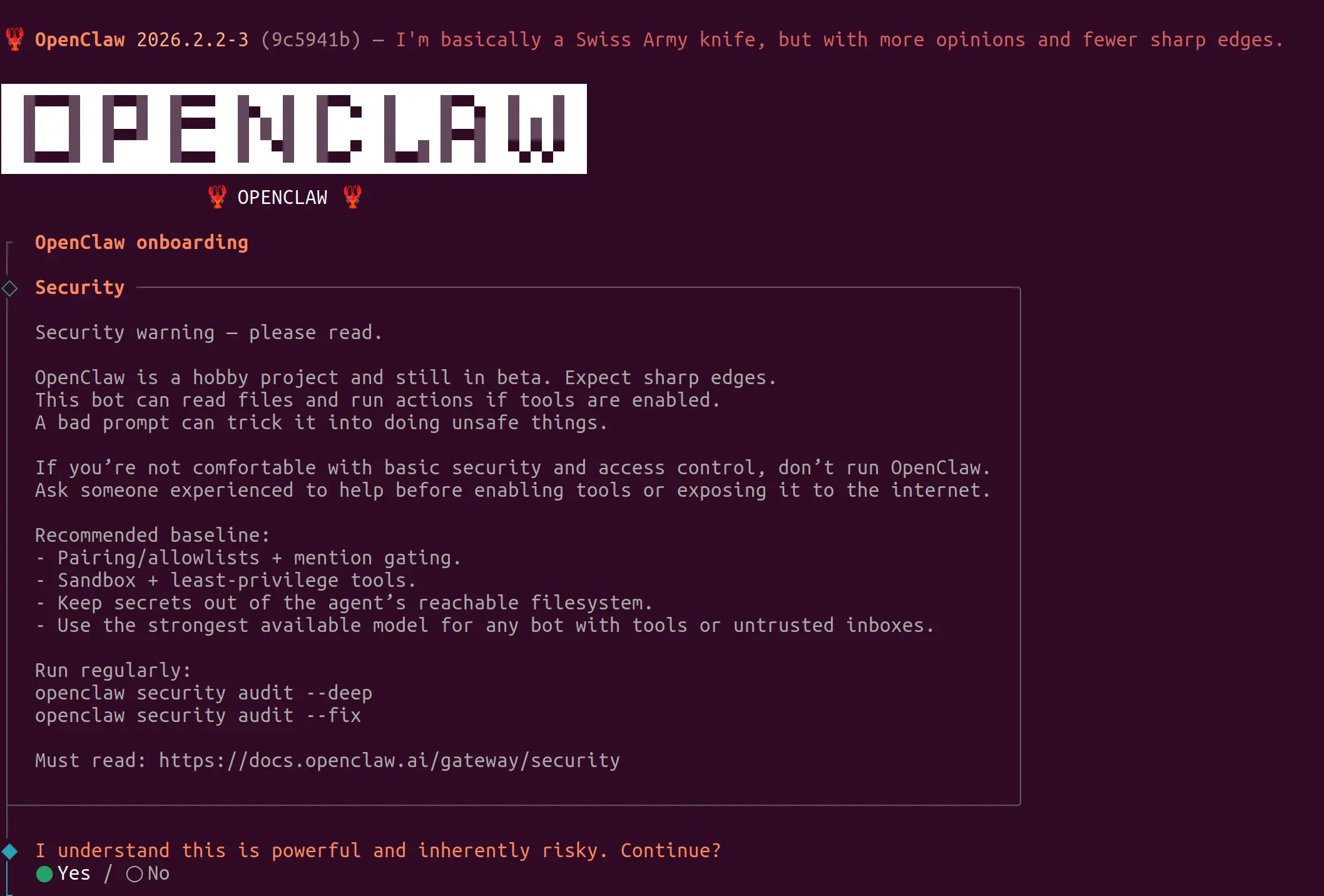
-
Onboarding mode
Select
QuickStart.
-
Model provider
Choose a provider based on the model API key you already have.
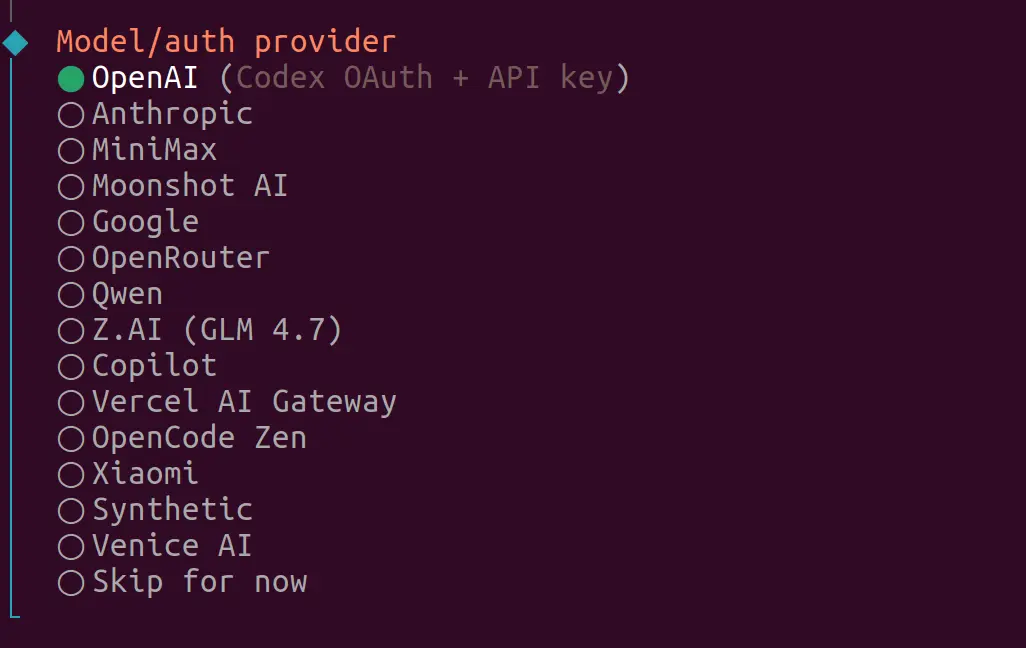
If you don't have an API key, you can use Qwen OAuth (free). Follow the link to log in/register a qwen.ai account to complete OAuth authorization.
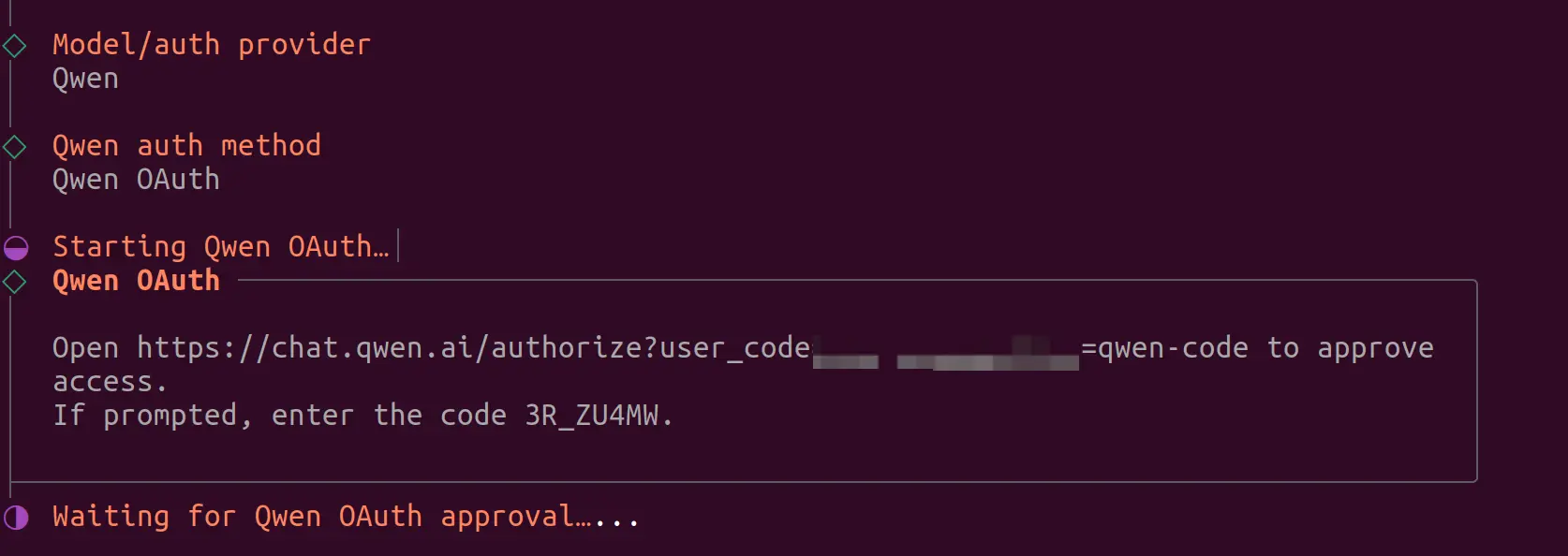
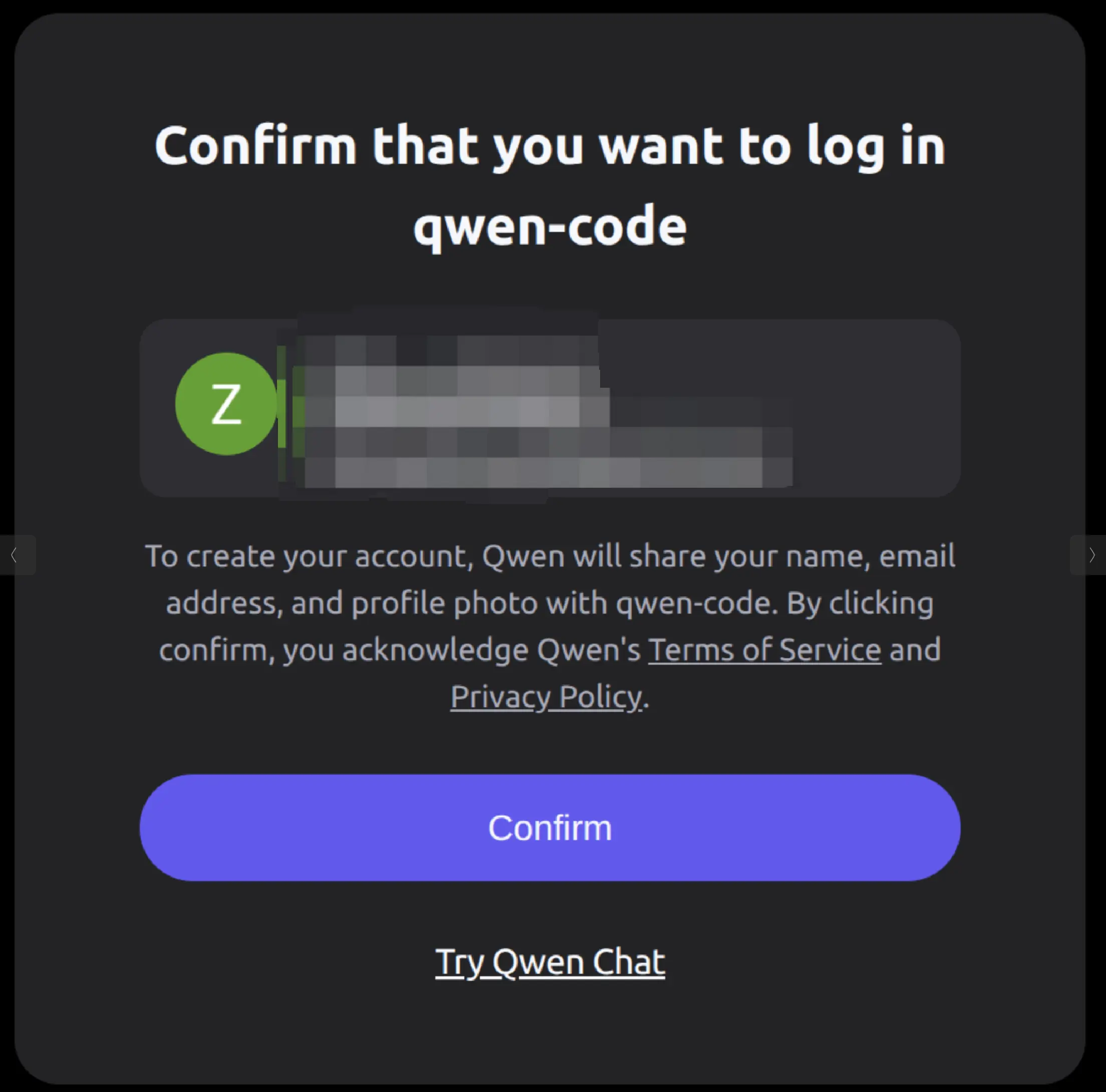
After authorization, select the default
qwen-portal/coder-modelmodel. -
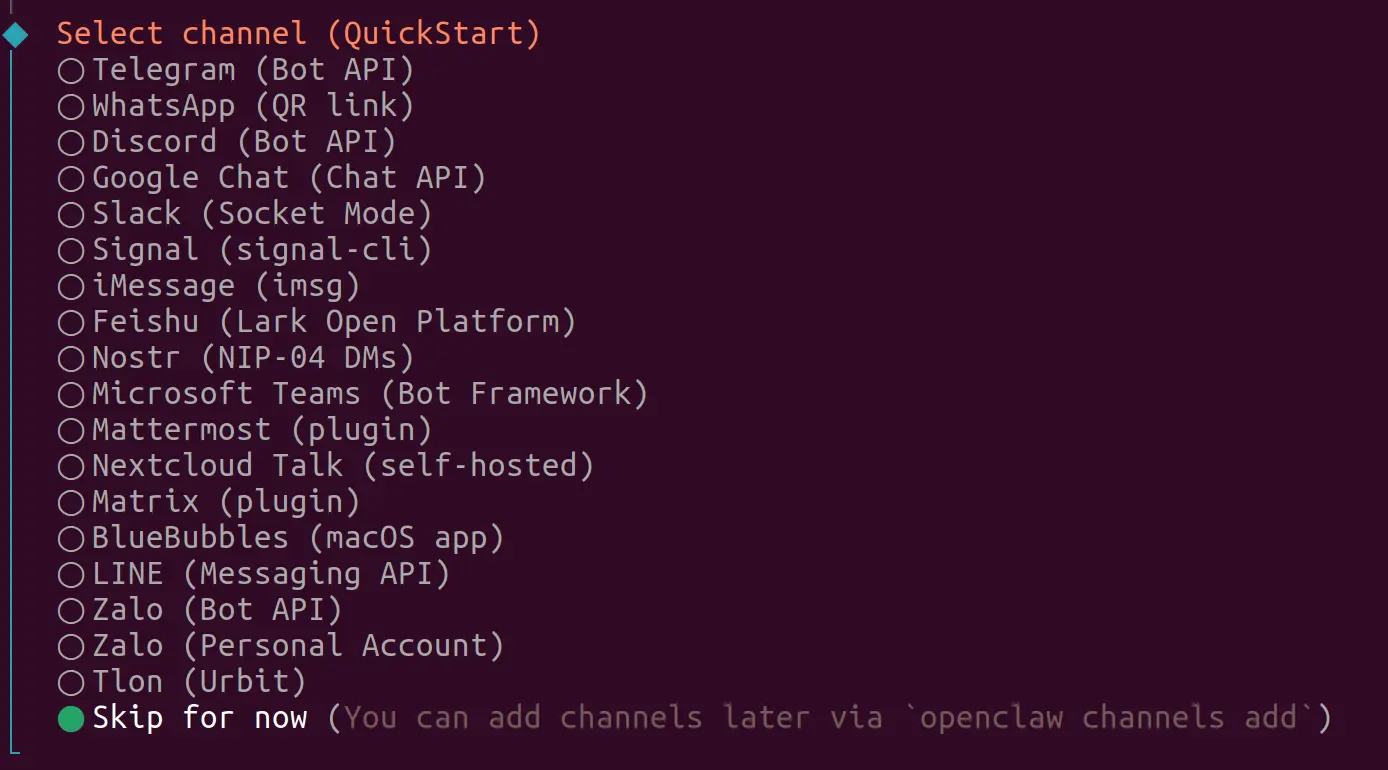
Configure channels
Match OpenClaw with the social apps you commonly use. Follow the on-screen prompts to configure; details are omitted here.
-
Configure skills
Select
yes. -
Choose how to install Homebrew
Select
npm. -
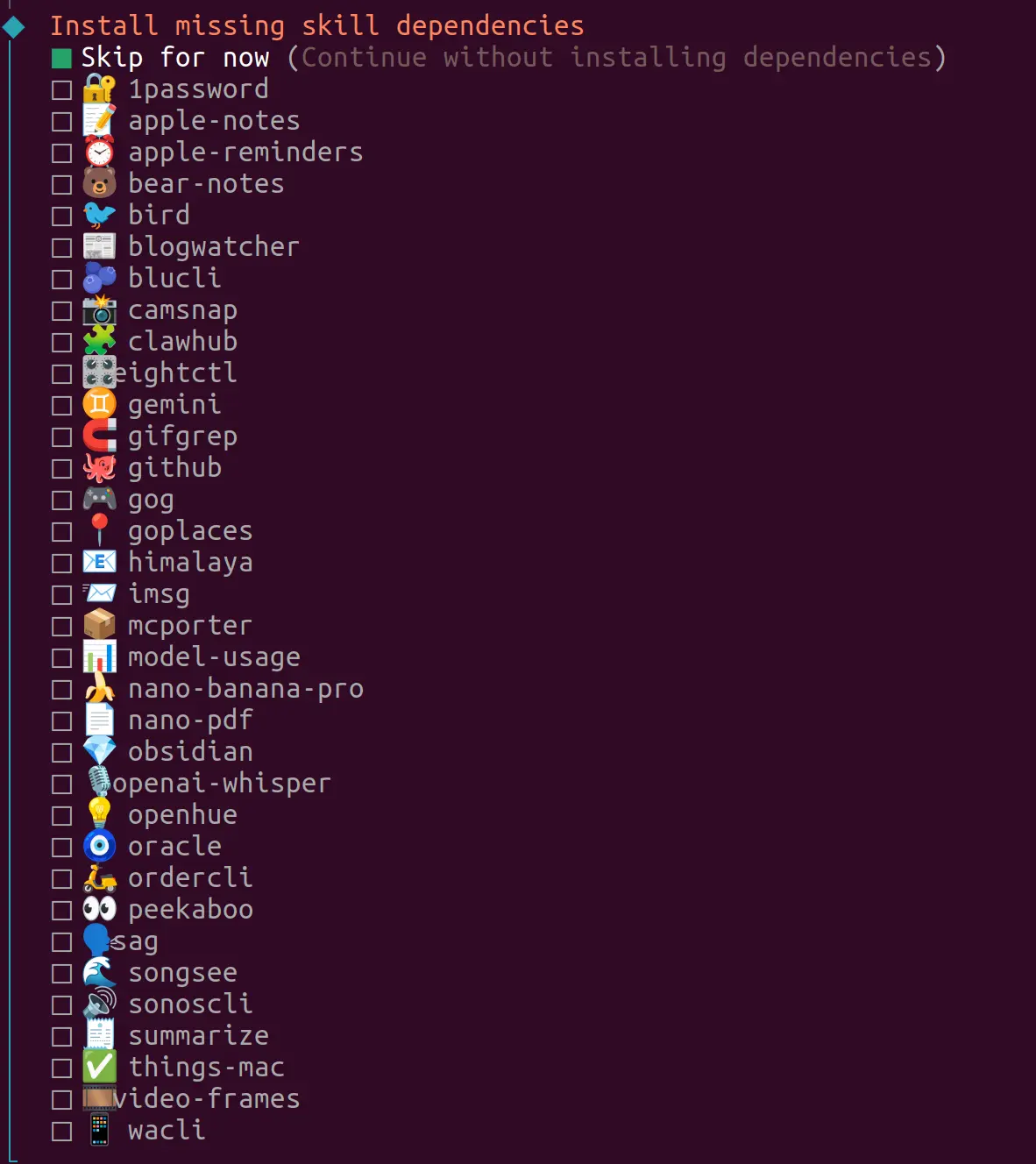
Install missing skill dependencies
Choose according to your needs.
-
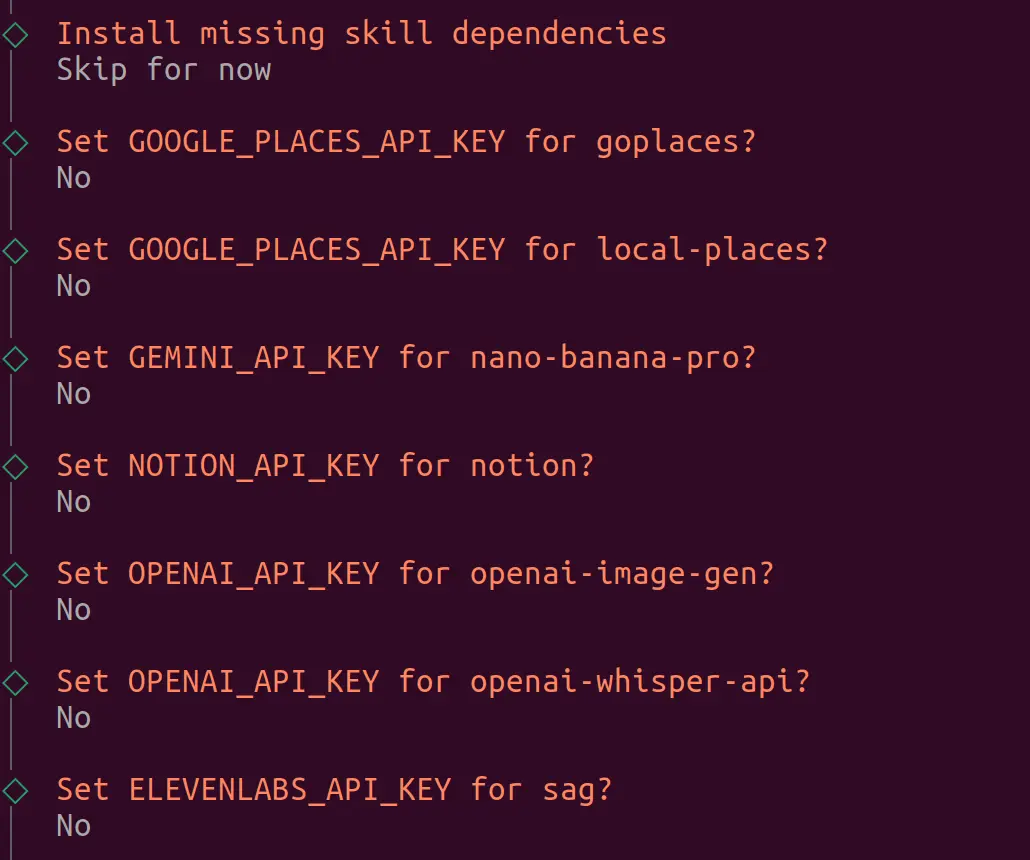
Configure API keys used by each skill
-
Start the interactive UI
In
How do you want to hatch your bot?, you can choose between two interaction modes: TUI (terminal UI) or Web UI.-
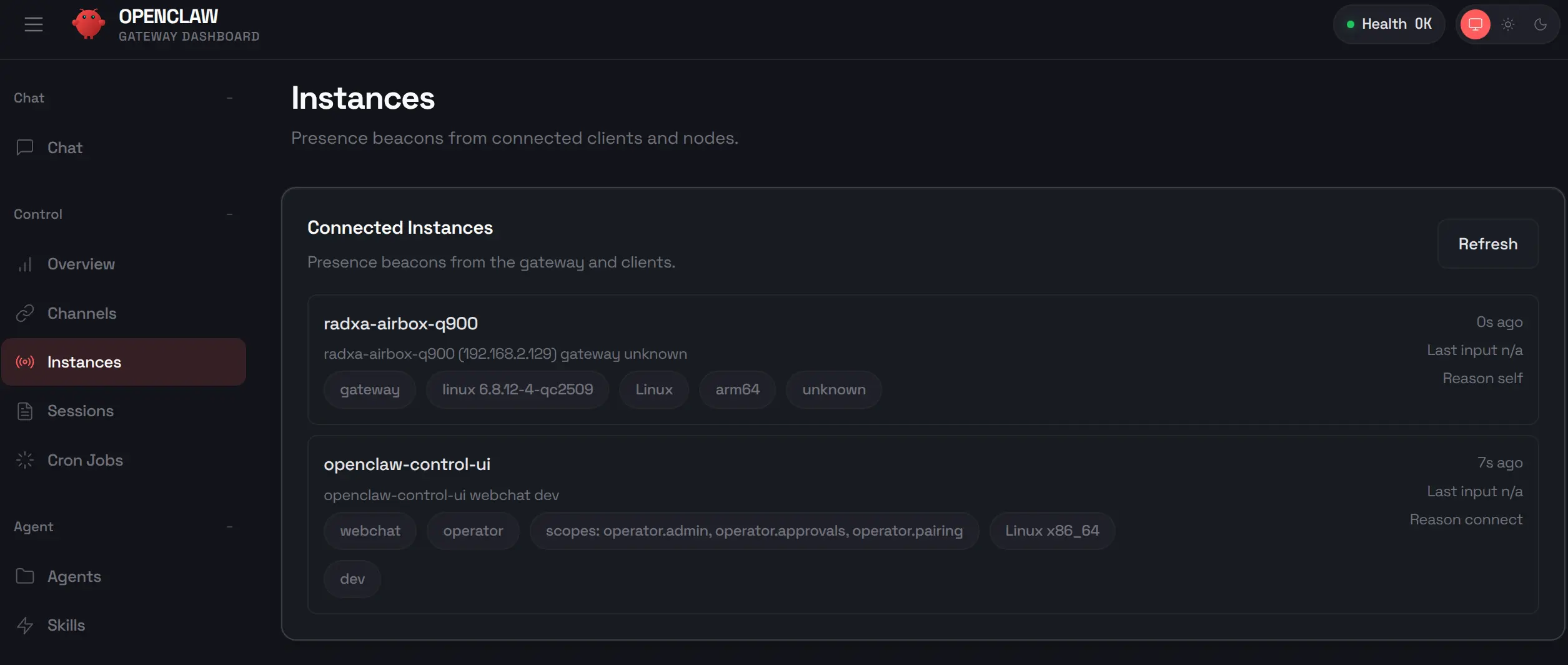
Web UI (recommended)
tipPort: 18789
-
TUI (terminal)
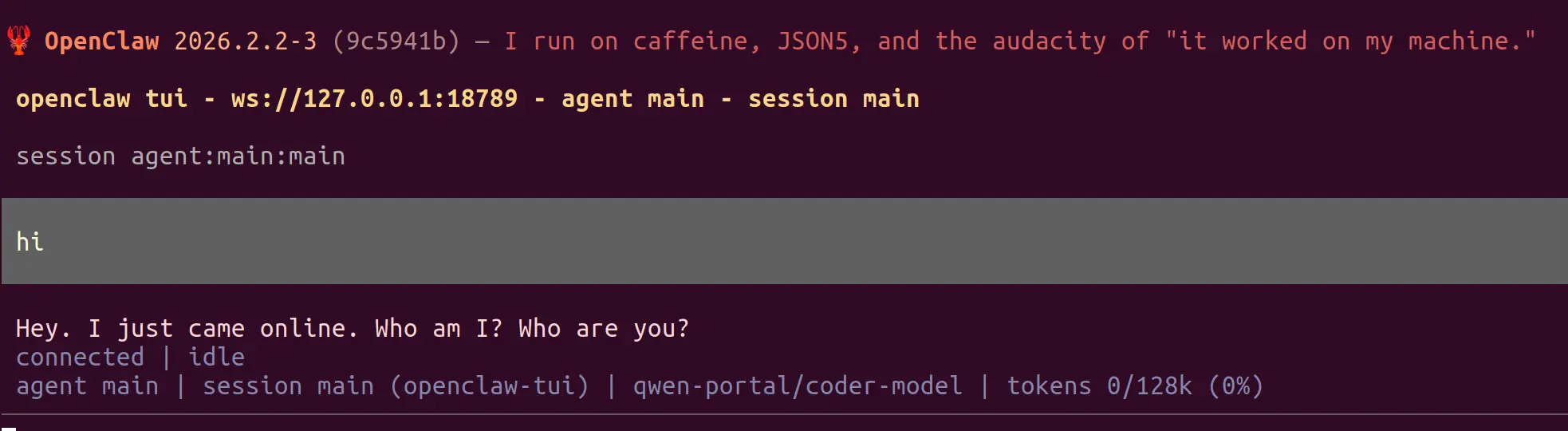
-
More features
For more usage details, see the official OpenClaw documentation.