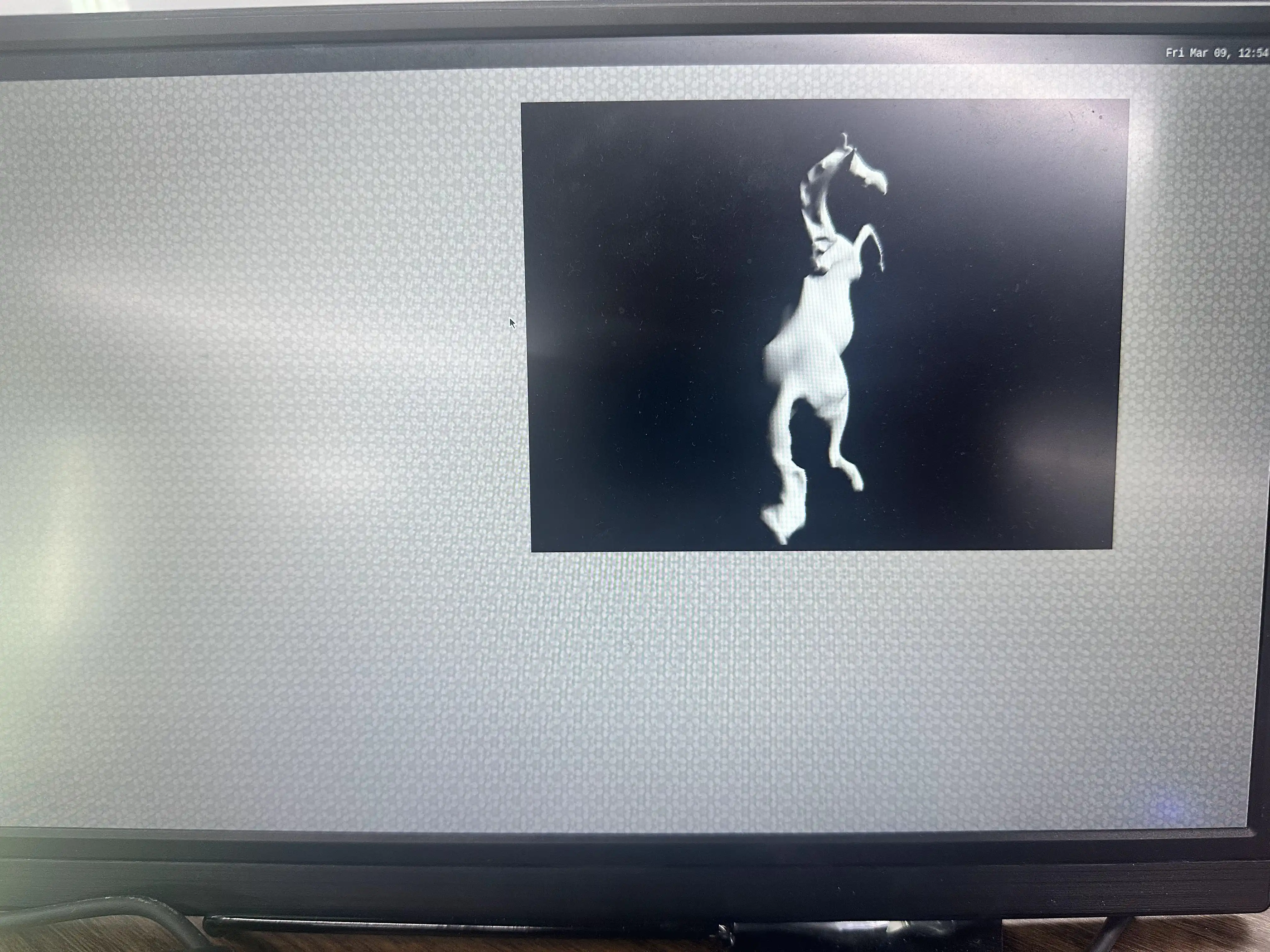
glmark2 Usage
glmark2 is an open-source, cross-platform benchmarking tool specifically designed to evaluate and measure the graphics performance of computer systems with OpenGL (ES) 2.0 and later versions.
Benchmarking
Utilize glmark2 to benchmark the GPU performance.
Desktop Terminal
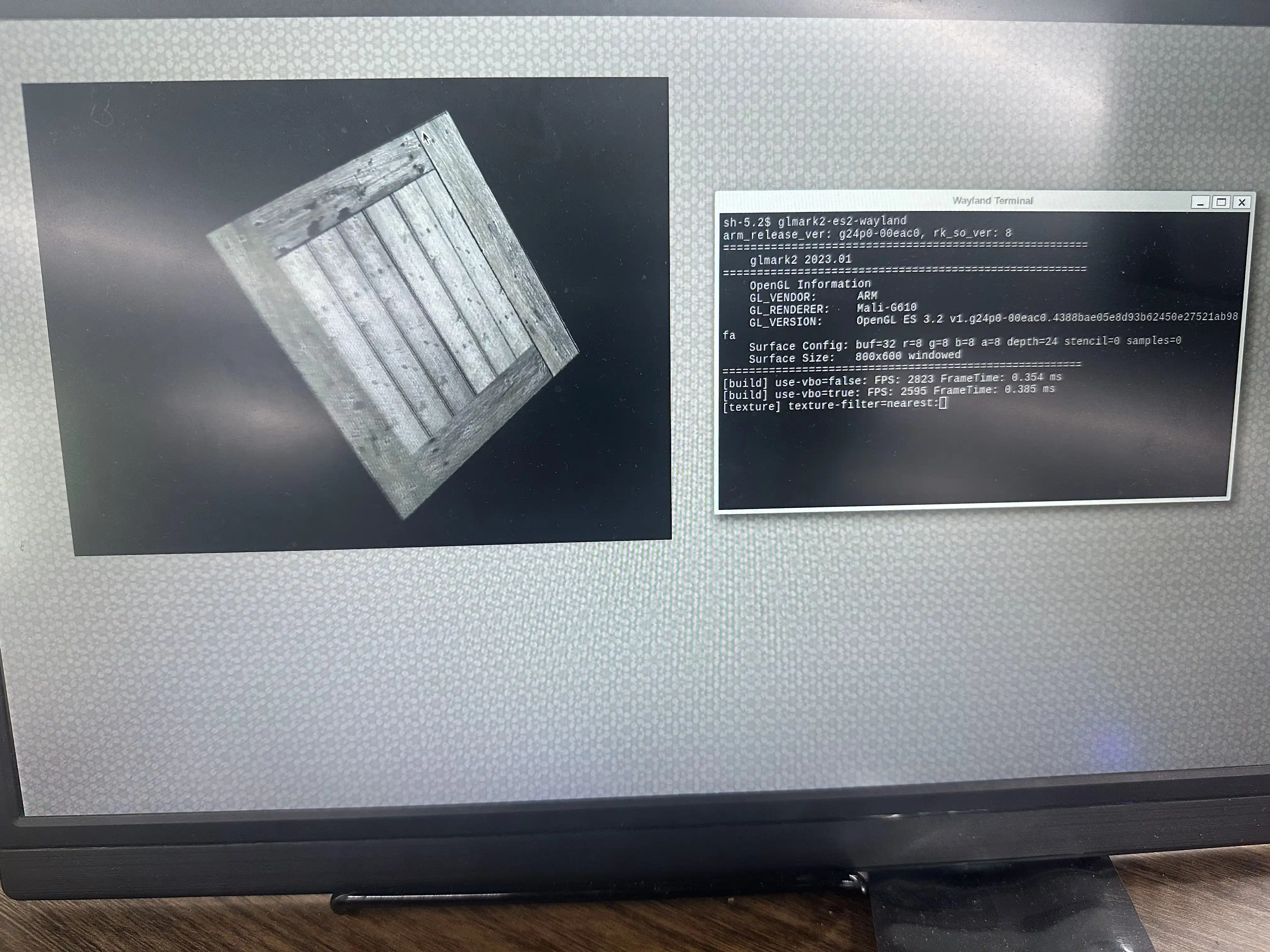
Open a terminal from the top-left corner of the desktop using the mouse and keyboard, then run the command:
glmark2-es2-wayland
The result will look like this:
Serial Terminal
Open a serial terminal and run the command:
root@rockchip-rk3588s-rock-5c:~# XDG_RUNTIME_DIR=/run/user/1000/ WAYLAND_DISPLAY=wayland-0 glmark2-es2-wayland
The result will look like this: