FAN
Introduction
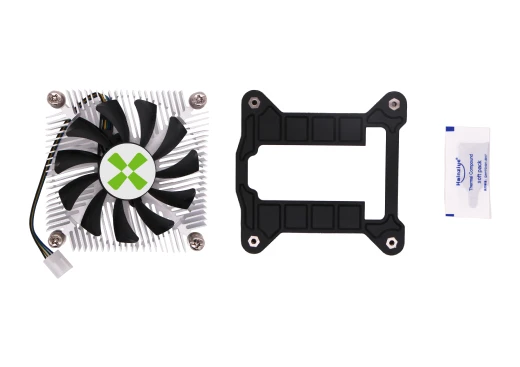
ROCK 5 ITX provides a standard 4-pin PWM fan header for compatible coolers. The recommended cooler is the Radxa 8418B.
Installation and usage
Install the Radxa 8418B cooler
- Apply thermal grease evenly to the RK3588 SoC.
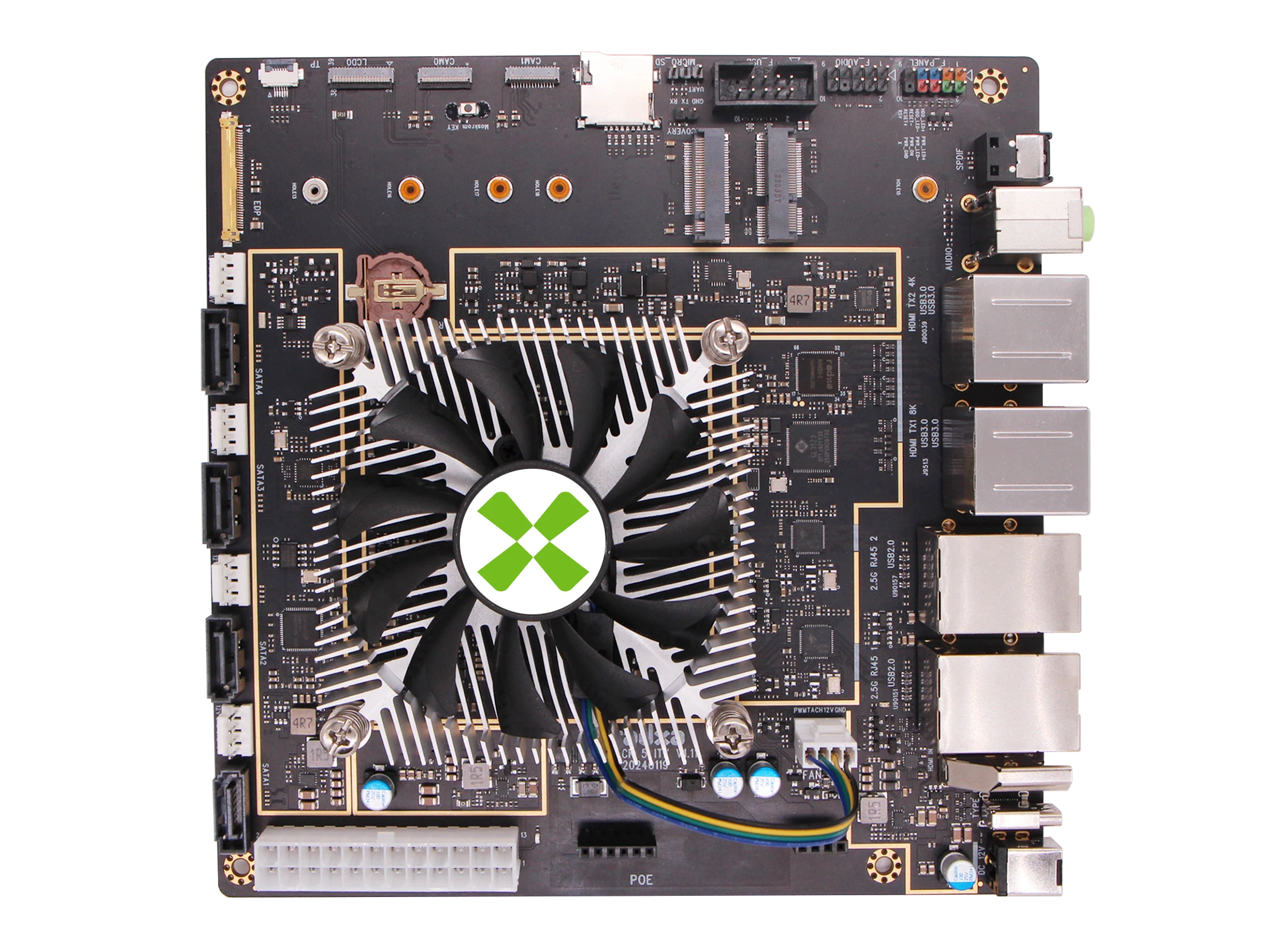
- Align the cooler with the four mounting holes on the motherboard, and make sure the fan cable can reach the FAN header comfortably.
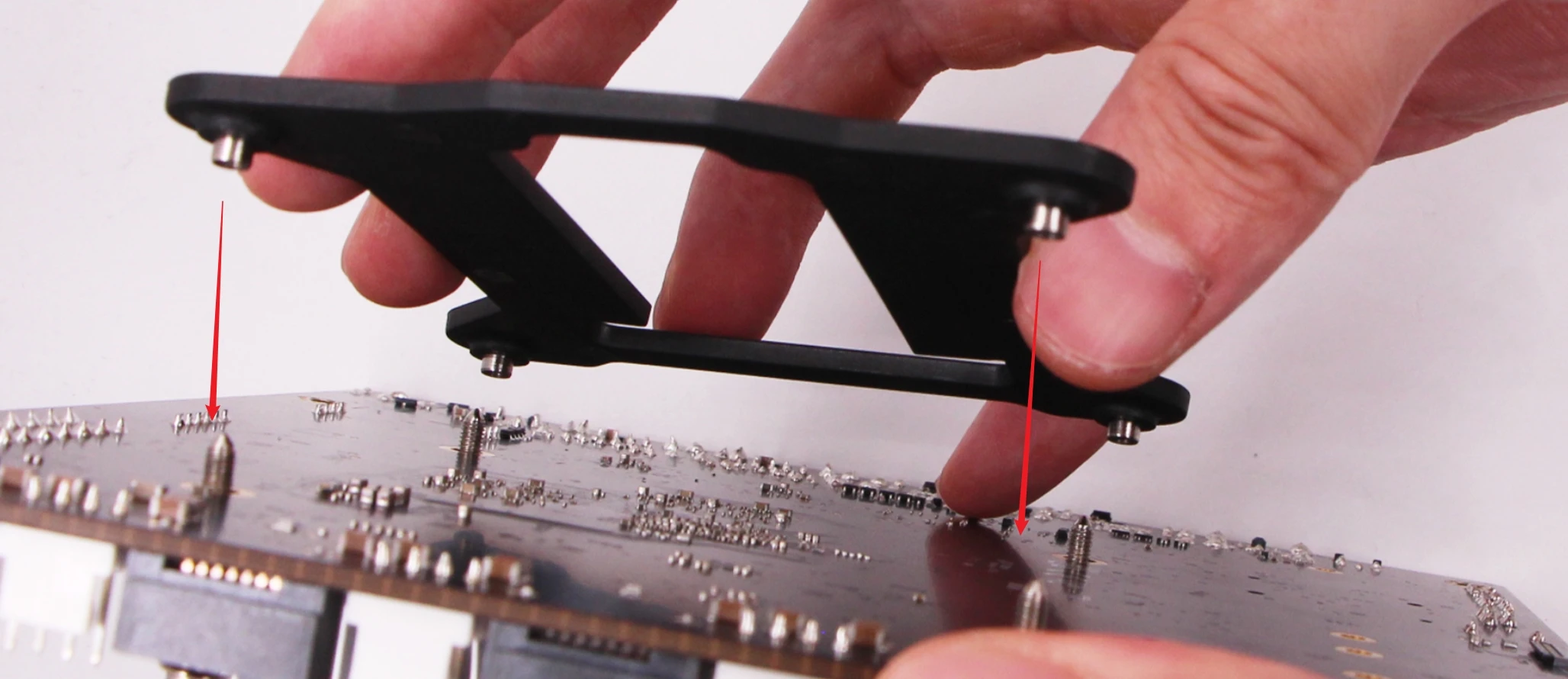
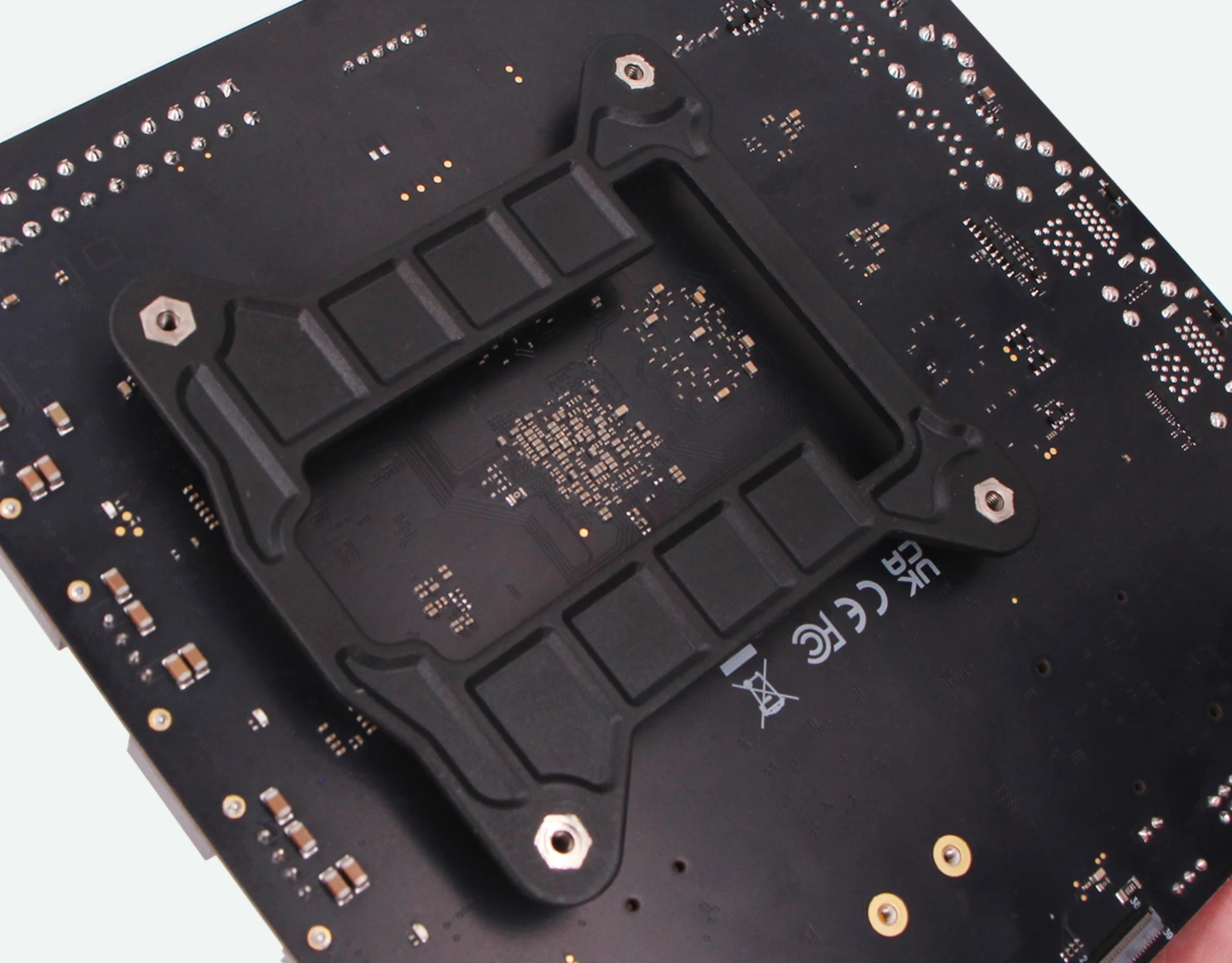
- Align and secure the fasteners with the four mounting holes on the back of the motherboard.
- Tighten the screws gradually in diagonal order to avoid uneven stress on the board.
- Connect the fan cable to the FAN header on the motherboard. The connector is keyed, so check the orientation before inserting it.
Usage notes
- The ROCK 5 ITX FAN header supports 4-pin PWM fans.
- The board provides a standard FAN header for fan-equipped heatsinks.
- The current hardware interface does not support fan tachometer readback, so fan speed reporting is not available.
- For the full chassis assembly flow, see the Assembly Guide.
Support List
- Radxa 8418B Radiator
Radxa 8418B Radiator
The Radxa 8418B Radiator is a radiator for the ROCK 5 ITX.
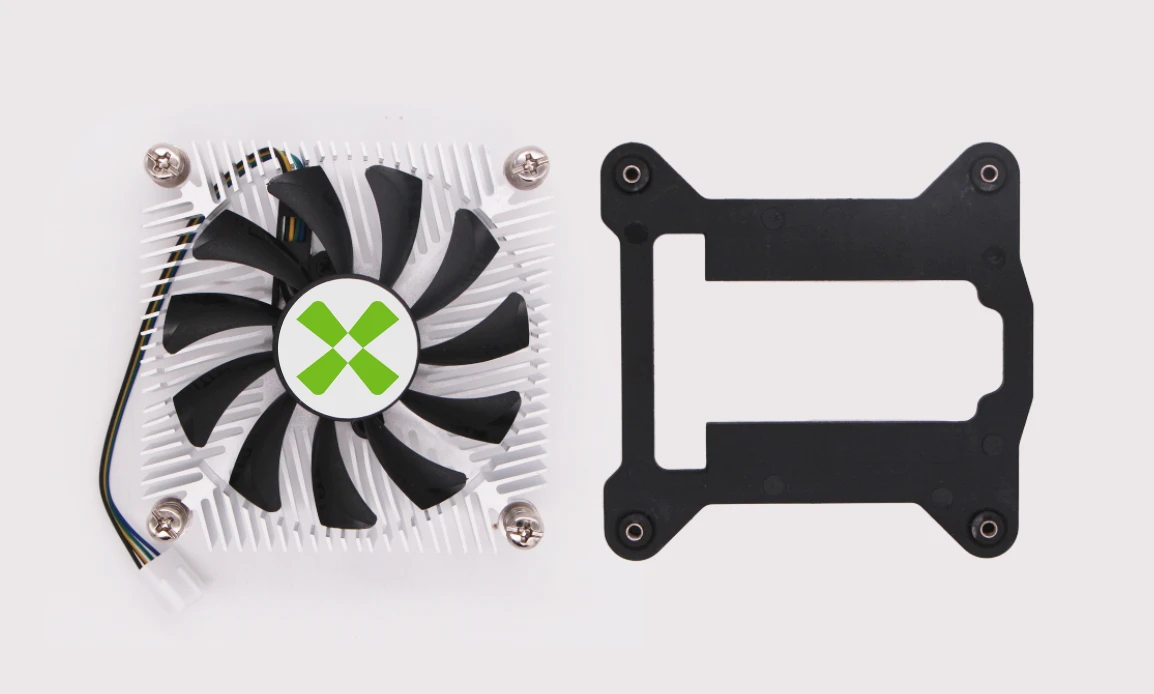
Physical Specifications
- Product size: 84 x 84 x 18 mm
- Fan Size: 70 x 70 x 10 mm
- Fan Connector: 4-Pin fan connector with PWM control
- Material: All aluminium alloy
- Speed: 1500 to 3000rpm ± 20% Airflow: 13.5 CFM
- Airflow: 13.5 CFM
- Sound: 13 to 28 dB(A)
- Rated Voltage: DC12V 0.16A(MAX) 1.92W
Accessories List