Install OS to microSD Card
This guide explains how to install the system to a MicroSD card.
Installing the system will format the MicroSD card. Please back up any important data in advance!
Prerequisites
Hardware Requirements
You need to prepare the following hardware devices in advance:
- MicroSD card
- MicroSD card reader
To ensure the system runs smoothly, choose a MicroSD card with a U1 or higher rating for system burning and usage.
Hardware Connection
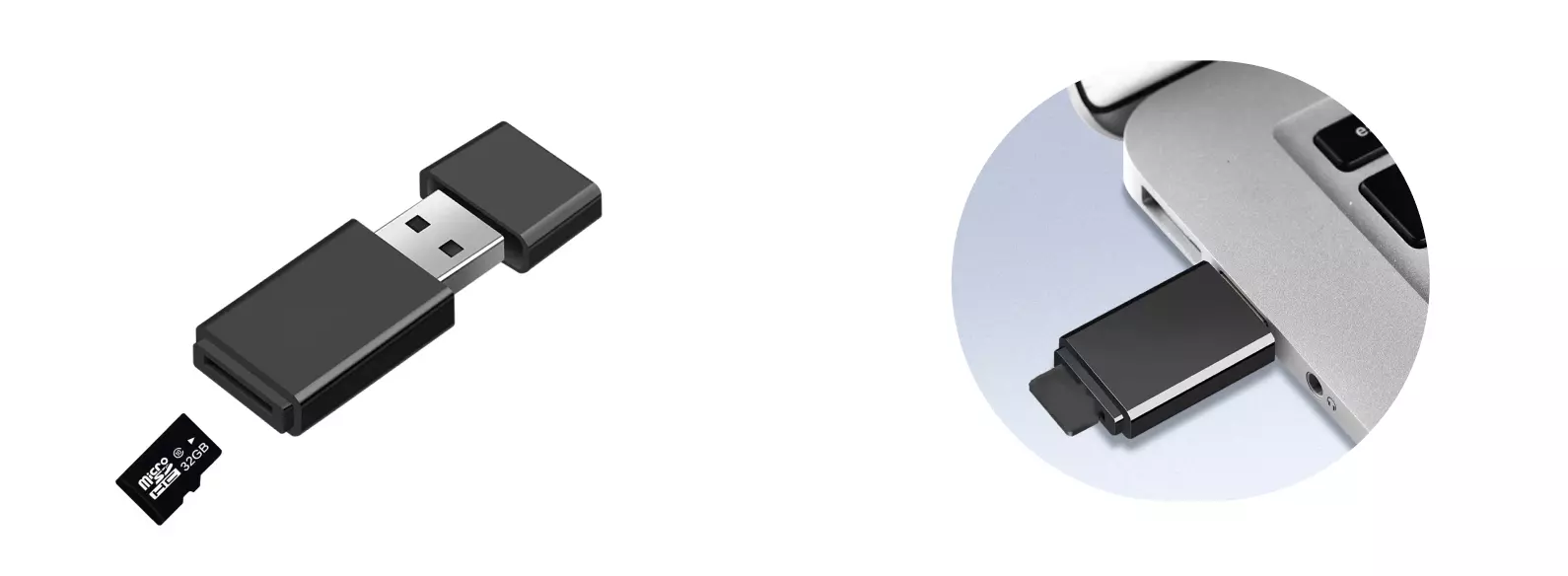
Insert the MicroSD card into the MicroSD card reader, then connect the card reader to your computer.
System Installation
Download System Image
Use a PC to access the Downloads page and download the system image file to your local machine.
The downloaded system image is a compressed file that needs to be extracted before use!
Install System Image
Use Balena Etcher software to install the system image to the MicroSD card.
For installation and usage of Balena Etcher, please refer to the Etcher Guide tutorial.
Select System Image
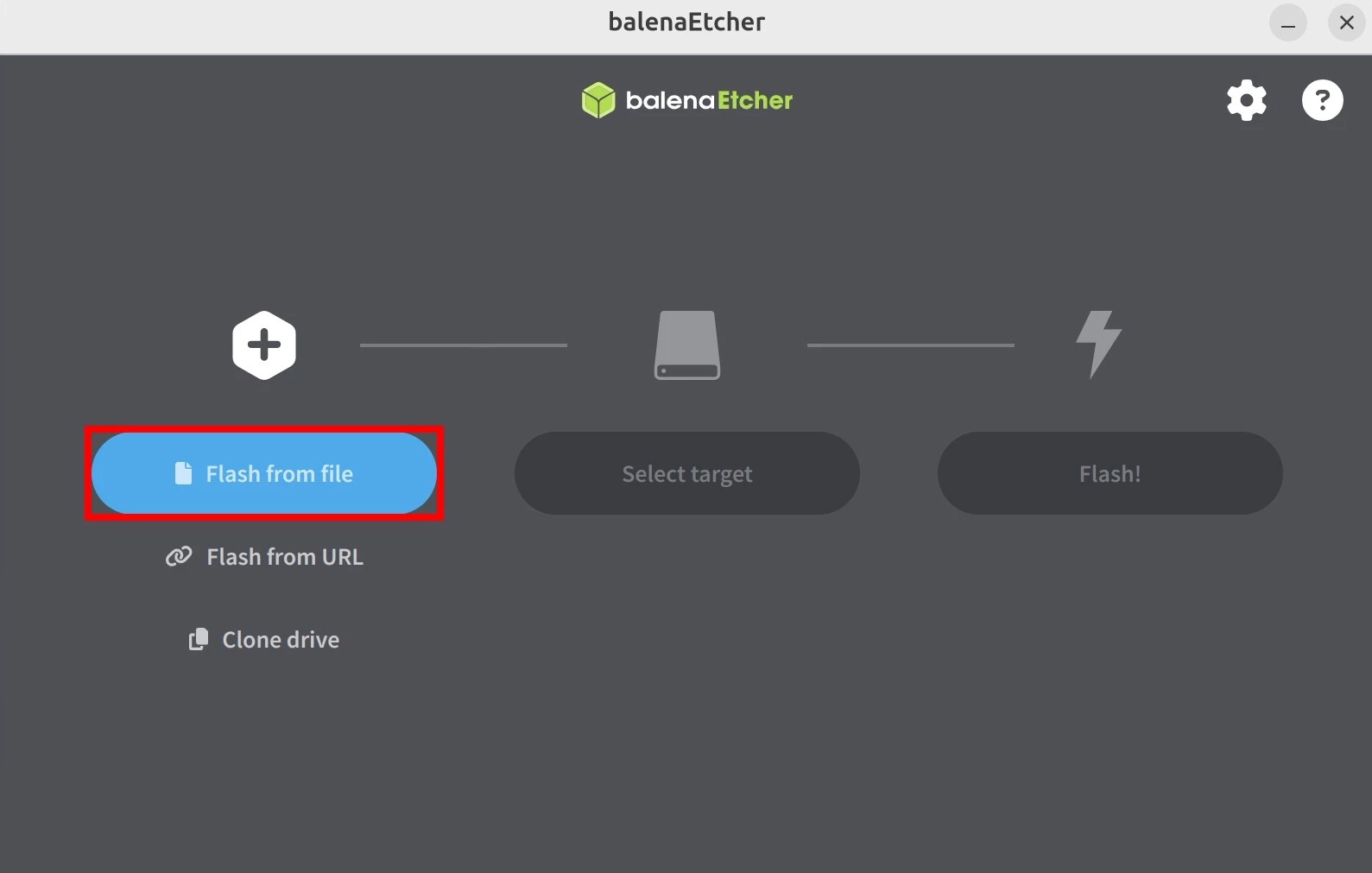
Click the Flash from file option and select the system image file you downloaded and extracted earlier.
Select Storage Device
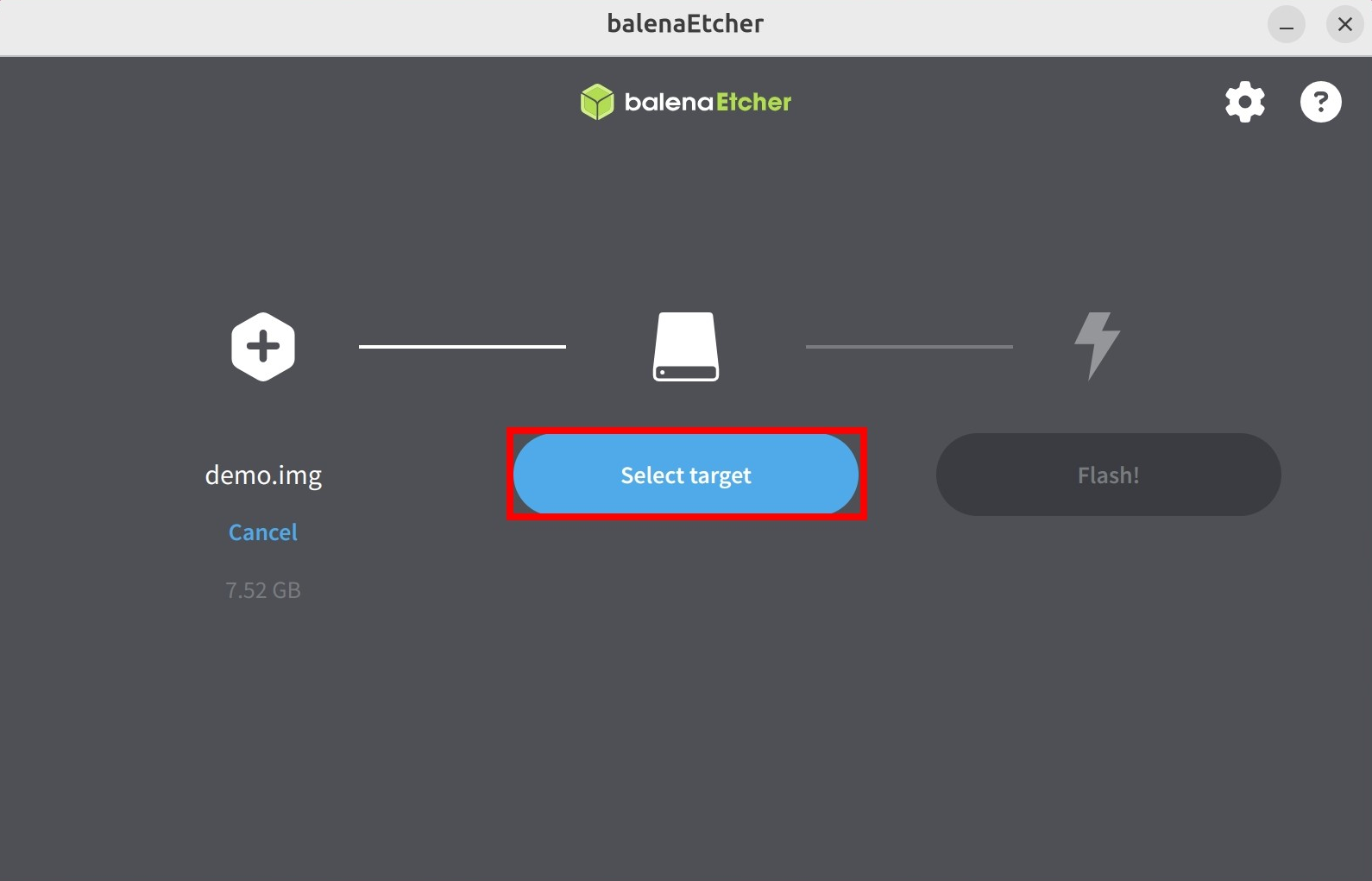
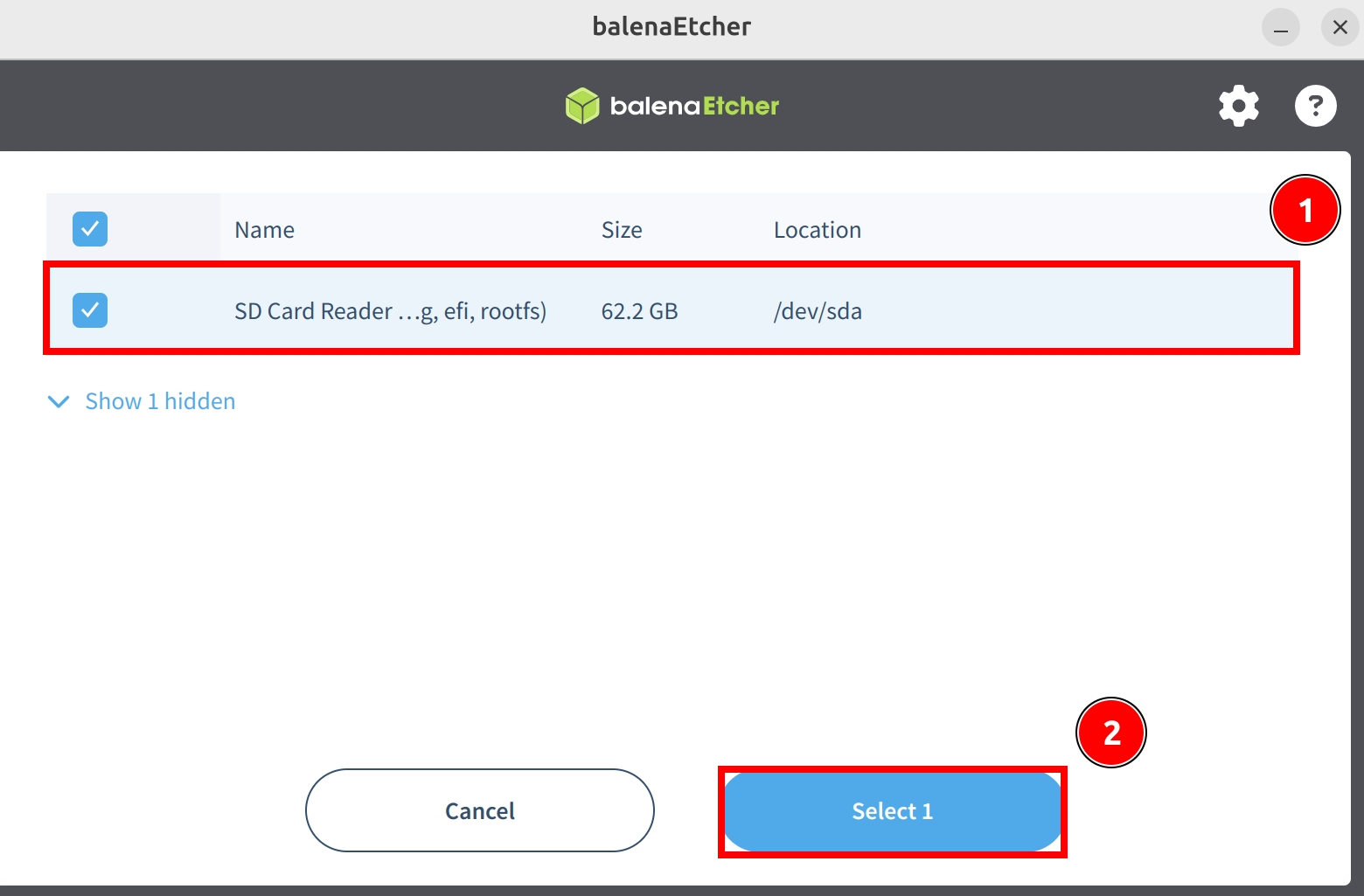
Click the Select target option and choose the MicroSD card device.
Start Flashing
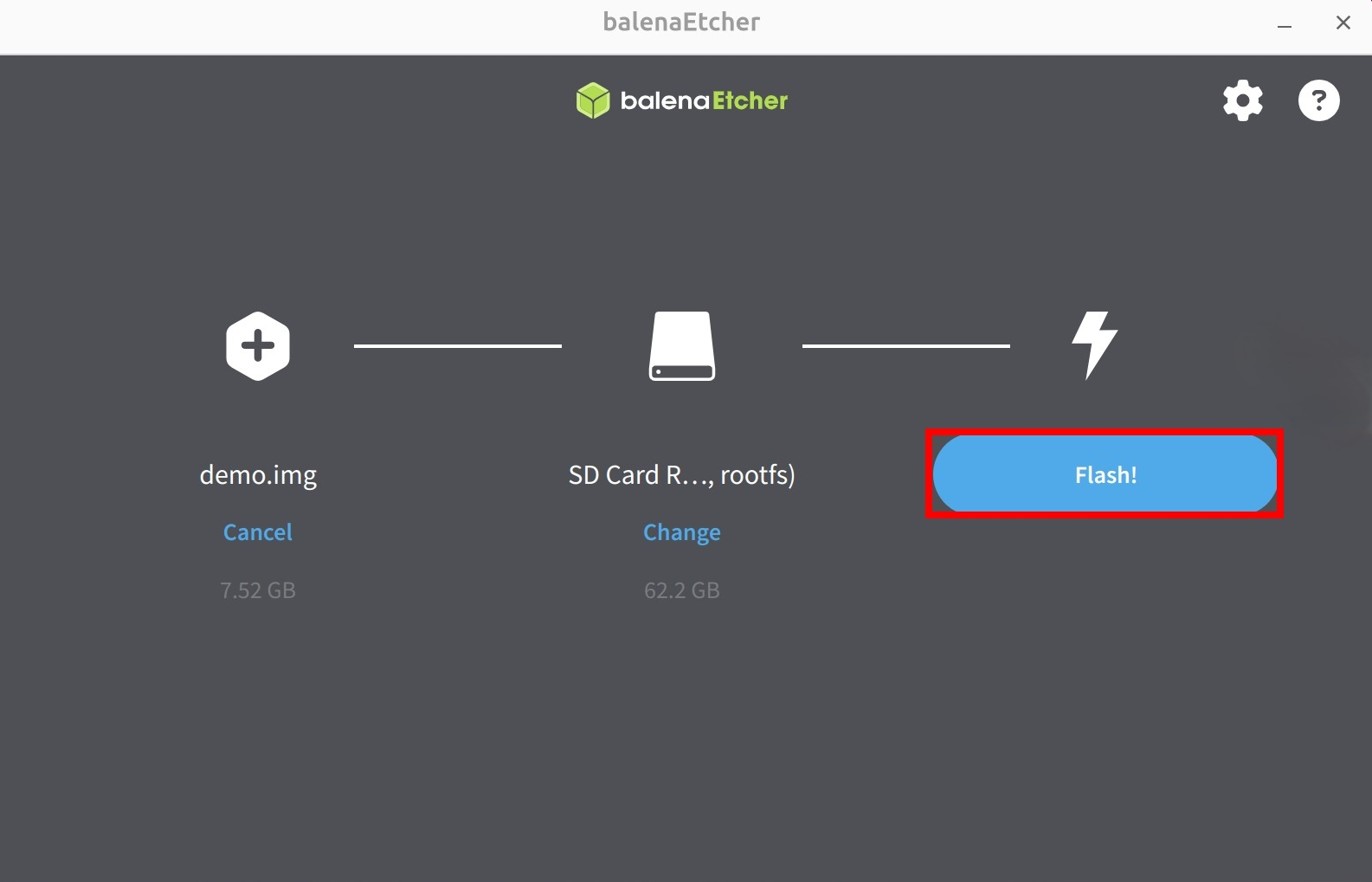
Click the Flash! option to start flashing the system image to the MicroSD card.
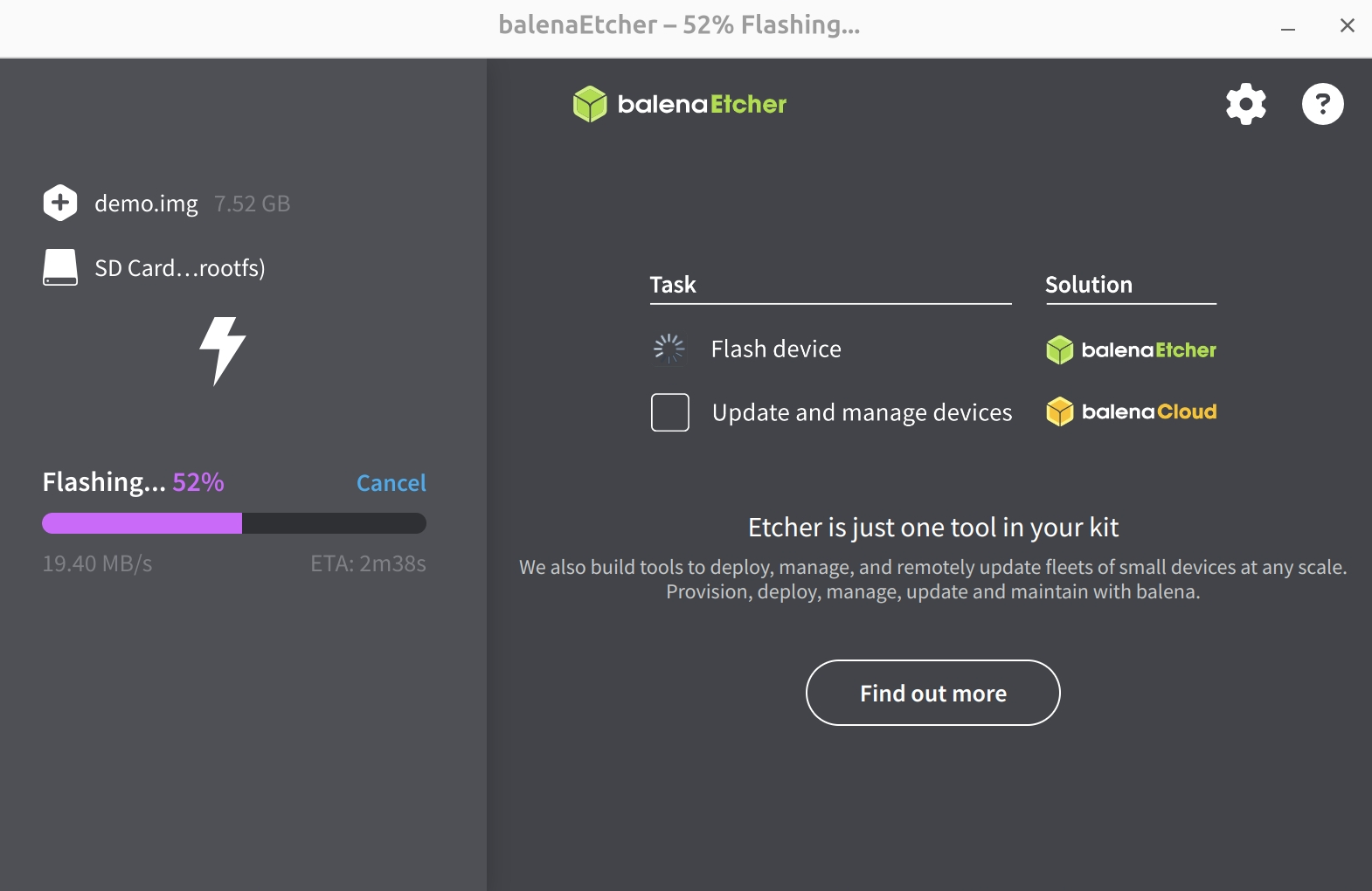
Waiting for system installation to complete
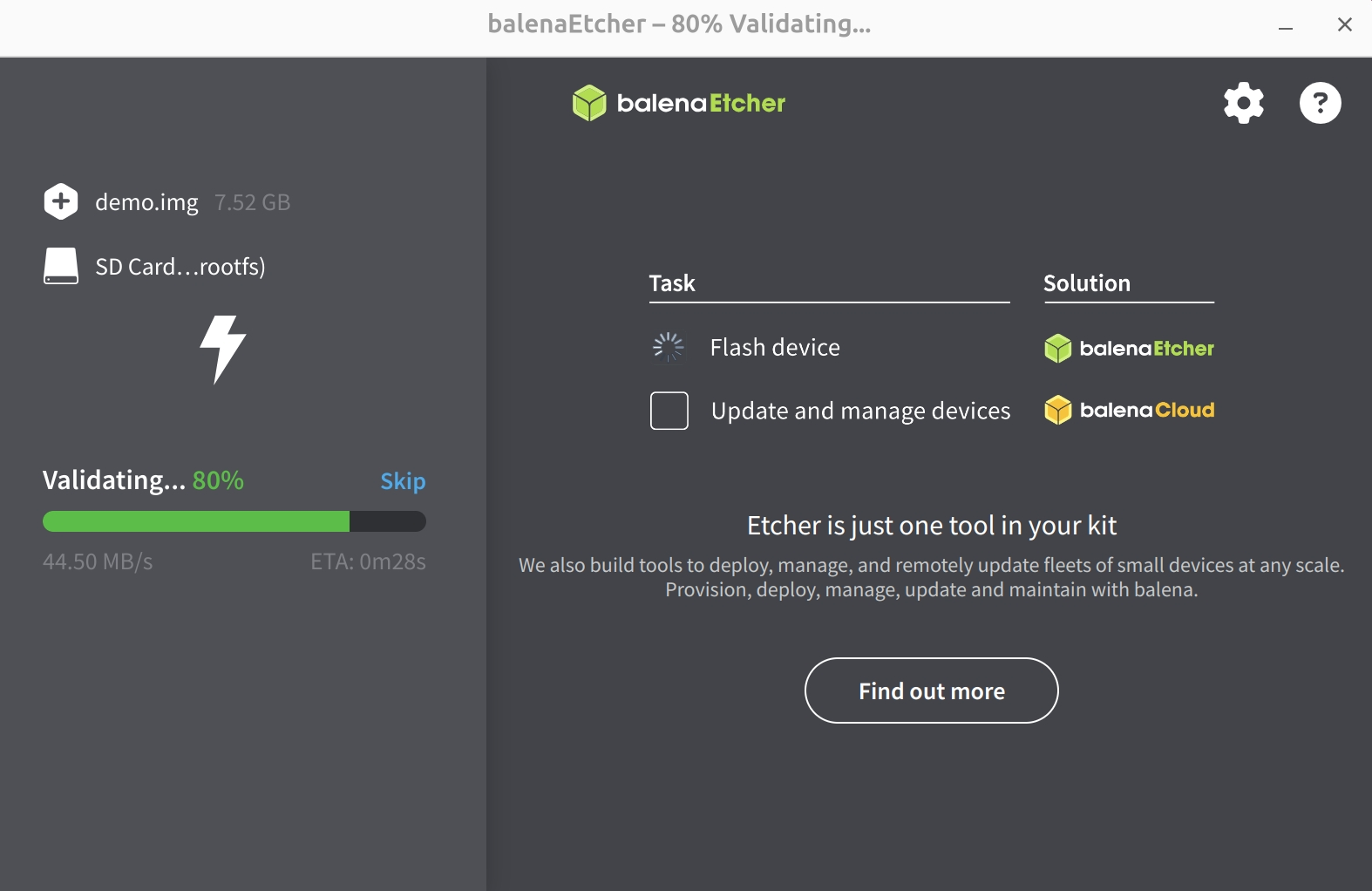
Waiting for system verification to complete
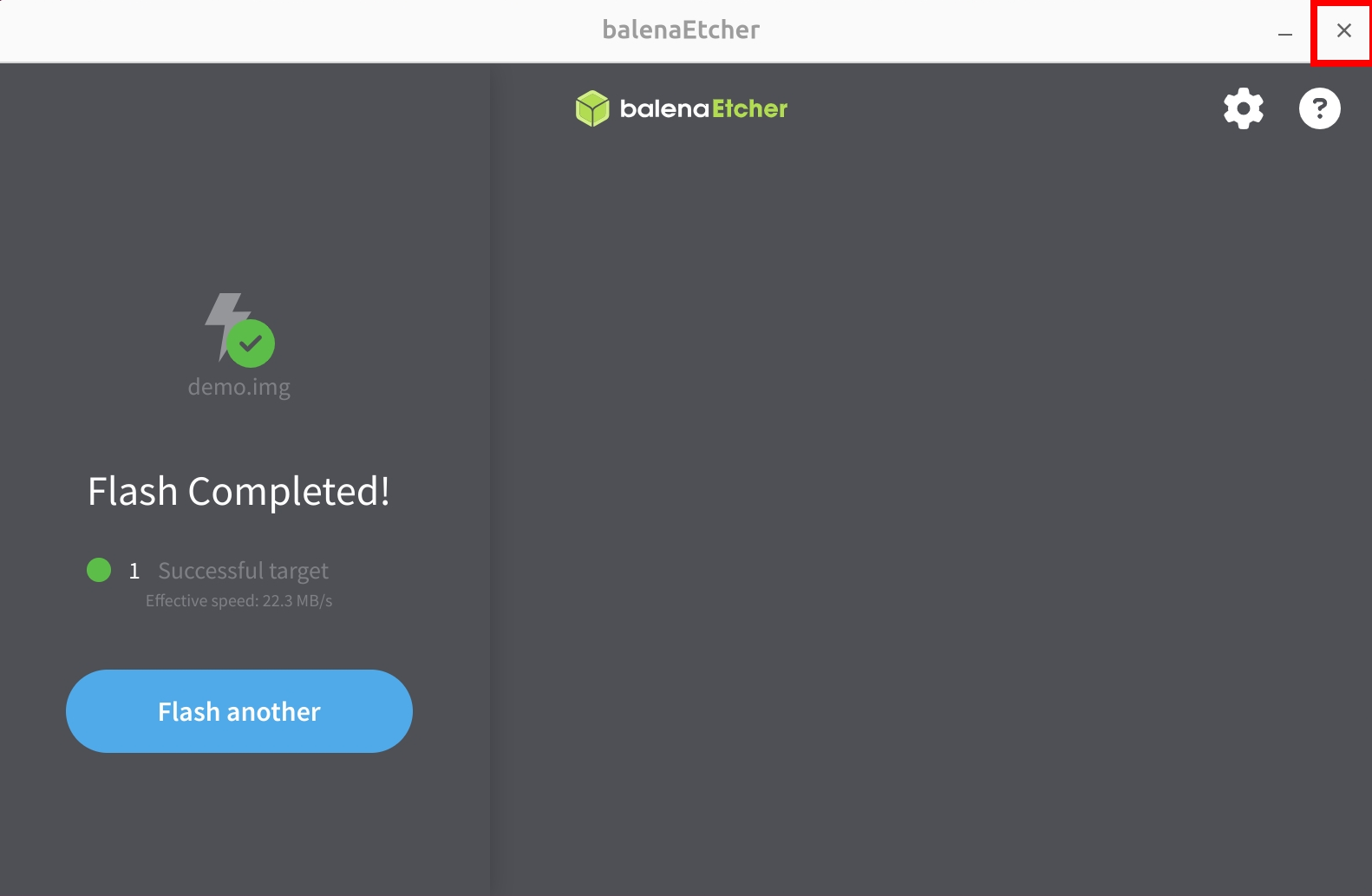
After successfully installing the system image, close the Etcher software!
If you encounter permission issues during the burning process, try running Balena Etcher as an administrator. If the software prompts "Something went wrong. If it is a compressed image, please check that the archive is not corrupted":
- Check if the image file has been correctly extracted (7-zip is recommended for extraction).
- Check if your MicroSD card is functioning properly.