Rsetup Usage
Rsetup is a system configuration tool for Radxa OS that helps users easily configure system settings, including system preferences, hardware settings, software settings, network configuration, user settings, language settings, and more.
About Rsetup
Run the rsetup command in the terminal to start the Rsetup tool.
- Select an option: The corresponding option will be highlighted
- Confirm selection: Press
Enter - Cancel selection: Press
ESC - Navigate between options: Use
Up,Down,Left, andRightarrow keys - Multiple selection interface: Press
Spaceto select,Enterto confirm; a*will appear next to enabled options
sudo rsetup
Rsetup Interface
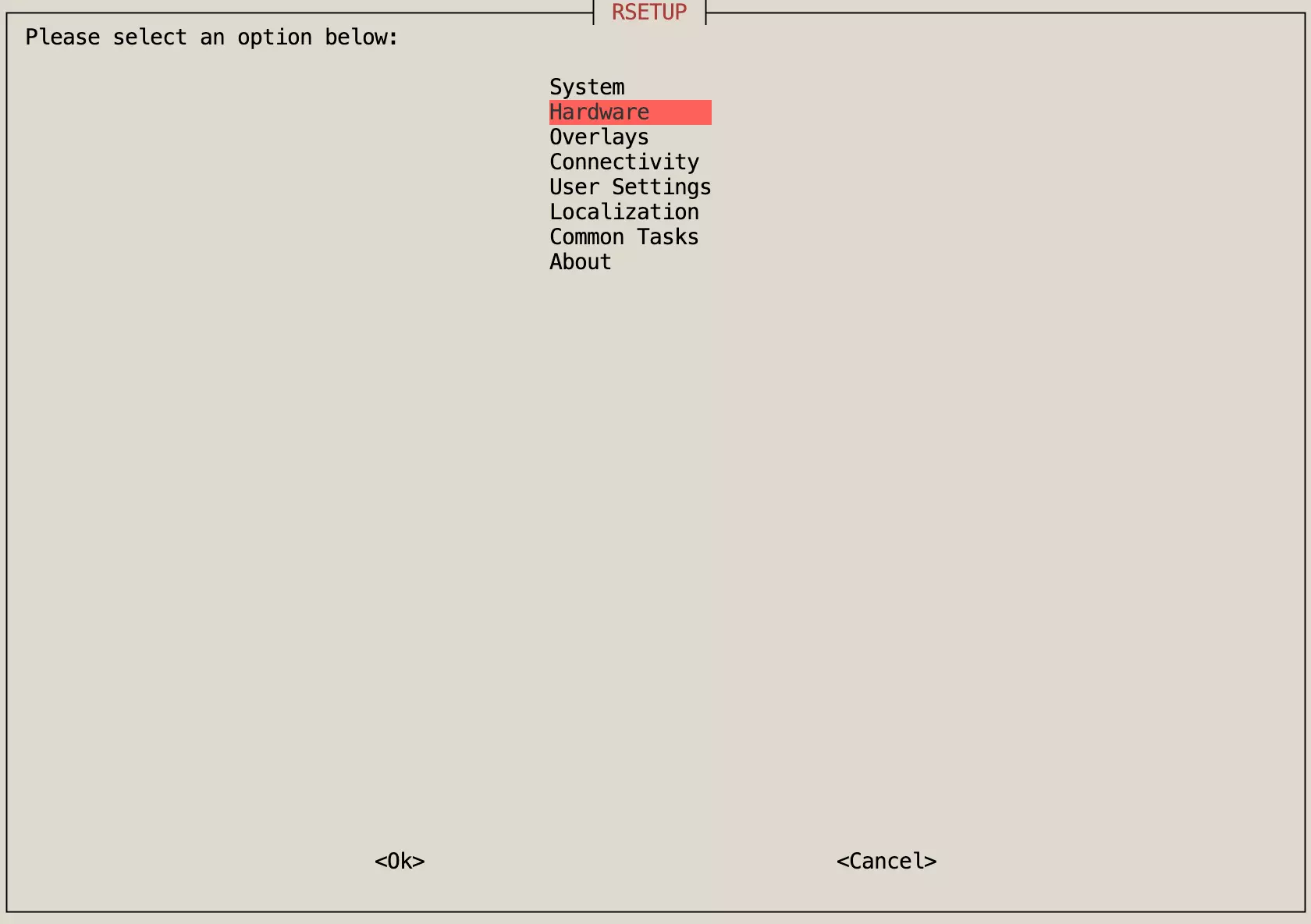
After launching the Rsetup tool, a list of options will appear. Note that the interface and options may vary depending on the version. Please refer to your actual system for the most accurate information.
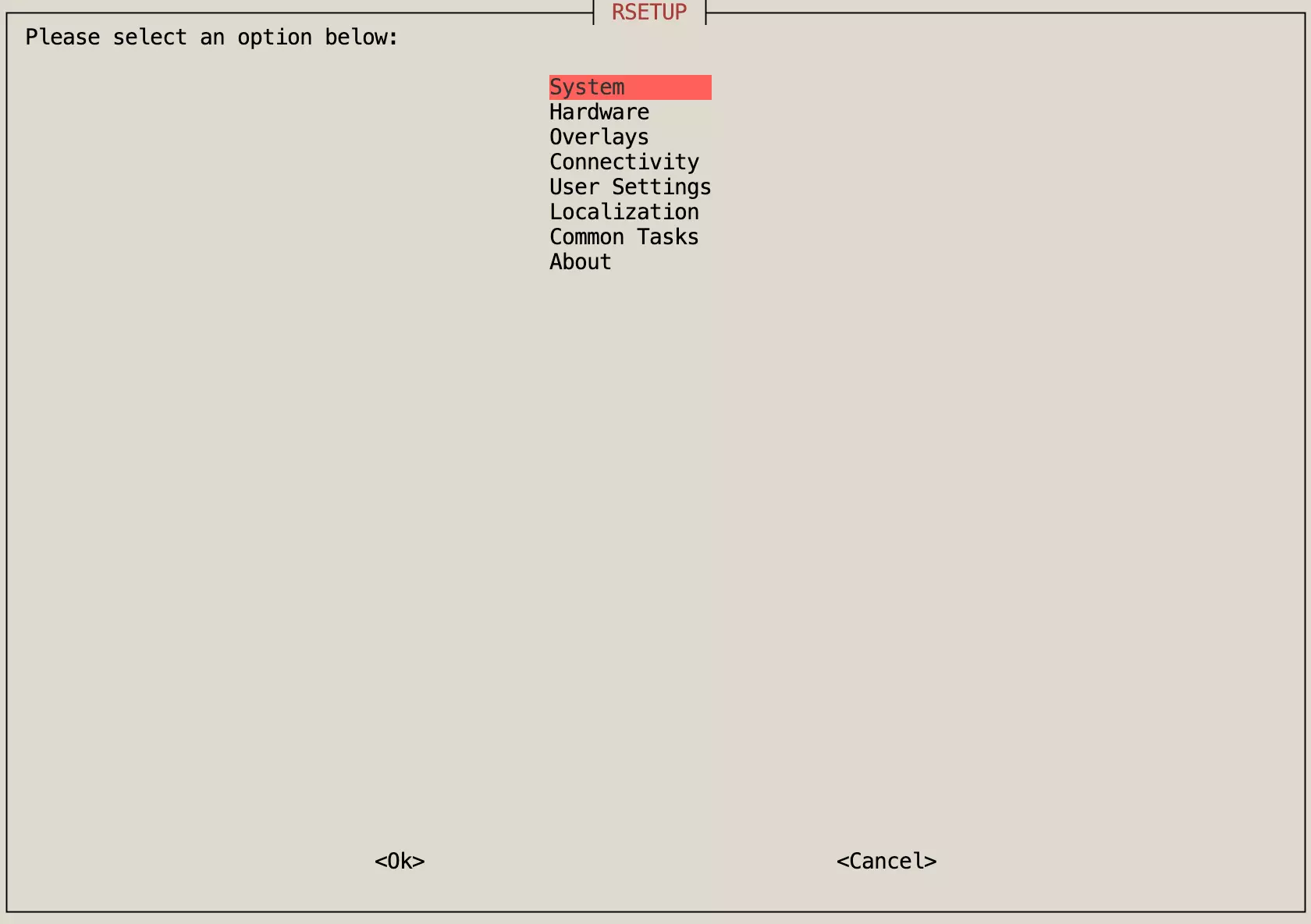
Rsetup Options
System
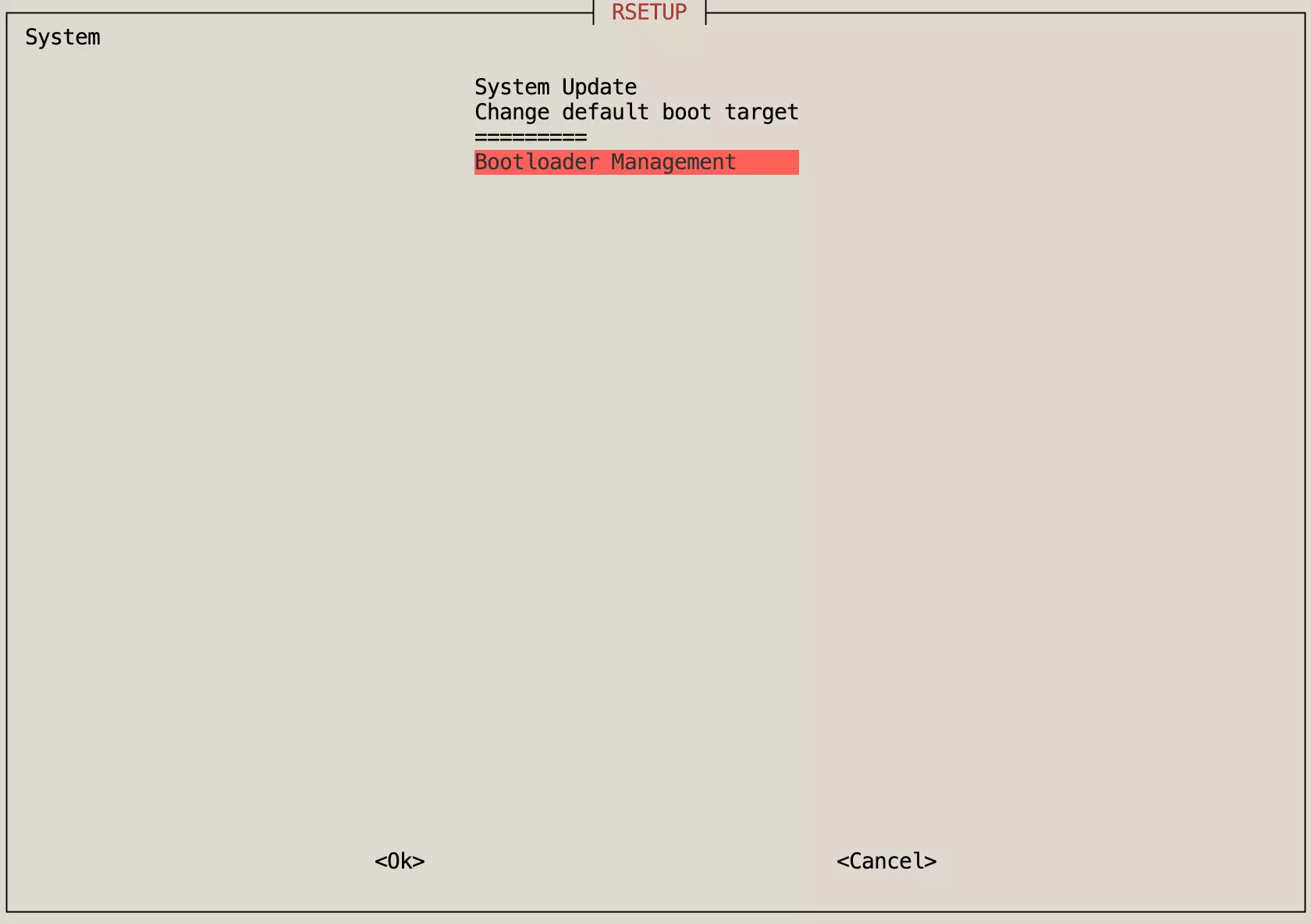
The System menu is primarily used for system updates, default boot target configuration, bootloader management, and more.
System Update
The System Update option is used to update the system. This method is safer than using the apt update && apt upgrade commands.
Note: Using apt update && apt upgrade commands directly might result in incomplete updates or system instability.
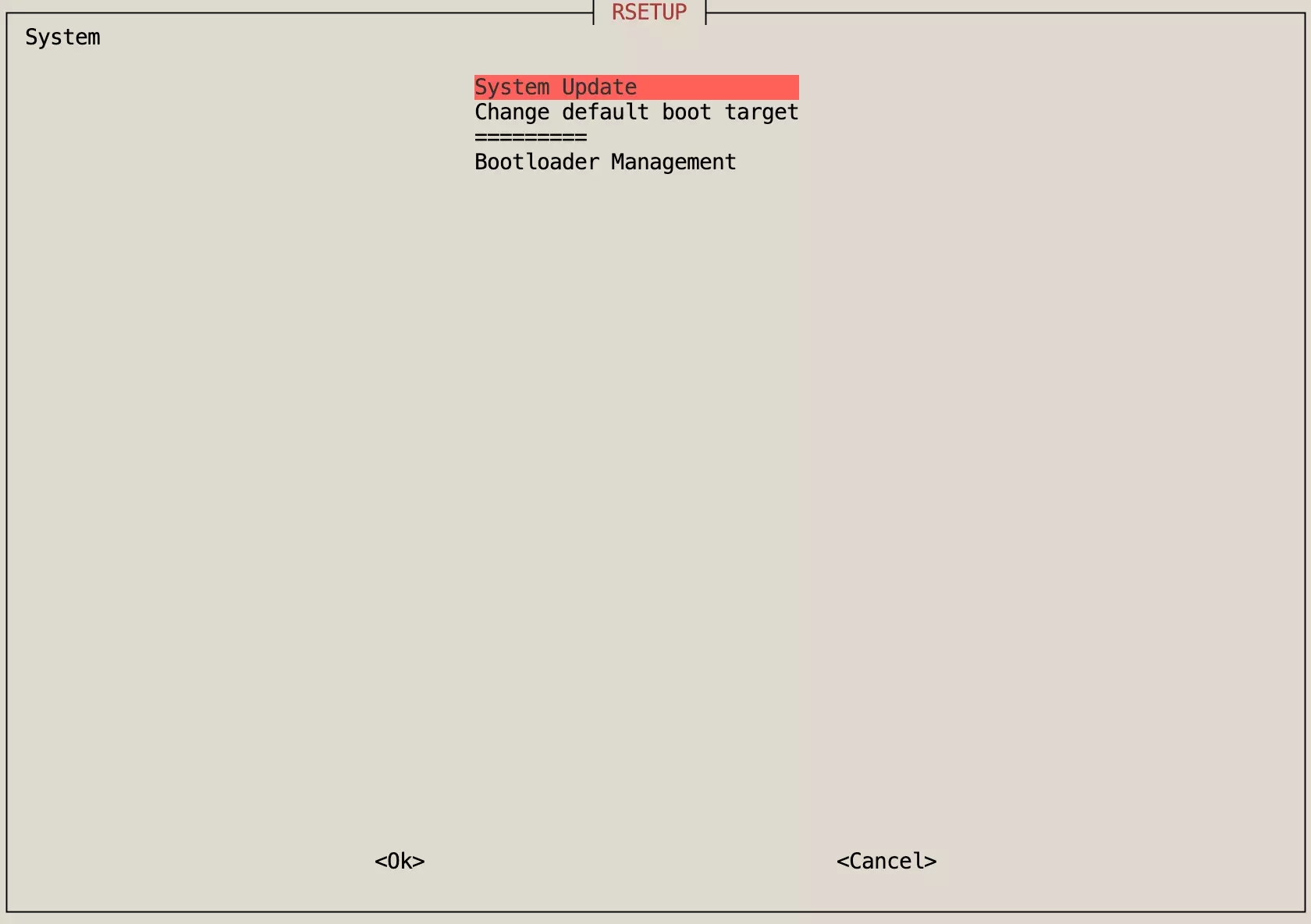
Change default Boot target
The Change default Boot target option allows you to modify the boot method, choosing between graphical interface or command line.
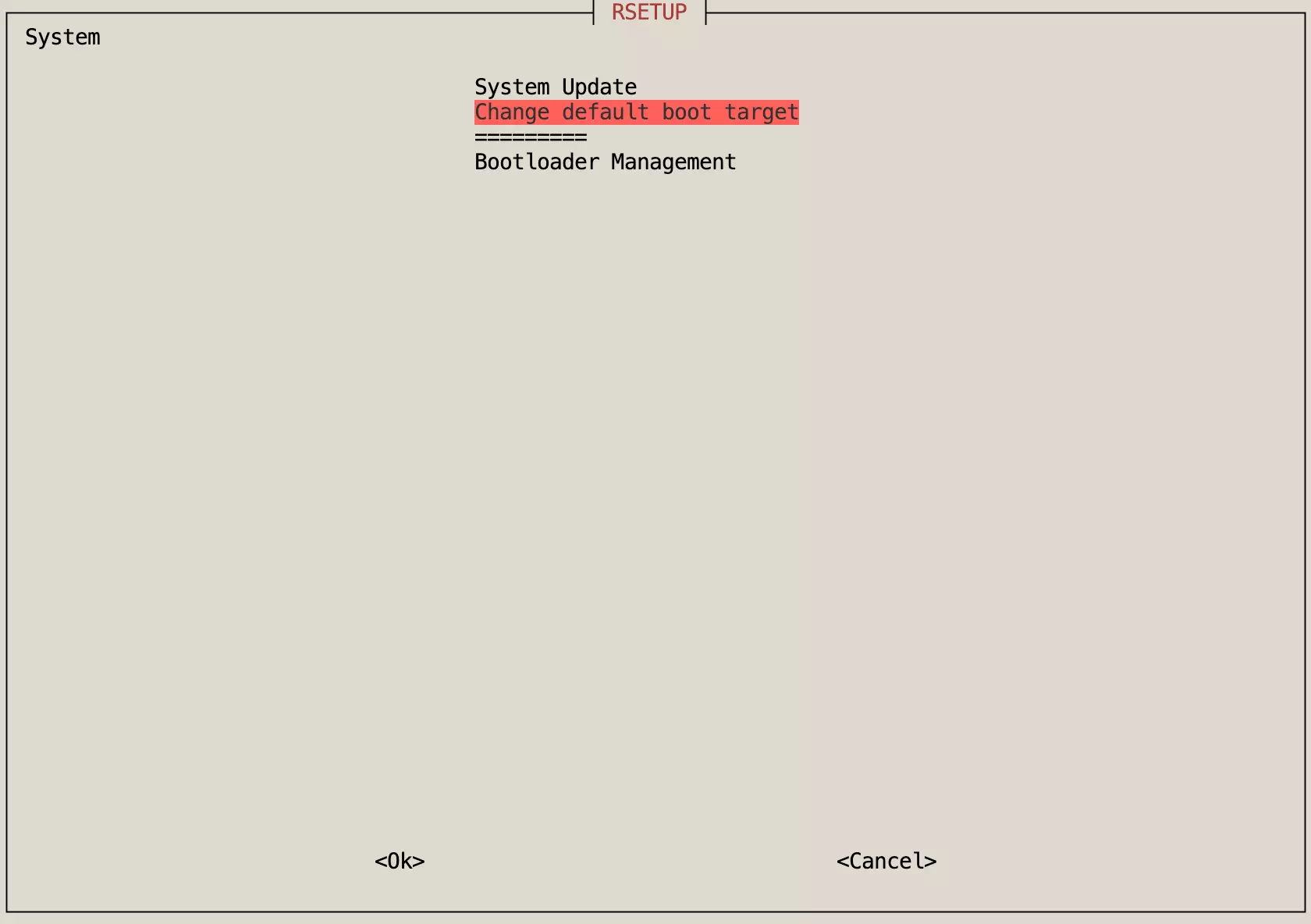
Bootloader Management
The Bootloader Management option is used to manage the bootloader, including updating and erasing the bootloader.
Hardware
The Hardware menu is primarily used to manage onboard hardware, including video capture devices, LED controls, GPIO controls, and more.
Video capture devices
The Video capture devices option is used to manage video capture devices and test if the camera is functioning properly.
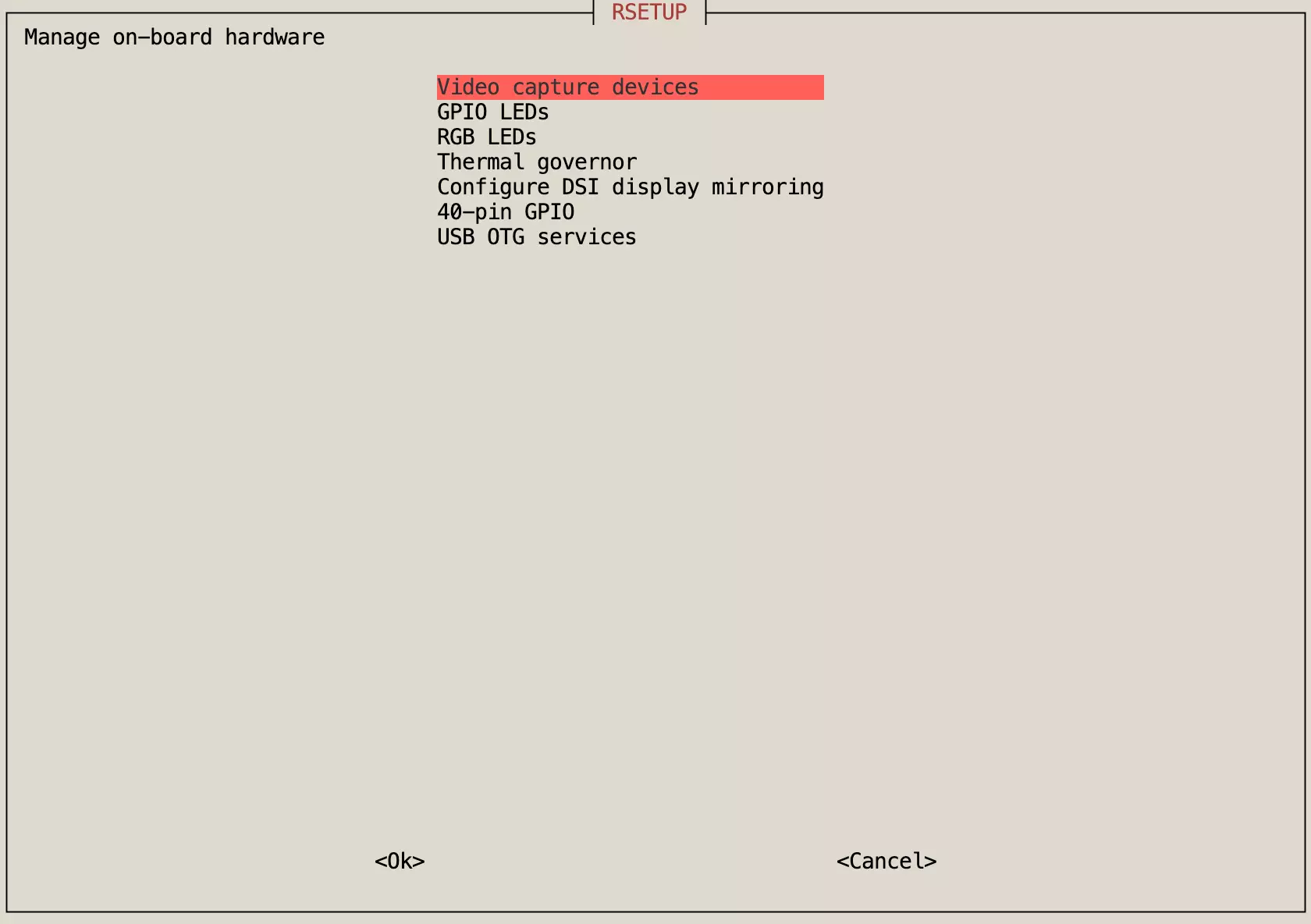
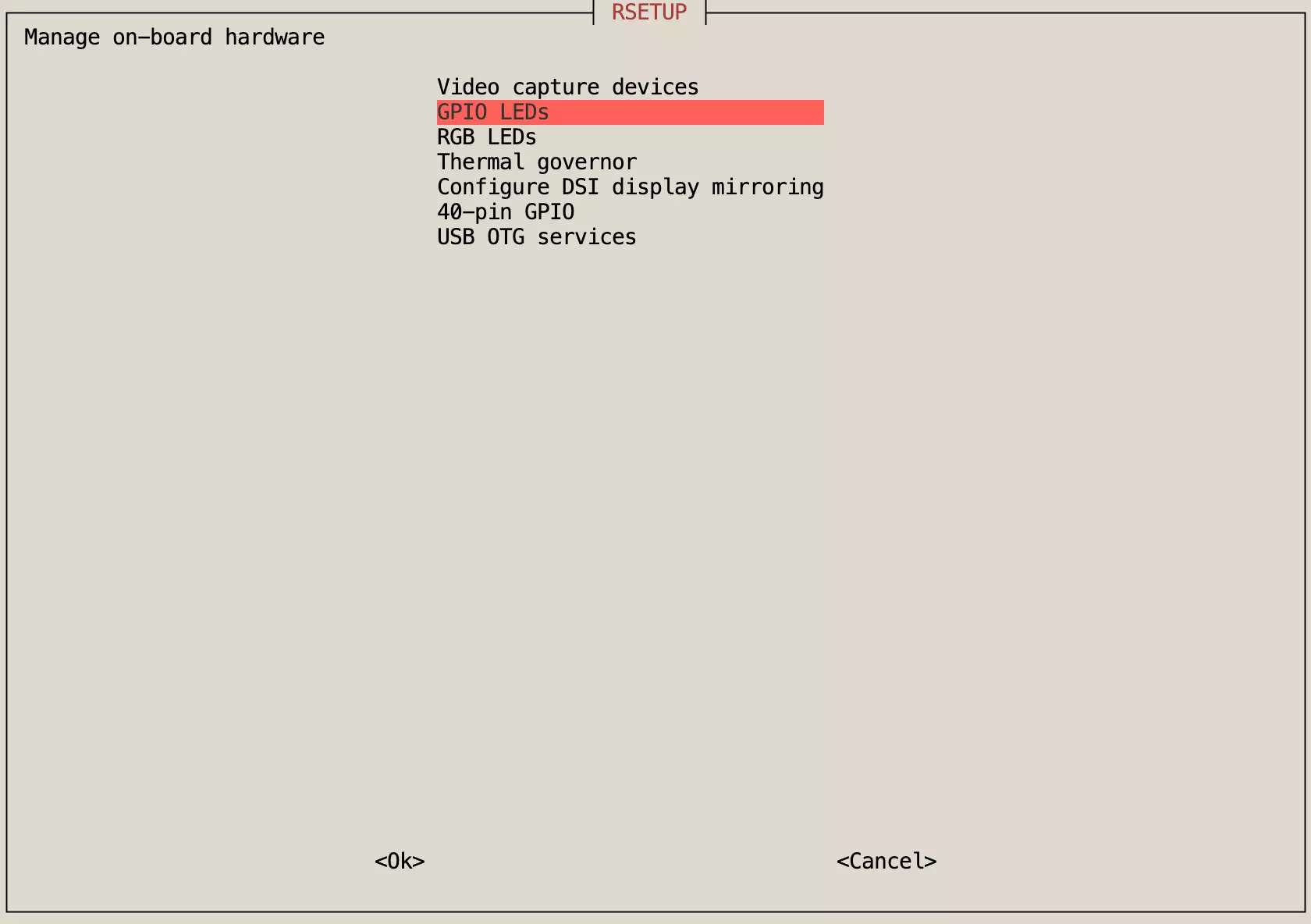
GPIO LEDs
The GPIO LEDs option is used to manage the trigger modes of onboard LEDs, allowing you to modify the blinking patterns of indicator lights.
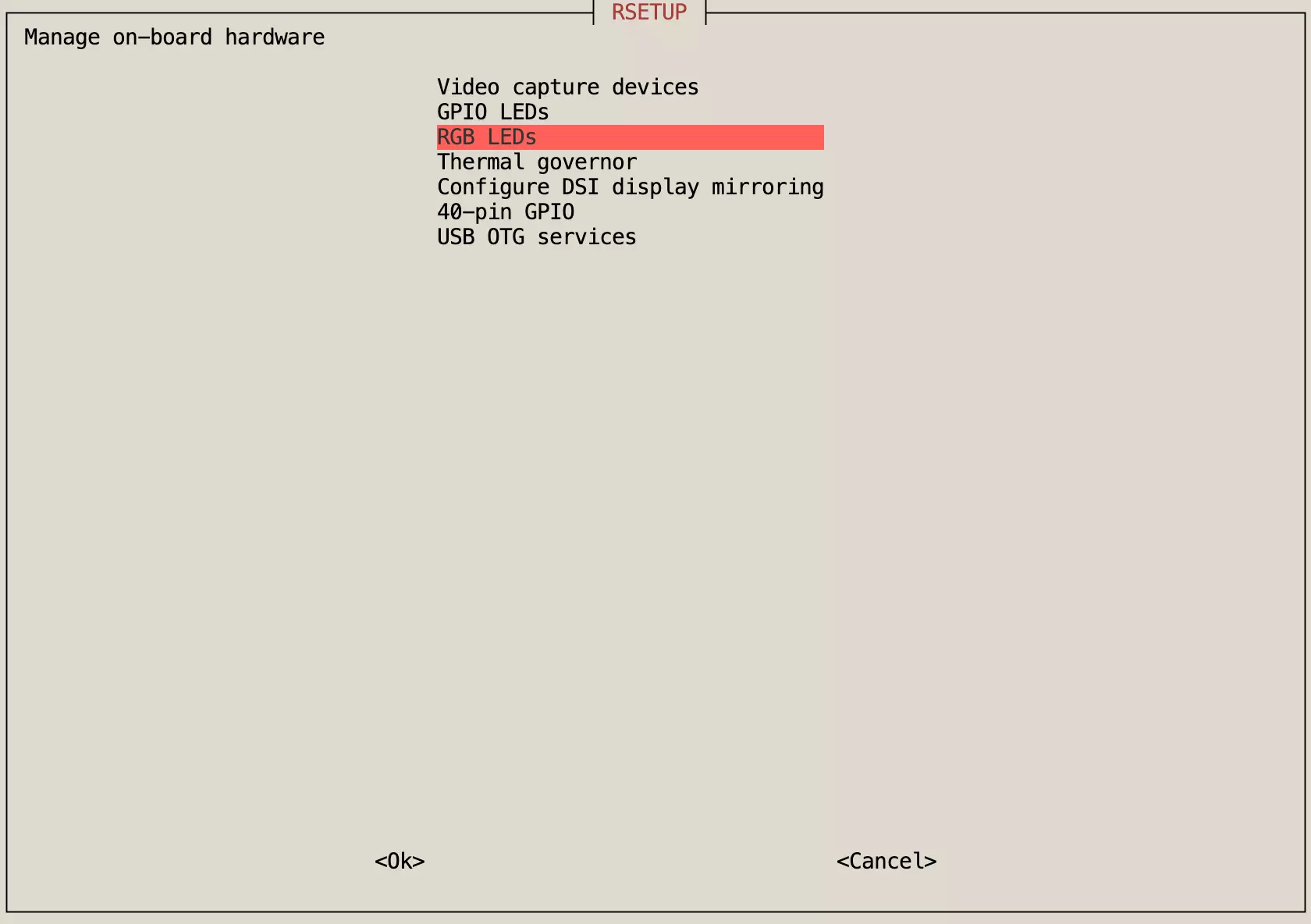
RGB LEDs
The RGB LEDs option is used to manage the trigger modes of onboard RGB LEDs, allowing you to modify both the color and blinking patterns of the indicator lights.
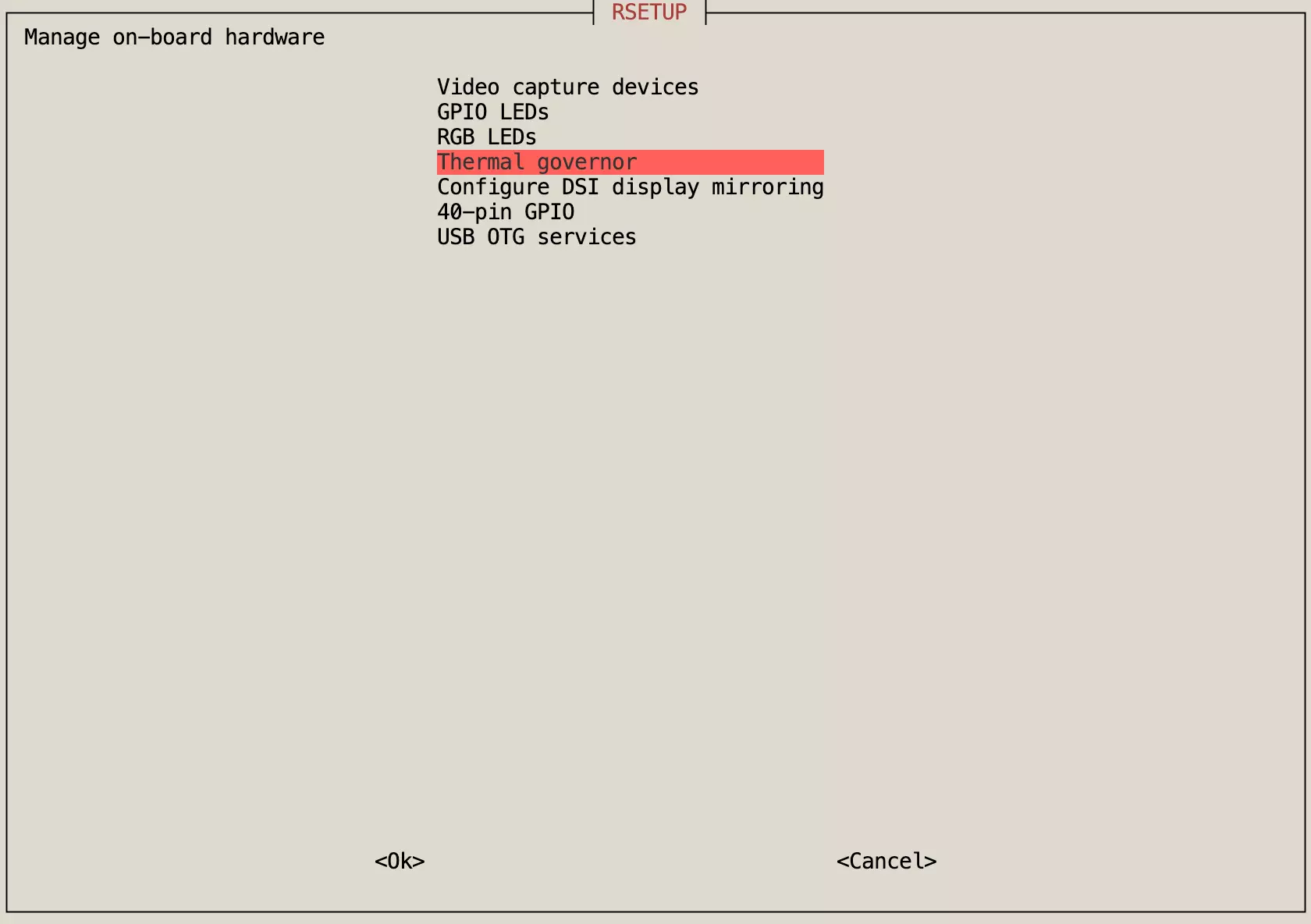
Thermal governor
The Thermal governor option is used to manage the cooling strategy for external heat sinks, such as controlling the speed of external cooling fans connected to the fan interface.
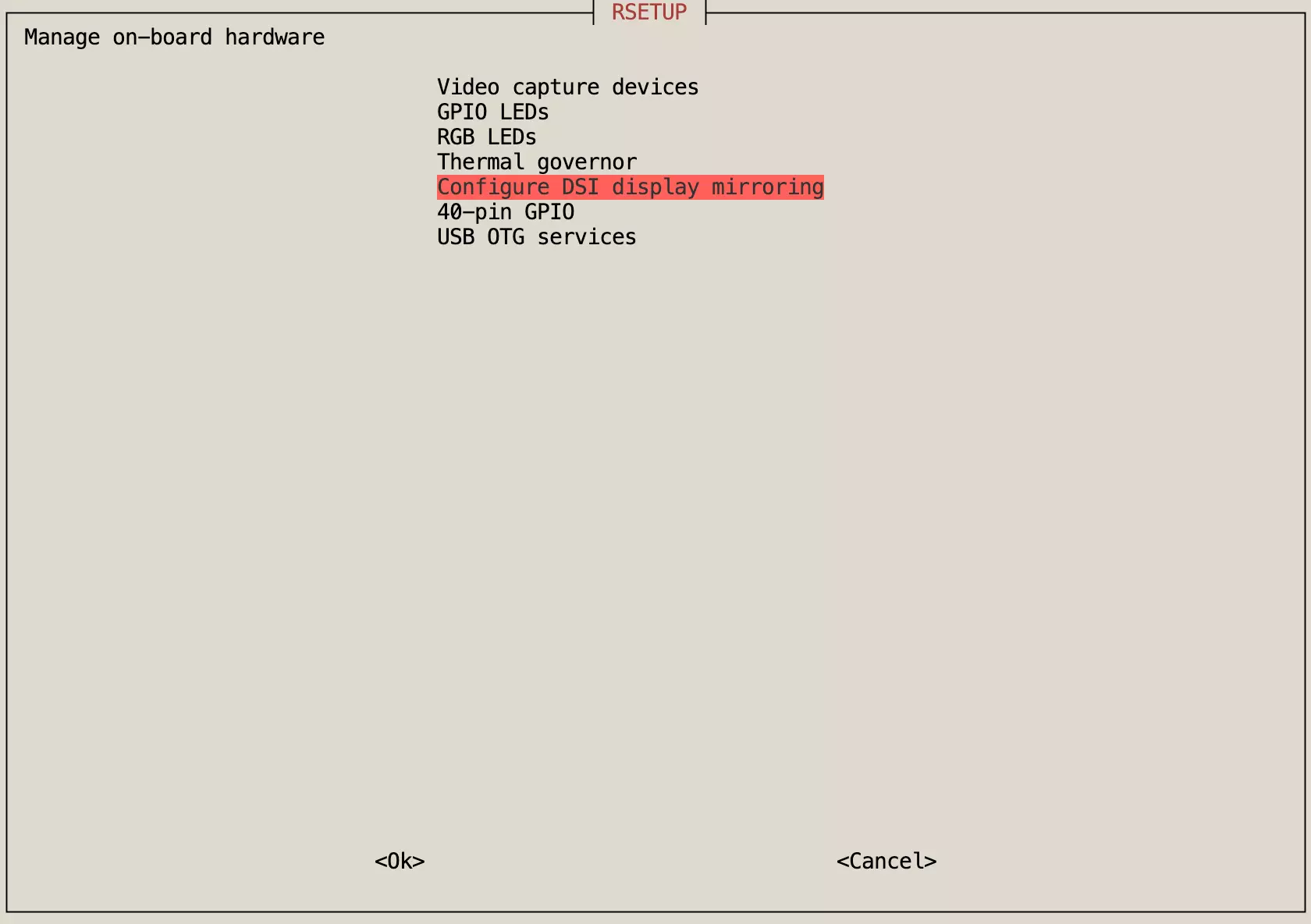
Configure DSI display mirroring
The Configure DSI display mirroring option is used to configure DSI display mirroring, allowing you to modify the display mirroring mode.
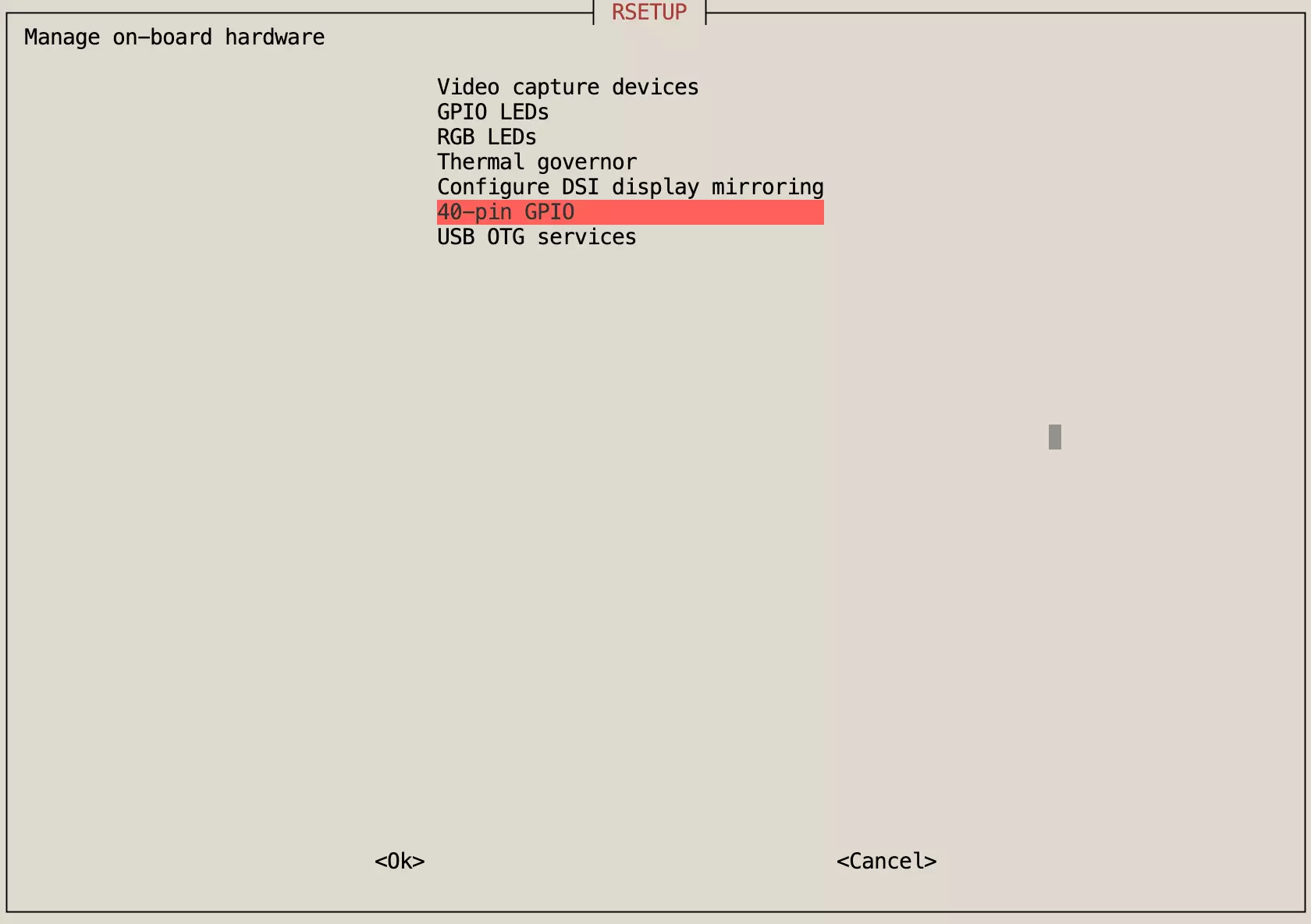
40-pin GPIO
The 40-pin GPIO option is used to manage the status of the 40-pin GPIO, allowing you to modify or read the high/low state of the GPIO pins.
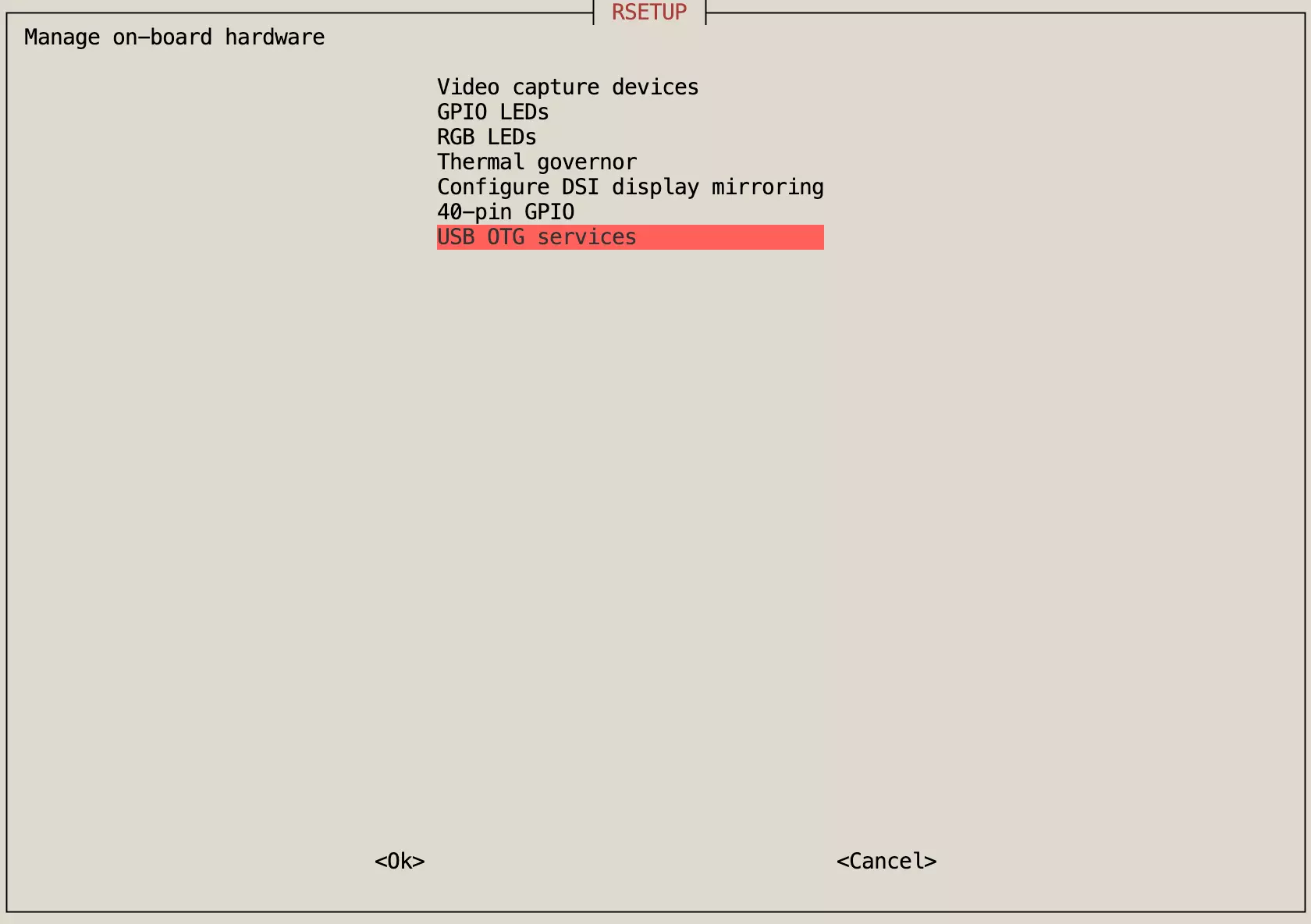
USB OTG services
The USB OTG services option is used to manage USB On-The-Go services, allowing you to modify the OTG service configuration.
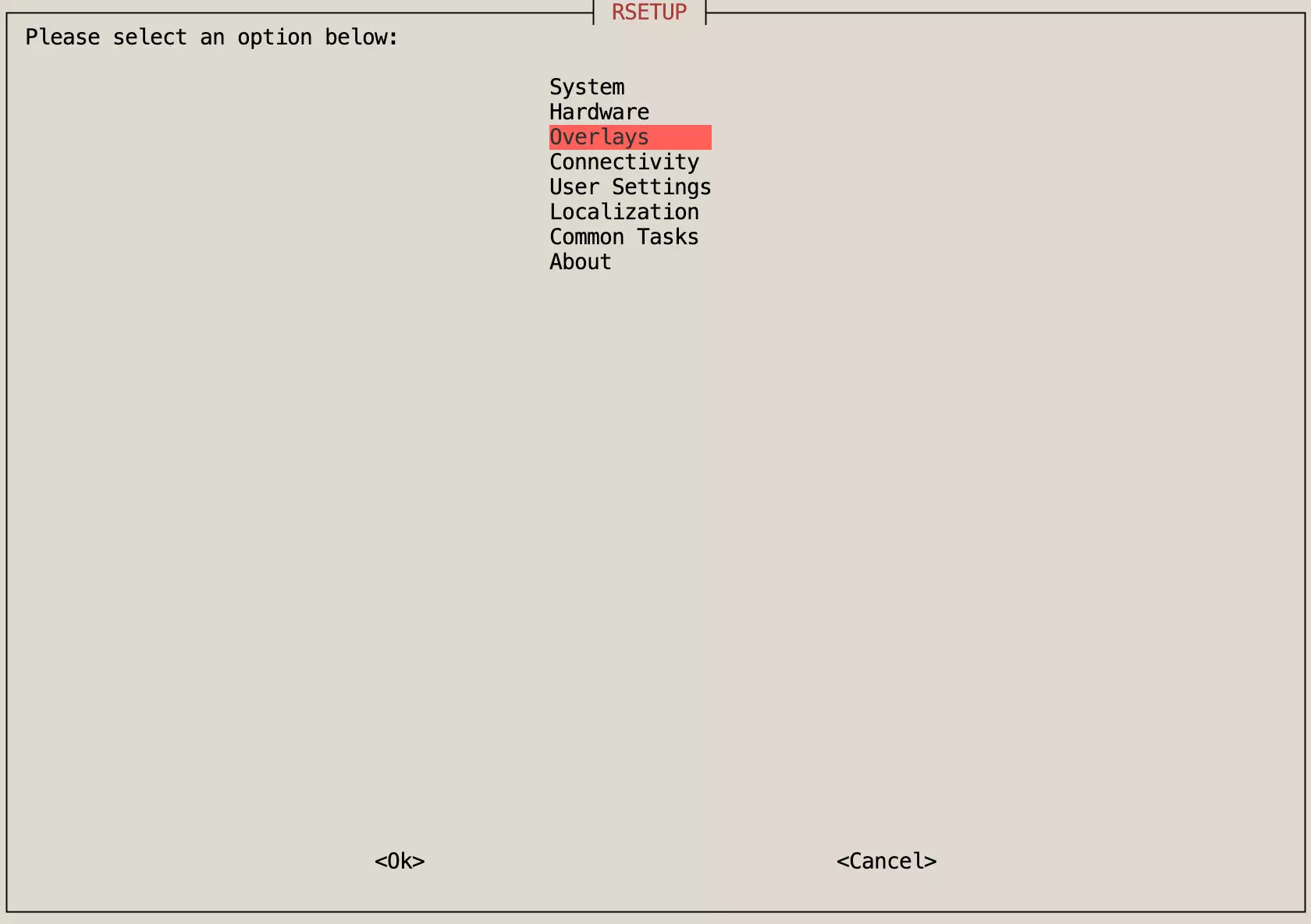
Overlays
The Overlays menu is primarily used to manage Device Tree Overlays.
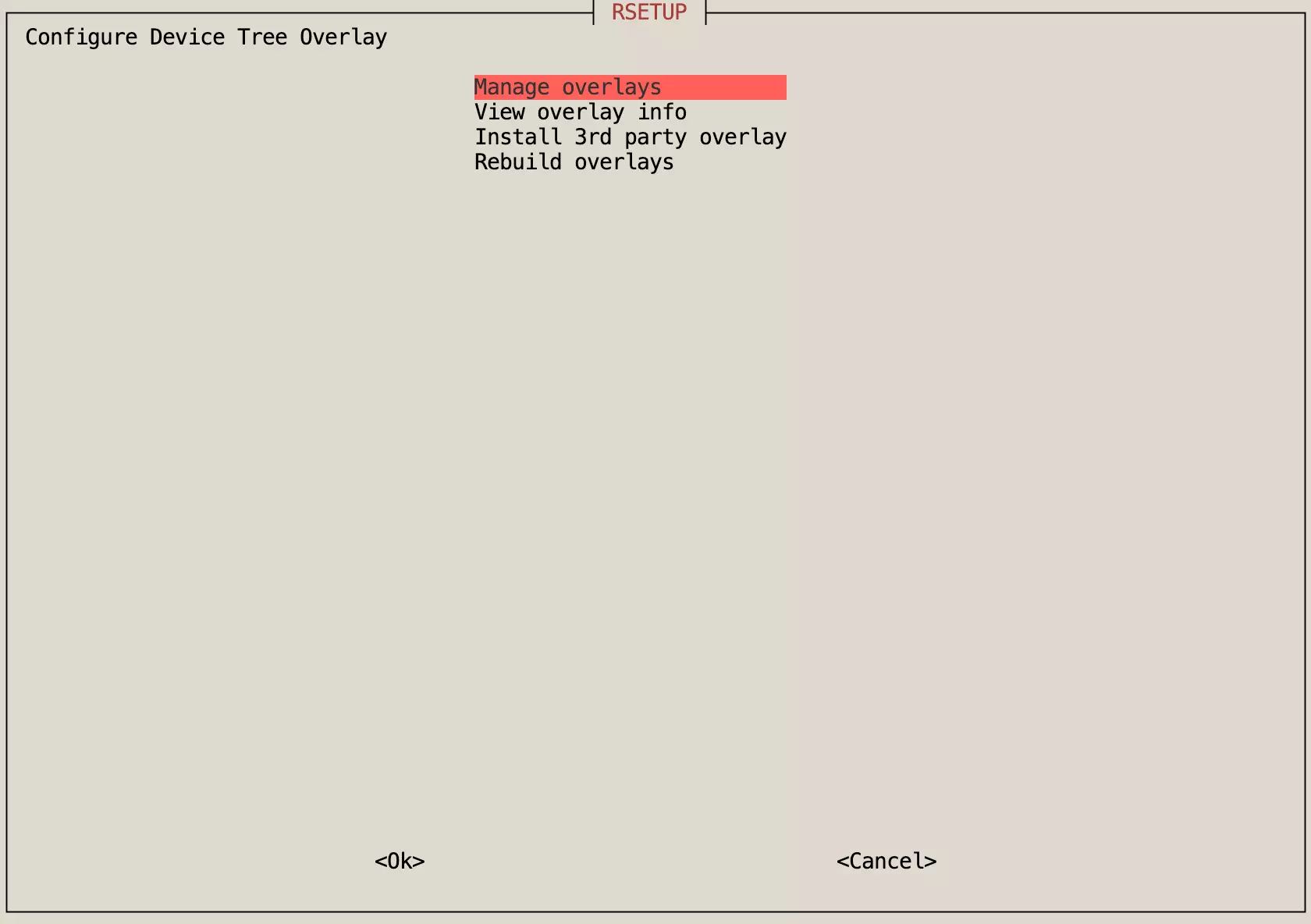
Manage overlays
The Manage overlays option allows you to enable or disable specific hardware features.
View overlays info
The View overlays info option allows you to view detailed information about Device Tree Overlays.
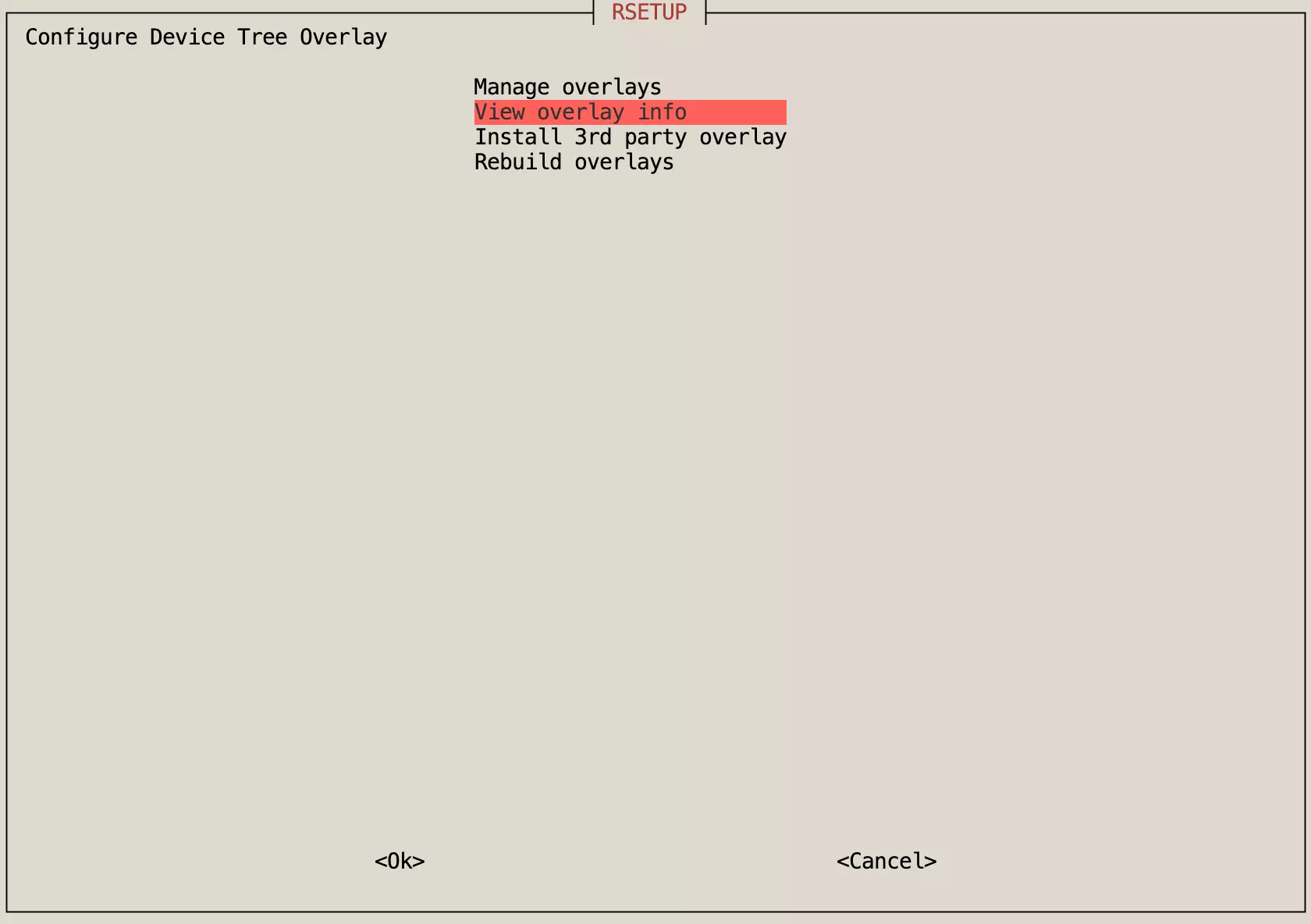
Install 3rd party overlays
The Install 3rd party overlays option installs third-party Device Tree Overlays.
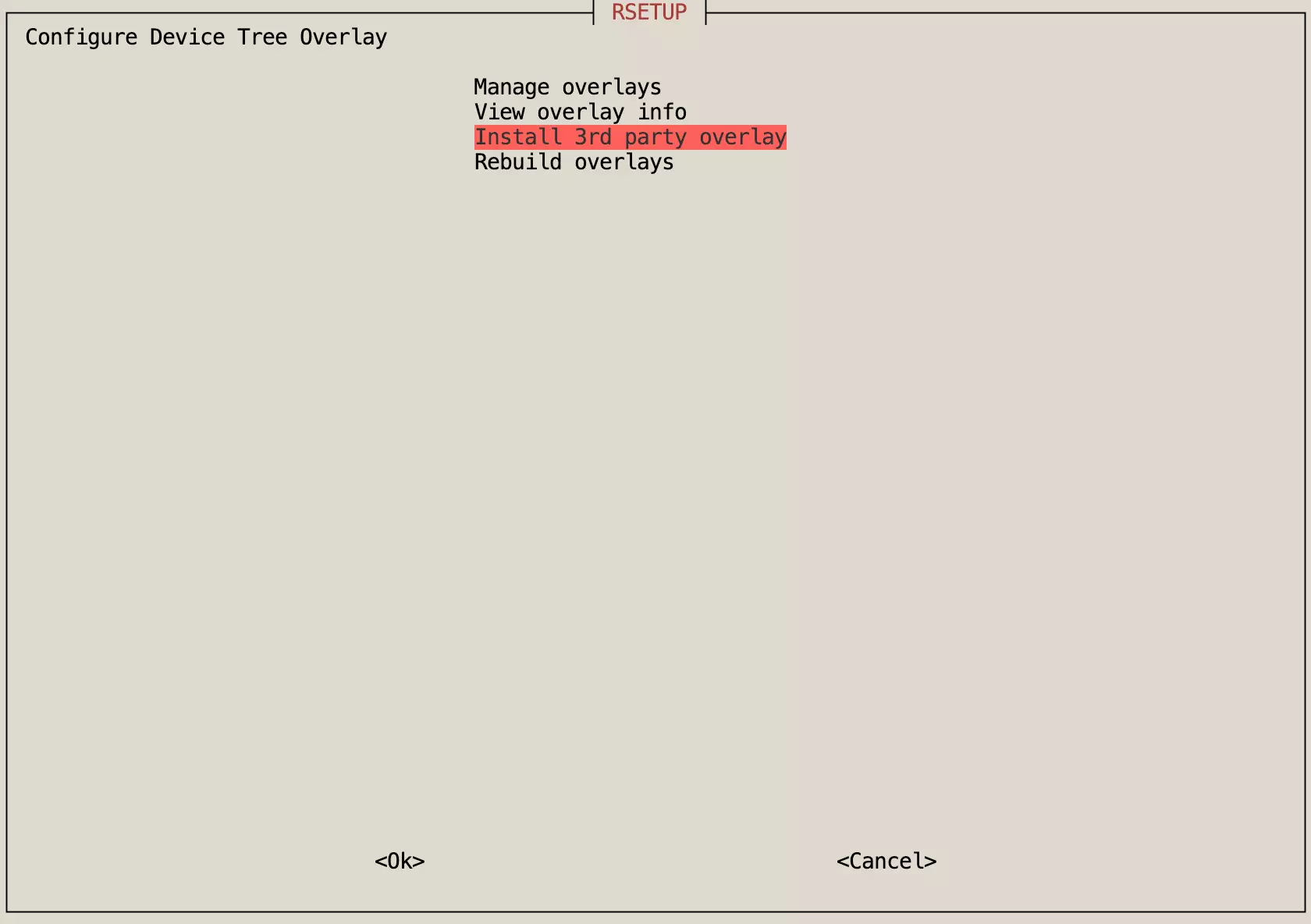
Rebuild overlays
The Rebuild overlays option rebuilds Device Tree Overlays.
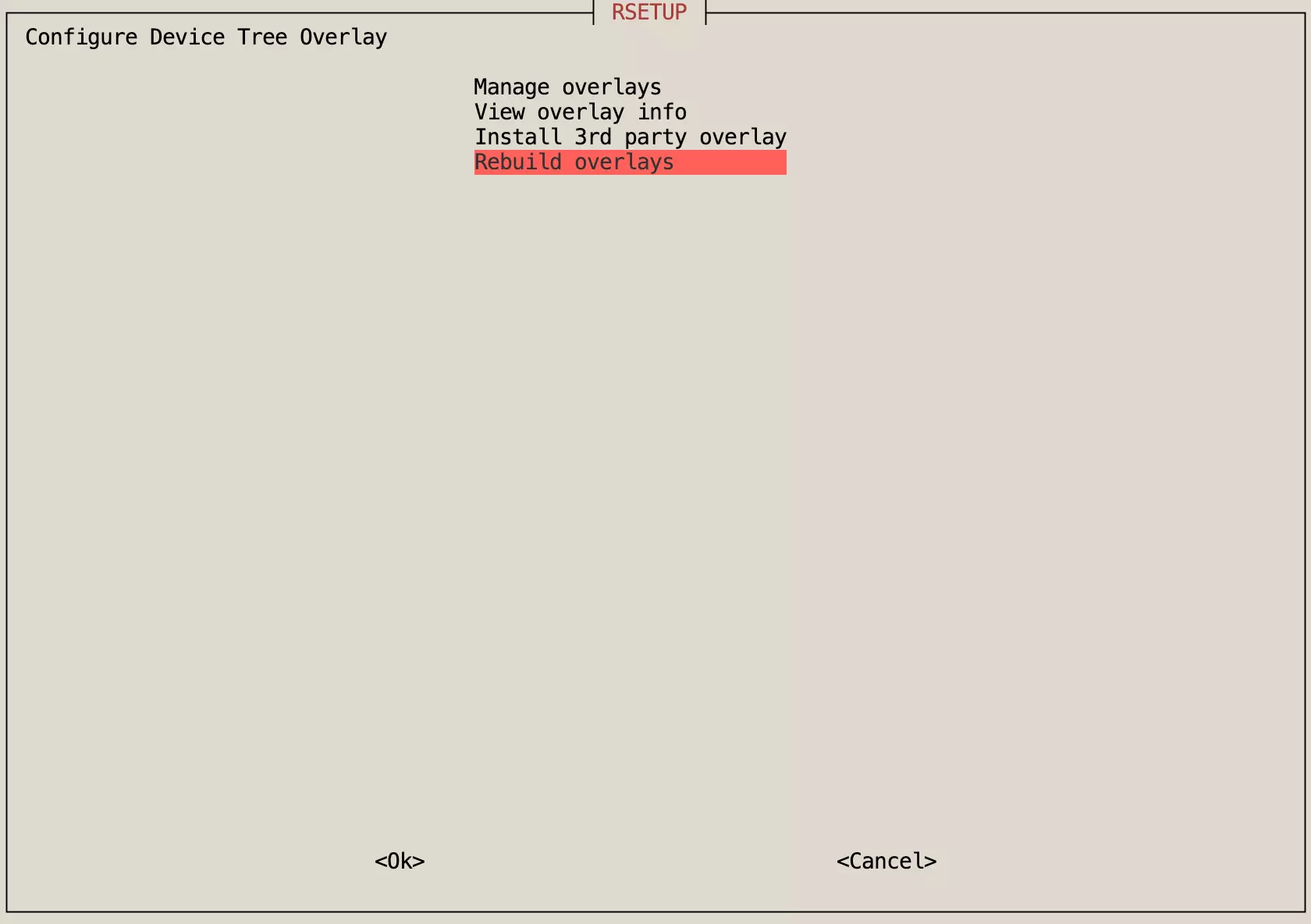
Connectivity
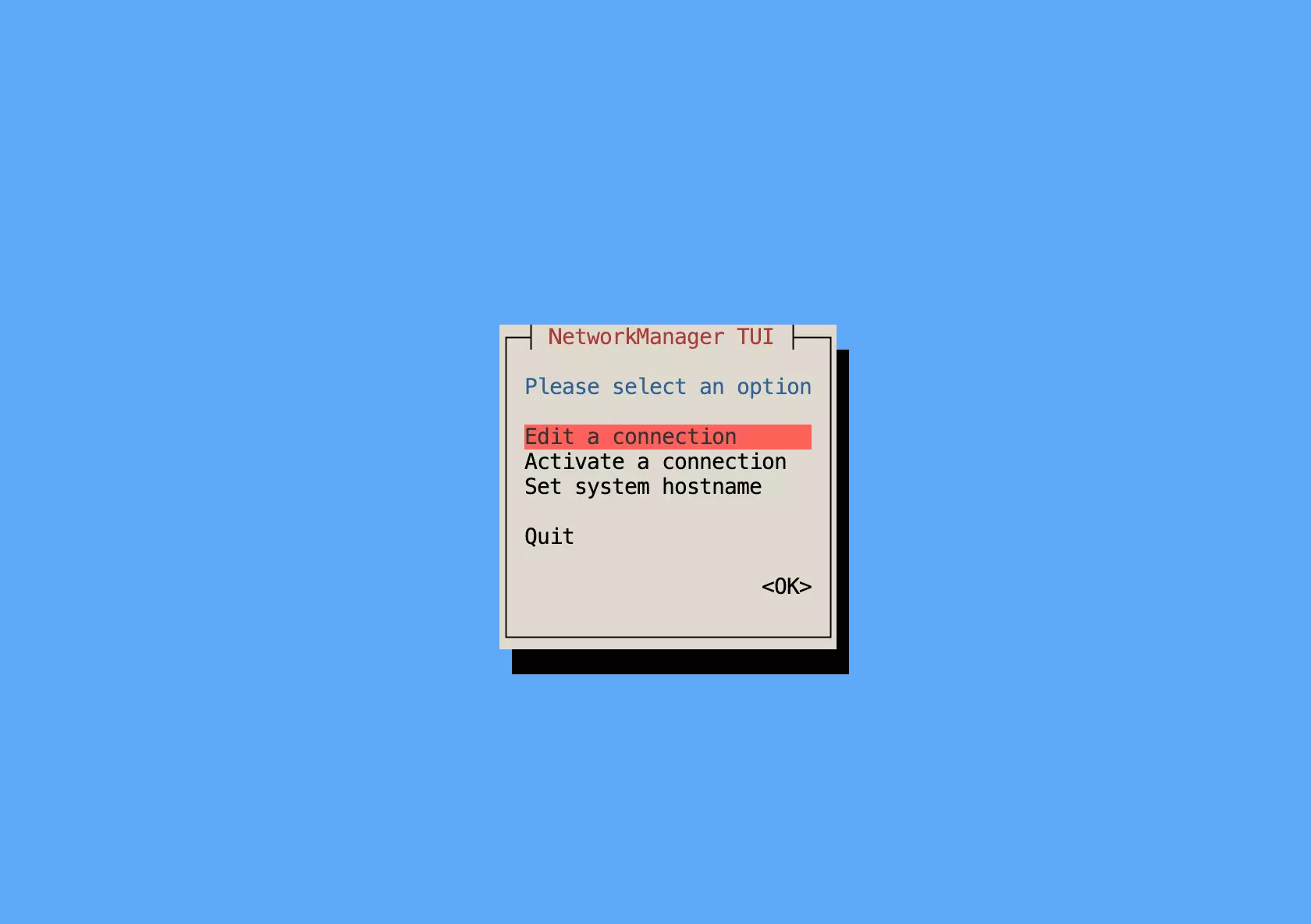
The Connectivity menu is used to manage network connections, including wired and wireless settings.
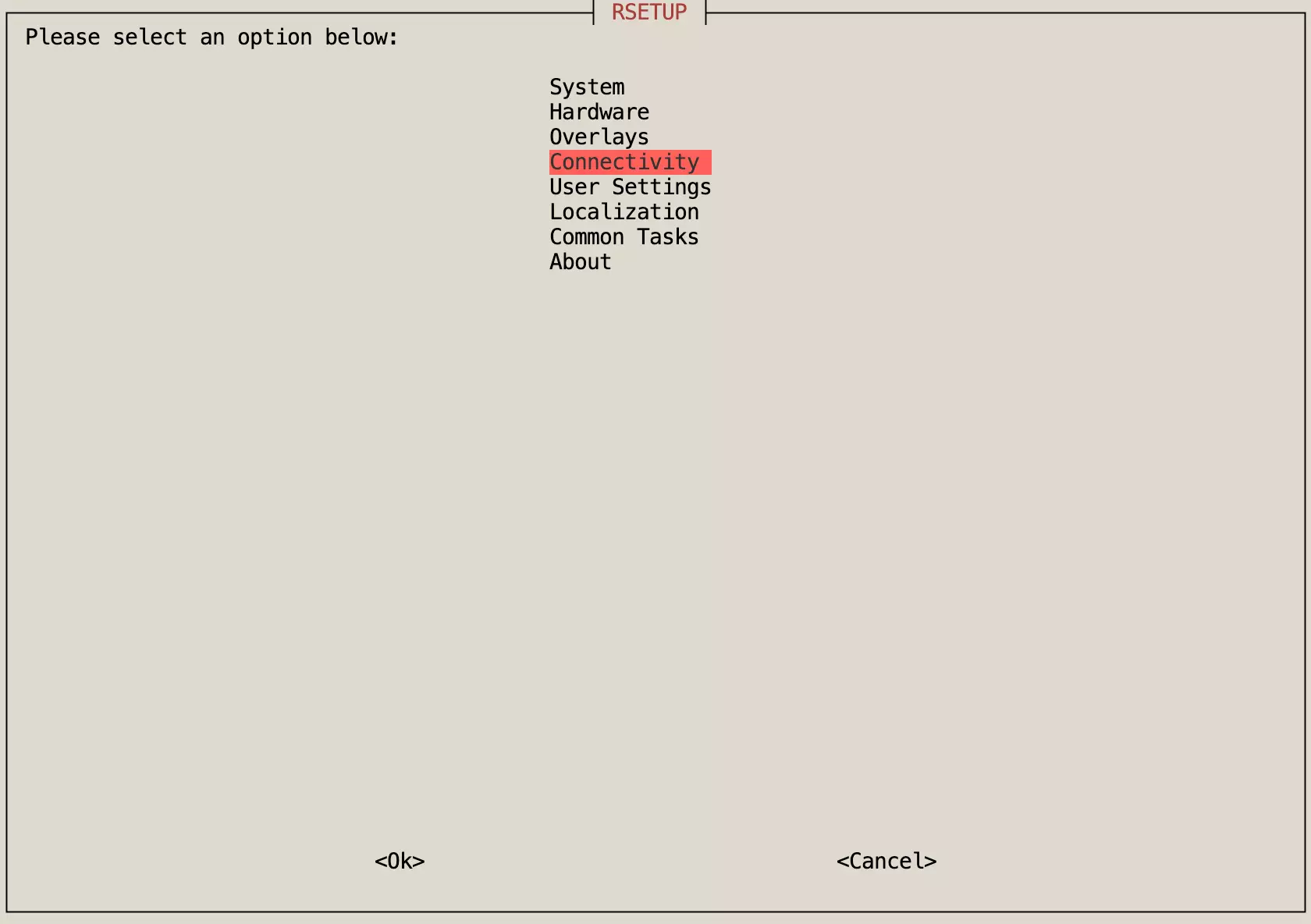
Edit a connection
The Edit a connection option lets you edit network connection settings.
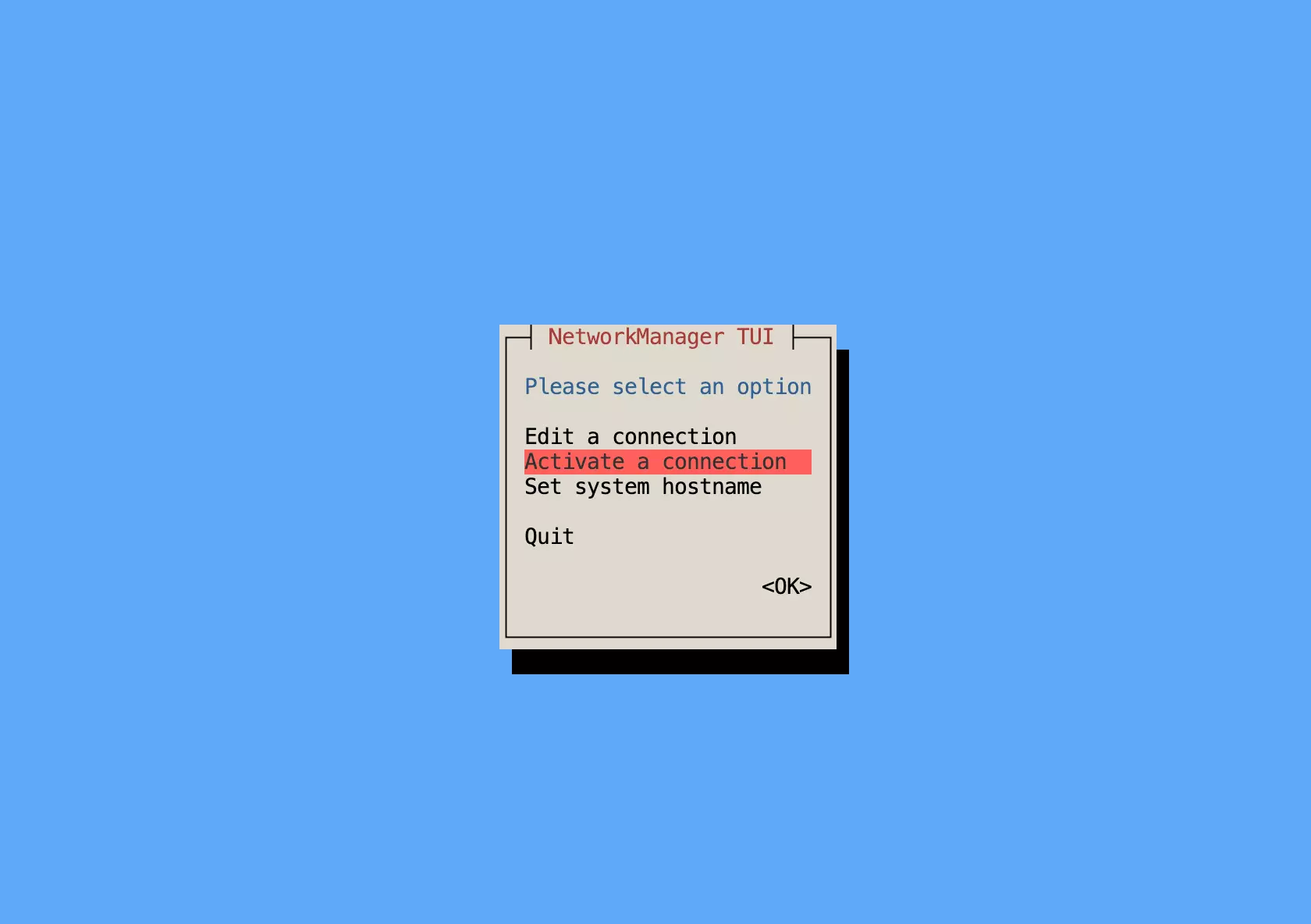
Activate a connection
The Activate a connection option lets you activate a network connection.
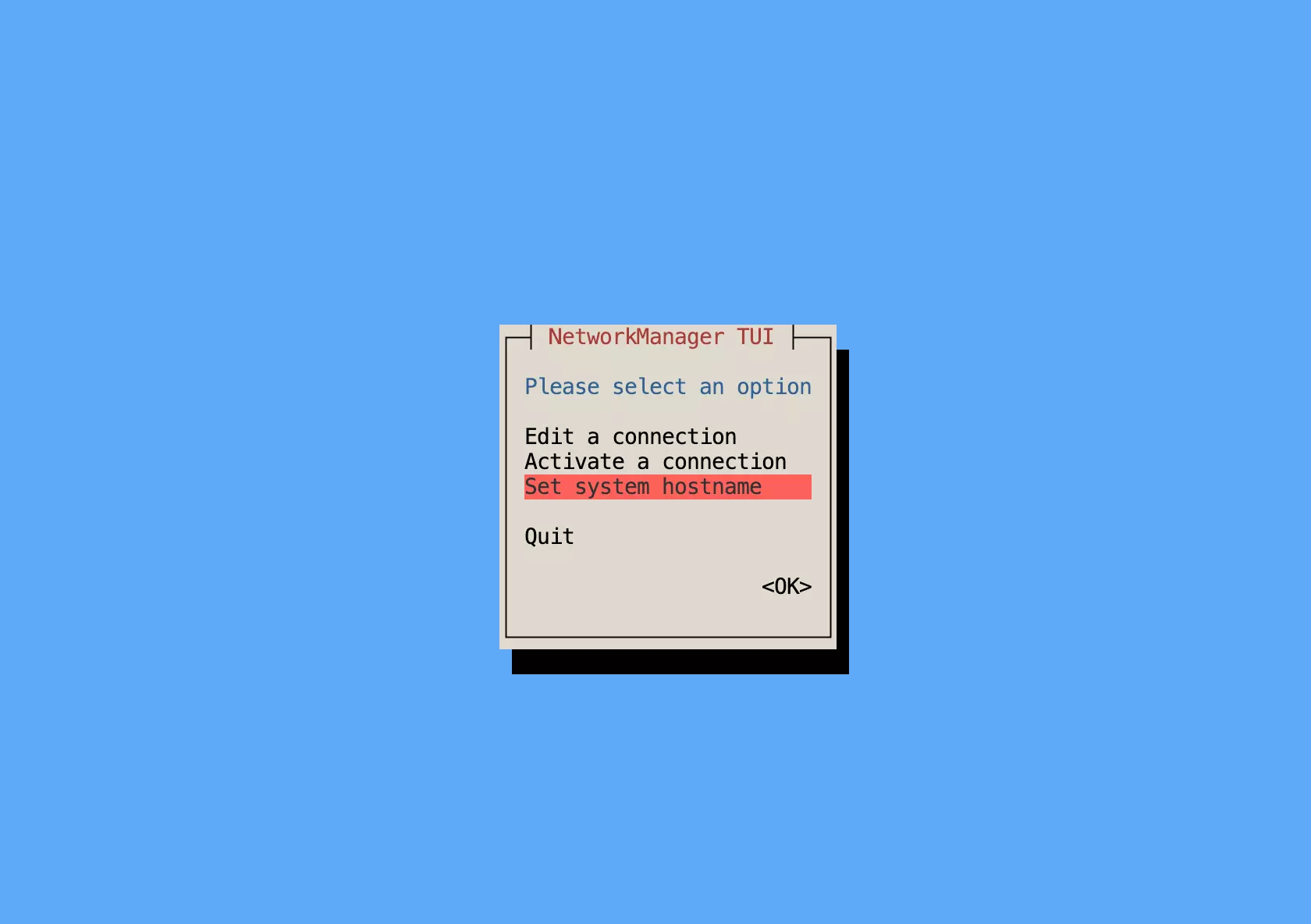
Set system hostname
The Set system hostname option lets you set the system hostname.
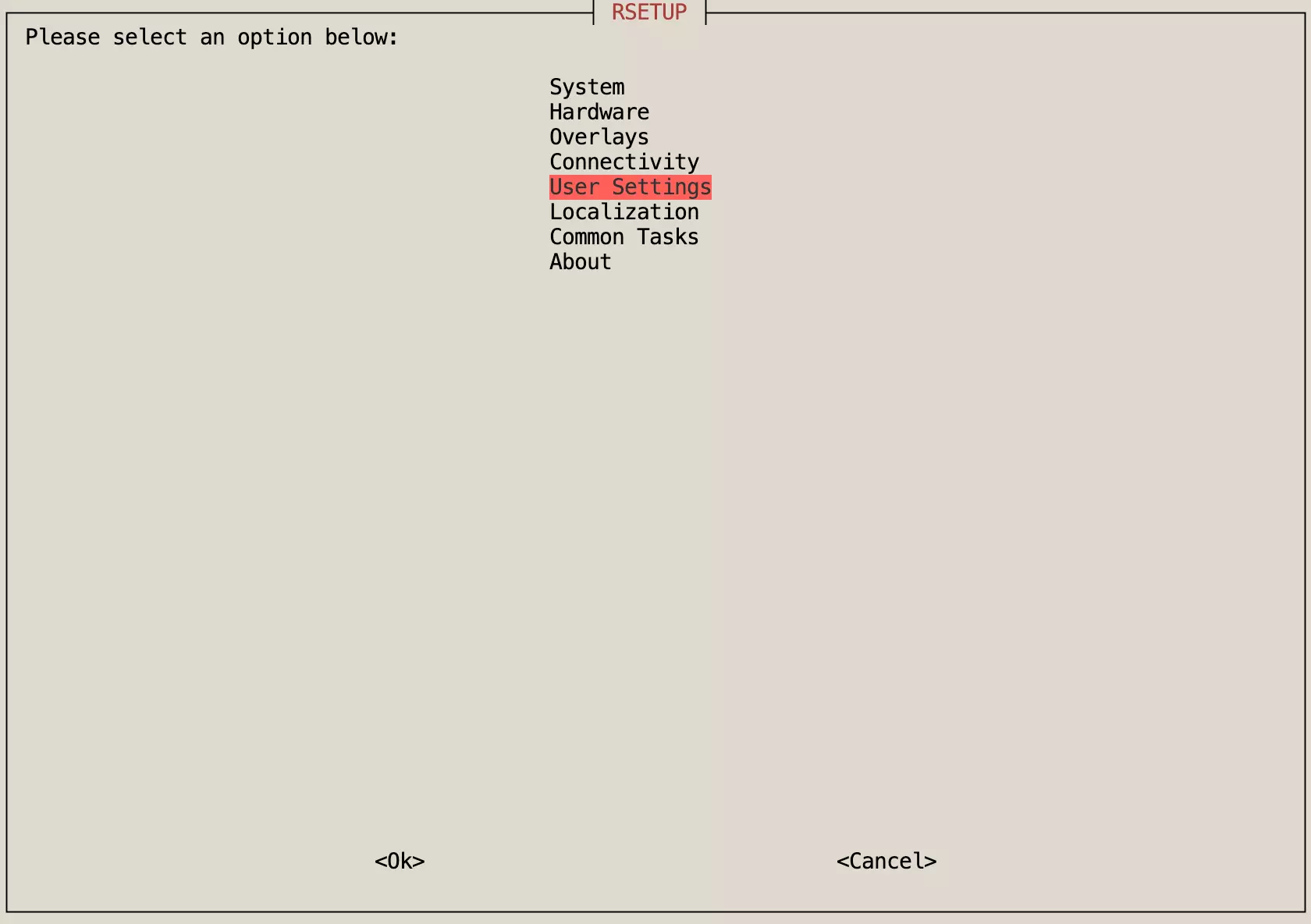
User Settings
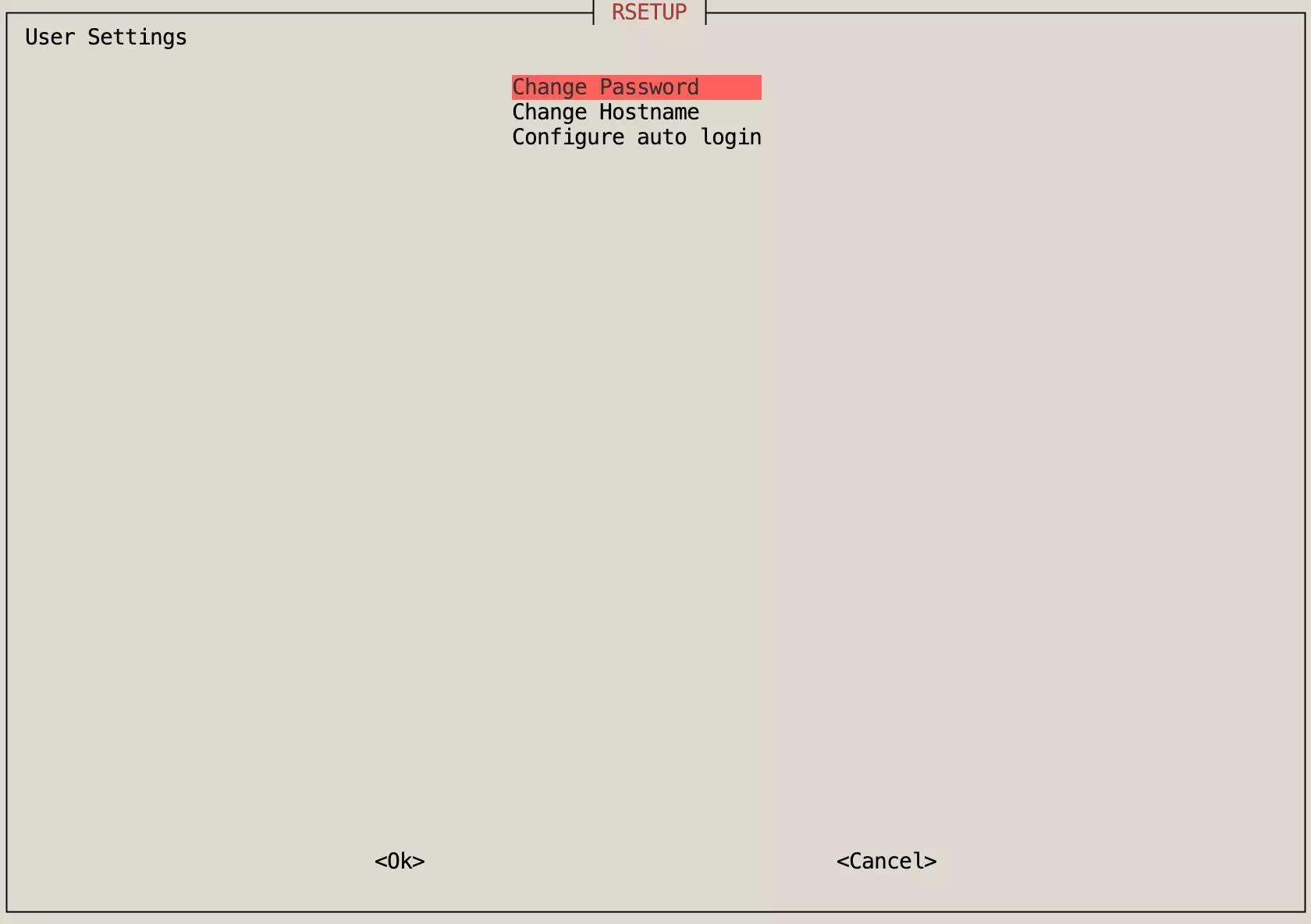
The User Settings menu is used to manage the current username and password, and to configure auto login.
Change Password
The Change Password option is used to modify the password for the current user.
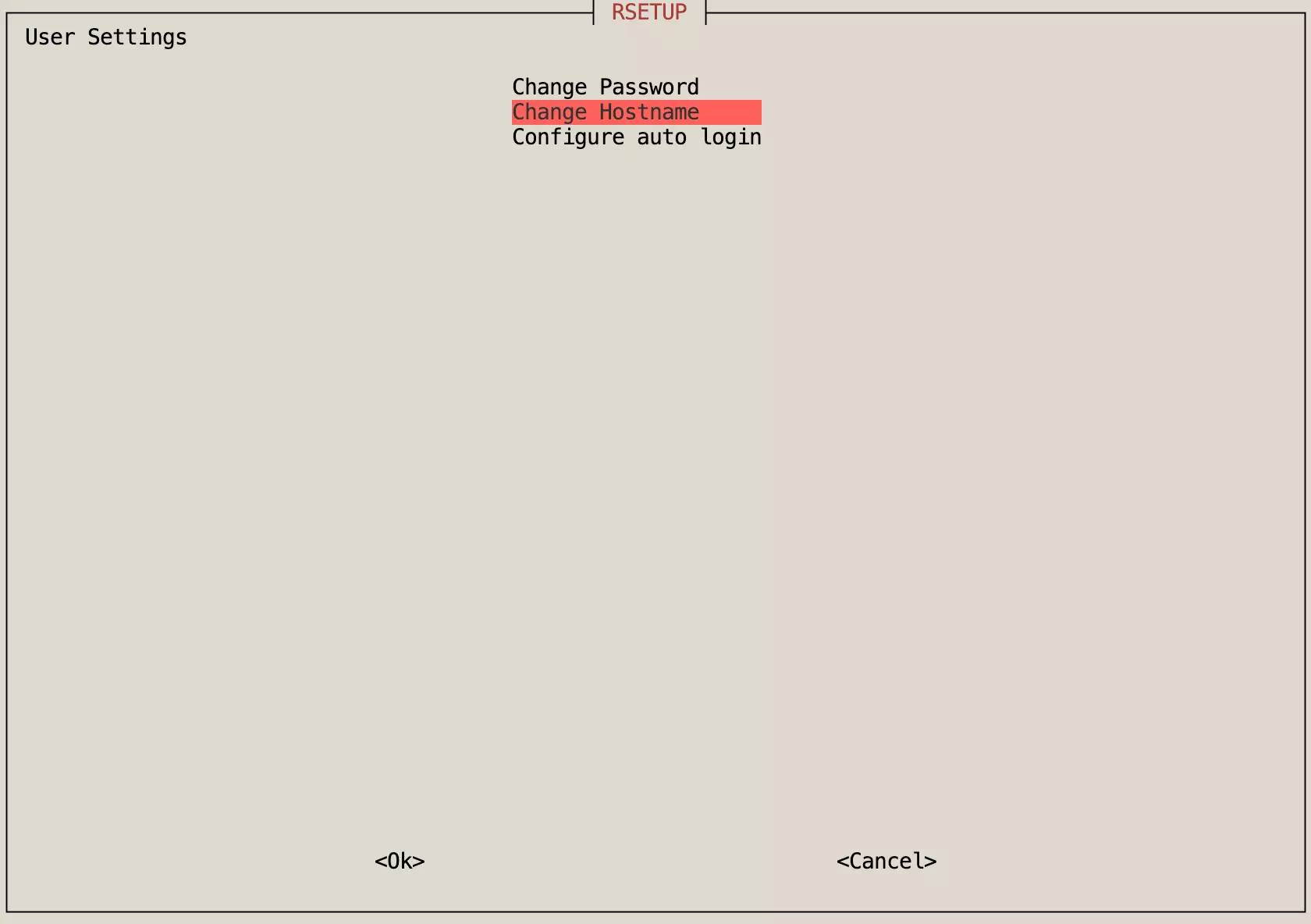
Change Hostname
The Change Hostname option is used to modify the system's hostname.
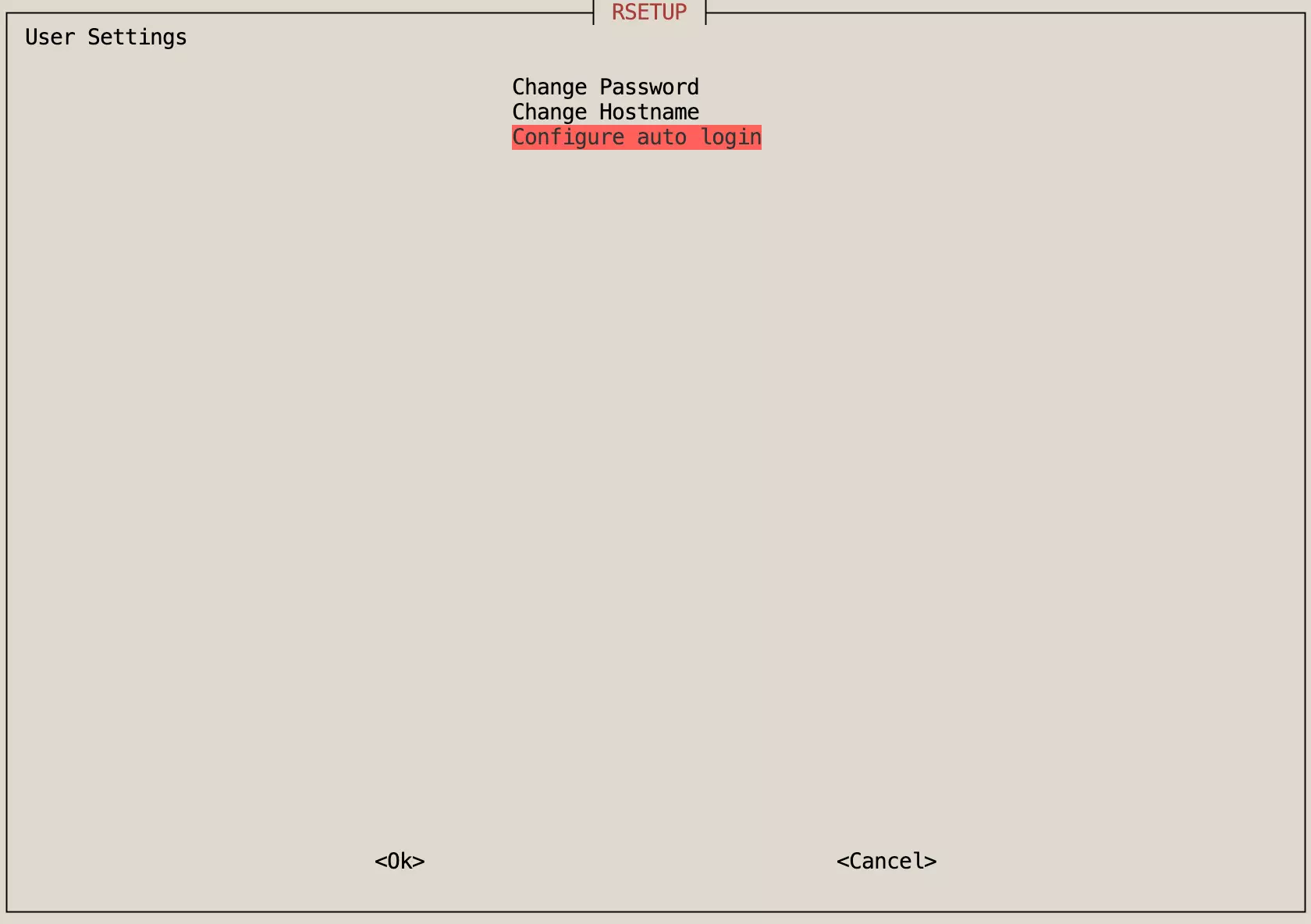
Configure auto login
The Configure auto login option is used to set up automatic login for the current user.
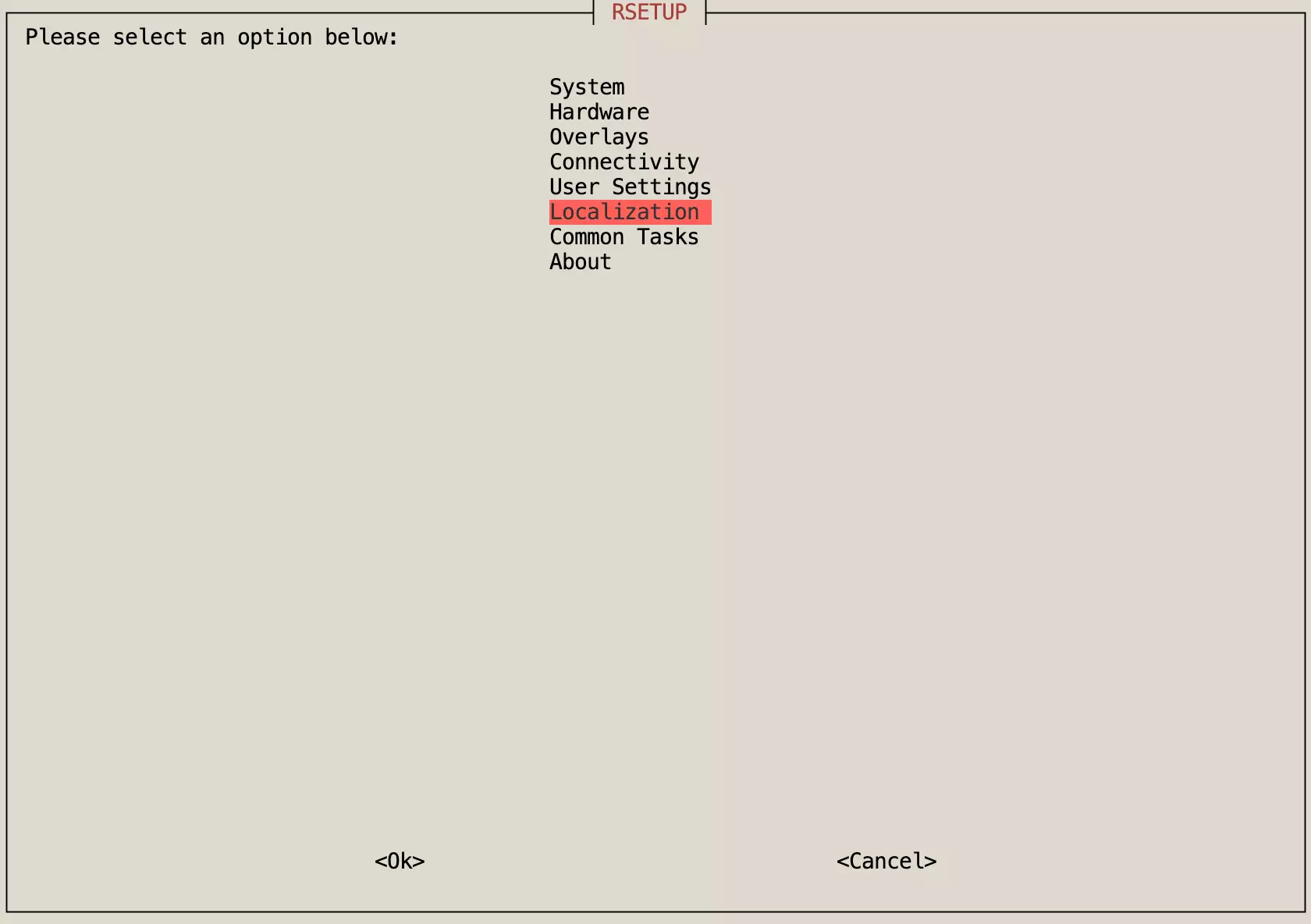
Localization
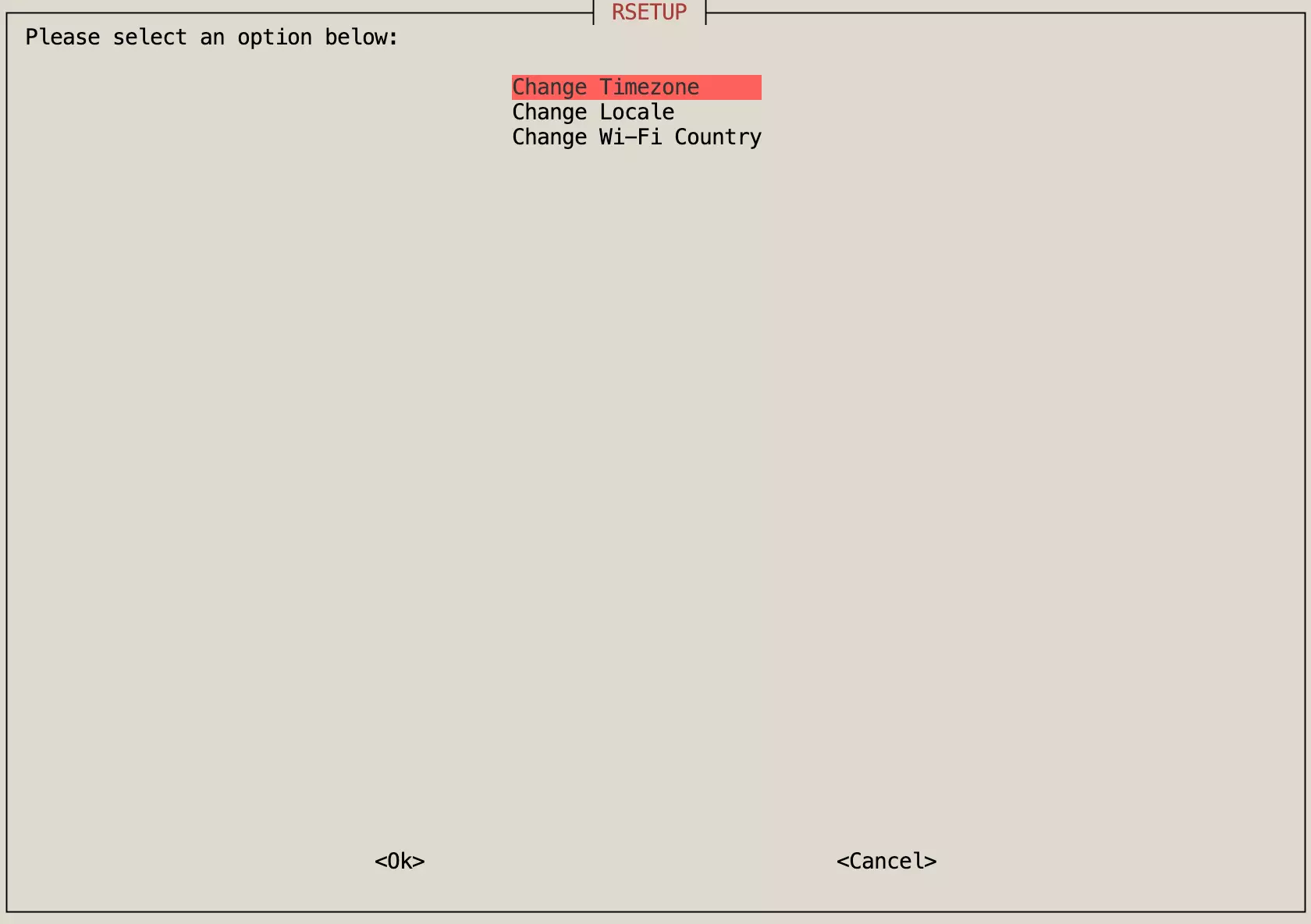
The Localization menu is used to configure system timezone, locale, and WiFi country settings.
Change Timezone
The Change Timezone option is used to modify the system's timezone setting.
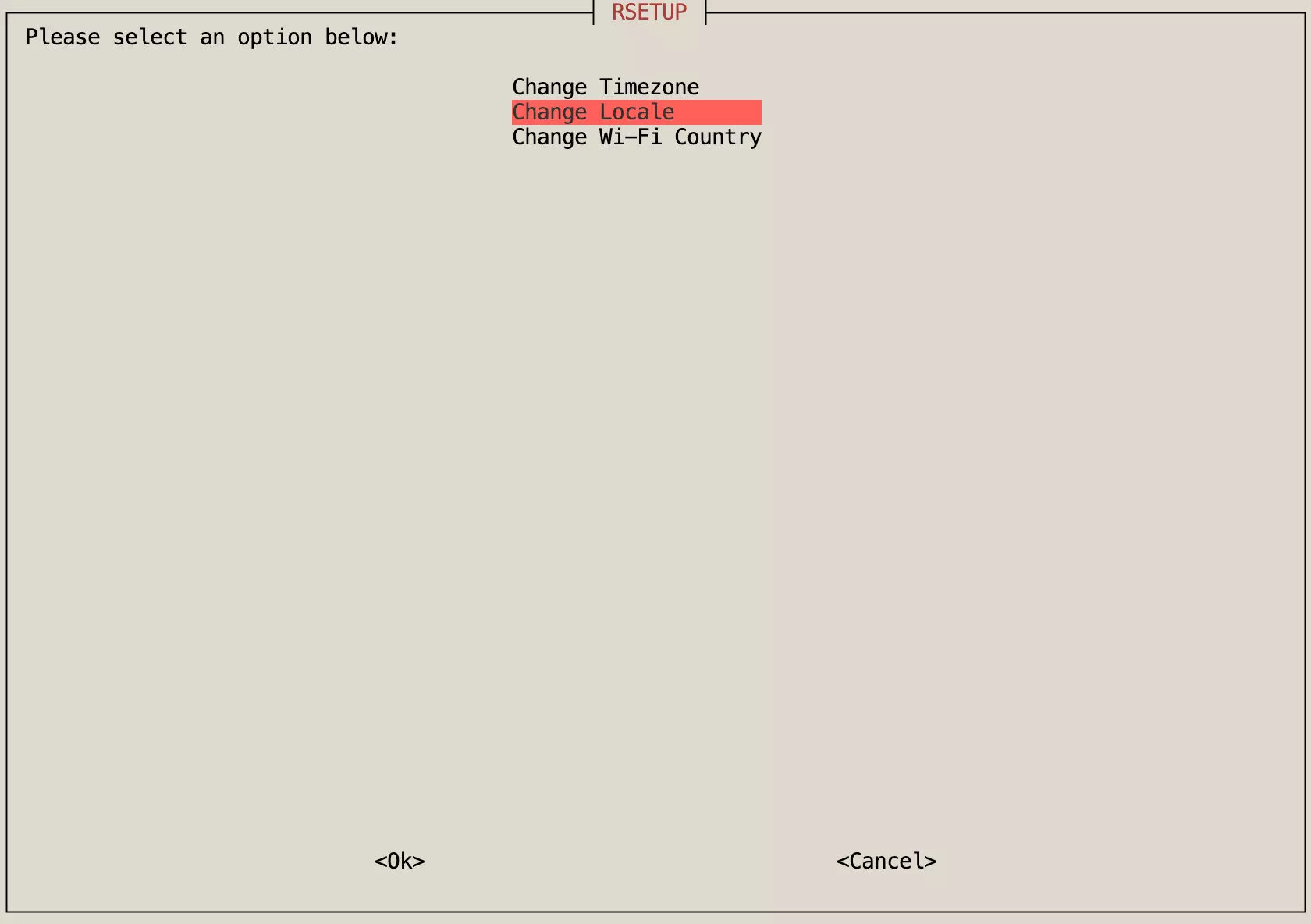
Change Locale
The Change Locale option is used to modify the system's locale settings.
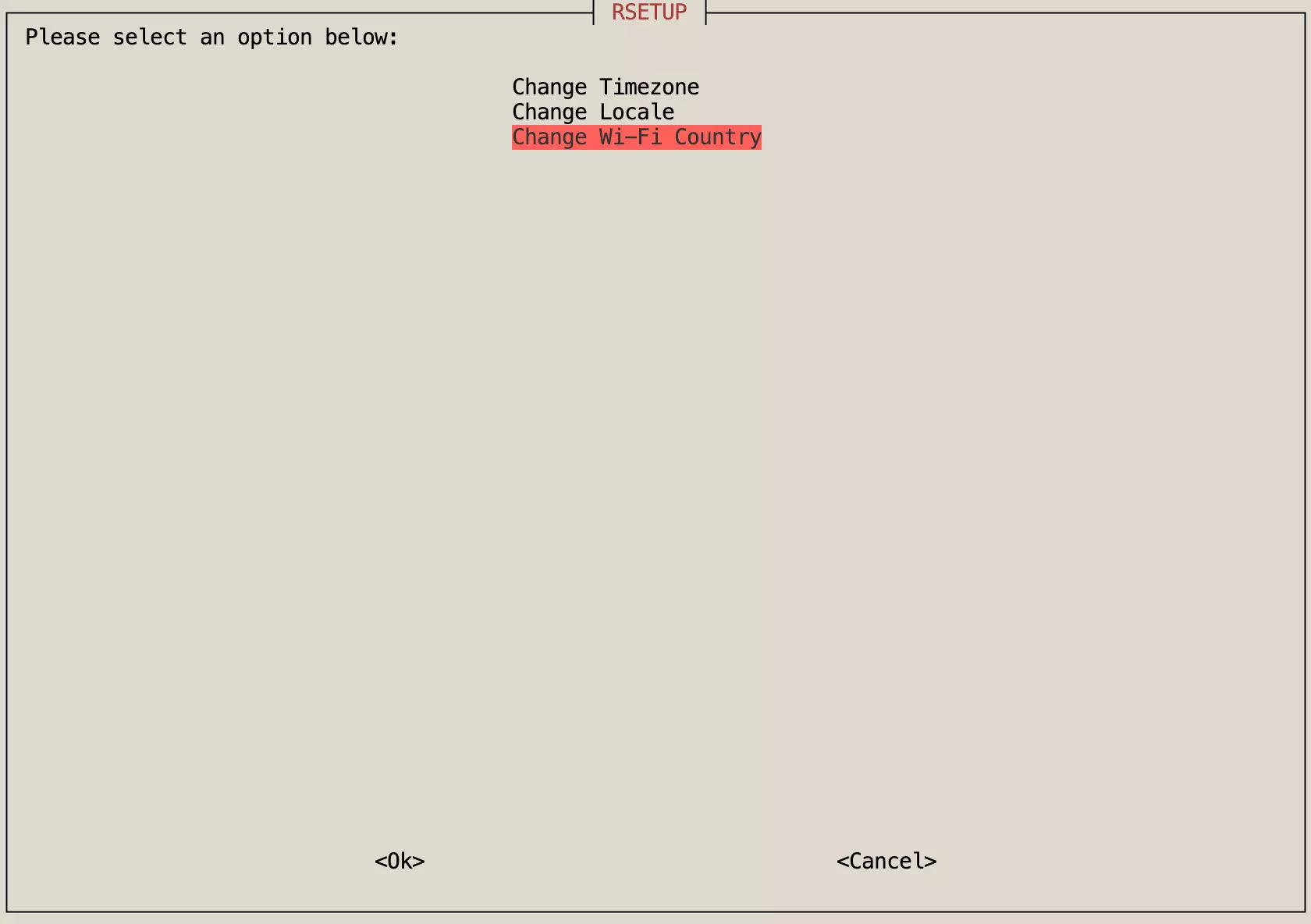
Change Wi-Fi Country
The Change Wi-Fi Country option is used to modify the system's WiFi country code, which determines the available WiFi channels and regulatory requirements.
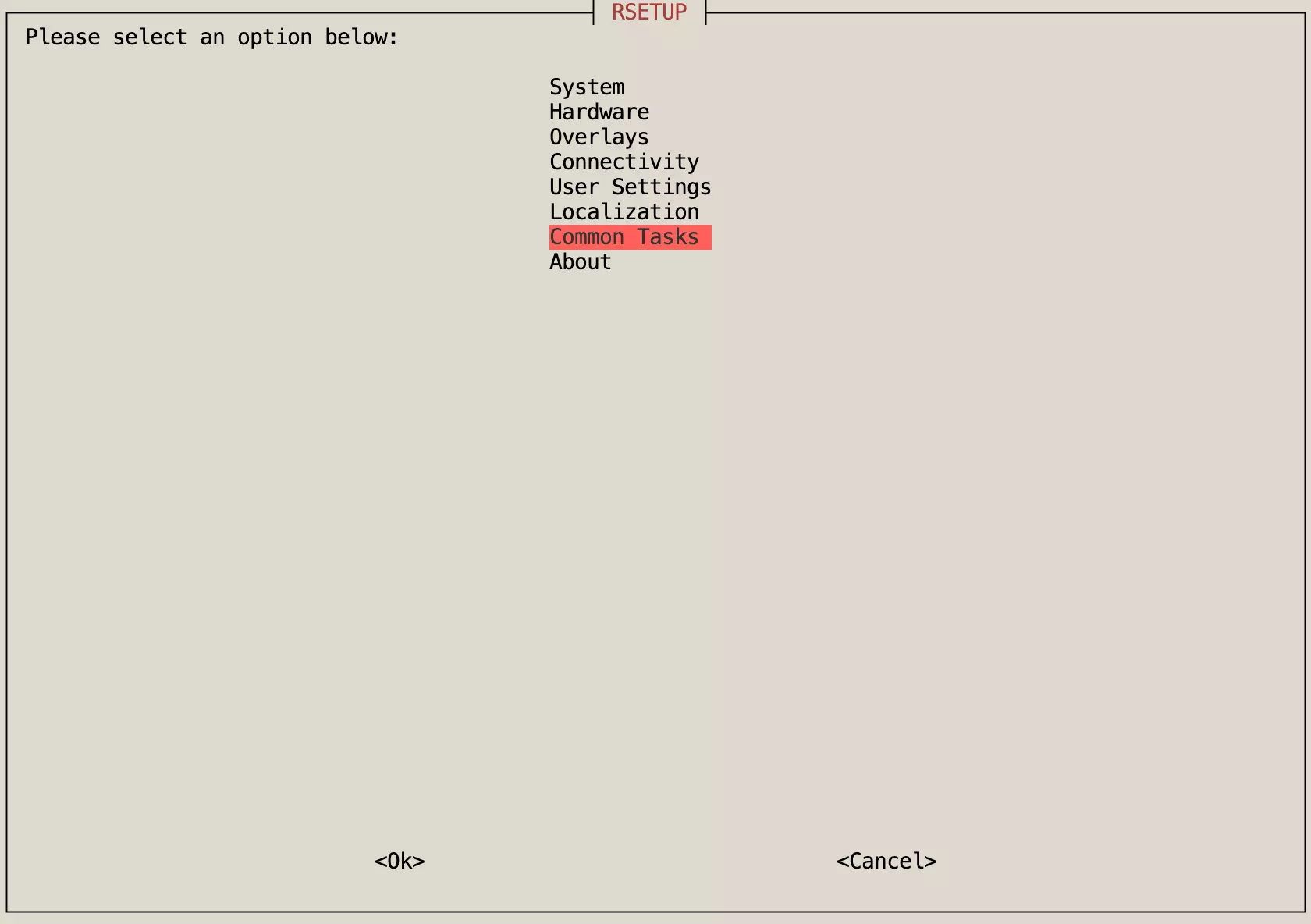
Common Tasks
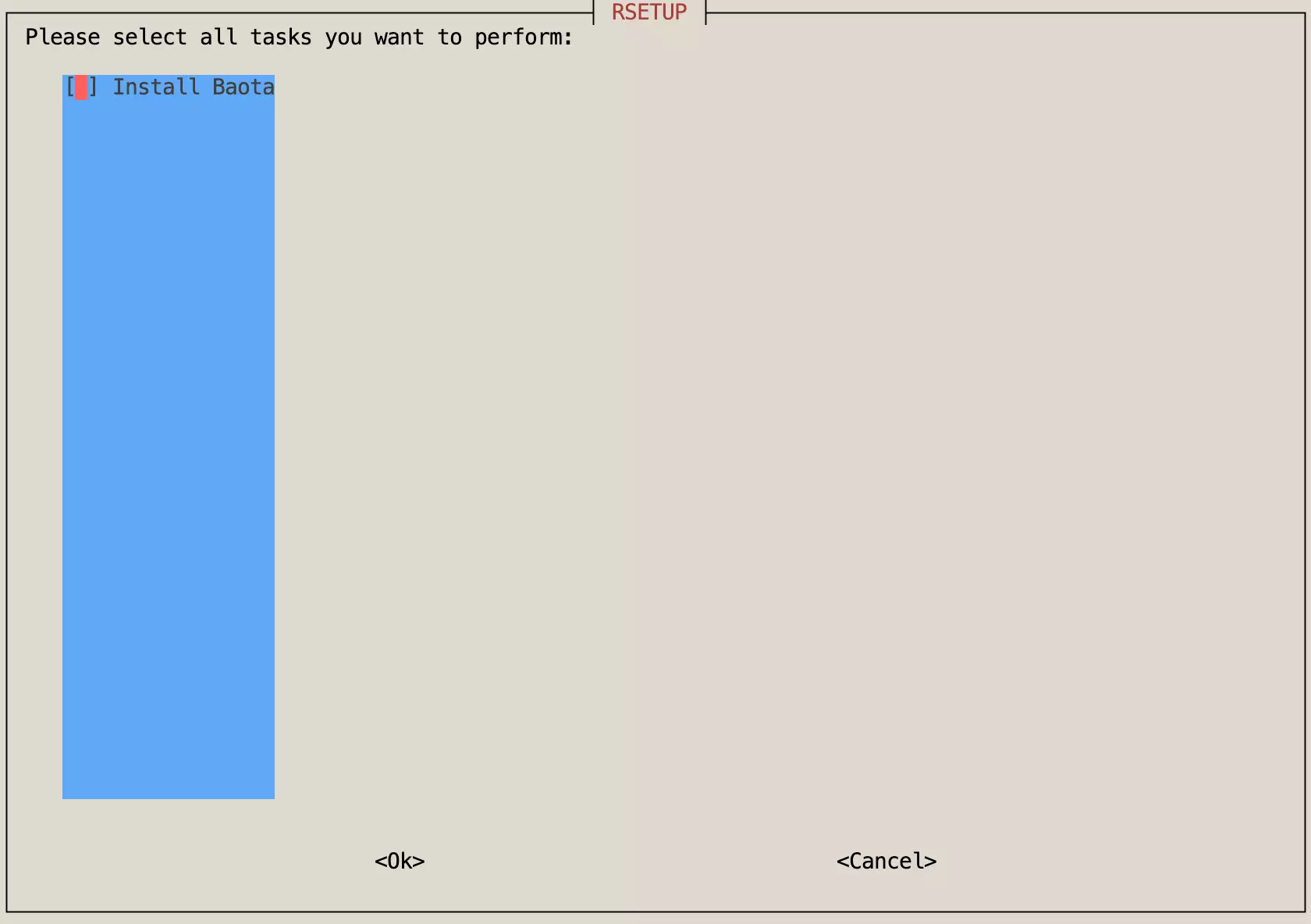
The Common Tasks menu is used to perform various system maintenance tasks, such as installing the BT-Panel (a web-based server management tool).
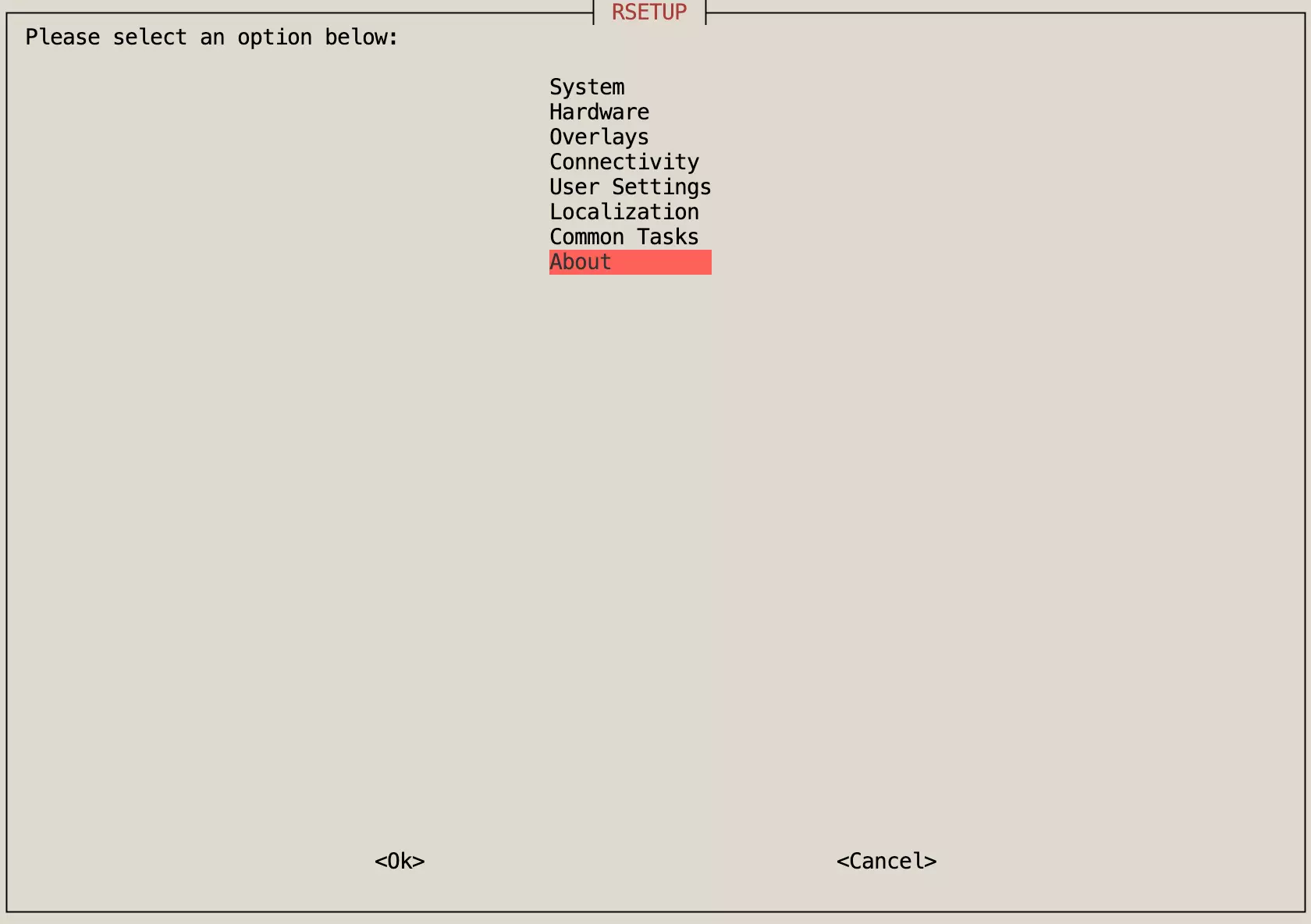
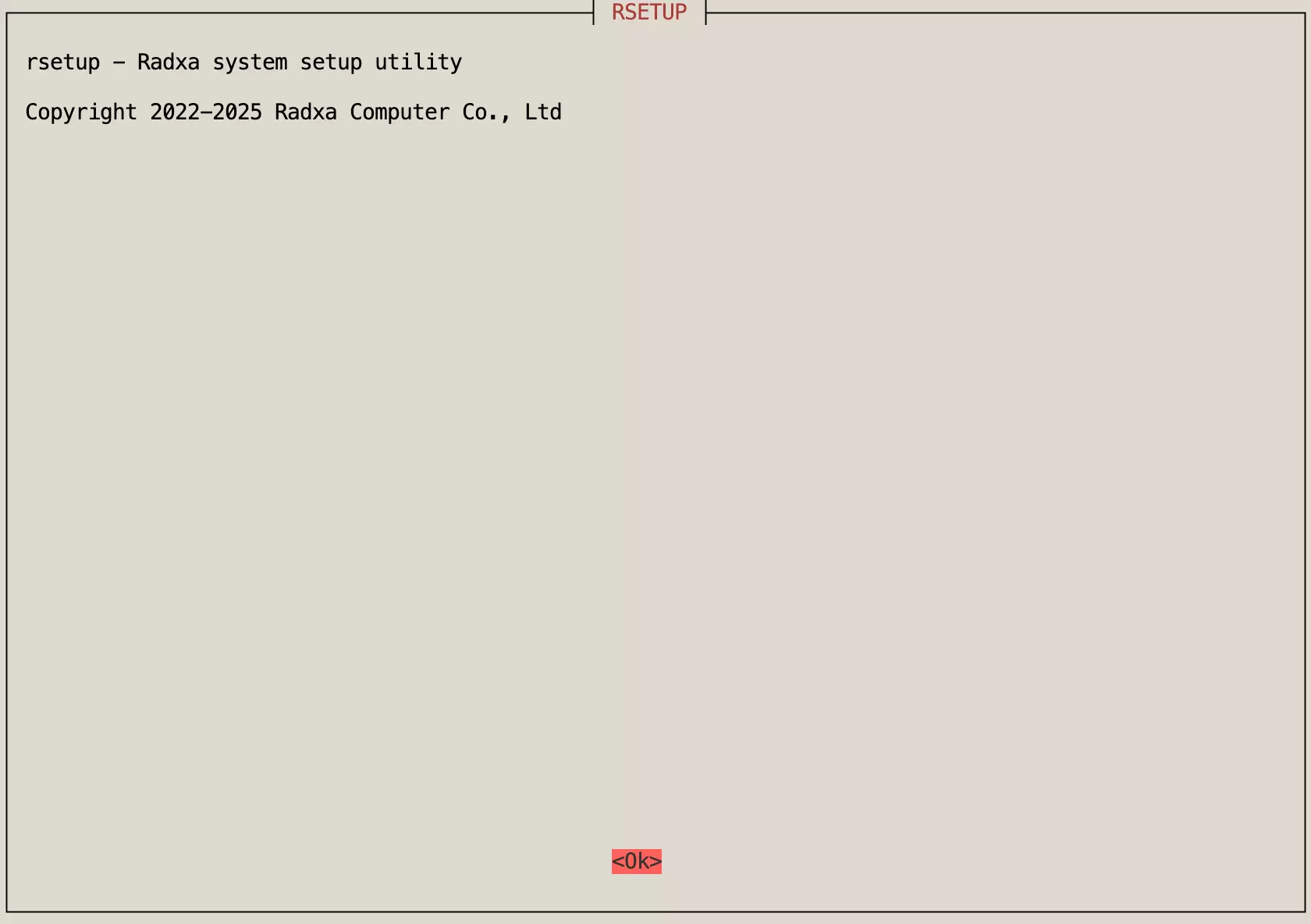
About
The About section displays information about the Rsetup tool, including version and copyright details.