Audio Management
This guide explains how to set up and manage audio devices on your motherboard.
Audio Devices
The default audio output priority is: Bluetooth Audio > Headphones > HDMI Audio.
After manually selecting an audio output device, that device will have the highest priority.
Audio Settings
You can configure audio devices through either the graphical interface or command line.
- Graphical Interface
- Command Line Mode
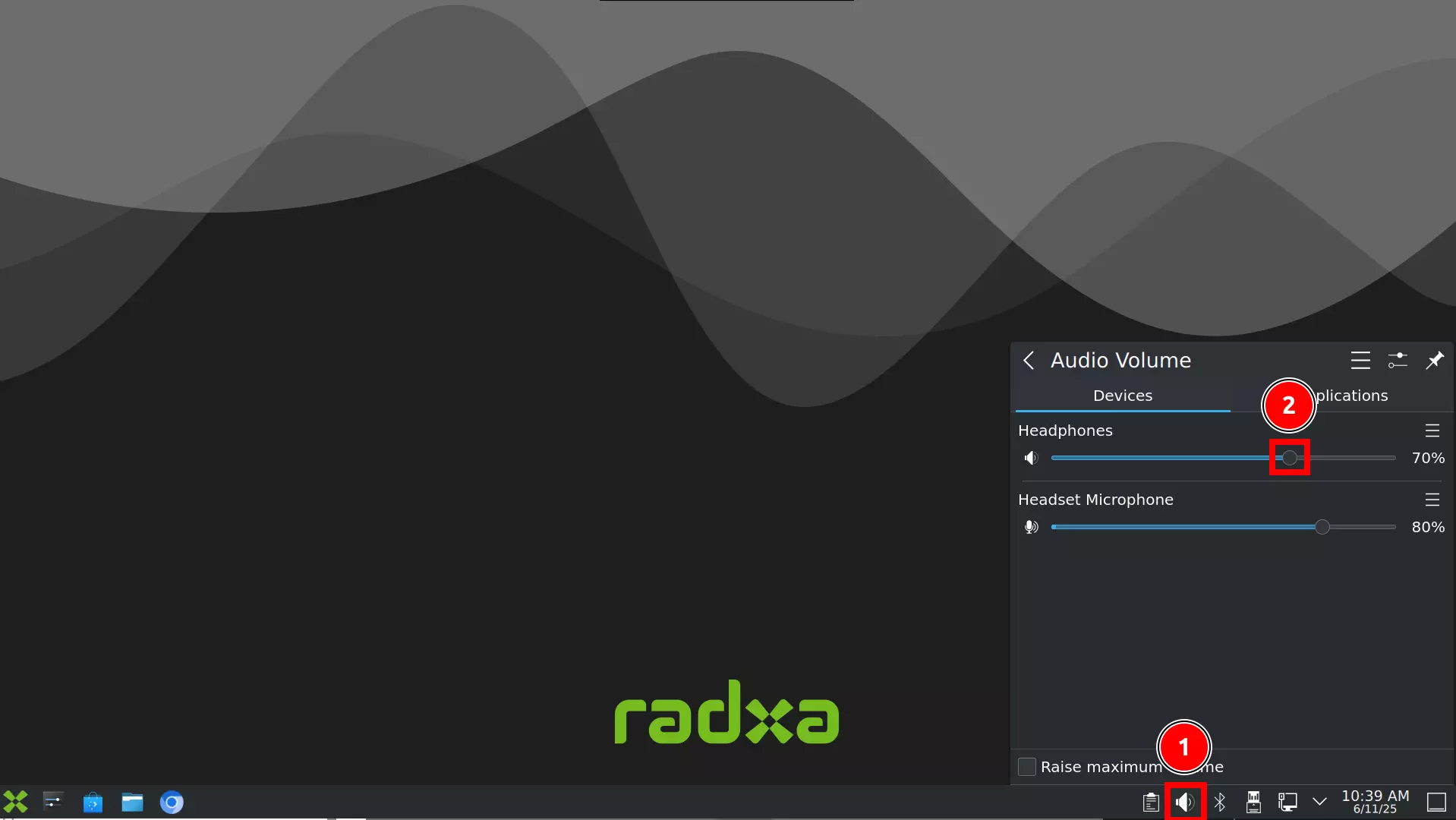
Click the audio icon in the bottom-right corner of the desktop, select your desired audio output device, and adjust the volume by sliding the volume bar.
① : Click the audio icon
② : Select the corresponding audio device and adjust the volume by sliding the volume bar
Note: Headphones refer to speakers, and Headset Microphone refers to the microphone.
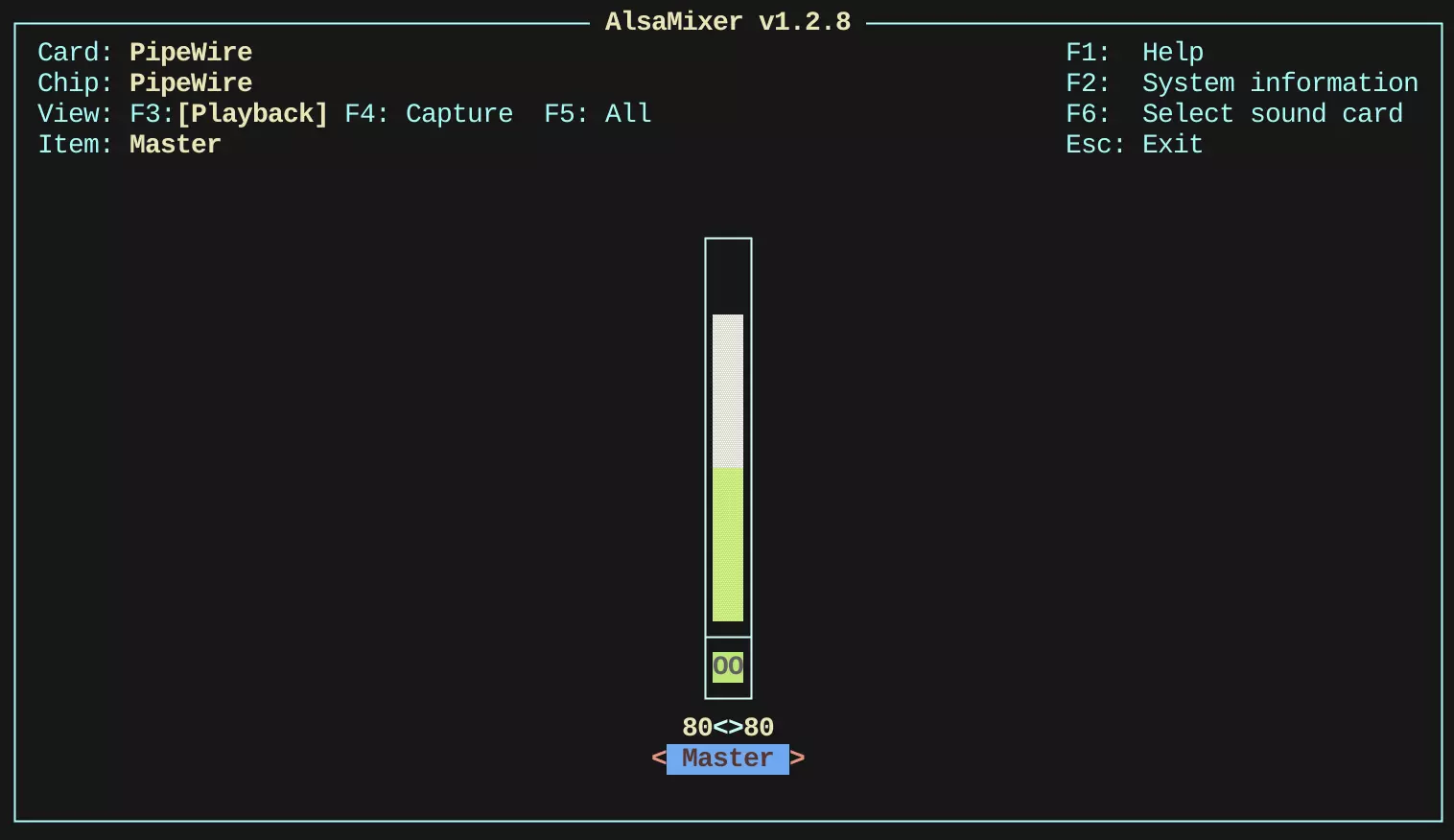
Use the alsamixer command-line tool to configure audio devices. Enter the following command in the terminal to open the alsamixer UI interface.
alsamixer
Use the up and down arrow keys to adjust the volume.