Devicetree
Device tree settings
Device Tree Overlays make it possible to support multiple hardware configurations with a single kernel, without explicitly loading or masking kernel modules.
You can use rsetup to manage overlays.
How to Enable an Overlay
In the screen of rsetup, use the arrow keys to move up, down, left, right, and select.
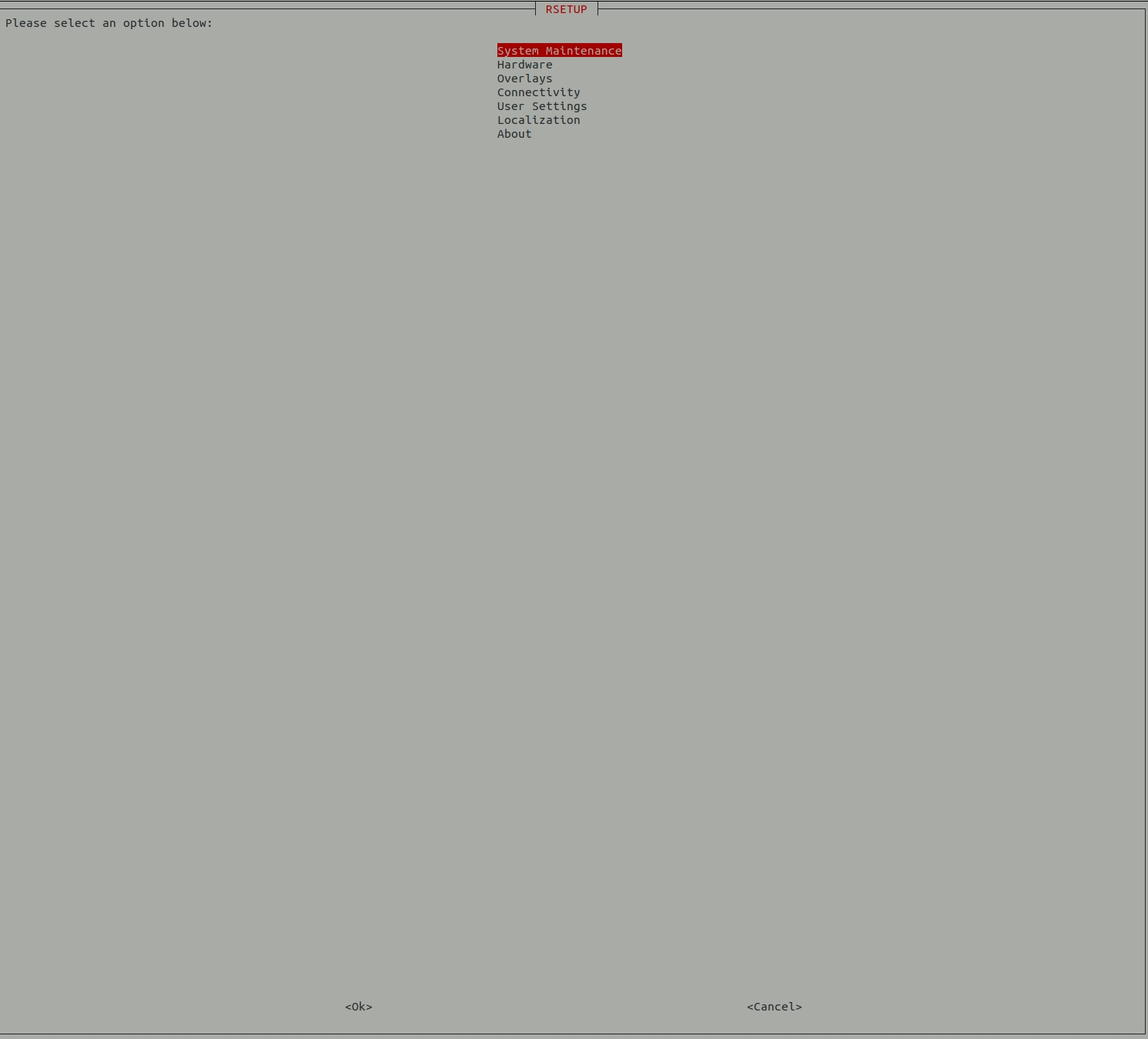
Select the third item Overlays:
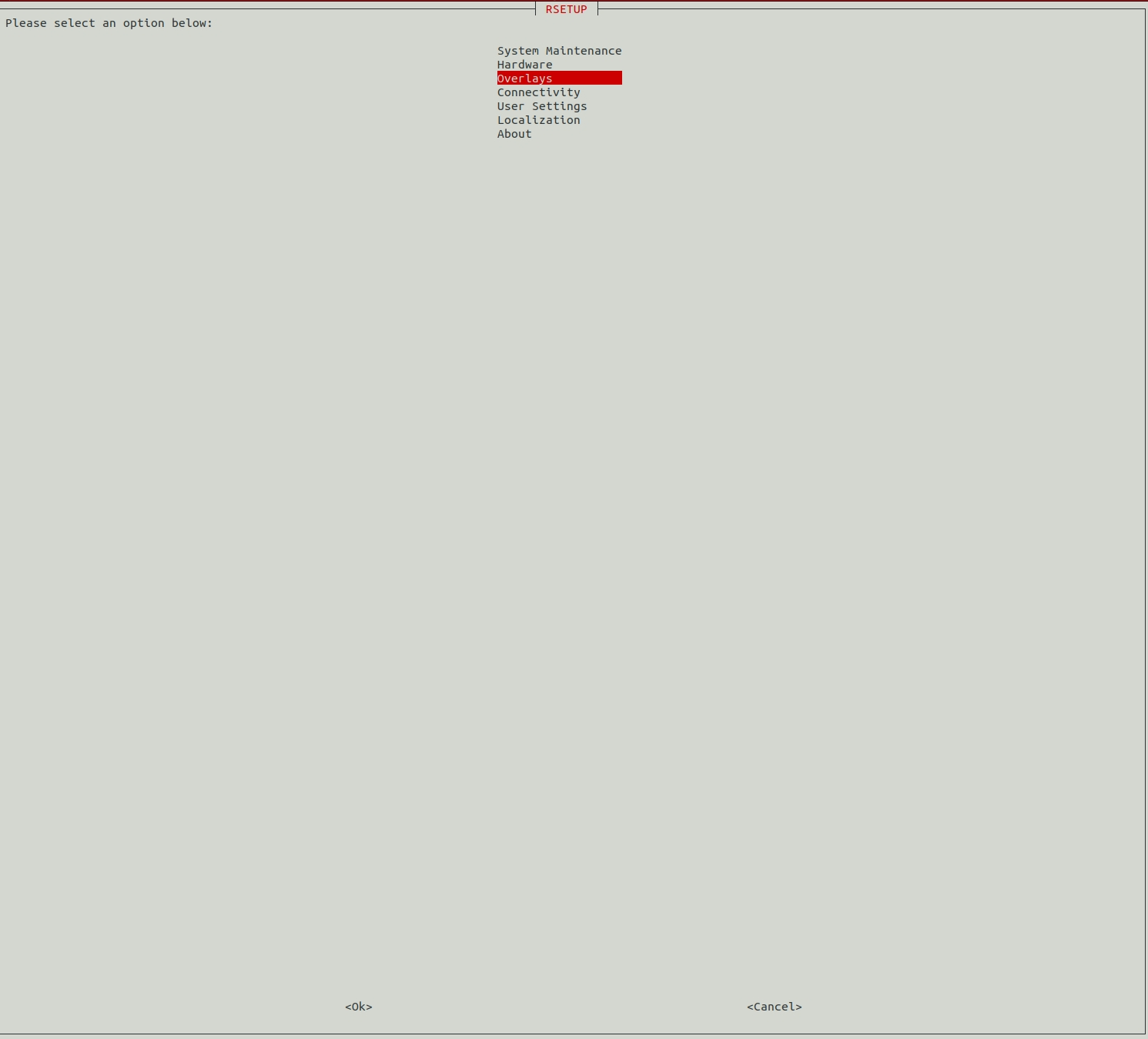
Select Yes.
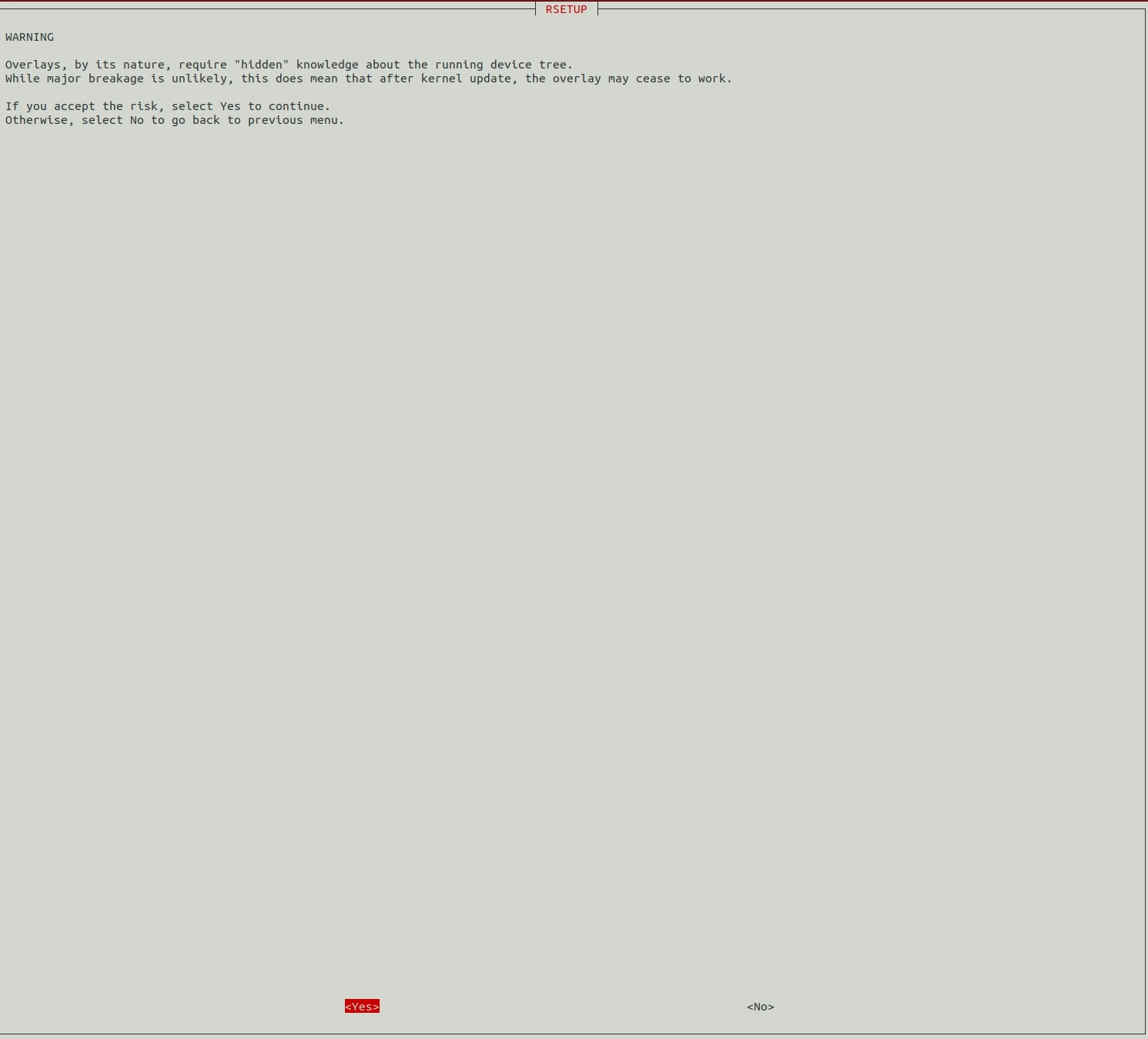
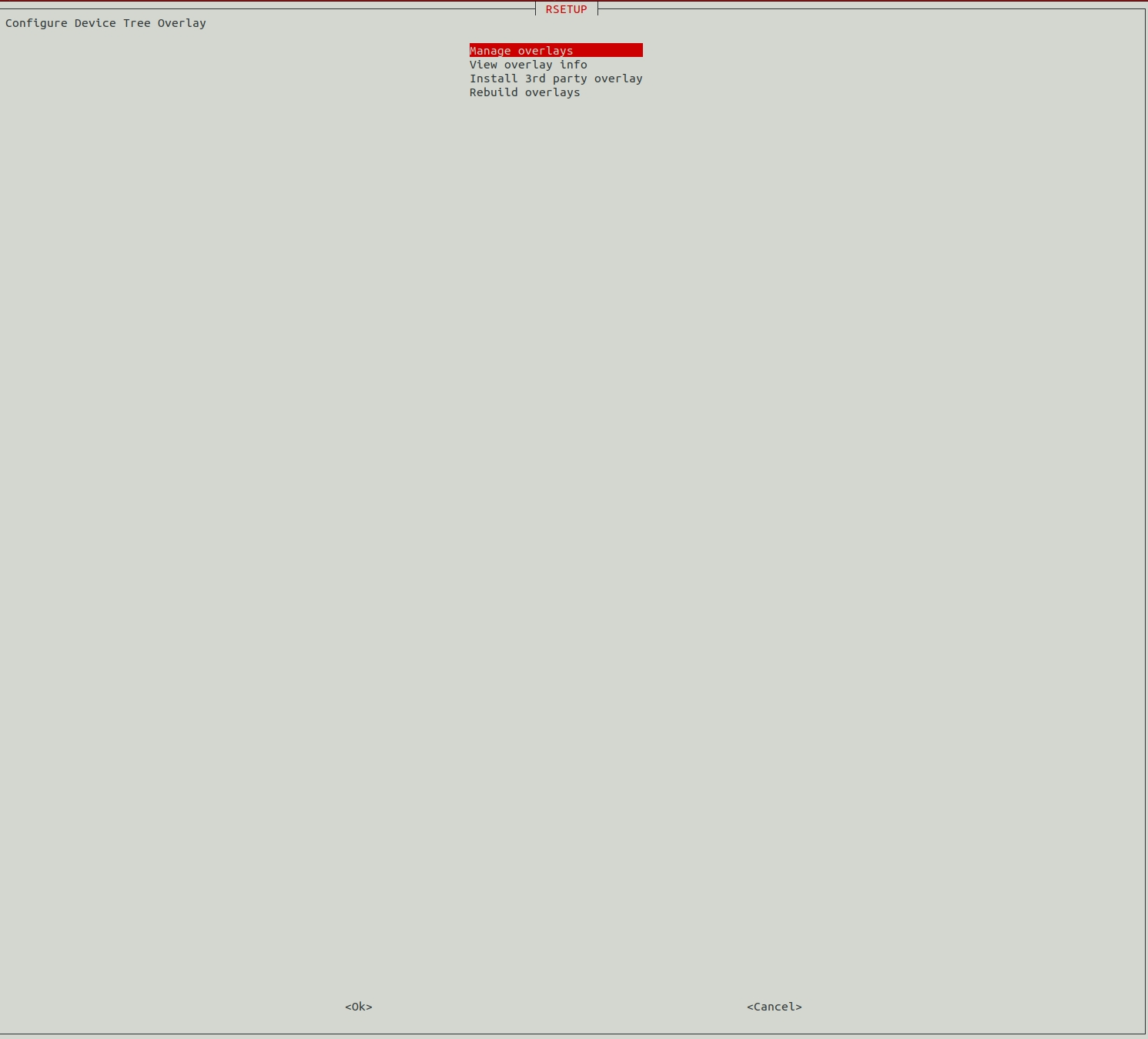
Select Manage overlays,
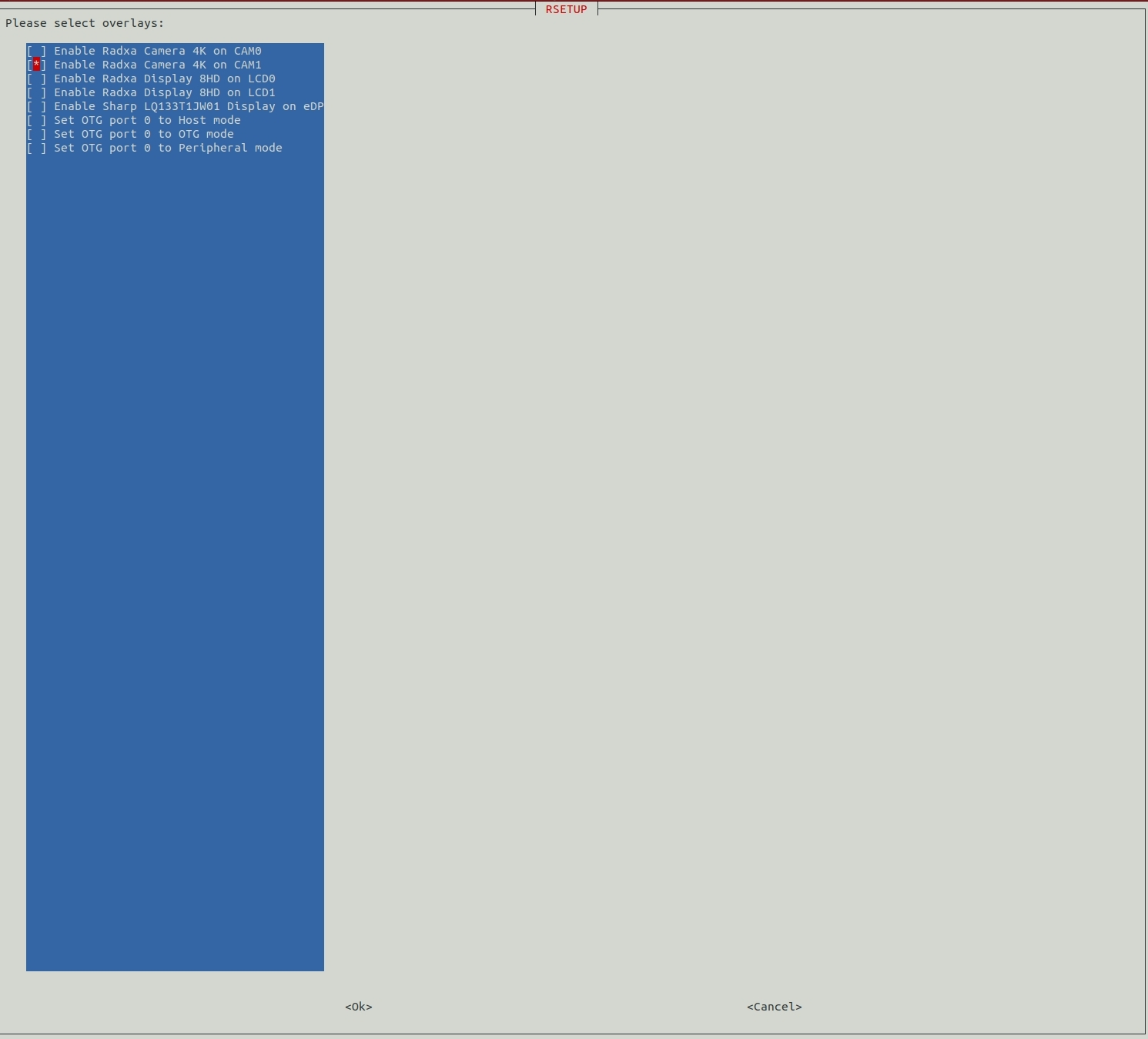
Press the spacebar to select the Overlay you want, a * mark when selected means it is enabled.
tip
Here is the example of ROCK 5 ITX, different products will have different Overlay.
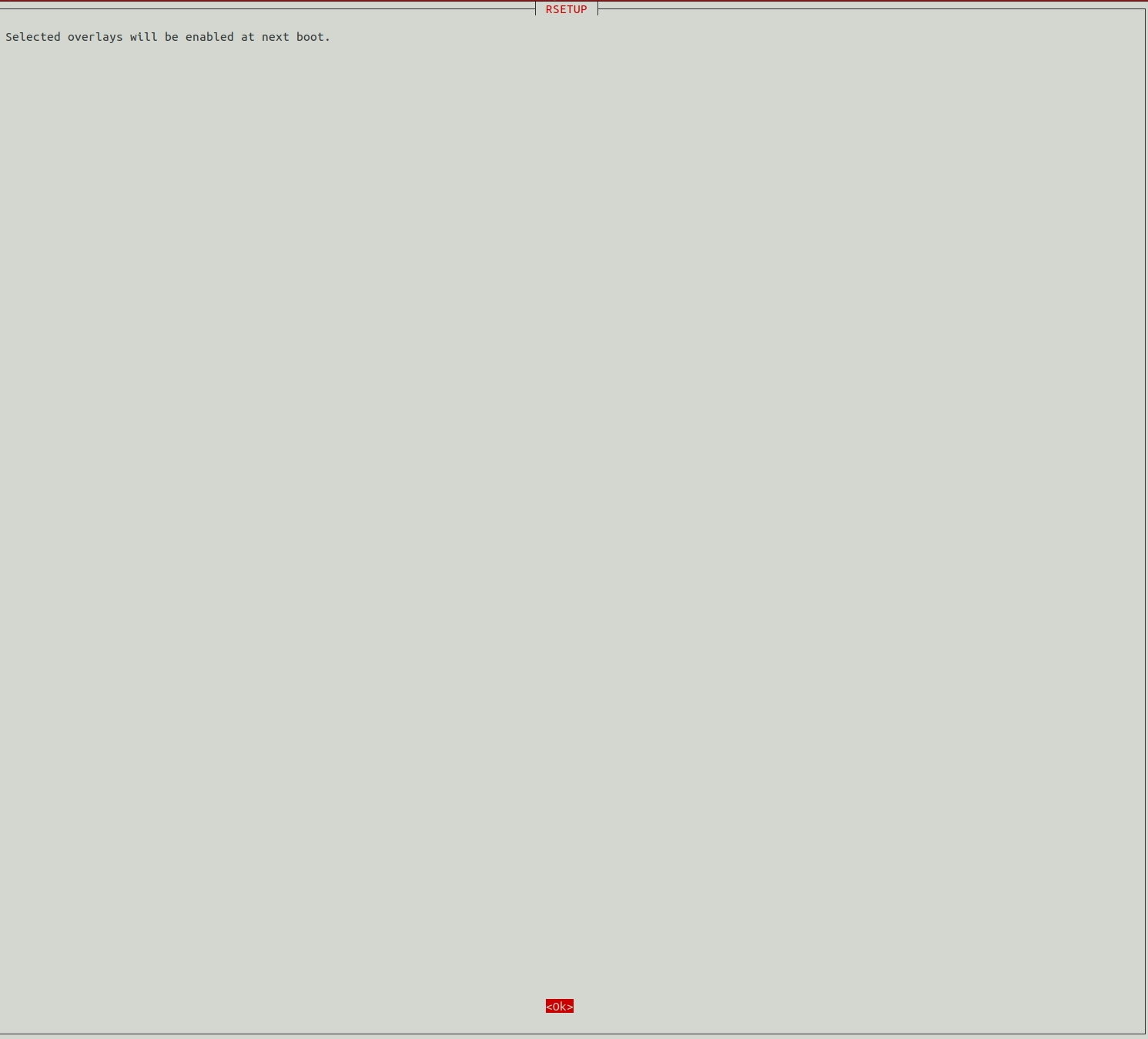
Select Yes, Overlay needs to be restarted to take effect.
Press ESC until you exit rsetup.