Driver Installation
Prerequisites
- It is recommended to install the network driver via USB drive first, then install other drivers after the system is connected to the network.
- If a feature is still not working properly after installing the drivers, restart Windows and verify again.
- Some driver packages may share the download directory with other models (for example, the link may contain
x4). This does not affect using them on X5.
Chipset INF
Provides Windows with chipset device identification information (INF), so Intel platform controllers show the correct device names and bind to the proper system driver stack, avoiding a large number of “Unknown device” entries or generic placeholder drivers.
Download
Install
Extract Intel_Chipset_Driver.zip, run SetupChipset.exe as administrator, follow the prompts to complete the installation, and restart Windows when prompted.
ME Driver
Allows the system to communicate with the Intel Management Engine firmware through the MEI interface.
Download
Install
Extract Intel_ME_driver.zip, right-click heci.inf, and select the install option.
ISH Driver
Enables Intel Integrated Sensor Hub related devices so the system can correctly enumerate and use sensor-class devices managed through ISH.
Download
Install
Extract Intel_ISH_Driver.zip, right-click AlderLakePCH-NSystemISH.inf, and select the install option.
GPU Graphics Driver
Enables the full capabilities of Intel UHD graphics, including 3D acceleration, video decode/encode acceleration, display output, and improved power management.
Download
Install
Run gfx_win_***.exe as administrator, follow the prompts to complete the installation, and restart Windows when prompted.
GPIO Driver
Provides the correct driver and device enumeration for the Intel platform GPIO controller, so the system can properly use board-level control signals (enable pins, reset pins, interrupt lines, and so on).
Download
Install
Extract radxa_x4_gpio_driver.zip, right-click ialpss2_gpio2_adl_n.inf, and select the install option.
Network Driver
Radxa X5 includes a 2.5G Ethernet port and a WiFi 6 / Bluetooth module.
Download
- Wired
- Wireless
Install
- Wired
- Wireless
Download the appropriate Ethernet driver installer from Intel's website, run the installer (typically a .exe) as administrator, and follow the wizard to complete the installation.
This driver package is for the Radxa wireless module A8 (WiFi 6 / Bluetooth).
Extract radxa_wireless_module_a8.zip, then run InstallDriver.cmd in the wlan and bt folders as administrator, and wait for the installation to complete.
Verification
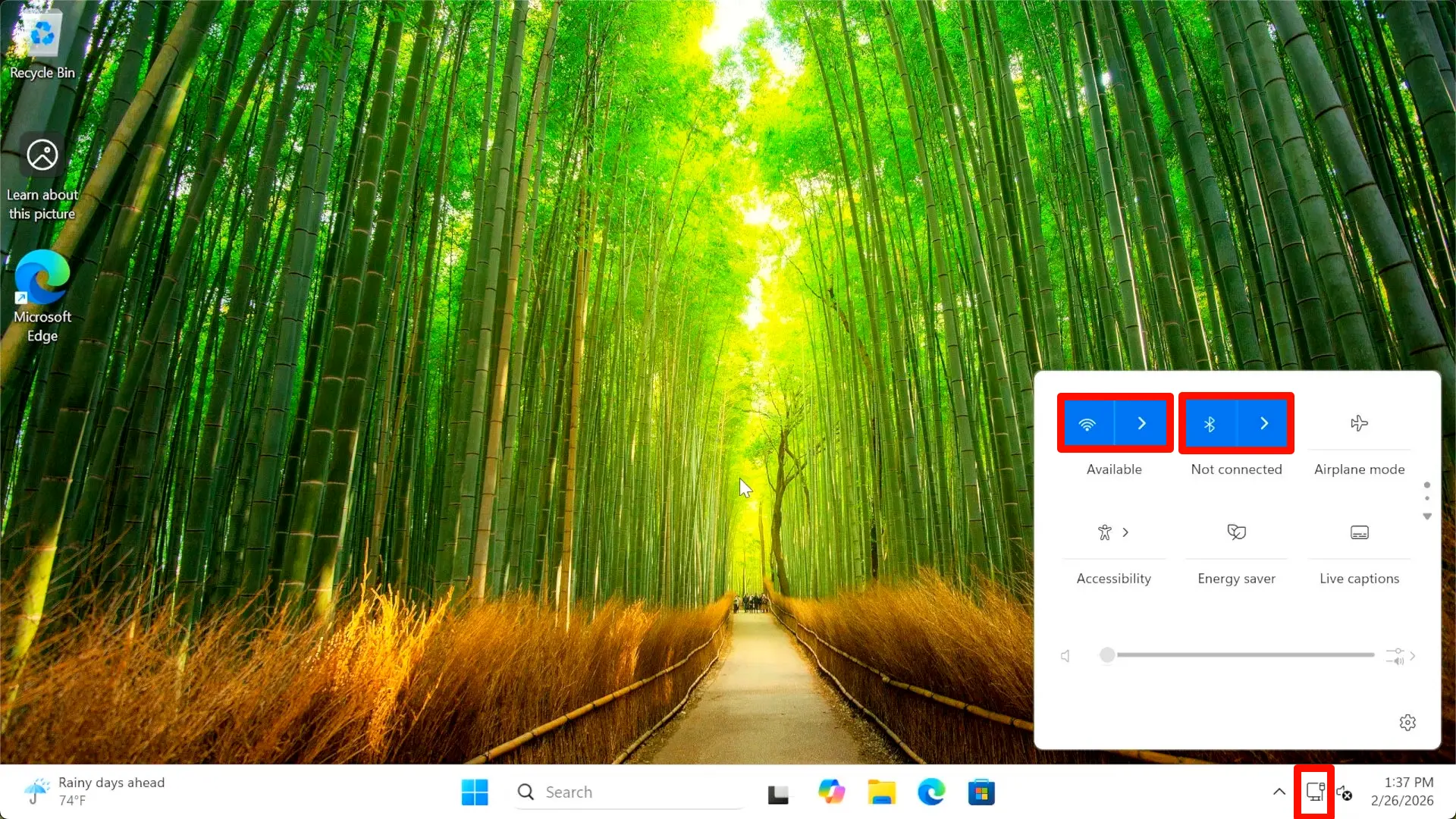
After installing the drivers above, you should see the corresponding network entry points in the system tray.
Note: For wired Ethernet, you need to plug in an Ethernet cable to see the icon.