Camera
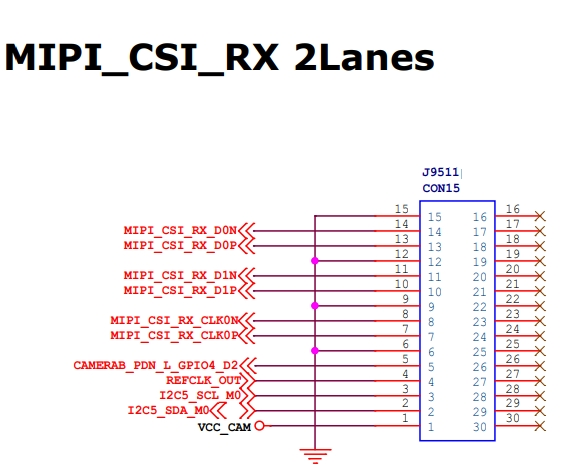
CSI interface definition
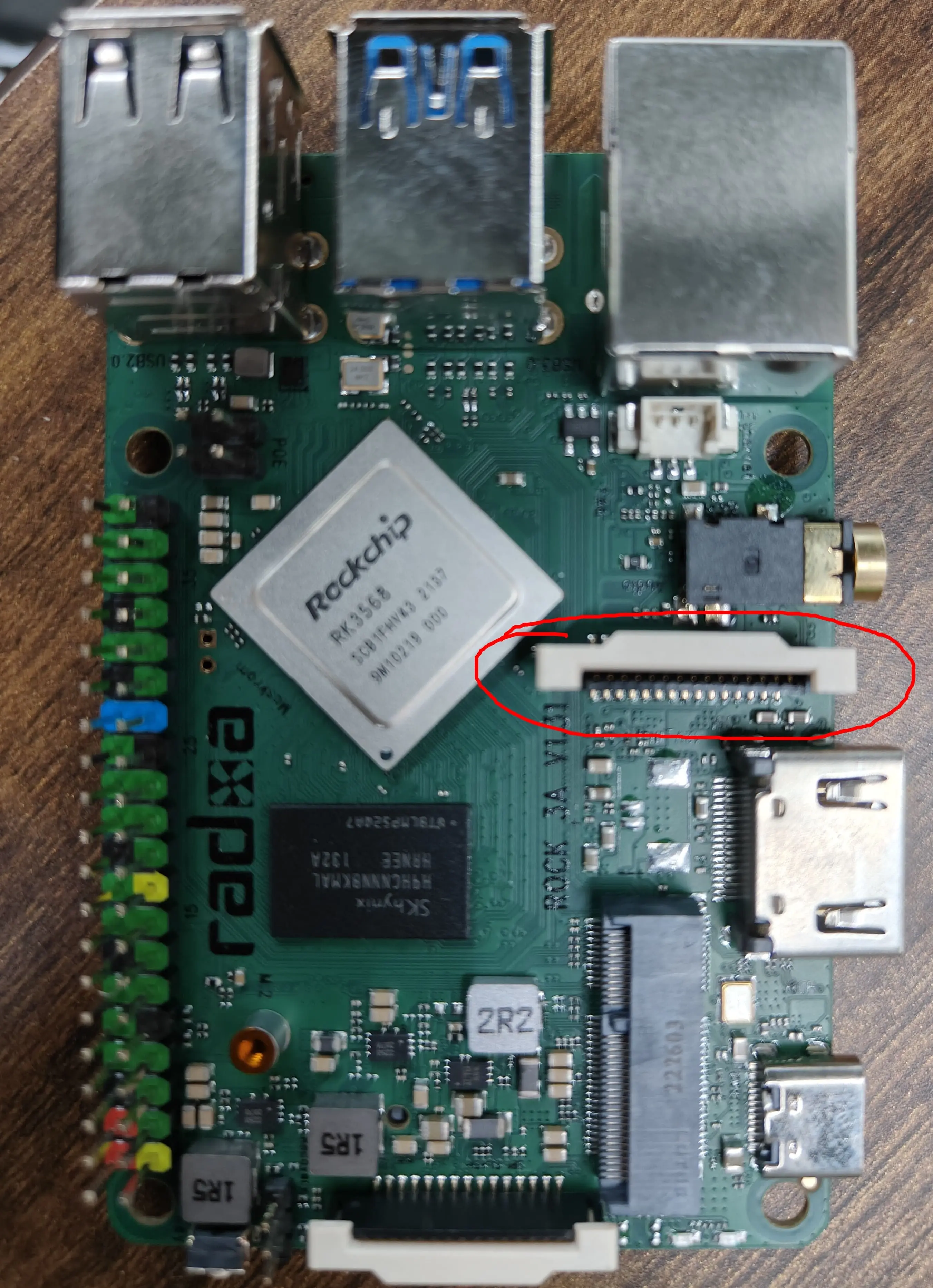
The Radxa ROCK 3A has a 15 PIN CSI interface defined as follows.
Currently supported cameras are.
- Raspberry Pi Camera V1.3 (OV5647)
- Raspberry Pi Camera V2 (IMX219)
- Radxa Camera 8m
- Okdo 5mp Camera
How to use
System configuration
sudo rsetup
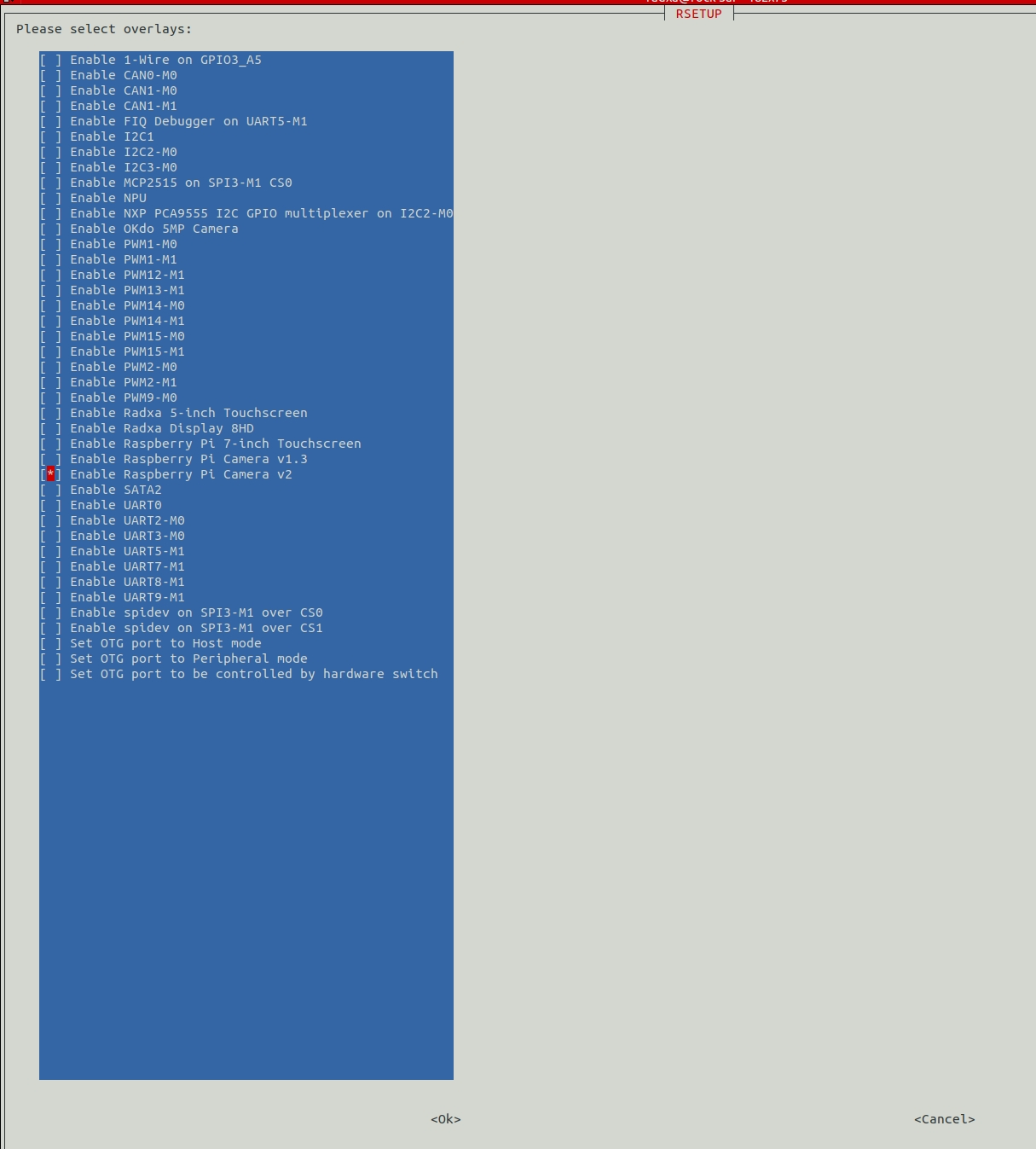
Confirm and reboot to take effect
Hardware connections
The hardware connections are as follows.
tip
Please note the orientation of the camera cable!
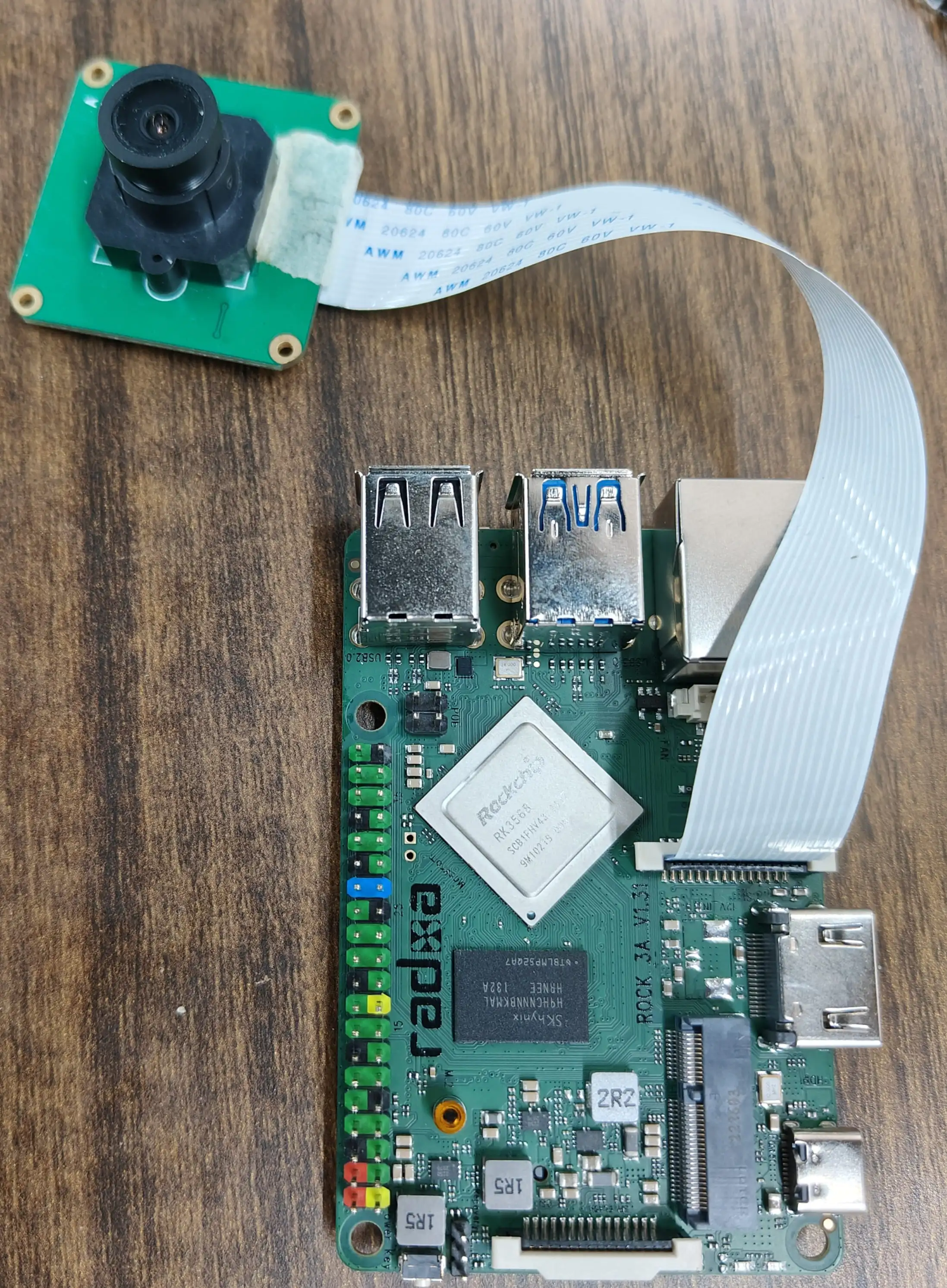
Image preview
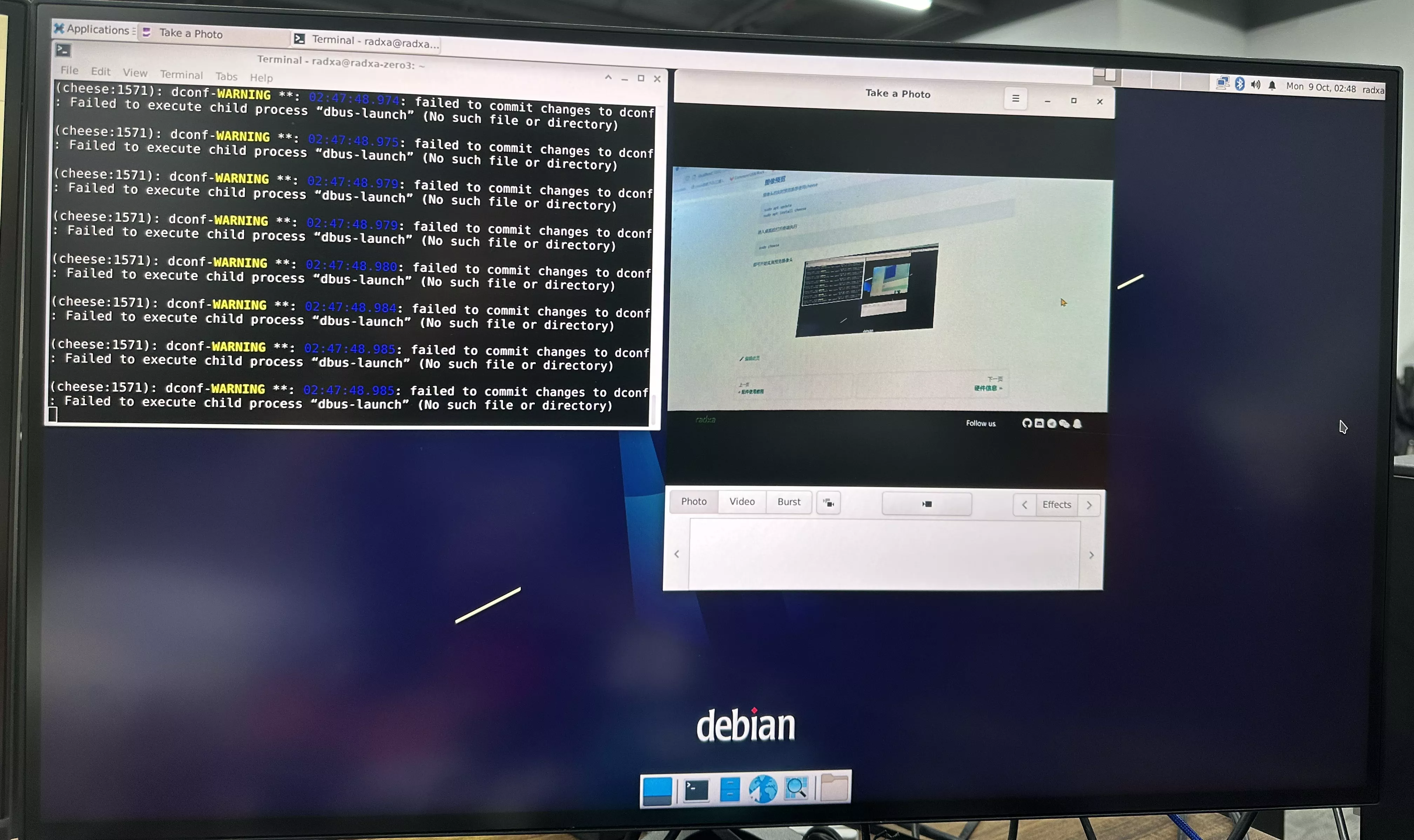
The live preview of the camera is recommended to use cheese, run the following command to install cheese:
bash sudo apt update sudo apt install cheese
After entering the desktop, open a terminal and execute the following commands to start the implementation of the preview camera:
sudo cheese