RTC
Introduction
A real-time clock (RTC) is an electronic device (most commonly in the form of an integrated circuit) that measures the passage of time.
Interface Test Method
- Install the RTC battery in the RTC interface as shown here
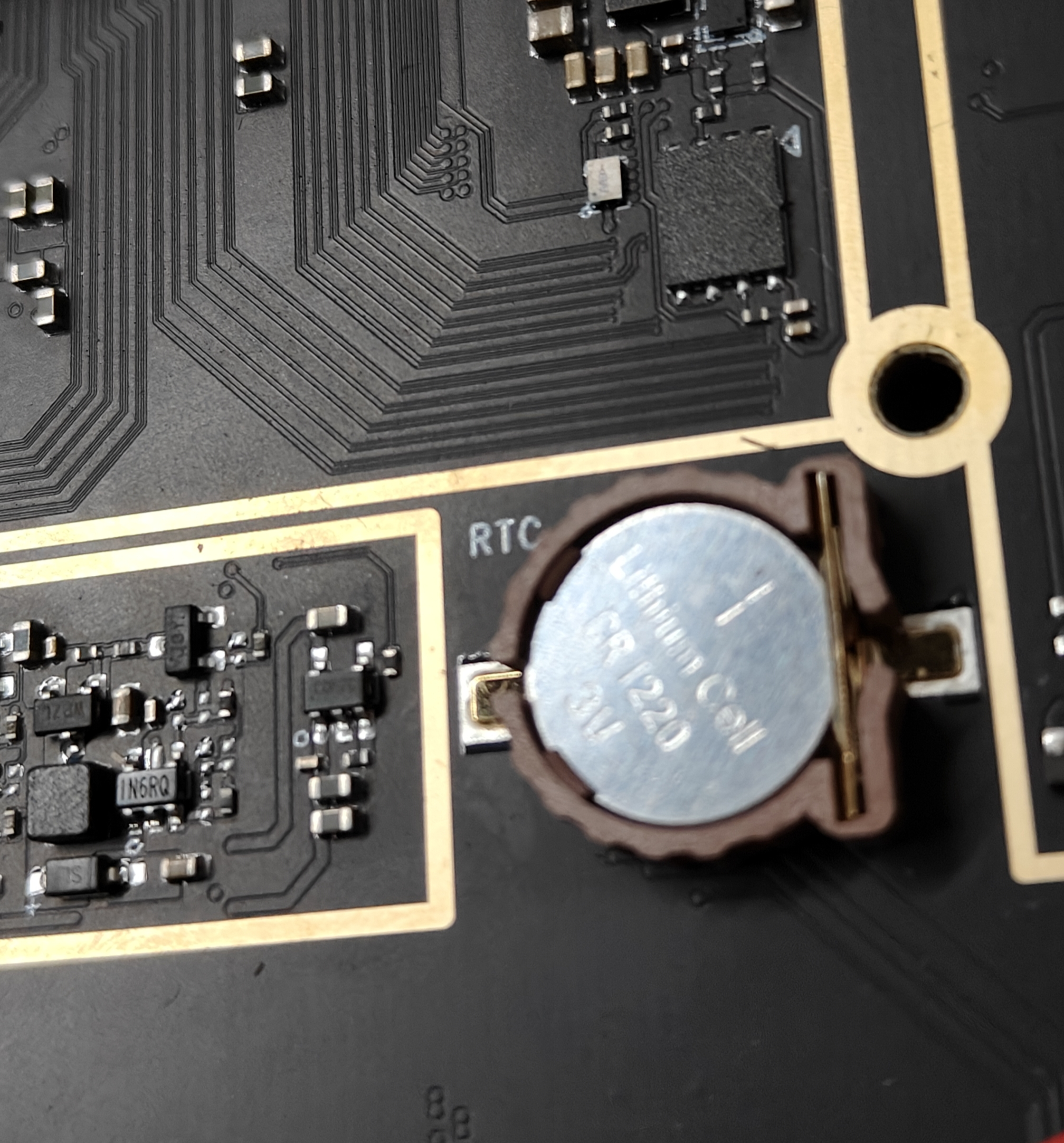
- Check if the rtc device is successfully registered
[ 5.438578] rtc-hym8563 6-0051: registered as rtc0
As shown above, the rtc device is rtc0
- Checking the rtc time
hwclock -r -f /dev/rtc0
-
Check if the current time is accurate, if not, please synchronise the current time.
-
Write time to rtc
hwclock -w -f /dev/rtc0
- Check the rtc time again to make sure it's the same as the current time.
hwclock -r -f /dev/rtc0
- Disconnect the network and power off for 10 minutes, then power on after 10 minutes to see if the rtc time is the same as the current one.